
An employee equipment return policy sounds like boring paperwork, right up until a laptop disappears in another country and nobody can say whose job it is to get it back. I've watched companies pour real energy into slick onboarding while the return side runs on sticky notes and a general hope that things will work out. Remote teams have grown fast, and a big chunk of company hardware now lives in homes the IT team has never seen. A lot of it never makes the trip back once someone's role ends, and without a plan for retrieval and it disposition services, that hardware just disappears from the books. That gap costs more than most finance teams realize, and it shows up in places nobody's tracking. This piece is about the return half of the device lifecycle, the part everyone ignores until it breaks something expensive. We start where the trouble actually begins: the assumption that offboarding takes care of itself. For teams ready to formalize this, our guide to the company equipment use and return policy lays the groundwork.
What You'll Find Inside
Here's what's covered, so you can skip to whatever's actually causing you grief today.
- Why the return side of equipment policy gets shortchanged
- The real costs hiding inside a weak return process
- Building a policy people actually follow
- Remote and cross-border returns without the headaches
- Data security and compliance you can't skip
- Handling edge cases like terminations, ghosting, and damaged gear
- Measuring whether your policy actually works
- Where automation earns its keep
TL;DR
Short on time? Here's the whole thing in a few lines.
- Most equipment return failures trace back to a employee equipment return policy that was written as an afterthought instead of a real workflow.
- Unreturned devices carry data-security and compliance risk that dwarfs their resale value.
- Clear ownership, firm timelines, and prepaid logistics turn returns from a chase into a routine.
- Cross-border returns need local warehousing and compliance built in, not improvised one case at a time.
- Edge cases like firings, ghosting, and damaged hardware should be decided in advance, not handled on emotion in the moment.
- You can't improve what you don't measure, so track recovery rate, time-to-return, and cost per retrieval.
Why the Exit Side of Equipment Management Keeps Getting Ignored
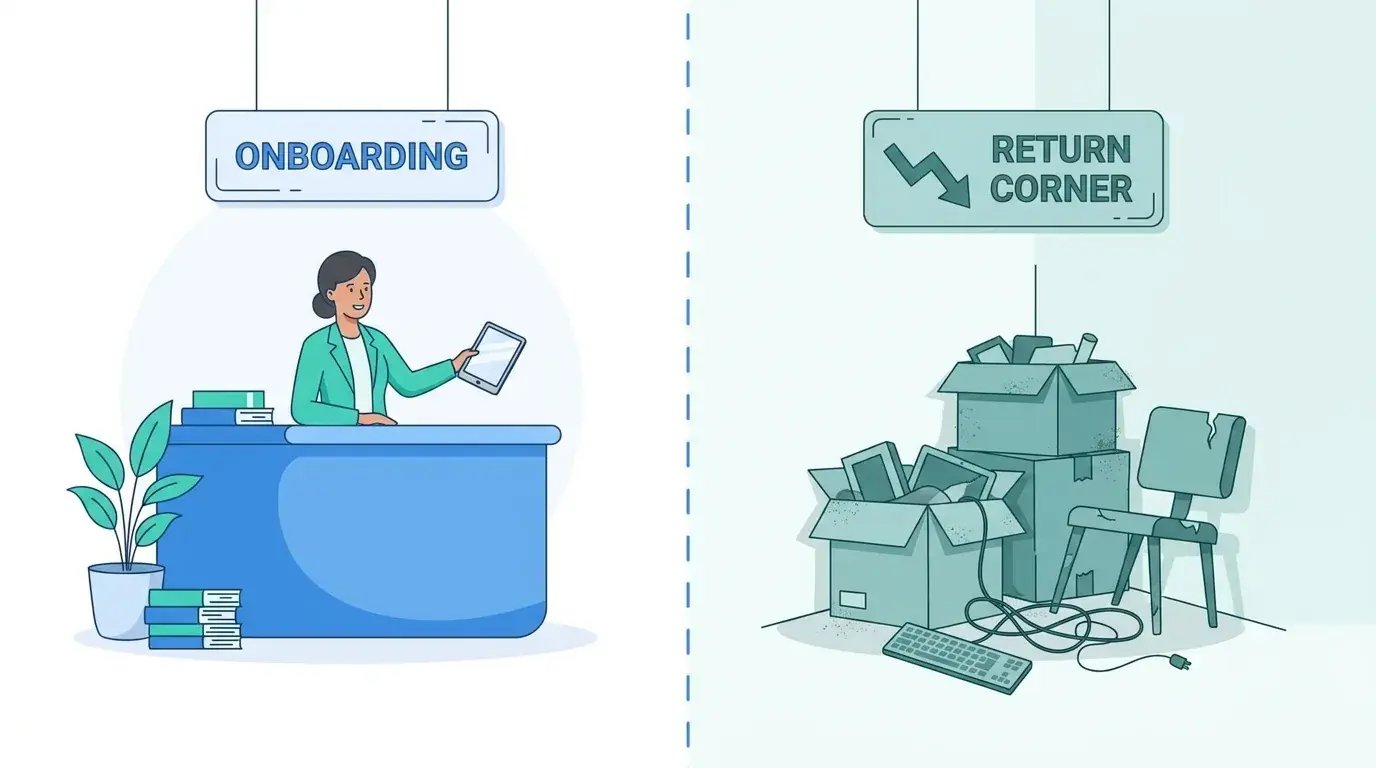
Companies design onboarding with genuine care. The welcome email, the pre-configured laptop, the swag box, all of it gets attention because it maps to a happy moment everyone wants to nail. Then someone leaves, and the same organization treats getting the gear back as a formality that'll sort itself out. That's the gap. A strong employee equipment return policy is where a company either protects its assets and data or slowly loses track of both. The neglect shows up in the data: in one survey of departing workers, only 50% said they were even asked to return company devices when they left.
Why does this keep happening? Part of it is psychology, part of it is how teams are actually built. Nobody budgets for the exit with the same enthusiasm they budget for growth. And when no single person owns the return, it becomes everyone's problem, which means it's nobody's. A lot of these blind spots start right at the door, which is why a solid remote employee offboarding guide matters here. So does a written employee equipment return policy with a named owner attached to it.

The Onboarding Bias
New hires bring urgency. A start date is a hard deadline, so deployment gets resources, tooling, and attention. Returns have no equivalent pressure, so they drift to the bottom of every list. Over time that bias hardens into your budget, your software choices, and where your team actually spends its hours. What you end up with is a structural blind spot sitting right at the exit. An employee equipment return policy exists to give that exit the same urgency day one gets.
When "We'll Deal With It Later" Becomes Policy
The absence of a documented return process doesn't stay neutral for long. It becomes the process by default, where each departure gets handled by whoever happens to have a free hour. Picture a 40-person startup hiring fast across three countries with no written return step. One manager mails a return label. Another tells the employee to "drop it somewhere." A third forgets entirely. By the time headcount hits 120, the IT lead genuinely cannot say how many laptops are floating around out there, because no two exits ever went the same way. The improvising that felt harmless at 40 people has turned into a liability nobody's counting at 120. Nothing dramatic broke along the way. That's exactly why it slipped past everyone.
Returns as a Trust Signal
The last interaction you have with a departing person shapes how they talk about you afterward. Someone who returns their gear through a clean, respectful process walks away with a decent impression. Chase them with threatening emails over a two-year-old laptop and you've made an enemy out of someone who used to be a potential rehire, a referral source, maybe even a quiet advocate.
So ask yourself honestly: does your current process leave people feeling supported, or hunted? The answer usually tells you whether you built a return experience or just a scramble to recover hardware.
The Money and Risk Hiding in a Sloppy Return Process
"It's just a laptop." That phrase is what keeps this problem alive. One device feels small. Multiply it across every departure, add all the pieces people forget to count, and the number stops being small in a hurry. It adds up fast at scale, too: in a YouGov survey of IT leaders, over a quarter of enterprises reported losing more than 10% of their technology assets when offboarding workers. The case for change usually lands with finance first, since device retrieval is a finance problem as much as an IT one.
The Cost of a Single Unreturned Device
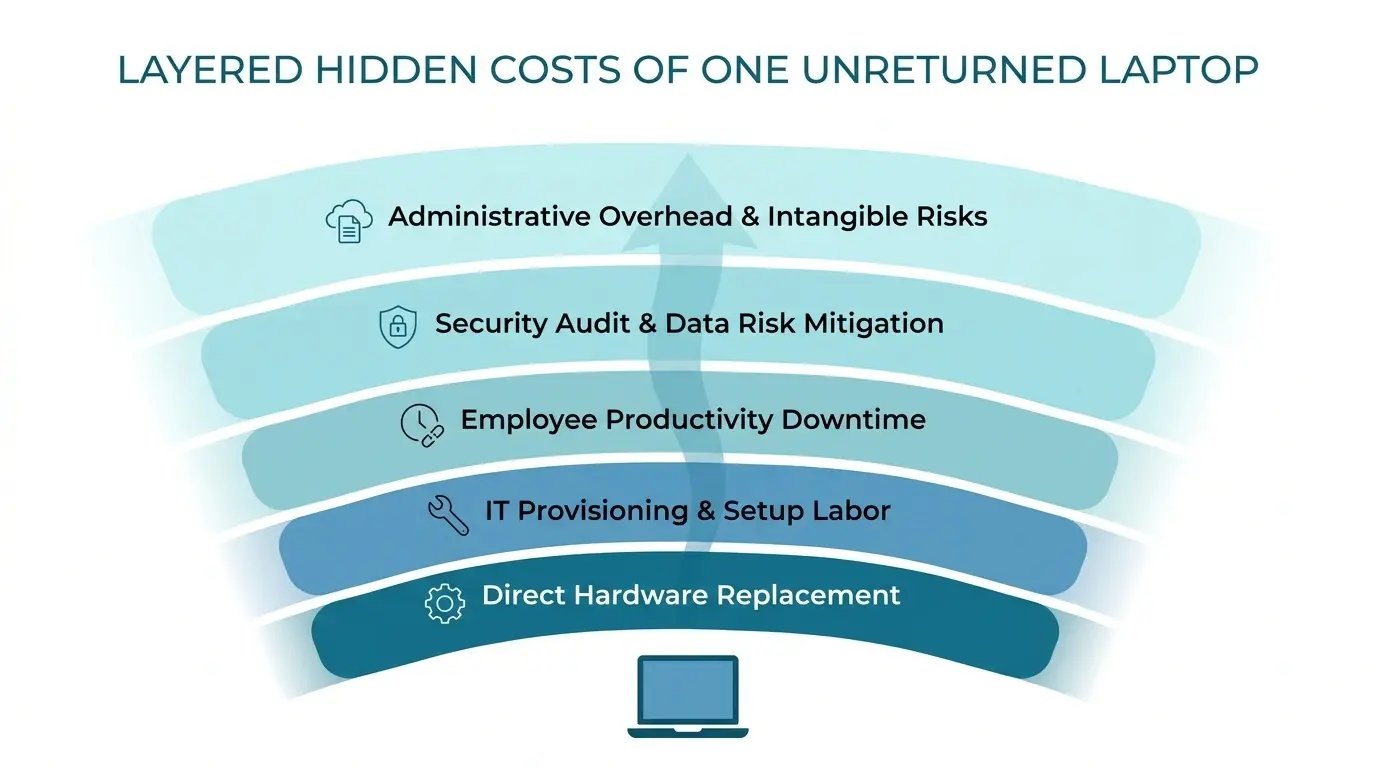
Replacement hardware is the obvious line item. The rest hides in plain sight. Software seats stay active and billed to a machine nobody controls. IT and People staff burn hours sending follow-ups that go nowhere. And here's the one that should scare you: the device might still hold live access to your systems, which turns a missing asset into a breach nobody's found yet. Then there's the resale or reissue value you could've recovered, gone.
| Cost component | What it covers | Often left off the tally? |
|---|---|---|
| Replacement hardware | Buying a new device to fill the gap | No |
| Active software licenses | Seats and subscriptions still tied to the missing machine | Yes |
| Labor for follow-up | IT and People hours spent chasing the return | Yes |
| Data-risk exposure | Potential breach cost if the device holds live access | Yes |
| Lost redeployment value | Resale or reissue value that disappears with the device | Yes |
Depreciation and Redeployment Value Left on the Table
A device that comes back on time still holds value you can put to work, whether you reissue it to the next hire or resell it. Let it vanish and that value goes with it. How fast the value drains depends on the laptop depreciation rate you're working against, so timely returns keep your inventory healthier and pull down your net procurement spend over time. If you want the wider view on how hardware moves through its full lifecycle, our State of IT Lifecycle Management report digs into where teams gain and lose value at each stage.
The Data You Forgot Was on That Machine
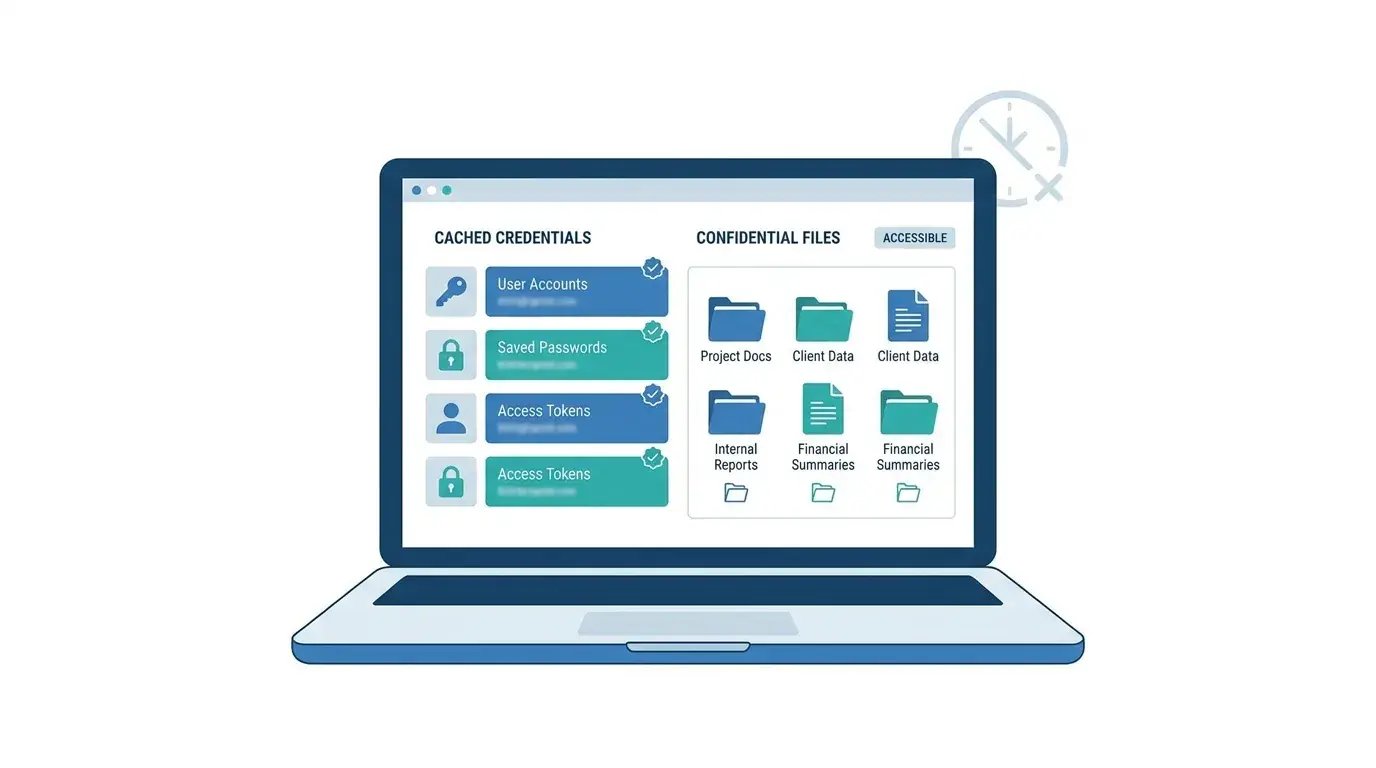
Every device that never comes back is a loose end. Cached credentials, downloaded client files, saved logins, an email session that's still logged in, all of it stays reachable on a machine you don't control anymore. An auditor won't accept "the employee kept it" as an answer. Neither will a regulator.
Under GDPR, regulators have handed out multi-million-euro fines for exposed personal data, and "we lost track of the device" isn't the kind of explanation that makes those go away. And the price of a full incident is steep: IBM's 2025 report put the global average cost of a data breach at USD 4.44 million. If anything, a machine you can't locate is a data-security incident that just hasn't been reported yet.
Writing a Return Policy People Actually Follow
A good policy takes friction and confusion away instead of piling more on. The trick is figuring out what to spell out, saying it clearly, and introducing it early enough that returns feel expected rather than sprung on someone on their worst day at the company. A solid employee equipment return policy works because people saw it coming. If you want a starting structure, a company equipment policy template saves you from drafting the whole thing from scratch. Pair it with a working employee equipment agreement so expectations are documented up front.
Set the Terms Before Day One
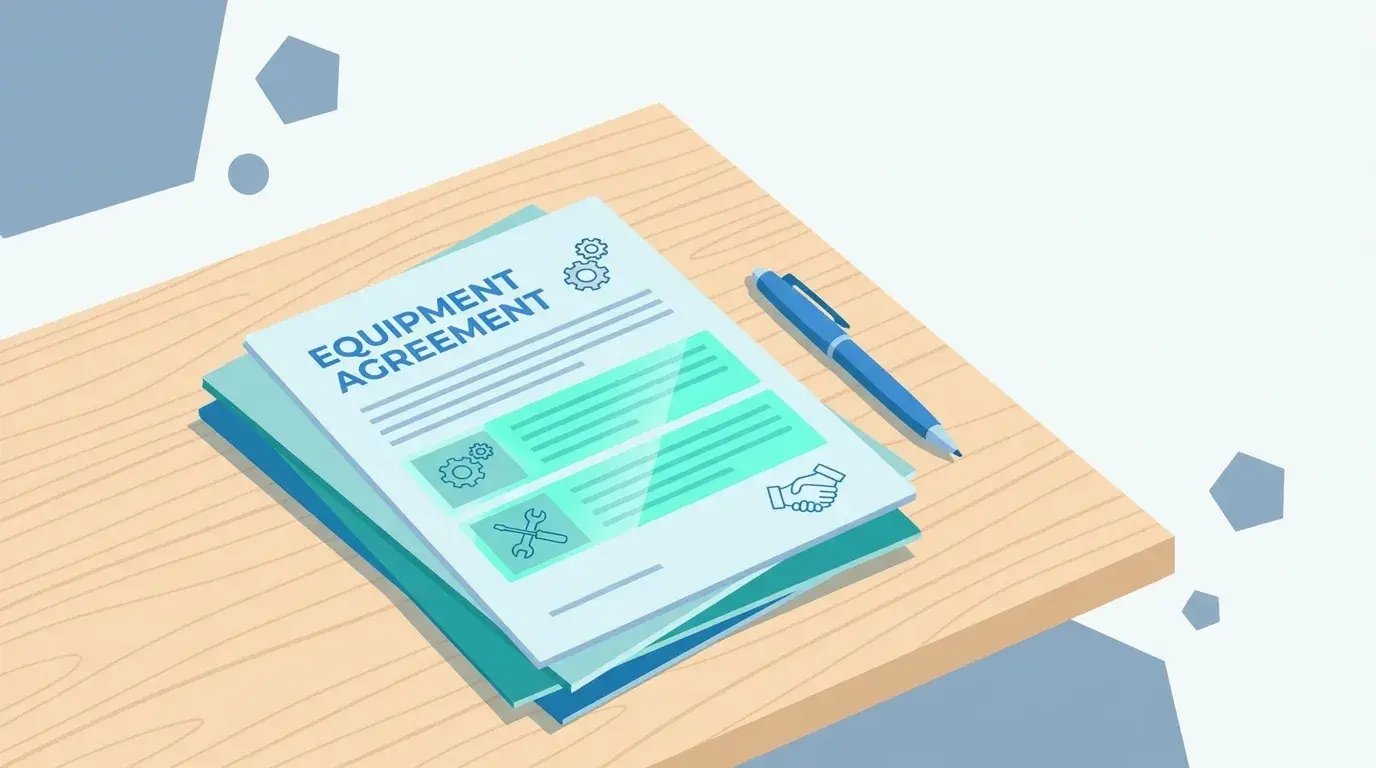
Return expectations belong in the employee equipment agreement at onboarding, not in a panicked message fired off after someone resigns. When ownership, condition standards, and timelines are understood from day one, you strip out the awkwardness and most of the disputes down the road. A signed agreement also gives you something concrete to point to if a return goes sideways. Using a standard employee equipment agreement template keeps every hire on the same terms, so you're never making up the language on the fly.
The Clauses Worth Getting Specific About
Vague language is where disputes are born. These are the items that cause the most trouble when left open to interpretation, so a clear employee equipment agreement template should nail each one down. Whatever you call it, an employee equipment use agreement needs to spell out:
- Which items must come back and which the employee can keep
- Acceptable condition, and what counts as normal wear
- A return deadline tied to the last working day
- Who pays for shipping and how it gets arranged
- What happens if the gear doesn't come back, stated plainly and on solid legal footing
Here's a clause checklist you can lift straight into your onboarding paperwork:
- Itemized asset list with serial numbers, signed at issue
- Ownership statement confirming the company keeps title to each device
- Condition standard defining normal wear versus chargeable damage
- Return deadline written as a fixed number of days from the last working day
- Shipping method, plus who arranges and pays for it
- Data-handling expectation covering personal files and company access
- Non-return consequence drafted to comply with local labor law
- Employee acknowledgment line with date and signature
Make the Timeline Impossible to Misunderstand
"Promptly" means nothing. Tie the return window to a concrete date, then send the return kit or instructions before the employee's final day. Getting the timing right early stops the slow drift where a laptop sits in a closet for months while everyone assumes someone else has it handled. A clean equipment return form template attached to the exit workflow removes any question about what goes where and by when, and it hands you a paper trail. When the form is standardized, every departure produces the same record, which makes tracking dead simple.
Automating the Reminder Loop
Manually nudging each person is where returns quietly die. (Yes, quietly, this is the part where nobody notices anything wrong until months later.) Triggered notifications and status tracking keep things moving without a human babysitting the whole thing. That's the difference between a policy that exists on paper and one that runs itself. Automated nudges work best inside a broader secure offboarding automation workflow, where the reminder, the tracking, and the escalation all fire on their own.
Getting Gear Back From Remote and Global Employees
Recovering equipment from someone who never set foot in your office and lives on another continent is the hardest part of any modern return process. Prepaid logistics, local warehousing, customs handling, and coordinating across time zones all decide whether the device comes home or joins the pile of things you'll never see again. The mechanics get a lot easier once you streamline laptop returns and offboarding end to end. For a team running this across a distributed fleet, see how Pi Health scaled remote IT asset management.
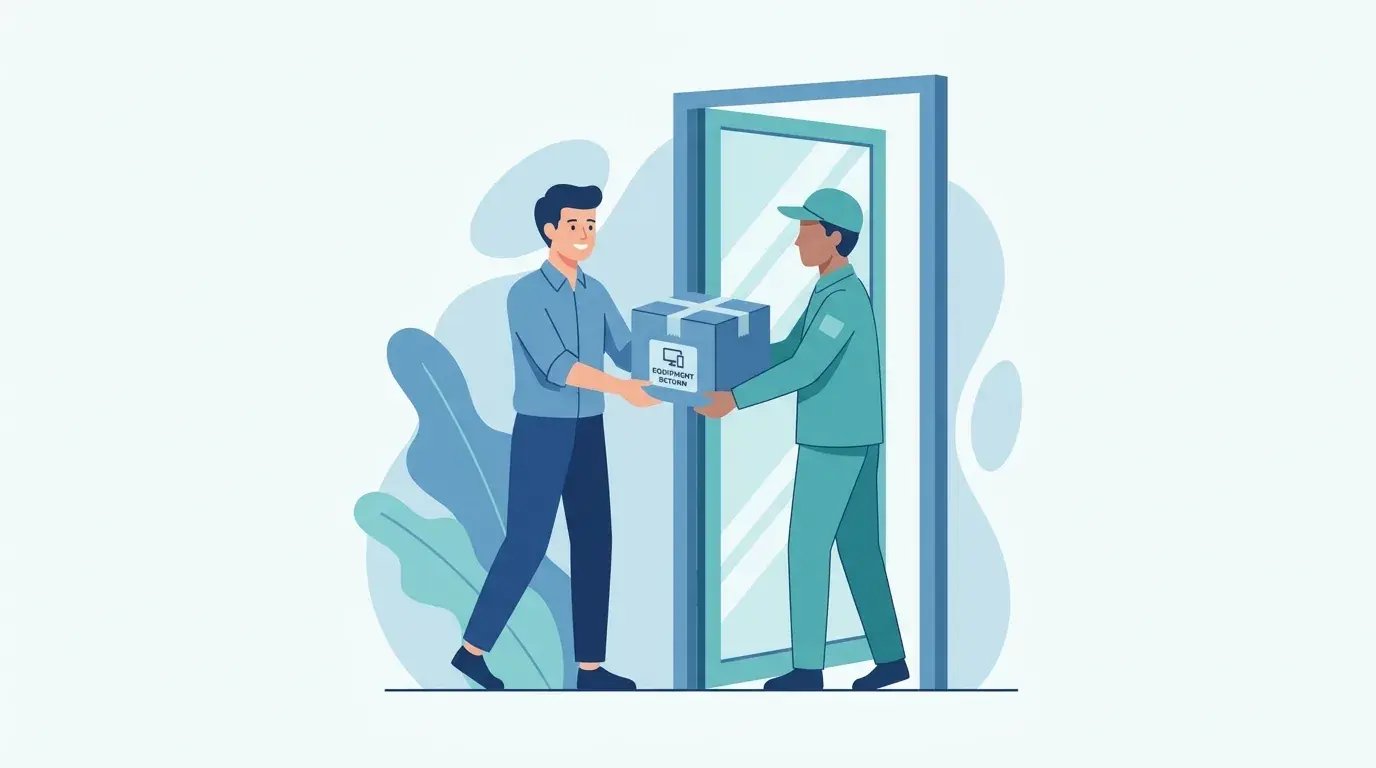
The Prepaid, Pre-Labeled Return Kit
Every ounce of effort you leave on the employee's plate drags down your return rate. Ask a departing person to find a box, buy packing material, print a label, and figure out a carrier, and plenty of them will just put it off forever. Remove all of that and returns climb. A no-fuss kit sent before the last day turns good intentions into a package that actually ships. Pair a one-page instruction sheet with your equipment return form template and the person knows exactly what to do, while you get the record you need.
Here's what belongs in a return kit sent before the final working day:
- A right-sized box with protective packing already inside
- A prepaid, pre-printed shipping label addressed to the nearest facility
- A simple one-page instruction sheet in the employee's language
- A checklist of exactly which items go in the box
- Tape and any padding the person would otherwise have to hunt down
- A tracking number they can see, so the handoff feels confirmed
- A contact point for questions before the box ships
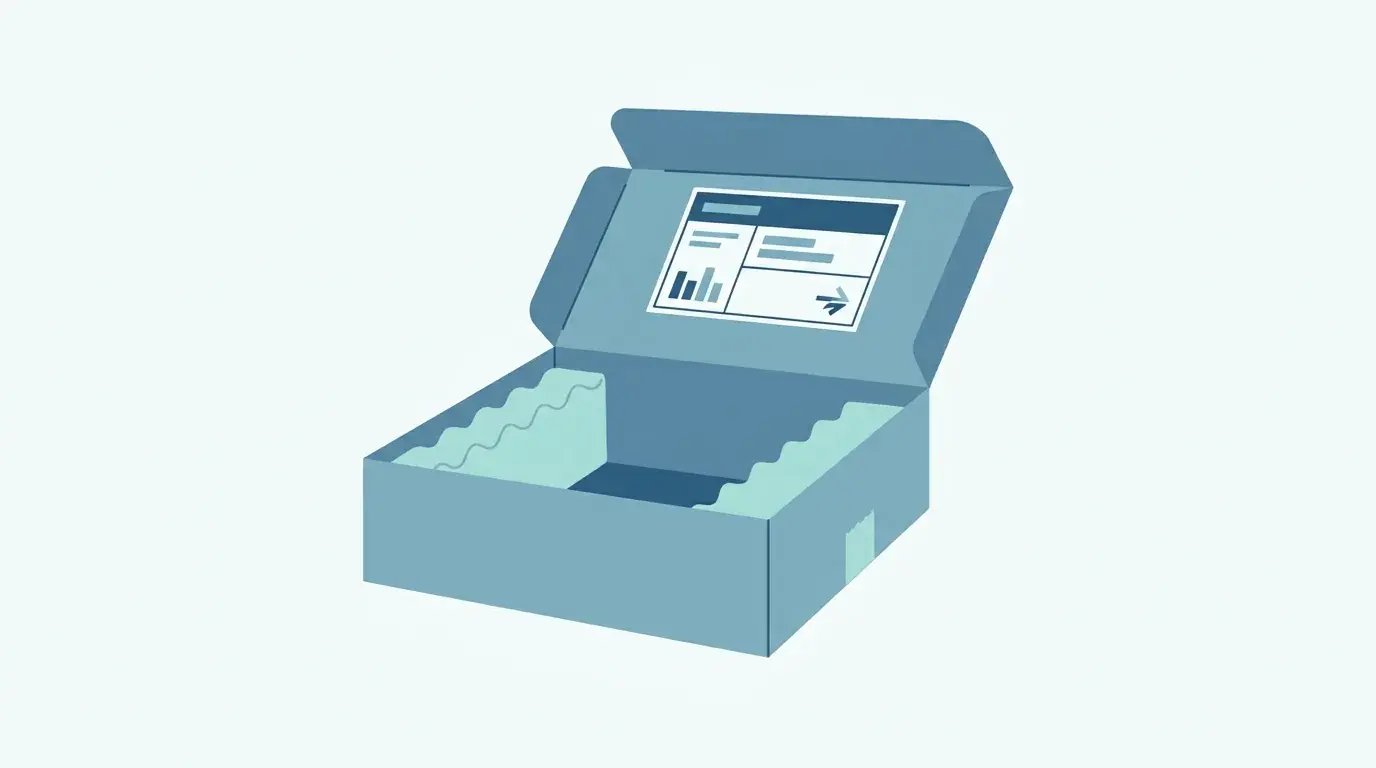
Why Local Warehousing Changes the Math
Route returns to in-country facilities and you cut shipping cost, customs headaches, and transit time compared with hauling everything back to a single headquarters. Regional storage also gets the device back into service faster for the next hire in that market.
Take a US company that hires a contractor in São Paulo and ships the laptop back to headquarters when the contract wraps up. Customs holds the outbound package, import handling piles on weeks, and the round trip ends up costing more than the aging laptop is worth. Now route that same return to an in-country facility in Brazil. The machine stays local, skips the international customs delay, and lands within reach of the next hire in that market in days instead of months.
A lean team can run this well with the right setup. Our story on how Vividly runs IT across six countries with a team of one shows what regional handling looks like in practice.
Customs, Duties, and the Paperwork Nobody Wants
Cross-border returns trip on import duties, restricted-item rules, and documentation requirements that change country to country. A DIY international shipment stalls at the border because the paperwork was wrong, the item got flagged, or the duties weren't sorted. A compliant path anticipates all of that ahead of time, with the right declarations and a facility that already knows the local rules. This is the piece most companies learn the hard way, usually while a package sits in a customs holding area for a month.

Time Zones, Languages, and Human Coordination
The softer costs are real too. Scheduling a pickup when the employee is nine hours ahead of your ops team takes actual coordination. Instructions written in a language the person doesn't read fluently produce mistakes and delays. None of this is unsolvable, but a policy that only lives on paper ignores it completely. Someone has to think about when the courier shows up, and whether the person on the other end actually understood what to do with the box.
The Security and Compliance Layer You Can't Wing
A return is a security event. Treating it as pure logistics is how audits get uncomfortable. Wiping, chain of custody, audit trails, and certification standards all decide whether a returned device closes out cleanly or leaves a hole. Too many policies shove this to the end and hope. Map your process against recognized IT compliance standards early, before someone external asks you to prove any of it.
Wipe, Verify, Document
Erasing the drive is only step one. Verification and documentation matter just as much when an auditor comes asking, because "we probably wiped it" carries exactly zero weight without proof.
Here's the secure wipe sequence worth logging for every returned device:
- Confirm receipt and match the serial number to the asset record
- Back up or transfer any company data still needed
- Run a certified data-erasure process on the drive
- Capture the wipe confirmation or erasure certificate
- Verify the device boots clean with no residual accounts
- Record who did the wipe, and the date and time
- Store the documentation somewhere an auditor can actually retrieve it
Chain of Custody From Doorstep to Warehouse
Tracking who handled a device at each stage protects you if the data on it is ever questioned. A documented custody trail from the employee's doorstep to your warehouse turns a vulnerable gap into defensible evidence. Without it, you're stuck explaining where a machine was during a window nobody bothered to log. That is not a conversation you want to have with a regulator.
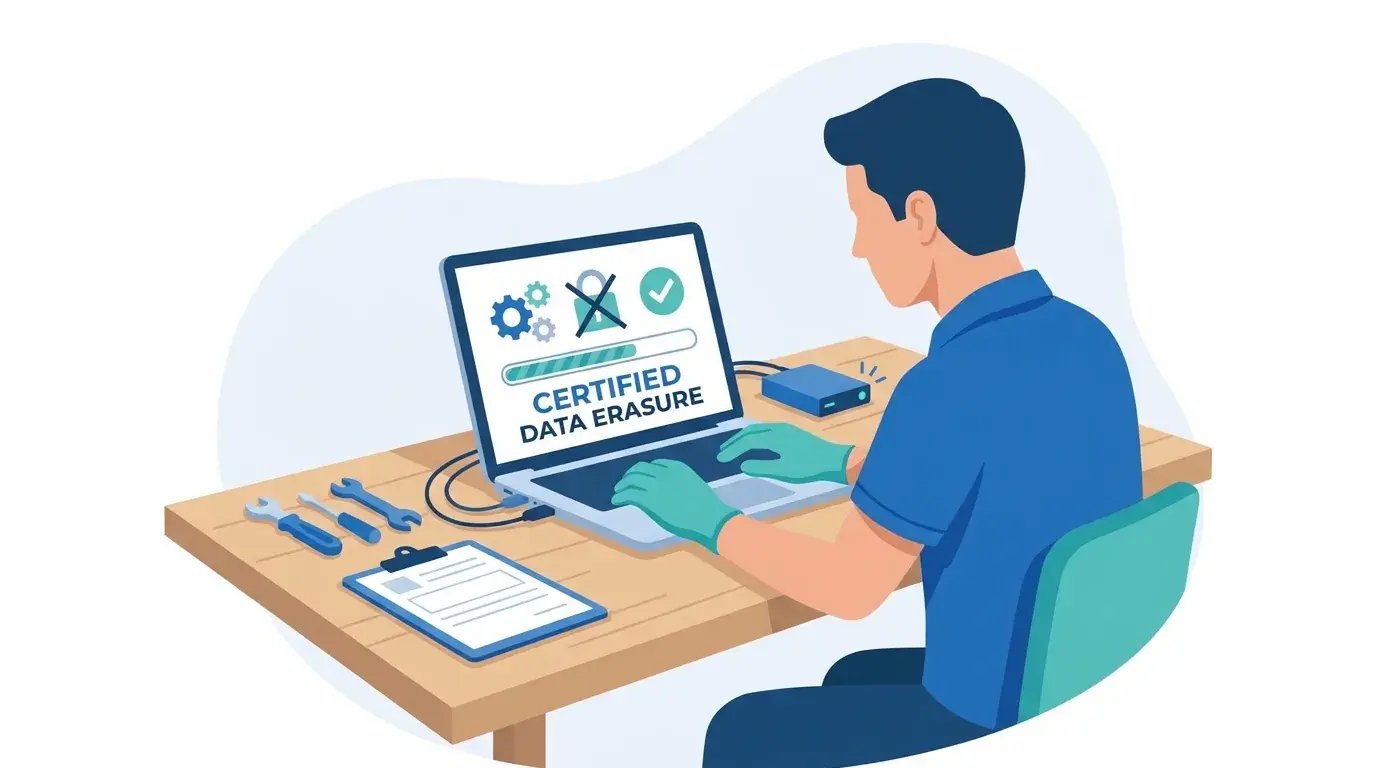
Where Certifications Actually Matter
When a third party handles your returned hardware and the data on it, standards like SOC 2 Type 2 stop being a nice-to-have. Enterprise buyers increasingly won't work with vendors who can't produce attestation covering how their data gets handled, and that expectation now stretches to whoever manages your device returns. If your return partner can't show the certification your industry and clients demand, you've just inherited their risk. Look hard at that bar before you hand anyone your fleet.
Planning for the Returns That Go Sideways
Standard policies gloss over the messy situations, which is exactly why those situations turn into disasters. Involuntary terminations, unresponsive former employees, damaged returns, all of them need a decision made in advance. Improvising under pressure gets you legal exposure and bad blood. A signed employee equipment responsibility form gives you a reference point when the friendly version of the process runs out.

Terminations and the Awkward Timing
Recovering equipment when the separation isn't friendly is a balancing act between security urgency and basic human sensitivity. You want to cut data access immediately while keeping the physical retrieval respectful and lawful. Predefined steps protect you here, because the moment of a difficult exit is the worst possible time to figure out your approach on the fly. Having the form already signed means the expectations were set long before things got tense, and pointing to it keeps the conversation factual instead of emotional. Hostile exits need a real plan, which is why we cover retrieving equipment after termination in detail.
Withholding Final Pay: Tempting, Often Illegal
Holding someone's final paycheck hostage until the laptop shows up feels satisfying, and it's illegal in a lot of places. I'm not a lawyer, but plenty of US states treat withholding earned wages over unreturned property as unlawful, so check your state law before you even think about it. Do it anyway and you swap a missing device for a wage claim. That's a much worse trade. The lawful routes look like this: invoice the person for the device value, pursue recovery through proper channels, and lean on the signed employee equipment responsibility form to establish the obligation. The document proves the agreement existed. It doesn't hand you an illegal shortcut, and keeping the signed copy on record makes the obligation easy to reference later.
When Someone Simply Won't Respond
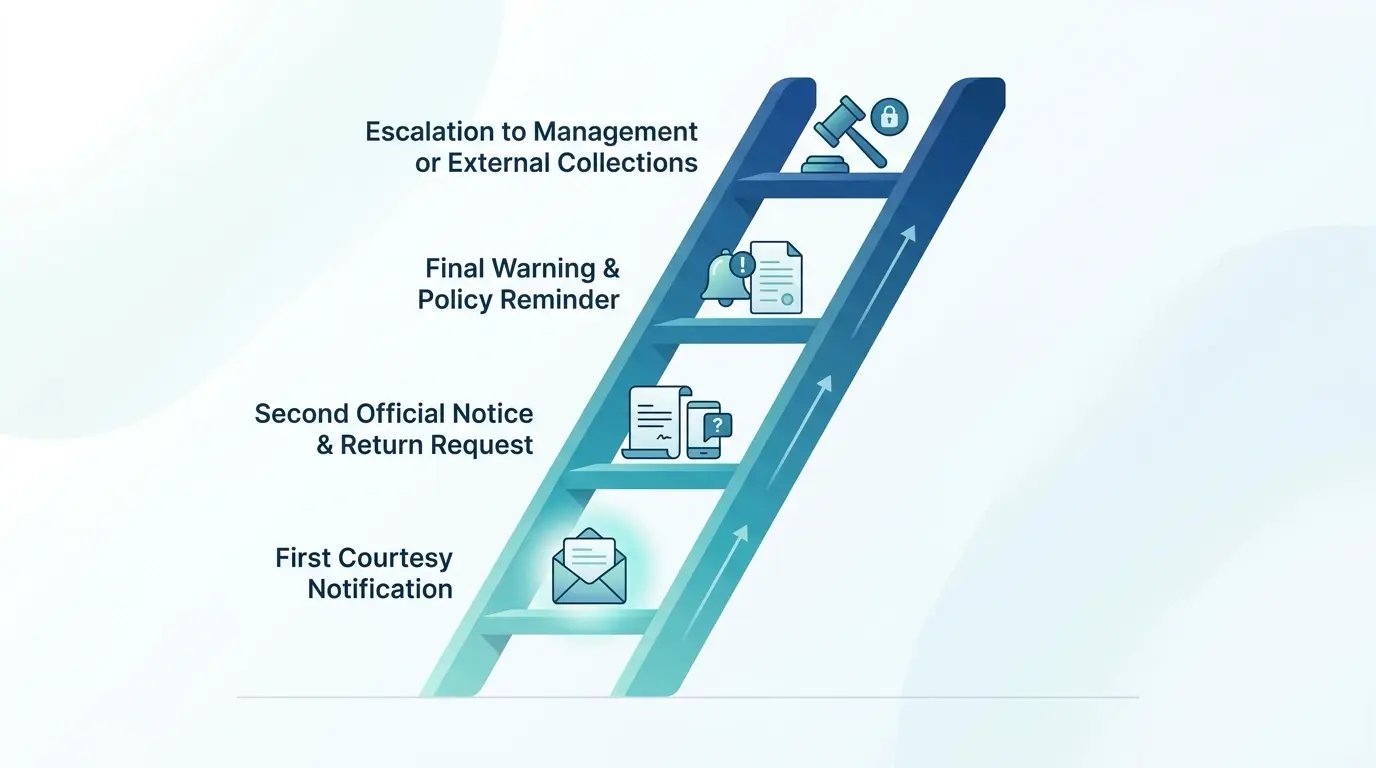
Ghosting happens. Someone leaves, ignores every message you send, and the device sits in limbo. The fix is a documented escalation ladder that everyone knows in advance. When the former employee stops responding, that signed employee equipment responsibility form becomes the backbone of every formal notice you send. Each stage of enforcement should be predictable and on the record.
| Escalation stage | Trigger | Action | Owner |
|---|---|---|---|
| 1. Friendly reminder | Deadline passes with no return | Automated email with tracking and instructions | IT ops |
| 2. Second notice | 7 days past deadline | Direct message plus manager copied | IT ops |
| 3. Formal notice | 14 days past deadline | Written notice referencing the signed agreement | People or legal |
| 4. Recovery service | 30 days past deadline | Third-party retrieval or recovery engaged | Legal |
Damaged, Incomplete, or Wrong Gear Coming Back
Sometimes the box arrives and the trouble is inside it. A laptop with a cracked screen and no charger, and a former employee swearing it left their hands intact. Because the onboarding employee equipment agreement itemized the charger at issue and defined a cracked screen as chargeable damage rather than normal wear, IT resolves it against the signed clause instead of arguing about it for a week. The device gets logged for repair, the missing charger gets noted, and nobody relitigates what "good condition" was supposed to mean. That's the whole point of a specific employee equipment agreement: it settles the dispute before it ever gets personal.
Knowing Whether Your Return Policy Is Actually Working
Gut feel tells you almost nothing about how your return process is doing. Numbers do. A strong employee equipment return policy produces measurable performance, and watching that performance surfaces the weak points before they turn into expensive surprises.
The Three Numbers Worth Watching
Three metrics carry the real story here:
- Recovery rate: the percentage of devices that come back
- Time-to-return: how long from last day to received-and-verified
- Cost per retrieval: the all-in expense of getting one device back

Reading the Signals in Your Data
Raw numbers turn into decisions once you slice them up. A recovery rate that sags in one region tells you the logistics there need attention. A time-to-return that balloons for a specific role type points to a communication gap in that group's offboarding. Read the pattern and you know where to tighten the process or add support, rather than guessing.
If I had to pick one metric to obsess over, it'd be cost per retrieval, because it quietly rolls up everything else. When it starts climbing, something upstream is broken.
When the Numbers Say Do It Differently
At some point the metrics tell you your manual, in-house process has hit its ceiling. Cost per retrieval creeps up. Recovery rate stalls. Your team spends more hours chasing devices than the devices are even worth. That's the honest threshold where a different operating model starts to make sense. There's a real tradeoff either way, and you should go in knowing that.
Where Automation and the Right Partner Pay Off
So here's the thing. If you take nothing else from all of this, take this: the return side of the device lifecycle is not a clerical afterthought, it's a workflow that decides whether you keep your assets, your data, and your good name intact. A written employee equipment return policy gets you started, but a policy only holds up when the reminders, tracking, and escalation run without someone babysitting each step. That's where automation stops being a luxury and starts being the difference between a process that works and one that quietly leaks devices.
The same logic applies to picking a partner for the parts you can't reasonably do alone, especially across borders. GroWrk handles global retrievals with prepaid return kits, in-country warehousing, and certified data destruction across 150+ countries, so the logistics you'd otherwise improvise one case at a time become a repeatable, tracked workflow. Certified data destruction matters here too, since returned devices get wiped to NIST 800-88 standards with verifiable certificates of destruction that stand up when an auditor asks for proof.
Pair the right partner with a signed employee equipment agreement at onboarding and a standardized equipment return form template in the exit workflow, and every departure produces the same clean record instead of a scramble. Back the whole thing with an employee equipment responsibility form so the obligation is documented before it's ever tested. Do that, and the return half of the lifecycle stops being the thing that breaks something expensive. It becomes the boring, predictable process it was always supposed to be, which is exactly the point of a real employee equipment return policy.