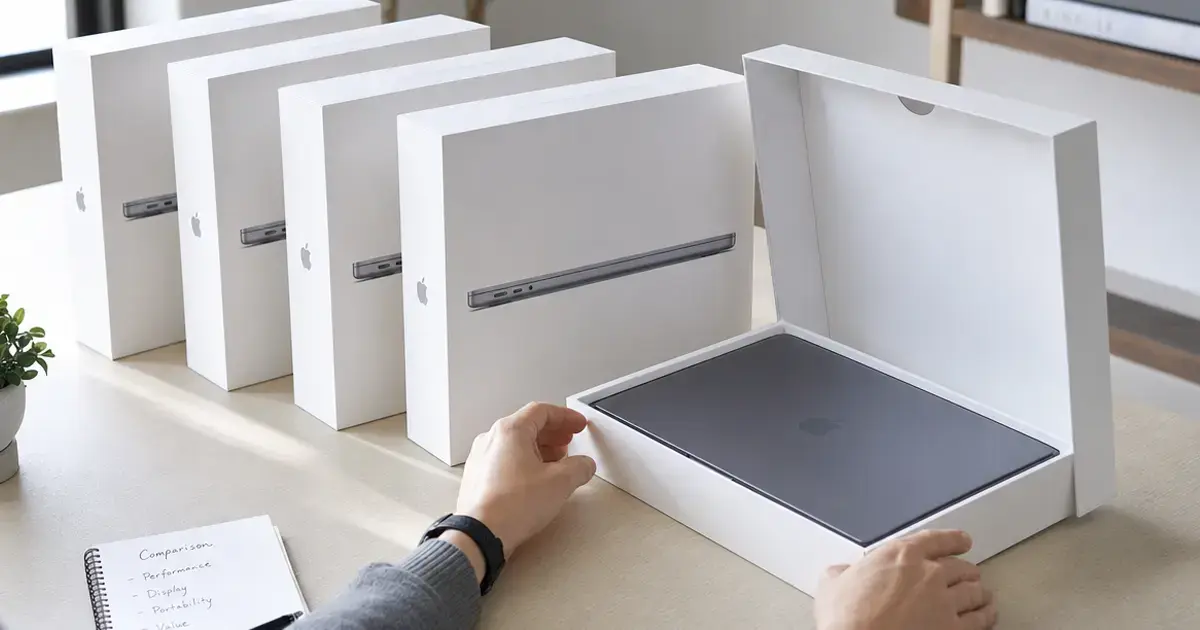
Most companies run some kind of bring-your-own-device program these days, and most of them are winging it when it comes to protecting company data on hardware they don't own. A while back I sat in on a call where an IT manager at a marketing agency realized someone who'd quit two weeks earlier still had the shared client folder synced to their personal iPhone. The offboarding checklist had missed it. We spent forty minutes figuring out whether we could pull just the work data off the device, because the guy had made it very clear he wasn't handing over his phone or letting anyone factory-reset his kid's photos. That's the whole BYOD problem in one uncomfortable moment. You need control over company information without becoming the person who snoops through someone's personal life.
The stakes here are not abstract. Approximately 48% of organizations have reported suffering a data breach directly linked to an unsecured or unmanaged personal device within the past year. According to Verizon's 2025 Data Breach Investigations Report, 46% of compromised systems with corporate credentials were non-managed devices. And the price of getting it wrong stays steep: IBM states that the global average cost of a data breach was $4.44 million in 2025. Picking the best mdm platform for byod policies is really about closing that unmanaged-device gap before it turns into one of those numbers.
This guide covers what to weigh, ranks our nine picks, and points to a couple of alternatives worth a mention. And one bit of housekeeping up front: GroWrk sits at #1 on this list, and GroWrk is us. It's also not technically an MDM, which I'll get into. I put us there anyway, and I'll explain why rather than pretending the conflict doesn't exist.
TL;DR
The fast version:
- GroWrk handles the physical hardware side, getting devices to people and back again, which MDM software can't do. It works alongside your MDM, not instead of it. Across 150+ countries.
- Microsoft Intune wins for teams already living in Microsoft 365.
- Jamf and Iru (formerly Kandji) dominate Apple-only environments, with Iru leading on automation.
- VMware Workspace ONE suits large, mixed-device enterprises.
- JumpCloud blends identity and device management for mid-sized teams.
- Google Endpoint Management is the obvious call for Google Workspace shops.
- ManageEngine gives you the most features for the money.
- Scalefusion has the cleanest BYOD containerization if you hate complexity.
Comparison Table
Here's every platform scored across the eight criteria we used.
| Platform | Best For | Containerization | Cross-Platform | Enrollment | Privacy | Security | Integration | Pricing | Support |
|---|---|---|---|---|---|---|---|---|---|
| GroWrk | Hardware logistics paired with MDM | N/A | 5/5 | 5/5 | 5/5 | 5/5 | 5/5 | 5/5 | 5/5 |
| Microsoft Intune | Microsoft 365 teams | 5/5 | 5/5 | 4/5 | 4/5 | 5/5 | 5/5 | 4/5 | 4/5 |
| Jamf | Apple-only environments | 5/5 | 2/5 | 5/5 | 5/5 | 5/5 | 4/5 | 3/5 | 5/5 |
| VMware Workspace ONE | Large mixed-device enterprises | 4/5 | 5/5 | 4/5 | 4/5 | 5/5 | 4/5 | 3/5 | 4/5 |
| JumpCloud | Mid-sized identity + device teams | 4/5 | 5/5 | 4/5 | 4/5 | 4/5 | 5/5 | 4/5 | 4/5 |
| Google Endpoint Management | Google Workspace shops | 4/5 | 4/5 | 5/5 | 4/5 | 4/5 | 5/5 | 5/5 | 4/5 |
| ManageEngine MDM Plus | Budget-conscious teams | 4/5 | 5/5 | 4/5 | 4/5 | 4/5 | 4/5 | 5/5 | 4/5 |
| Iru (formerly Kandji) | Apple automation & compliance | 4/5 | 2/5 | 5/5 | 5/5 | 5/5 | 4/5 | 3/5 | 5/5 |
| Scalefusion | Clean BYOD containerization | 5/5 | 5/5 | 5/5 | 4/5 | 4/5 | 4/5 | 4/5 | 4/5 |
What to Consider Before Choosing an MDM Platform for BYOD
BYOD hands you a problem that company-owned fleets never create: the device belongs to your employee, but the data belongs to your company. Everything below exists to deal with that conflict, and it's how we judged each platform here.
Containerization and data separation. Don't compromise on this one. You want a hard wall between work and personal data so IT can wipe corporate stuff without touching anyone's photos or texts. Look for app-level management, work profiles, and selective wipe.
Cross-platform support. Your people bring iPhones, Android phones, Windows laptops, Macs, and every so often a Linux machine someone insists on. A tool that only handles one operating system means you end up running two or three tools.
Enrollment experience. Employees push back hard against anything that demands deep access to their own phone. Quick, work-profile sign-up drives adoption. Anything clunky and people will drag their feet or find a workaround.
Privacy and employee trust. People genuinely worry you're watching their personal phone. Good software limits what IT can see, spells out those limits, and says so in plain language.
Security and compliance. Conditional access, encryption enforcement, compliance policies, and certifications like SOC 2 or ISO 27001 matter if you touch regulated data.
Integration. Tight connections to your identity provider, email, and productivity suite cut the amount of manual admin work.
Pricing and scalability. Per-device or per-user costs add up fast across a distributed team. Check which tier actually unlocks the BYOD features you need, because they're often not in the cheap plan.
Support and reliability. Global teams need help that answers across time zones, and uptime you can count on.
Want a deeper framework for these tradeoffs? Our guide on how to choose the right MDM for your organization breaks the decision down by team size and device mix, which helps a lot if you're building out a BYOD MDM platform from scratch. And if the hardware and sourcing side is part of your planning, our State of Global IT Hardware Procurement 2026 report puts the device-supply half of BYOD in context.
Criteria Breakdown Summary
We put every platform through the same eight criteria: containerization, cross-platform support, enrollment, privacy, security, integration, pricing, and support. Each gets a score out of 5.
A team drowning in MacBooks will read these scores differently than one running mostly Windows. Weigh the numbers against what your org actually looks like right now, not what you wish it looked like. No single tool wins for everyone.
GroWrk
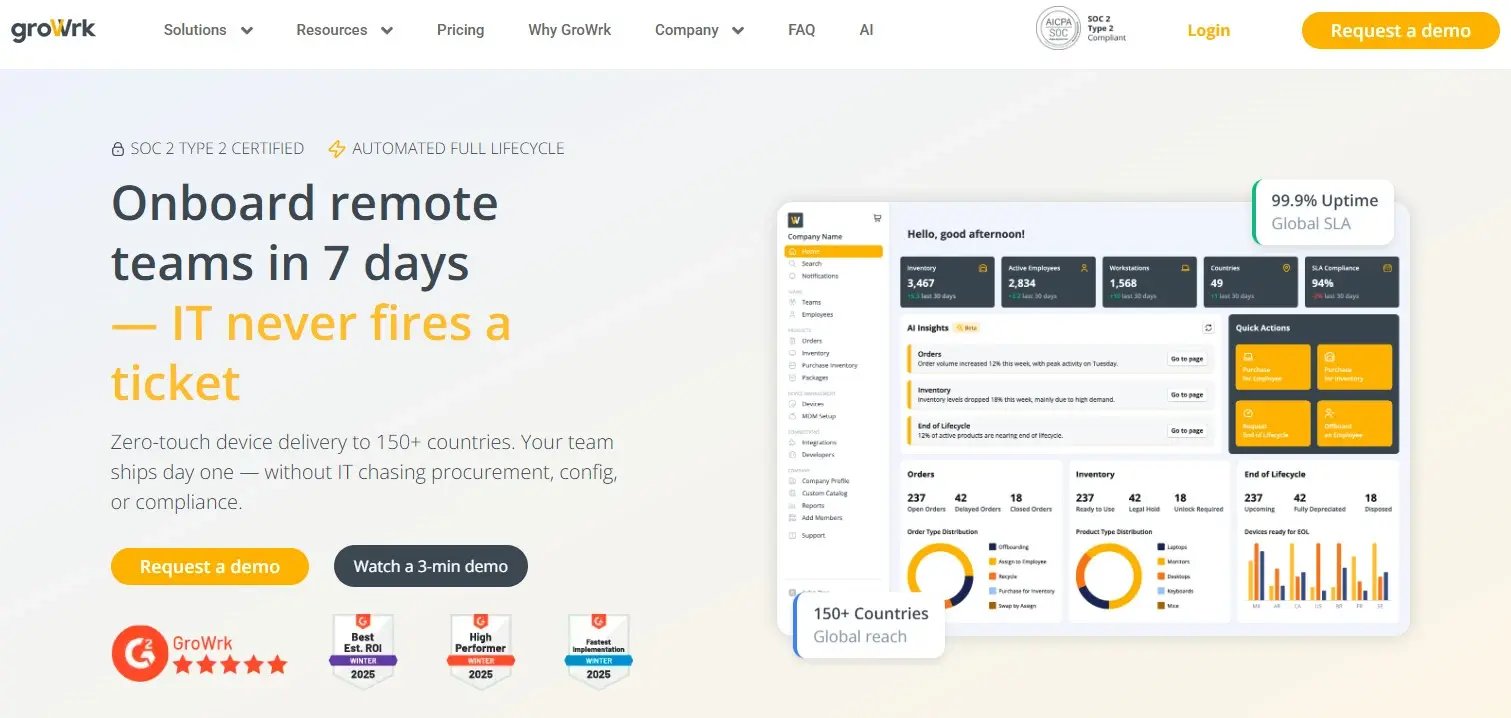
Let me be upfront, since I flagged this at the top. GroWrk is our platform, and it isn't an MDM. So why is it #1 on a list of MDM platforms? Because in every distributed BYOD or corporate program I've worked with, the thing that breaks isn't the software. It's the hardware. Your MDM can configure and lock down a device beautifully, but it can't put that device in someone's hands in São Paulo, and it can't get it back when they resign. That's the piece everyone forgets until a laptop's stuck in a former employee's apartment three countries away.
GroWrk ships MDM-ready devices with zero-touch deployment, so they sync to whatever platform you've chosen and show up ready to use.
Best Known for Global Hardware Logistics That Pairs With Any MDM
We handle getting devices out to people, pulling them back, and disposing of the old ones, in 150+ countries, syncing to your MDM with zero-touch deployment.
Features
Zero-touch deployment, two-click offboarding, global warehouse retrievals, in-platform recycling, and 40+ integrations that sync to your identity and HR tools.
Pros
Reaches 150+ countries, devices arrive already synced to your MDM, SOC 2 Type 2 certified, and it handles the physical logistics that both BYOD and corporate programs tend to fumble.
Cons
It's not a standalone MDM, full stop. If you don't already have device management software, GroWrk doesn't replace it. You'll run both.
Criteria Evaluation
- Containerization: N/A
- Cross-platform: 5/5
- Enrollment: 5/5
- Privacy: 5/5
- Security: 5/5
- Integration: 5/5
- Pricing: 5/5
- Support: 5/5
You pay only for the services you use, with 99.9% uptime and 24/7 global support.
Price
A la carte. Pay only for what you need across procurement, storage, and retrieval.
Microsoft Intune
If your company already runs on Microsoft 365, Intune is the obvious choice and you probably shouldn't overthink it. Its app protection policies and Android work profile support make it one of the strongest tools for keeping corporate and personal data apart.
Best Known for App-Level Protection
You can control corporate apps without forcing full device enrollment, which keeps IT out of personal territory entirely. For BYOD, that's the feature that matters.
Features
Mobile application management, conditional access, work profiles, and compliance policies.
Pros
Bundled into a lot of M365 plans, solid data separation, and it covers iOS, Android, Windows, and macOS.
Cons
The admin console is a maze. Expect to spend real time in the documentation, which is thorough but reads like a phone book. And if you're not already a Microsoft shop, none of the pricing logic works in your favor.
Criteria Evaluation
- Containerization: 5/5
- Cross-platform: 5/5
- Enrollment: 4/5
- Privacy: 4/5
- Security: 5/5
- Integration: 5/5
- Pricing: 4/5
- Support: 4/5
The conditional access through Entra ID is where it really shines, once you've climbed the learning curve.
Price
Bundled with Microsoft 365 E3/E5, or sold on its own per user per month.
Jamf
If your BYOD program leans hard on Apple, this is the deep end of the pool. Jamf is built for iPhones, iPads, and Macs, and nothing else touches it there.
Best Known for Apple Device Mastery
Account-driven user enrollment splits work and personal data cleanly. That's exactly what a privacy-conscious rollout needs on day one.
Features
Account-driven user enrollment, self-service app catalog, Apple Business Manager integration, and endpoint security.
Pros
Deep Apple support and a privacy model that Apple itself enforces, so IT visibility is restricted by design rather than by your policy discipline.
Cons
Zero support for Windows or Android. If even a handful of your people run non-Apple hardware, you're buying a second tool. And it isn't cheap.
Criteria Evaluation
- Containerization: 5/5
- Cross-platform: 2/5
- Enrollment: 5/5
- Privacy: 5/5
- Security: 5/5
- Integration: 4/5
- Pricing: 3/5
- Support: 5/5
The user enrollment model limits what IT can see by default, which does a lot for employee trust.
Price
Per-device monthly pricing, with business and enterprise tiers.
VMware Workspace ONE
Workspace ONE bundles device management with unified endpoint management and a digital workspace layer. That makes it a fit for big, mixed-device organizations that need something built for scale.
Best Known for Enterprise Scale
It covers every major operating system and scales to fleet sizes that would grind lighter tools to a halt.
Features
UEM, per-app VPN, conditional access, and a digital workspace portal.
Pros
Broad OS coverage, mature security, and a track record at scale.
Cons
Deploying it is a project, not an afternoon. Budget for weeks of setup and someone who knows the platform. Pricing assumes an enterprise wallet, and the privacy-first enrollment options exist but you have to configure them yourself, they're not the default.
Criteria Evaluation
- Containerization: 4/5
- Cross-platform: 5/5
- Enrollment: 4/5
- Privacy: 4/5
- Security: 5/5
- Integration: 4/5
- Pricing: 3/5
- Support: 4/5
Price
Per-device or per-user tiers, quote-based for larger deployments.
Find VMware Workspace ONE here
Weighing this against others? Our breakdown of VMware alternatives covers where it fits and where lighter tools do the job better.
JumpCloud
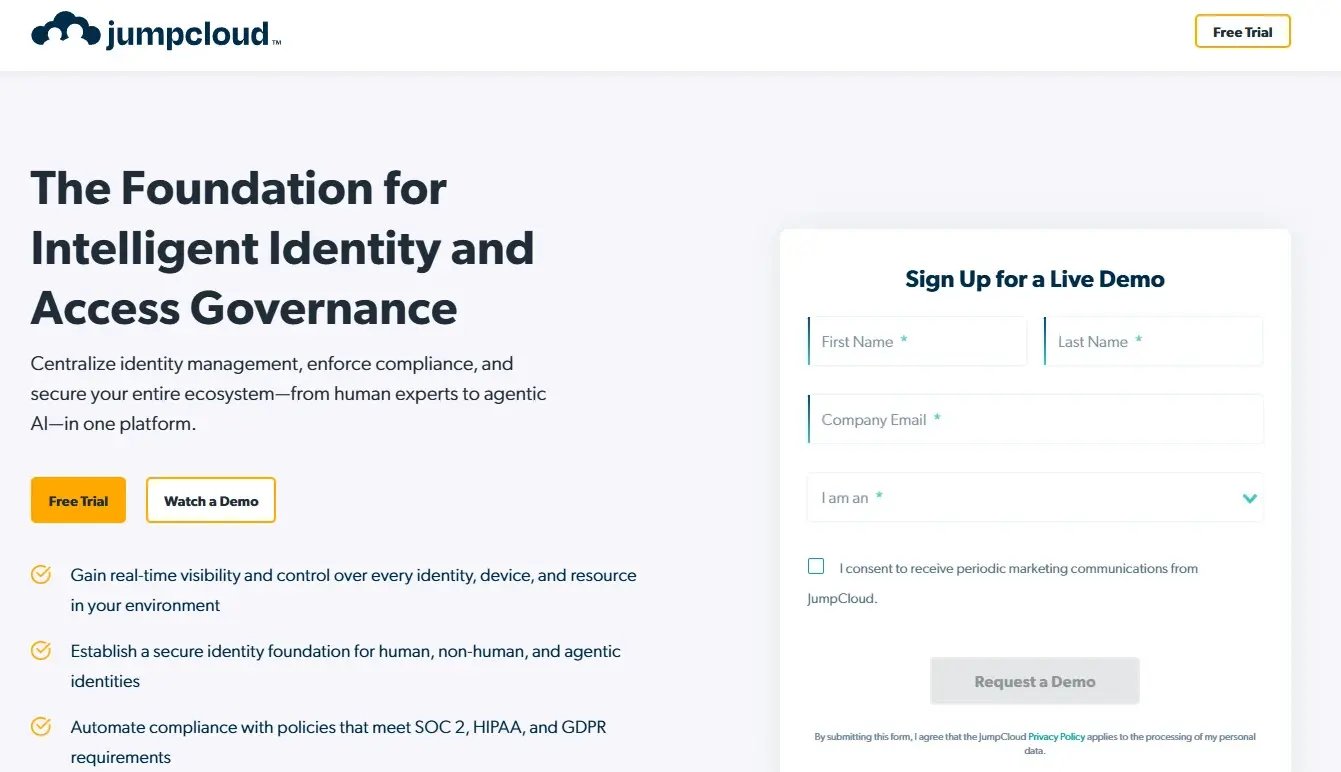
JumpCloud rolls device management, directory services, and identity into one console. Mid-sized teams who don't want to bounce between separate identity and MDM tools tend to like it a lot.
Best Known for Identity Plus Devices
Directory, SSO, and MDM all live in one place, so you maintain fewer tools and keep fewer browser tabs open at 5pm on a Friday.
Features
Cloud directory, SSO, MFA, and cross-OS device management.
Pros
One tool for identity and devices, fair per-user pricing, and it covers Windows, macOS, Linux, iOS, and Android.
Cons
The device management side isn't as deep as a dedicated MDM on a few platforms. If you need granular Apple control, Jamf will out-feature it.
Criteria Evaluation
- Containerization: 4/5
- Cross-platform: 5/5
- Enrollment: 4/5
- Privacy: 4/5
- Security: 4/5
- Integration: 5/5
- Pricing: 4/5
- Support: 4/5
Policy scoping keeps IT from overreaching.
Price
Per-user monthly pricing with modular packages.
Google Endpoint Management
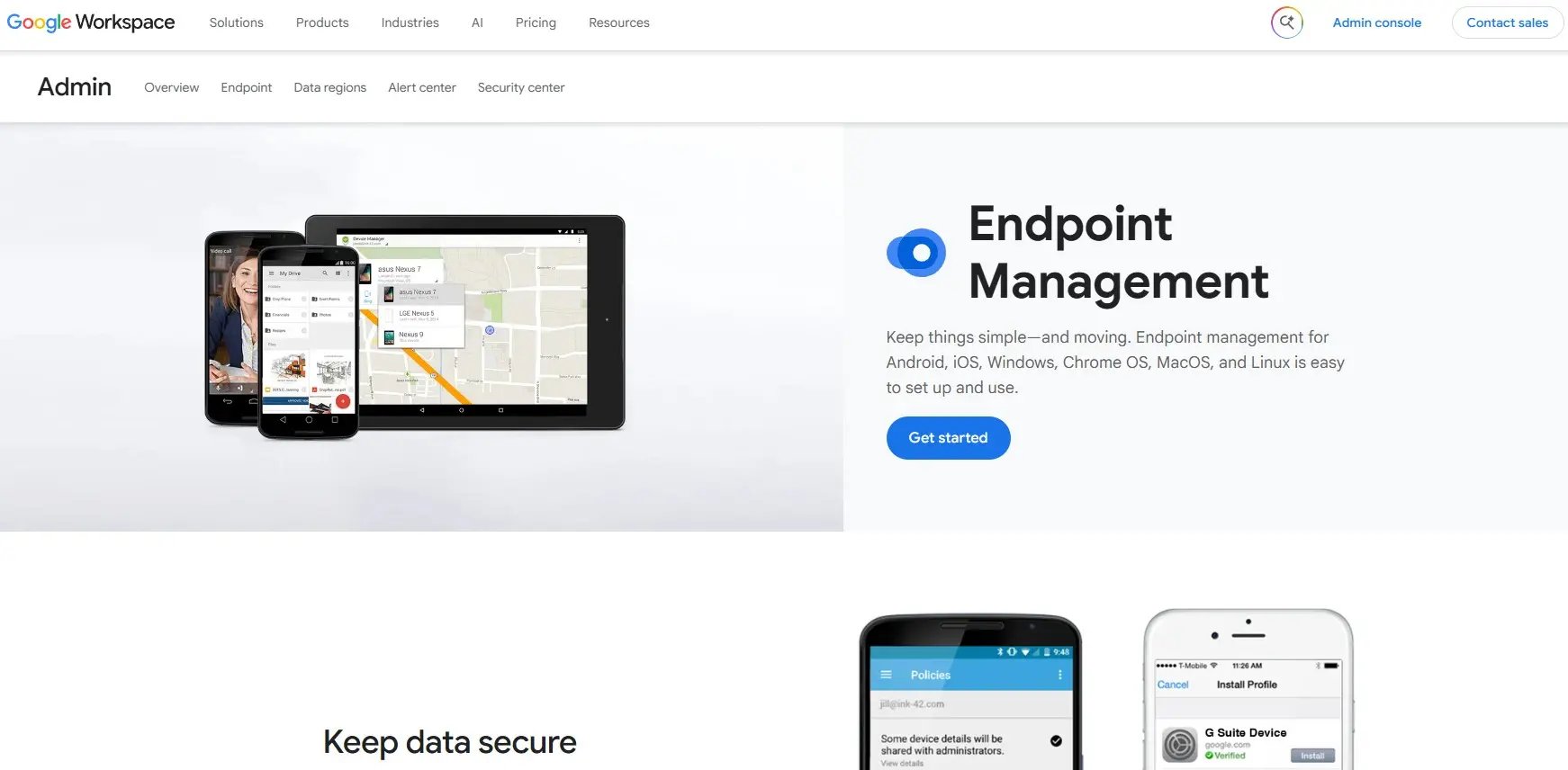
Built into Google Workspace, this covers Android, iOS, Windows, and ChromeOS. If you're already on Workspace, you can turn it on and be running with almost no extra work.
Best Known for Effortless Enrollment
Agentless enrollment on a lot of devices means onboarding is close to invisible for employees, which is rare in this category.
Features
Agentless and advanced management, context-aware access, and work profiles.
Pros
Comes with Workspace, painless enrollment, and it handles Android well.
Cons
Thin on Windows and macOS controls. If your desktop fleet is serious, you'll feel the limits fast.
Criteria Evaluation
- Containerization: 4/5
- Cross-platform: 4/5
- Enrollment: 5/5
- Privacy: 4/5
- Security: 4/5
- Integration: 5/5
- Pricing: 5/5
- Support: 4/5
Android work profiles keep corporate data neatly boxed off.
Price
Bundled with Google Workspace subscriptions.
Find Google Endpoint Management here
ManageEngine Mobile Device Manager Plus
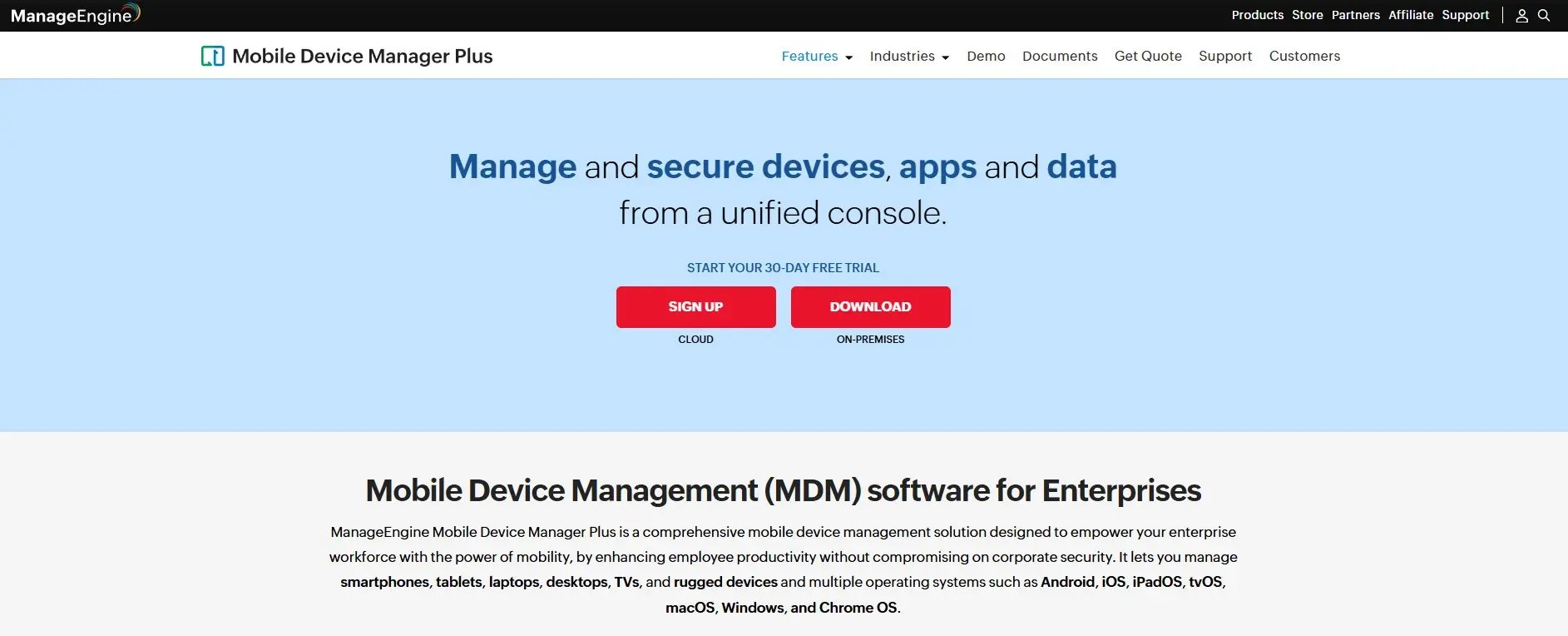
ManageEngine packs in a lot of features at a price budget-minded teams can actually approve. You choose cloud or on-premises. Feature for feature, it competes with tools that cost twice as much.
Best Known for Value Pricing
Containerization, geofencing, and selective wipe, at a price that undercuts most of the field.
Features
Containerization, app management, geofencing, and on-prem or cloud deployment.
Pros
Affordable, covers iOS, Android, Windows, macOS, and ChromeOS, and lets you pick your deployment model. There's also a free tier for small fleets.
Cons
The interface looks like it hasn't had a redesign in years, and it shows the moment you start clicking around. Some of the advanced features are locked behind higher tiers, so read the plan comparison before you assume something's included.
Criteria Evaluation
- Containerization: 4/5
- Cross-platform: 5/5
- Enrollment: 4/5
- Privacy: 4/5
- Security: 4/5
- Integration: 4/5
- Pricing: 5/5
- Support: 4/5
The separate work container keeps personal data out of reach.
Price
Per-device annual pricing, with a free tier for a limited number of devices.
Comparing this with lighter or more specialized options? See our list of ManageEngine alternatives.
Iru (formerly Kandji)
Iru, the platform formerly known as Kandji, is built for Apple fleets, with automation and compliance at the center. Fast-growing companies that standardized on Mac and iPhone keep landing on it.
Best Known for Automated Compliance
Auto-remediation catches drift and fixes it without an admin doing anything, which is the reason people who try it rarely go back.
Features
Auto-remediation, prebuilt security controls, and a self-service app library.
Pros
Strong automation, a modern interface that's actually pleasant to use, and good compliance handling.
Cons
Historically Apple only, same limitation as Jamf. And the per-device pricing is premium. If you're a mixed shop, this one's off the table before you start.
Criteria Evaluation
- Containerization: 4/5
- Cross-platform: 2/5
- Enrollment: 5/5
- Privacy: 5/5
- Security: 5/5
- Integration: 4/5
- Pricing: 3/5
- Support: 5/5
Apple's privacy model applies, and user enrollment gives you clean BYOD data separation.
Price
Per-device pricing, quote-based for larger fleets.
Scalefusion
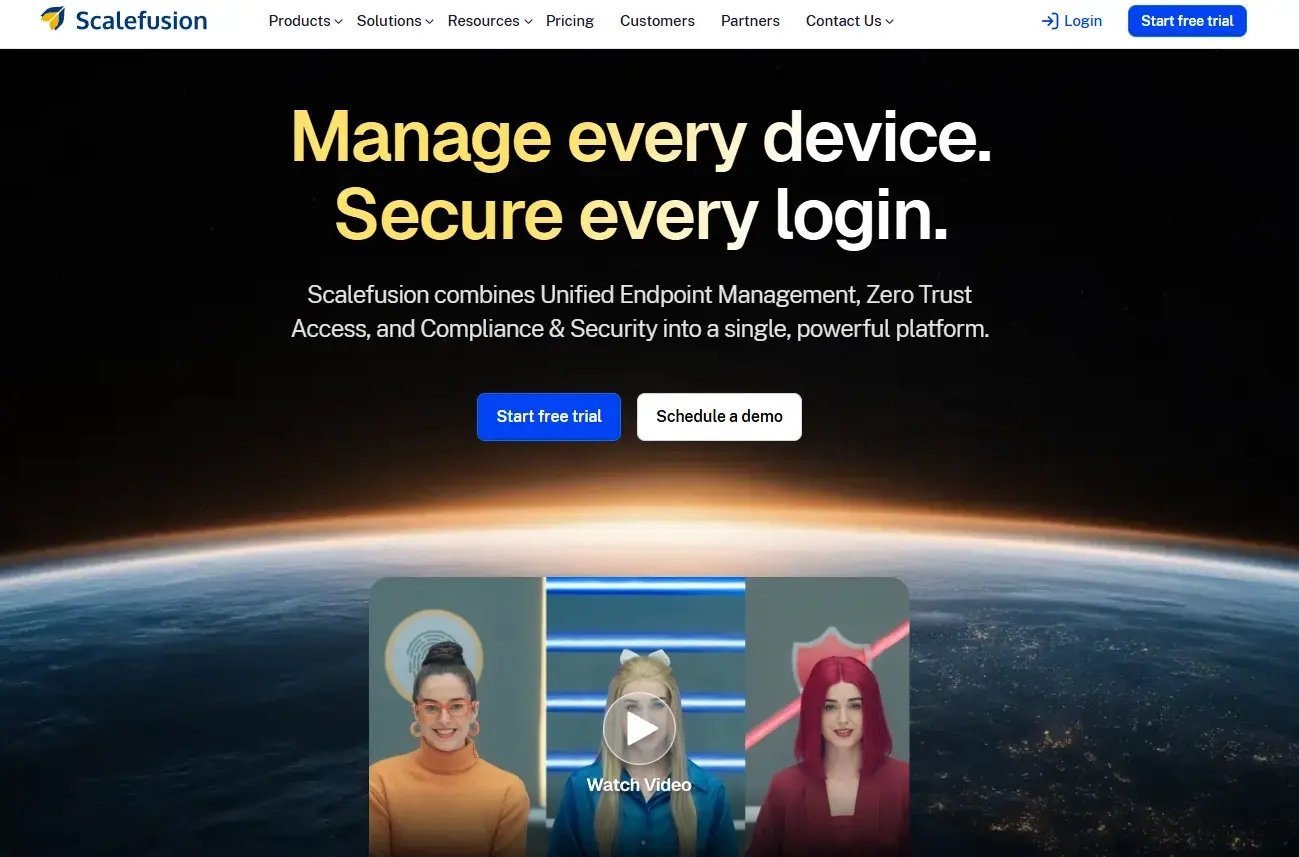
Scalefusion keeps things simple and nails the one feature BYOD programs care about most. If you want capability without a heavy setup, this is the entry to look at first.
Best Known for Clean Containerization
Dedicated BYOD containers draw a clear line between work and personal data, and the guided enrollment gets you from zero to your first enrolled device without a headache.
Features
Work containers, kiosk mode, remote troubleshooting, and compliance policies.
Pros
Quick to deploy, built around BYOD rather than treating it as an afterthought, and covers Android, iOS, Windows, macOS, and Linux.
Cons
If you're a large enterprise with complex requirements, you'll hit the ceiling on advanced controls sooner than you would with Workspace ONE or Intune.
Criteria Evaluation
- Containerization: 5/5
- Cross-platform: 5/5
- Enrollment: 5/5
- Privacy: 4/5
- Security: 4/5
- Integration: 4/5
- Pricing: 4/5
- Support: 4/5
The container model protects personal data by default, not just when you remember to set it up.
Price
Per-device monthly tiers.
Notable Mentions
Two more, depending on your size, tooling, and budget.
Hexnode
A flexible UEM with solid containerization and support that doesn't leave you hanging. Good fit for mid-sized teams that want room to configure things without paying enterprise rates. Visit Hexnode
Miradore
Lightweight and cheap, with a free tier. If you're a small team starting your first BYOD program and can't justify a big spend, start here. Visit Miradore
How the Best MDM Platforms for BYOD Stack Up: A Quick Recap
Nine tools, one honest takeaway: the best mdm platform for byod policies is the one that fits the devices your people carry and the identity stack you already run. Here is the fast way to map each pick to a real situation, so you can shortlist without rereading every entry above.
- GroWrk is not an MDM, it is the hardware layer that sits alongside whichever mdm platform you choose, shipping and retrieving devices across 150+ countries with zero-touch deployment.
- Microsoft Intune is the default for Microsoft 365 shops, with app protection policies that keep mdm for byod clean without full device enrollment.
- Jamf and Iru (formerly Kandji) own Apple-only fleets, with Iru pulling ahead on automation and Jamf on depth.
- VMware Workspace ONE earns its keep in large, mixed-device enterprises that need scale over simplicity.
- JumpCloud folds identity and device management into one console for mid-sized teams.
- Google Endpoint Management is the near-zero-effort choice for Google Workspace shops.
- ManageEngine MDM Plus packs the most features per dollar, with a free tier for small fleets.
- Scalefusion delivers the cleanest containerization when you want a byod mdm platform without a heavy setup.
If your environment is Apple-heavy, start with Jamf or Iru. If it is Microsoft-heavy, start with Intune. If it is genuinely mixed, look at Workspace ONE, JumpCloud, or Scalefusion depending on how much complexity you can stomach. Then pair whichever you pick with hardware logistics, because none of these mdm platforms can put a device in someone's hands or get it back.
Frequently Asked Questions
What is the best mdm platform for byod policies in 2026?
There isn't one answer that fits every org, which is why this roundup scores nine tools instead of crowning a single winner. The best mdm platform for byod policies depends on your device mix and your identity stack: Intune for Microsoft 365 shops, Jamf or Iru for Apple fleets, Scalefusion for clean containerization, and GroWrk alongside whichever one you pick to handle the physical hardware. Weigh the criteria scores against what your team actually runs today.
Is an MDM the same as MAM for BYOD?
No, and the difference matters a lot for personal devices. MDM treats each endpoint as a managed asset requiring full oversight and control, while mobile application management focuses exclusively on securing business apps and corporate data without controlling the broader device environment. MAM addresses BYOD devices where employees use their own device for both personal and business purposes, respecting user privacy while protecting company data through app-specific controls. Most of the tools on this list blend both, which is what you want for mdm for byod.
How does containerization protect employee privacy?
Containerization is the feature that makes mdm for byod tolerable for the person who owns the phone. It creates a secure partition on the device to separate work and personal apps and data. Selective wiping then allows removal of corporate data within the controlled application without affecting personal content. That's how IT pulls the client folder off a departing employee's iPhone without touching their kid's photos.
How common are BYOD programs, and why do they need an MDM platform?
They're nearly universal now. 95% of organizations allow some form of personal devices in the workplace, and 82% of companies have formally adopted a BYOD policy. Using personal devices for work can enhance productivity by up to 55% and increase employee satisfaction by 56%. But that reach is exactly why you need a real mdm platform: unmanaged personal devices are where company data quietly leaks, so the right byod mdm platform is what keeps the productivity upside from turning into a breach.
Can a privacy-first approach actually improve adoption?
Yes, and there's data behind the instinct. 48% of users believe BYOD adoption would increase if IT departments didn't have access to their devices. That's the entire argument for choosing mdm platforms that limit visibility by design, which is why privacy scores carry real weight across every one of the mdm platforms in this guide.
Do I still need hardware logistics if I have an MDM?
Most teams discover they do. Software can configure and lock down a device, but it can't ship one to a new hire in another country or get it back when they resign. That gap is why GroWrk sits alongside the mdm platforms here rather than competing with them, closing the physical loop that the best mdm platform for byod policies can't touch on its own.
Final Thoughts
There is no single winner here, and anyone who hands you one is selling something. The best mdm platform for byod policies is the one that matches the devices your people actually carry and the identity stack you already run. Microsoft 365 shops land on Intune, Apple fleets on Jamf or Iru, mixed enterprises on Workspace ONE, and teams that want clean containerization without a heavy lift on Scalefusion. Run the criteria scores against your real environment, not the one you wish you had.
Whatever you choose, remember that mdm for byod solves the software half of the problem. The other half is physical, and it keeps growing as teams spread out: as distributed work becomes the default, 64.4% of large companies (500+ employees) now operate on a hybrid model and another 18.6% are fully remote, according to Zoom's Navigating the Future of Work. A tool can configure and lock down a device, but it cannot ship one to a new hire in another country or pull it back when they resign. That is the gap GroWrk closes, sitting alongside the mdm platforms in this guide rather than competing with them, with zero-touch deployment across 150+ countries so devices arrive already synced and ready to enroll. For a real-world look at that, see how Vividly runs IT across six countries with a team of one.
Pair a byod mdm platform that respects employee privacy with hardware logistics that actually close the loop, and your IT team stops firefighting onboarding and starts focusing on what matters. When you're ready to handle the physical side, book a GroWrk demo and see how the two fit together.