



I'll never forget the first time I tried coordinating laptop deployments across three continents. Singapore, Mexico, Poland. All new hires, all starting the same week. Our endpoint management tool? It could monitor devices just fine. Getting those devices into people's hands? Complete disaster.
Three days on calls with local vendors. Two more days sorting customs paperwork. By the time everything arrived, two employees had already started with their personal laptops. So much for our secure onboarding process.
That's when it hit me: most IT management tools were built for a world that doesn't exist anymore. They assume you've got an office building, an IT closet, and employees who come to you. If you're managing a distributed team, you need something different.
I've spent the last eight years testing IT management platforms. I've seen companies waste six figures on the wrong choice. I've also seen the right platform transform operations overnight. The IT management space hit $12.4 billion in 2025, and here's what's interesting: 67% of new platform adoption came from companies managing distributed teams. Traditional tools like ManageEngine were built for centralized offices with on-site IT staff.
This guide breaks down 11 alternatives based on what actually matters when your team is spread across time zones. I've evaluated each platform across deployment flexibility, feature completeness, ease of use, integration options, scalability, and pricing transparency. Some excel at remote monitoring. Others specialize in Apple device management. And one handles the entire physical lifecycle from procurement to retrieval across 150+ countries.
TL;DR: Just Tell Me What to Use
Managing a global distributed team? GroWrk. It's the only platform that handles both the software AND the logistics. Procurement, customs, delivery, retrieval. Everything.
Want fast deployment without sacrificing power? NinjaOne. You'll be productive in days, not weeks.
Got a huge device fleet but small IT team? Atera. Pay per technician, manage unlimited devices.
Big enterprise with complex workflows? ServiceNow. But be ready for complexity and cost.
All-in on Apple? Jamf Pro. Nothing else comes close for Mac/iOS management.
Need modern identity management? JumpCloud. Cloud directory without the on-prem headaches.
Want ITSM that doesn't suck to use? Freshservice. Your team will actually like it.
Comparison Table
Here's the thing about ratings: a 3/5 in "Ease of Use" means very different things for different platforms. ConnectWise Automate gets a 2/5 because it's genuinely hard to learn. ServiceNow gets a 3/5 because it's complex but well-documented. See the difference?
Take these ratings as directional, not absolute. Your mileage will vary based on your team's expertise.
| Platform | Best For | Deployment Flexibility | Feature Completeness | Ease of Use | Integration Capabilities | Scalability | Pricing Transparency | Starting Price |
|---|---|---|---|---|---|---|---|---|
| GroWrk | Global distributed teams | 5/5 | 5/5 | 5/5 | 5/5 | 5/5 | 5/5 | Custom pricing |
| NinjaOne | Fast deployment & ease of use | 4/5 | 5/5 | 5/5 | 4/5 | 4/5 | 3/5 | $3-$7/endpoint/month |
| Atera | Unlimited devices per tech | 4/5 | 4/5 | 4/5 | 4/5 | 5/5 | 5/5 | $129/tech/month |
| ServiceNow | Enterprise ITSM workflows | 4/5 | 5/5 | 3/5 | 5/5 | 5/5 | 2/5 | ~$100/user/month |
| SolarWinds Service Desk | Mid-market balance | 4/5 | 4/5 | 4/5 | 4/5 | 4/5 | 3/5 | ~$29/user/month |
| Ivanti Neurons | AI-powered automation | 4/5 | 5/5 | 3/5 | 4/5 | 5/5 | 2/5 | $40+/device/year |
| JumpCloud | Cloud directory services | 5/5 | 4/5 | 5/5 | 5/5 | 5/5 | 5/5 | $8-$24/user/month |
| Jamf Pro | Apple device management | 4/5 | 5/5 | 4/5 | 4/5 | 5/5 | 3/5 | $4-$8/device/month |
| Kaseya VSA | MSP automation | 4/5 | 5/5 | 3/5 | 4/5 | 5/5 | 2/5 | $2-$6/endpoint/month |
| ConnectWise Automate | Deep customization | 4/5 | 5/5 | 2/5 | 5/5 | 5/5 | 2/5 | $2-$5/endpoint/month |
| Freshservice | Intuitive ITSM | 5/5 | 4/5 | 5/5 | 5/5 | 4/5 | 5/5 | $19-$109/agent/month |
A note on those perfect 5/5 scores for GroWrk: Yeah, I know how it looks. But when a platform is purpose-built for exactly one thing (global distributed team management) and does it better than anyone else, what else am I supposed to rate it? If you're NOT managing a distributed team, half those 5s become irrelevant anyway.
Understanding Your Evaluation Criteria
Before you start comparing features, you need to know what actually matters. I've narrowed it down to six things that'll make or break your decision.
I've evaluated hundreds of IT management tools, and the wrong choice typically fails on one of these six criteria. When comparing ManageEngine alternatives, these factors determine long-term success. We benchmark how leading teams handle every stage in the state of IT lifecycle management.
Deployment Flexibility (Rated 1-5)
Cloud or on-prem? This isn't about preference. It's about reality.
Cloud platforms deploy in days. You don't need to maintain servers. Your team can access everything from anywhere. The downside? You're trusting someone else with your data. (Though honestly, they're probably better at security than your on-prem setup. Sorry.)
On-premises gives you control. You know exactly where everything lives. But you need staff who can manage servers, handle updates, and deal with security. If you don't have that expertise in-house, on-prem becomes a liability.
For distributed teams, cloud almost always makes more sense. No VPN complexity, no "the server's down and Jim who knows how to fix it is on vacation" situations.
Compliance requirements might mandate data residency. Your IT team's expertise affects whether you can maintain on-premises infrastructure.
I rate platforms 1-5 here:
- 5/5 = Fully cloud-based with global infrastructure
- 3/5 = Cloud-only but limited regional options
- 1/5 = On-prem only (rare these days)
Feature Completeness (Rated 1-5)
What do you actually need?
IT asset management, endpoint monitoring, patch management, help desk functions, mobile device management. Some platforms do everything adequately. Others specialize deeply in specific areas.
A 5/5 rating means complete coverage across asset lifecycle, monitoring, automation, and support. Lower ratings don't necessarily mean bad platforms. They might indicate specialization (Jamf focusing exclusively on Apple devices, for example).
Ease of Use (Rated 1-5)
Your IT team's adoption depends on interface design that makes sense. Non-technical staff need to submit tickets, check asset status, and request equipment without calling for help.
Complex platforms with steep learning curves slow deployment and frustrate users.
I worked with a 50-person startup that chose ServiceNow because it was "powerful." Six months later, they'd spent $80K and their IT team still couldn't create a simple ticket workflow without calling support. They ended up switching to NinjaOne and got 80% of the functionality with 20% of the headache.
Platforms scoring 5/5 require minimal training with dashboards that make sense. A 2/5 rating means expect significant training investment and dedicated administrators.
Integration Capabilities (Rated 1-5)
Modern IT environments run on connected tools.
Your HRIS system should trigger device provisioning. Your SSO provider needs to control access. Ticketing systems must sync with asset management. Poor integration creates manual work and data silos.
Look for pre-built connectors to your existing stack. API availability matters for custom integrations. A 5/5 rating indicates an extensive marketplace with major platform integrations. A 3/5 means basic API access but limited pre-built options.
Scalability (Rated 1-5)
Will this platform grow with you?
Performance at 100 devices doesn't predict performance at 10,000. Pricing models that work today might become unsustainable at scale. Multi-tenancy support matters if you manage multiple entities.
Evaluate both technical scalability (can it handle your growth?) and financial scalability (will pricing remain viable?). Platforms scoring 5/5 handle enterprise-scale deployments efficiently.
Pricing Transparency (Rated 1-5)
Hidden costs destroy budgets.
You need clear understanding of per-device vs. per-user vs. per-technician pricing. What's included in base pricing versus add-ons?
Contract flexibility, implementation costs, training fees, and ongoing support all factor into total cost of ownership. A 5/5 rating means published pricing with clear breakdowns. A 2/5 indicates complex enterprise pricing requiring extensive sales engagement.
Top 11 ManageEngine Alternatives
I'm gonna spend more time on GroWrk, NinjaOne, and JumpCloud because they solve different problems really well. The others? They're solid, but unless you have specific needs (like Apple-only with Jamf), you're probably better off with the top three.
GroWrk: Global IT Asset Lifecycle Platform
Best Known for: End-to-End Distributed Team Management
GroWrk combines IT asset management software with global logistics services across 150+ countries. Unlike traditional endpoint management tools, it handles physical procurement, deployment, support, and retrieval, addressing the complete asset lifecycle for distributed teams. This is the most complete ManageEngine alternative for globally distributed organizations.
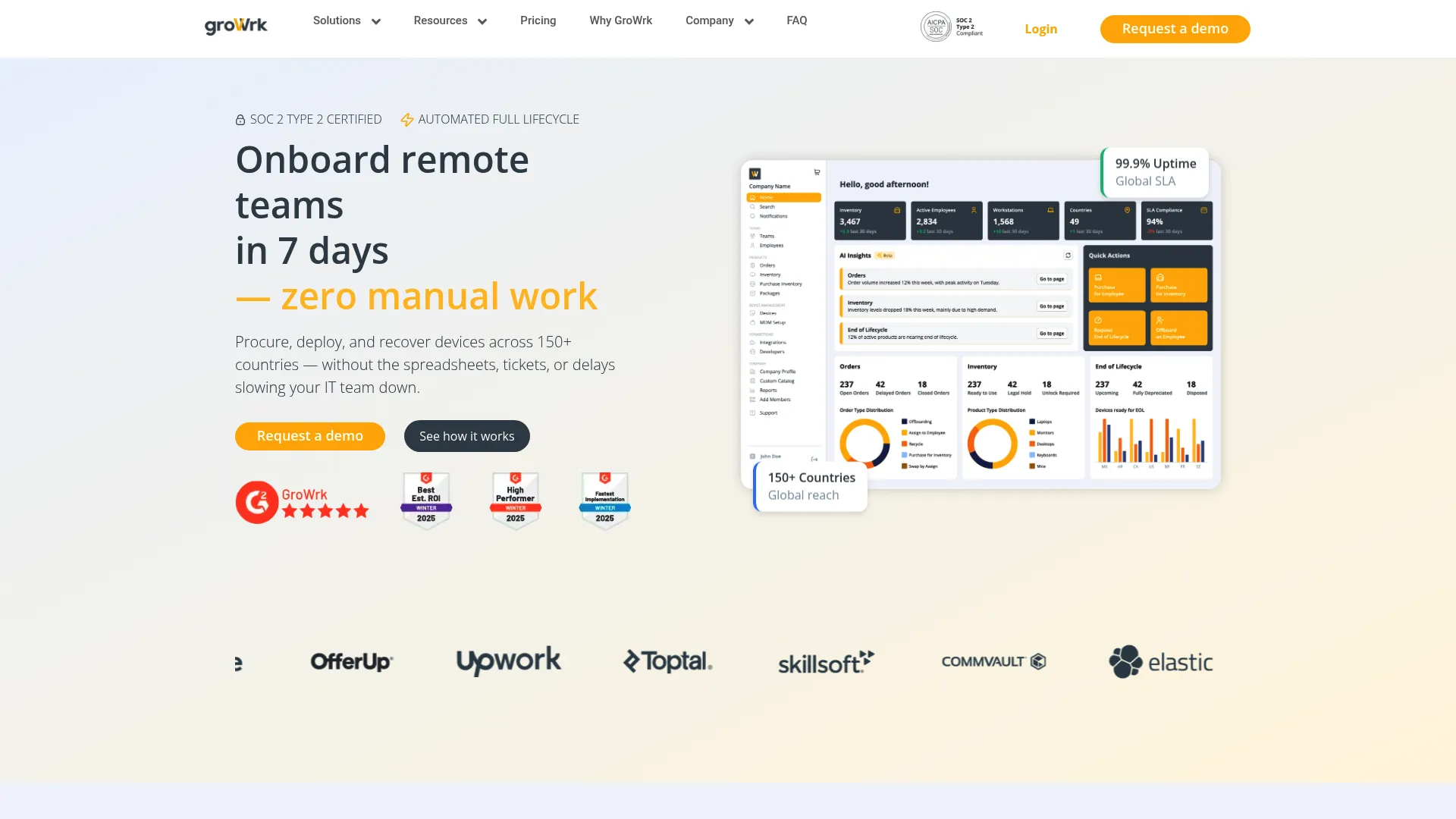
Most IT management platforms assume you already have devices in employees' hands. GroWrk starts earlier in the lifecycle and extends further.
The platform combines asset management software with global procurement and logistics services. When you hire someone in Brazil, GroWrk sources compliant hardware, handles customs and duties, delivers it to the employee's doorstep, and manages the entire lifecycle through eventual retrieval and disposition.
This isn't software monitoring endpoints remotely. It's white-glove service handling physical realities that traditional tools ignore.
The cloud-based platform supports 150+ countries with local expertise in compliance, shipping, and retrieval. AI-powered support (GrowBot) assists both IT teams and end users. Native integrations connect with ServiceNow, Okta, JumpCloud,
The cloud-based platform supports 150+ countries with local expertise in compliance, shipping, and retrieval. AI-powered support (GrowBot) assists both IT teams and end users. Native integrations connect with ServiceNow, Okta, JumpCloud, Workday, BambooHR, Zendesk, Jira, Freshservice, and Stripe, automating workflows from hire-to-retire.
For distributed teams, this solves the gap between digital asset management and physical logistics. You're not tracking devices. You're ensuring they reach employees on day one and return securely when needed.
Features That Set GroWrk Apart
Global Procurement and Deployment
Source hardware that meets your specifications and budget across 150+ countries. GroWrk handles vendor relationships, bulk purchasing, configuration, and white-glove delivery. We break down what global hardware sourcing looks like at scale in the state of global IT hardware procurement.
Real-Time Asset Tracking
Monitor inventory status, location, assignment, and lifecycle stage across your entire distributed fleet. Automated workflows trigger on status changes.
Automated Onboarding/Offboarding
Integration with HRIS platforms triggers device provisioning when employees are hired and retrieval workflows when they're terminated. No manual coordination required.
Equipment Retrieval Services
Secure retrieval from terminated employees or relocated staff across 150+ countries. Certified data wiping and responsible disposition protect your organization.
AI-Powered Support (GrowBot)
Intelligent chatbot assists employees with common IT requests and guides them through setup, troubleshooting, and return processes.
Device-as-a-Service Options
Flexible financing models spread costs over time instead of large capital expenditures. Includes refresh cycles and upgrade paths.
Multi-Country Compliance
Navigate import/export regulations, data privacy laws, and local requirements without building internal expertise.
Lifecycle Cost Tracking
Complete visibility into total cost of ownership including procurement, shipping, duties, support, depreciation, and disposition.
Pros: Why Teams Choose GroWrk
Purpose-built for distributed workforce challenges that traditional endpoint management tools don't address. You're not adapting an office-centric platform. You're using infrastructure designed for remote teams.
End-to-end service eliminates vendor management headaches. One platform handles procurement, logistics, support, and retrieval instead of coordinating multiple vendors.
Global reach with local expertise across 150+ countries means you can expand into new markets without building logistics infrastructure.
Strong integration ecosystem automates workflows across your existing tech stack. HRIS triggers device provisioning, SSO controls access, ITSM platforms track tickets.
Transparent pricing with no hidden fees. Per-device management fees and Device-as-a-Service options provide predictable costs.
AI-enhanced support reduces IT team workload while improving employee experience.
Cons: Where GroWrk Might Not Fit
Primarily focused on distributed teams. Single-location companies with on-site IT staff might find this overbuilt for their needs.
Newer player compared to legacy enterprise solutions. While the platform is mature, it doesn't have decades of market presence like ServiceNow or SolarWinds.
Premium pricing reflects white-glove service model. You're paying for complete logistics services, not just software licensing.
Criteria Evaluation
Deployment Flexibility: 5/5
Fully cloud-based platform with global infrastructure supporting 150+ countries. No on-premises infrastructure required.
Feature Completeness: 5/5
End-to-end lifecycle management from procurement through disposition, including device management, automated workflows, and AI-powered support.
Ease of Use: 5/5
Interface designed for both IT professionals and end users, with AI chatbot assistance reducing support burden.
Integration Capabilities: 5/5
Native integrations with ServiceNow, Okta, JumpCloud, Workday, BambooHR, Zendesk, Jira, Freshservice, and Stripe.
Scalability: 5/5
Built specifically for scaling distributed teams globally with multi-country deployment options. See how Pi Health scaled remote IT asset management with GroWrk.
Pricing Transparency: 5/5
Clear per-device pricing model with transparent quotes and flexible Device-as-a-Service options.
Source: Aggregated from G2, Capterra, and TrustRadius
Pricing: What You'll Actually Pay
Custom pricing based on number of devices and services required. Per-device management fees and Device-as-a-Service options provide flexible models. Contact for detailed quotes through their pricing calculator.
NinjaOne: User-Friendly RMM Automation
Best Known for: Fastest Deployment and Easiest Learning Curve
NinjaOne combines remote monitoring, endpoint management, patch management, and backup in a cloud-based platform known for exceptional user experience. Fast deployment times and interface that makes sense make it accessible for teams wanting full RMM without complexity. This ManageEngine alternative stands out for its ease of implementation.
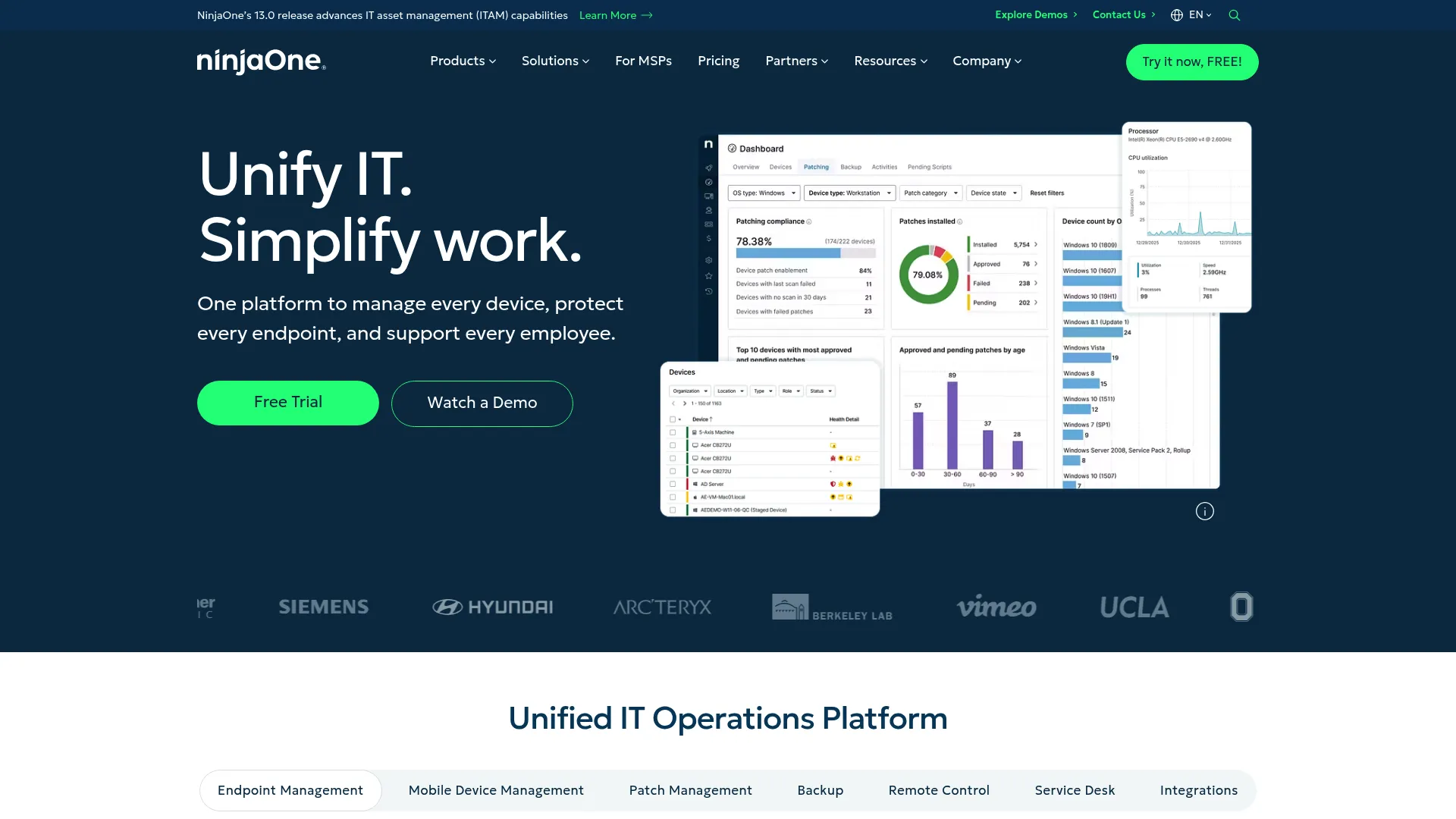
If you've struggled with clunky RMM platforms that require weeks of training, NinjaOne takes a different approach.
The unified platform combines remote monitoring, endpoint management, patch management, and backup with an interface that makes sense. Deployment happens fast, often within days rather than weeks. The agent is lightweight and reliable. Automation options rival more complex platforms without requiring scripting expertise.
Both MSPs and internal IT teams use NinjaOne effectively. The platform scales well from small businesses to mid-to-large enterprises without becoming unwieldy.
Features That Set NinjaOne Apart
Remote Monitoring and Management
Complete endpoint monitoring with customizable alerts, automated remediation, and remote control options.
Automated Patch Management
OS and third-party application patching across Windows, macOS, and Linux with flexible scheduling and approval workflows.
Endpoint Backup and Disaster Recovery
Built-in backup protects critical data with configurable retention and easy restoration.
Software Deployment Automation
Deploy applications, scripts, and configurations across your fleet with scheduling and targeting options.
IT Documentation and Reporting
Automated documentation of device configurations, installed software, and network topology. Customizable reports for stakeholders.
Mobile Device Management
Basic MDM for iOS and Android devices integrated into the same platform.
Scripting and Automation Engine
Library of pre-built scripts plus ability to create custom automation without deep scripting knowledge.
Ticketing Integration
Connects with popular PSA and ticketing platforms to streamline workflow from alert to resolution.
Pros: Why Teams Choose NinjaOne
Exceptionally easy to deploy and use compared to competitors. Your team becomes productive quickly without extensive training.
Fast performance with reliable agent that doesn't bog down endpoints or require constant troubleshooting.
Strong automation accessible to non-developers. Pre-built scripts handle common tasks, and creating custom automation doesn't require programming expertise.
Excellent customer support with responsive team and helpful resources.
Regular feature updates keep the platform current without disruptive changes.
Works well for both MSPs managing multiple clients and internal IT teams supporting single organizations.
Cons: Where NinjaOne Might Not Fit
Pricing can be higher than competitors, especially at scale. The user experience premium comes with corresponding costs.
Some advanced features require add-on modules. Base pricing doesn't include everything.
Limited customization for complex workflows. If you need deep customization, more flexible platforms might fit better.
Primarily focused on endpoint management rather than full asset lifecycle. Doesn't handle procurement, deployment logistics, or physical retrieval.
Criteria Evaluation
Deployment Flexibility: 4/5
Cloud-based with strong remote functions, though limited on-premises options.
Feature Completeness: 5/5
Complete RMM, patch management, backup, and endpoint management features.
Ease of Use: 5/5
Highly intuitive interface with excellent user experience.
Integration Capabilities: 4/5
Good integration options with PSA tools and common business applications.
Scalability: 4/5
Scales well for MSPs and mid-to-large enterprises.
Pricing Transparency: 3/5
Requires contact for pricing, which can vary significantly.
Source: Aggregated from G2, Capterra, and TrustRadius
Pricing: What You'll Actually Pay
Custom pricing based on number of endpoints and features. Typically ranges from $3-$7 per endpoint per month depending on feature set. Contact NinjaOne for detailed quotes.
Atera: Per-Technician Pricing Model
Best Known for: Unlimited Devices Per Technician
Atera combines RMM and PSA in a cloud platform with unique per-technician pricing instead of per-device costs. This model makes it cost-effective for managing large device fleets, particularly for MSPs and growing IT teams. Among ManageEngine alternatives, Atera's pricing structure stands out.
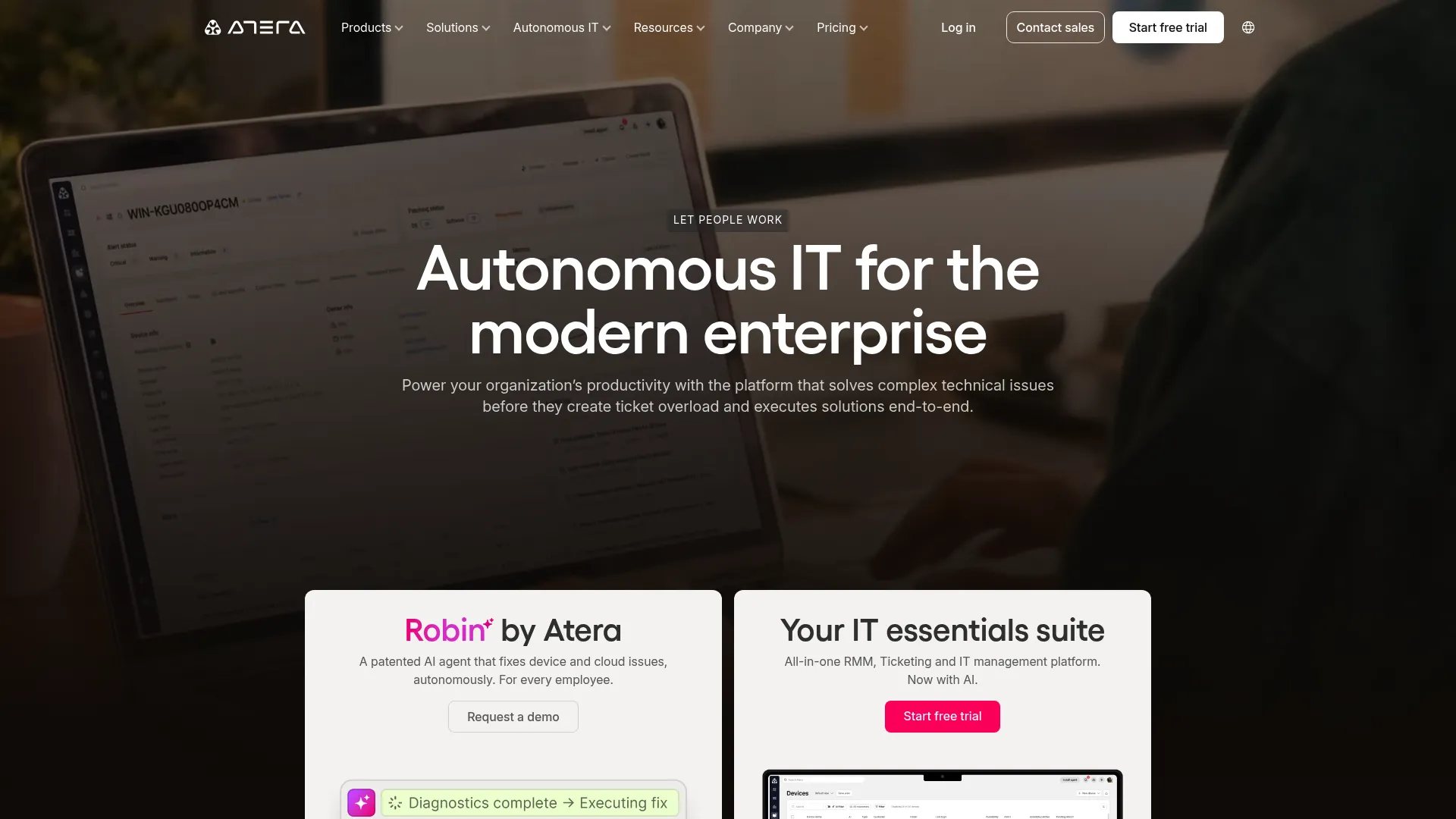
Most RMM platforms charge per device, which creates budget anxiety as your fleet grows. Atera flips this model: you pay per technician with unlimited devices.
For MSPs managing hundreds or thousands of endpoints, this changes the economics dramatically. For internal IT teams with large fleets but small staff, it offers predictable costs that don't scale with headcount.
The all-in-one platform combines RMM, PSA (Professional Services Automation), help desk, and remote access. You're getting complete IT management without juggling multiple tools or per-device licensing headaches.
Features That Set Atera Apart
Remote Monitoring and Management
Full RMM functions including monitoring, alerting, automation, and remote control for unlimited devices per technician.
Professional Services Automation (PSA)
Built-in PSA functionality handles ticketing, time tracking, billing, and project management without separate tools.
Help Desk and Ticketing
Integrated ticketing system with customer portal, SLA management, and automated routing.
Remote Access
One-click remote control for troubleshooting and support without separate remote access tools.
Patch Management
Automated patching for Windows and third-party applications with scheduling and approval workflows.
Network Discovery
Automatic discovery and mapping of network devices, providing visibility into your infrastructure.
Automated Alerts and Reporting
Customizable alerts for threshold violations and automated reports for clients or stakeholders.
Customer Management Portal
Branded portal where customers can submit tickets, view status, and access knowledge base.
Pros: Why Teams Choose Atera
Unique per-technician pricing with unlimited devices makes it cost-effective for large deployments. Your costs stay predictable regardless of fleet size.
All-in-one solution combining RMM and PSA eliminates need for separate platforms and reduces integration complexity.
Good for both MSPs managing multiple clients and internal IT teams supporting single organizations.
Regular feature additions keep the platform evolving without disruptive overhauls.
Transparent pricing published on website. No surprise costs or hidden fees.
Cloud-based deployment means quick setup without infrastructure requirements.
Cons: Where Atera Might Not Fit
Can become expensive with multiple technicians. If you have large IT staff but small device fleet, per-device pricing might be cheaper.
Some features less mature than specialized competitors. The all-in-one approach means individual functions may not match best-of-breed tools.
Reporting could be stronger. Advanced analytics require workarounds or exports.
Limited customization options compared to platforms like ConnectWise Automate or Kaseya VSA.
Criteria Evaluation
Deployment Flexibility: 4/5
Cloud-based platform with good remote functions.
Feature Completeness: 4/5
Strong RMM and PSA features, though some advanced options require add-ons.
Ease of Use: 4/5
Clean interface, though some features have a learning curve.
Integration Capabilities: 4/5
Good integration with common business tools and marketplaces.
Scalability: 5/5
Excellent for growing teams due to per-technician pricing.
Pricing Transparency: 5/5
Clear per-technician pricing published on website.
Source: Aggregated from G2, Capterra, and TrustRadius
Pricing: What You'll Actually Pay
Starts at $129 per technician per month (Professional plan) to $179 per technician per month (Expert plan), with unlimited devices. Visit Atera for current pricing.
ServiceNow: Enterprise ITSM Powerhouse
Best Known for: Enterprise Workflows
ServiceNow is overkill for most companies reading this. Yes, it's the enterprise standard. It's also like buying a 747 when you need to fly to the next state over. Can it do the job? Absolutely. Should you? Probably not.
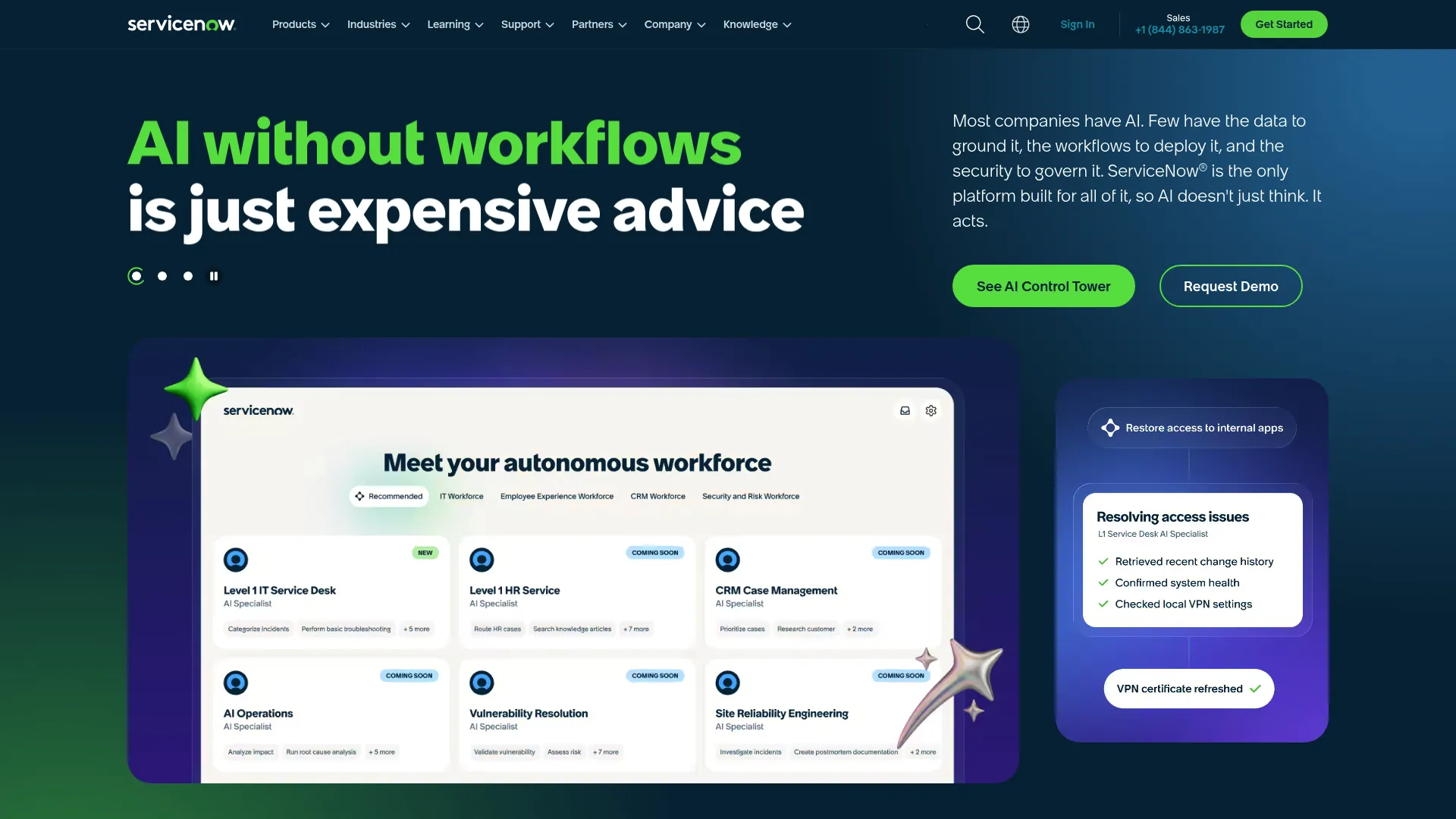
ServiceNow isn't just IT management software. It's a platform for orchestrating enterprise workflows across departments, systems, and processes.
For large organizations
For large organizations with complex ITSM requirements, ServiceNow offers things that lighter platforms can't match. The CMDB provides detailed configuration management. Workflow automation handles intricate approval chains and cross-departmental processes. Integration options connect virtually any enterprise system.
But this power comes with complexity. Implementation takes months, not days. You'll need dedicated administrators. Training requirements are substantial. For enterprises with the resources to implement it properly, ServiceNow delivers unmatched depth.
Features That Set ServiceNow Apart
IT Service Management (ITSM)
Complete ITSM including incident, problem, change, and release management aligned with ITIL best practices.
Configuration Management Database (CMDB)
Detailed CMDB tracks relationships between IT assets, applications, services, and business processes.
IT Asset Management (ITAM)
Enterprise-grade asset management with software license optimization, contract management, and compliance tracking.
Discovery and Service Mapping
Automated discovery of IT infrastructure with service mapping showing dependencies and relationships.
Event Management and Orchestration
Centralized event management with intelligent correlation and automated response orchestration.
Cloud Management
Multi-cloud management for AWS, Azure, and Google Cloud with cost optimization.
AIOps Capabilities
Machine learning-powered analytics predict incidents, recommend resolutions, and automate responses.
Extensive Workflow Automation
Low-code workflow builder creates custom automation across IT and business processes.
Pros: Why Teams Choose ServiceNow
Industry-leading ITSM depth that lighter platforms can't match.
Highly scalable for large enterprises with thousands of users and complex requirements.
Extensive customization options let you tailor the platform to specific business processes.
Strong compliance and audit features meet enterprise governance requirements.
Solid integration ecosystem connects with virtually any enterprise system.
Powerful automation and orchestration reduce manual work and improve consistency.
Cons: Where ServiceNow Might Not Fit
Steep learning curve and complexity require significant training investment.
High implementation and licensing costs put it out of reach for many organizations.
Requires dedicated administrators with specialized expertise.
Can be overkill for small to mid-sized organizations with simpler requirements.
Long implementation timelines (often 6-12 months) delay time-to-value.
Complex pricing structure makes budgeting difficult without extensive sales engagement.
Criteria Evaluation
Deployment Flexibility: 4/5
Cloud-based with solid enterprise features, though complex on-premises integration.
Feature Completeness: 5/5
Extremely complete ITSM, ITOM, and asset management functions.
Ease of Use: 3/5
Powerful but complex, requires significant training and expertise.
Integration Capabilities: 5/5
Extensive integration marketplace and API options.
Scalability: 5/5
Built for large enterprises with complex requirements.
Pricing Transparency: 2/5
Enterprise pricing requires extensive sales process.
Source: Aggregated from G2, Capterra, and TrustRadius
Pricing: What You'll Actually Pay
Enterprise pricing starting at approximately $100 per user per month, but varies significantly based on modules, user count, and implementation scope. Typically requires minimum commitments. Contact ServiceNow for detailed quotes.
SolarWinds Service Desk: Mid-Market Balance
Best Known for: Enterprise Features at Mid-Market Pricing
SolarWinds Service Desk balances enterprise-level ITSM and asset management features with mid-market accessibility. More approachable than platforms like ServiceNow while offering stronger functions than entry-level tools.
SolarWinds Service Desk (formerly Samanage) occupies the sweet spot between entry-level ITSM tools and enterprise behemoths like ServiceNow.
You get solid ITSM and asset management without the complexity and cost of enterprise platforms. The interface is more intuitive than ServiceNow. Implementation takes weeks instead of months. But you're not sacrificing critical features like change management, service catalog, or contract tracking.
For mid-market organizations that have outgrown simple ticketing systems but aren't ready for enterprise complexity, SolarWinds Service Desk provides the right balance.
Features That Set SolarWinds Service Desk Apart
IT Service Desk and Ticketing
Complete ticketing with SLA management, automated routing, and self-service portal.
IT Asset Management
Full asset lifecycle tracking including hardware, software, and cloud assets with automated discovery.
Change and Release Management
ITIL-aligned change management with approval workflows and release planning.
Service Catalog
Self-service catalog lets users request services, equipment, and access without submitting tickets.
Contract Management
Track vendor contracts, warranties, and renewals with automated alerts for expirations.
Software License Management
Monitor software usage, optimize licenses, and ensure compliance.
Mobile App Support
Native mobile apps for both technicians and end users enable support from anywhere.
Self-Service Portal
Branded portal with knowledge base, service catalog, and ticket submission reduces IT workload.
Pros: Why Teams Choose SolarWinds Service Desk
Good balance of features and usability makes it accessible for mid-market teams.
Strong asset management rivals more expensive platforms.
Reasonable pricing for mid-market organizations without sacrificing essential features.
Good customer support with responsive team and helpful resources.
Regular updates and improvements keep the platform current.
ITIL-aligned processes provide framework for mature IT operations.
Cons: Where SolarWinds Service Desk Might Not Fit
Less powerful than top-tier enterprise solutions for complex requirements.
Some features require add-on modules, increasing total cost.
Reporting could be more flexible. Custom reports sometimes require workarounds.
Occasional performance issues reported by users managing very large asset databases.
Criteria Evaluation
Deployment Flexibility: 4/5
Cloud-based with good hybrid environment support.
Feature Completeness: 4/5
Strong ITSM and asset management features, though less complete than enterprise platforms.
Ease of Use: 4/5
More intuitive than enterprise solutions, with reasonable learning curve.
Integration Capabilities: 4/5
Good integration options with common business applications.
Scalability: 4/5
Suitable for mid-market to enterprise organizations.
Pricing Transparency: 3/5
Pricing available but requires contact for detailed quotes.
Source: Aggregated from G2, Capterra, and TrustRadius
Pricing: What You'll Actually Pay
Starts around $29 per user per month for basic plans, with enterprise pricing requiring custom quotes. Contact SolarWinds for detailed pricing.
Ivanti Neurons: AI-Powered Endpoint Management
Best Known for: Intelligent Automation and Self-Healing
Ivanti Neurons combines unified endpoint management, IT asset management, and service management with AI-powered automation. Self-healing functions and predictive analytics reduce manual intervention while supporting diverse device types and operating systems. This ManageEngine Endpoint Central alternative brings intelligence to device management.
Ivanti Neurons brings AI and machine learning to endpoint management in practical ways that reduce IT workload.
Self-healing automation detects and resolves common issues before users notice. Predictive analytics identify potential problems based on patterns. The unified endpoint management approach handles Windows, macOS, Linux, iOS, and Android from a single console.
For large enterprises managing diverse device fleets across multiple platforms, Ivanti Neurons provides complete coverage with intelligent automation that reduces manual intervention.
Features That Set Ivanti Neurons Apart
Unified Endpoint Management (UEM)
Complete device management across Windows, macOS, Linux, iOS, and Android from single platform.
IT Asset Management
Full asset lifecycle tracking with automated discovery, software metering, and license optimization.
Patch Management Across All Platforms
Automated patching for operating systems and third-party applications across diverse endpoints.
Security and Compliance Management
Policy enforcement, compliance monitoring, and security posture assessment across all devices.
Self-Healing Automation
AI-powered automation detects and resolves common issues without human intervention.
AI-Powered Predictive Analytics
Machine learning identifies patterns and predicts potential issues before they impact users.
Software Distribution
Automated application deployment with dependency management and rollback options.
Mobile Device Management
Complete MDM for iOS and Android with containerization and app management.
Pros: Why Teams Choose Ivanti Neurons
Strong AI and automation reduce manual work and improve response times.
Complete cross-platform support handles diverse device environments from single console.
Good security features with integrated threat detection and response.
Solid patch management across all platforms reduces vulnerability windows.
Enterprise-grade scalability handles large, complex deployments.
Cons: Where Ivanti Neurons Might Not Fit
Complex implementation requires significant planning and expertise.
Higher cost structure puts it out of reach for smaller organizations.
Steep learning curve means training investment before teams become productive.
Can be overwhelming for organizations with simpler requirements.
Criteria Evaluation
Deployment Flexibility: 4/5
Cloud-first with on-premises options available.
Feature Completeness: 5/5
Complete UEM, ITAM, and ITSM functions with AI enhancement.
Ease of Use: 3/5
Powerful but complex, requires training.
Integration Capabilities: 4/5
Strong integration with enterprise systems.
Scalability: 5/5
Built for large enterprise deployments.
Pricing Transparency: 2/5
Enterprise pricing requires detailed sales engagement.
Source: Aggregated from G2, Capterra, and TrustRadius
Pricing: What You'll Actually Pay
Enterprise pricing model, typically starting at $40+ per device annually depending on modules and features. Contact Ivanti for detailed quotes.
JumpCloud: Cloud Directory for Distributed Teams
Best Known for: Active Directory Alternative
JumpCloud provides cloud-based directory services, identity management, and device management purpose-built for distributed organizations. It replaces on-premises Active Directory with modern cloud infrastructure while adding SSO, MFA, and cross-platform device management. Among ManageEngine alternatives, JumpCloud excels for identity-first organizations.
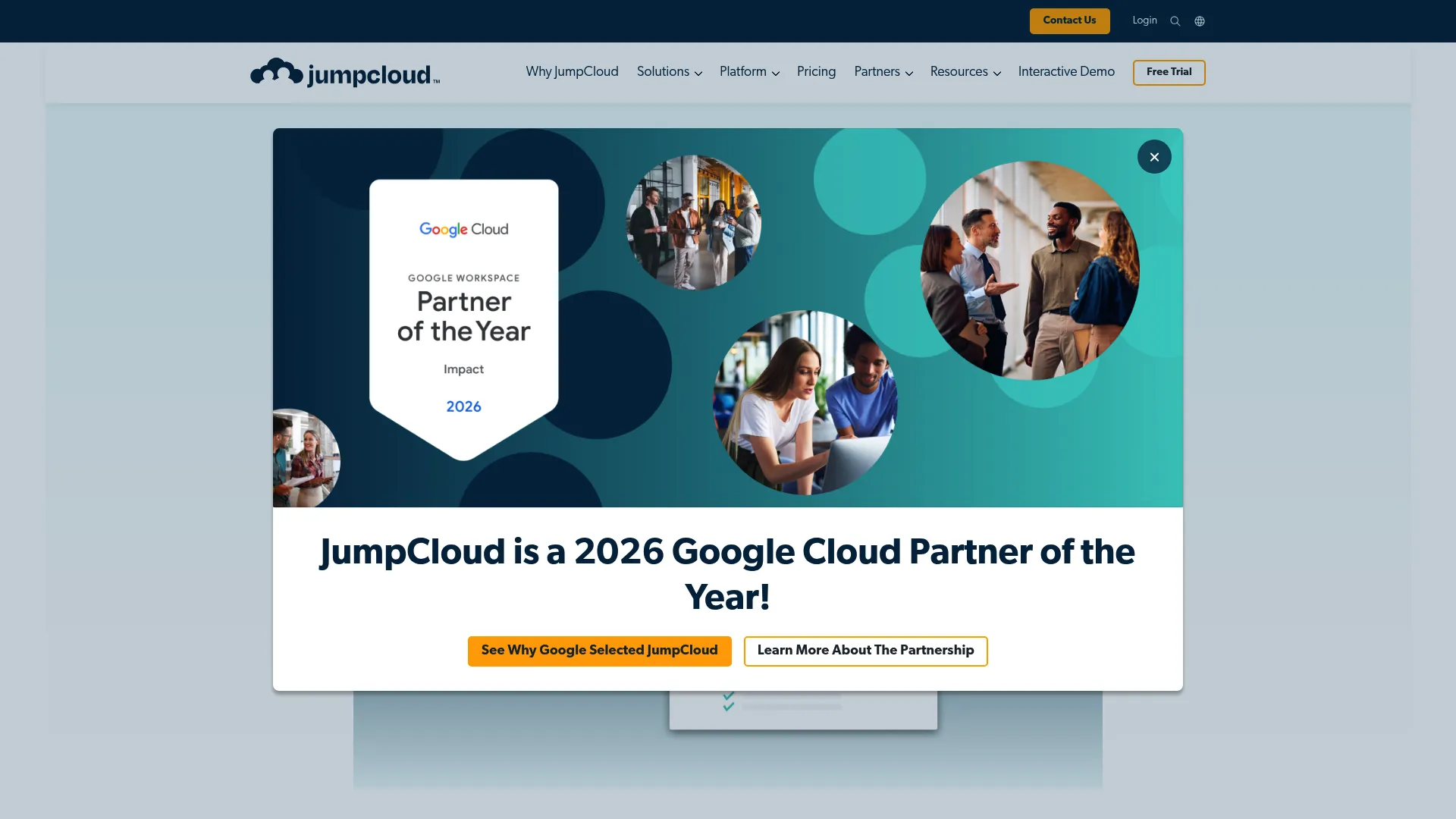
JumpCloud reimagines directory services for the cloud era. Instead of maintaining on-premises Active Directory infrastructure, you get cloud-based identity and access management that works seamlessly for distributed teams.
The platform combines user directory, SSO, MFA, and device management (Windows, Mac, Linux) in a modern, intuitive interface.
For organizations moving away from on-premises infrastructure or building distributed teams from scratch, JumpCloud provides the identity and device management foundation without legacy complexity.
Features That Set JumpCloud Apart
Cloud Directory Services
Centralized user management with groups, policies, and authentication without on-premises infrastructure.
Single Sign-On (SSO)
SSO for thousands of applications with SAML, OAuth, and OIDC support.
Multi-Factor Authentication (MFA)
Built-in MFA with push notifications, TOTP, and WebAuthn support.
Device Management (Windows, Mac, Linux)
Cross-platform device management with policy enforcement and remote commands.
RADIUS and LDAP Support
Legacy protocol support ensures compatibility with applications requiring traditional authentication.
Patch Management
Automated patching for Windows, macOS, and Linux reduces vulnerability windows.
Password Management
Centralized password policies with complexity requirements and rotation enforcement.
Zero Trust Security Framework
Conditional access policies based on user, device, location, and risk factors.
Pros: Why Teams Choose JumpCloud
Excellent for distributed teams without on-premises infrastructure requirements.
Modern cloud-first architecture designed for remote work realities.
Transparent pricing published on website with free tier for small teams.
Easy to implement and manage without specialized expertise.
Strong security features including MFA, conditional access, and device trust.
Good cross-platform support for Windows, Mac, and Linux.
No on-premises infrastructure means lower maintenance and faster deployment.
Cons: Where JumpCloud Might Not Fit
Not a full ITSM or complete asset management
Not a full ITSM or complete asset management solution.
Limited help desk functions require separate ticketing platform.
Fewer features than complete endpoint management platforms like Ivanti or ServiceNow.
Some advanced features require higher pricing tiers.
Criteria Evaluation
Deployment Flexibility: 5/5
Fully cloud-based, purpose-built for distributed environments.
Feature Completeness: 4/5
Strong IAM and device management, though not full ITSM suite.
Ease of Use: 5/5
Modern, intuitive interface with straightforward setup.
Integration Capabilities: 5/5
Extensive integration options with cloud applications.
Scalability: 5/5
Excellent for growing distributed teams.
Pricing Transparency: 5/5
Clear pricing published on website.
Source: Aggregated from G2, Capterra, and TrustRadius
Pricing: What You'll Actually Pay
Free for up to 10 users, then $8-$24 per user per month depending on features. Device management adds $4-$6 per device per month. Visit JumpCloud for current pricing.
Jamf Pro: The Apple Gold Standard
If you manage Macs and you're not using Jamf, you're doing it wrong. Full stop.
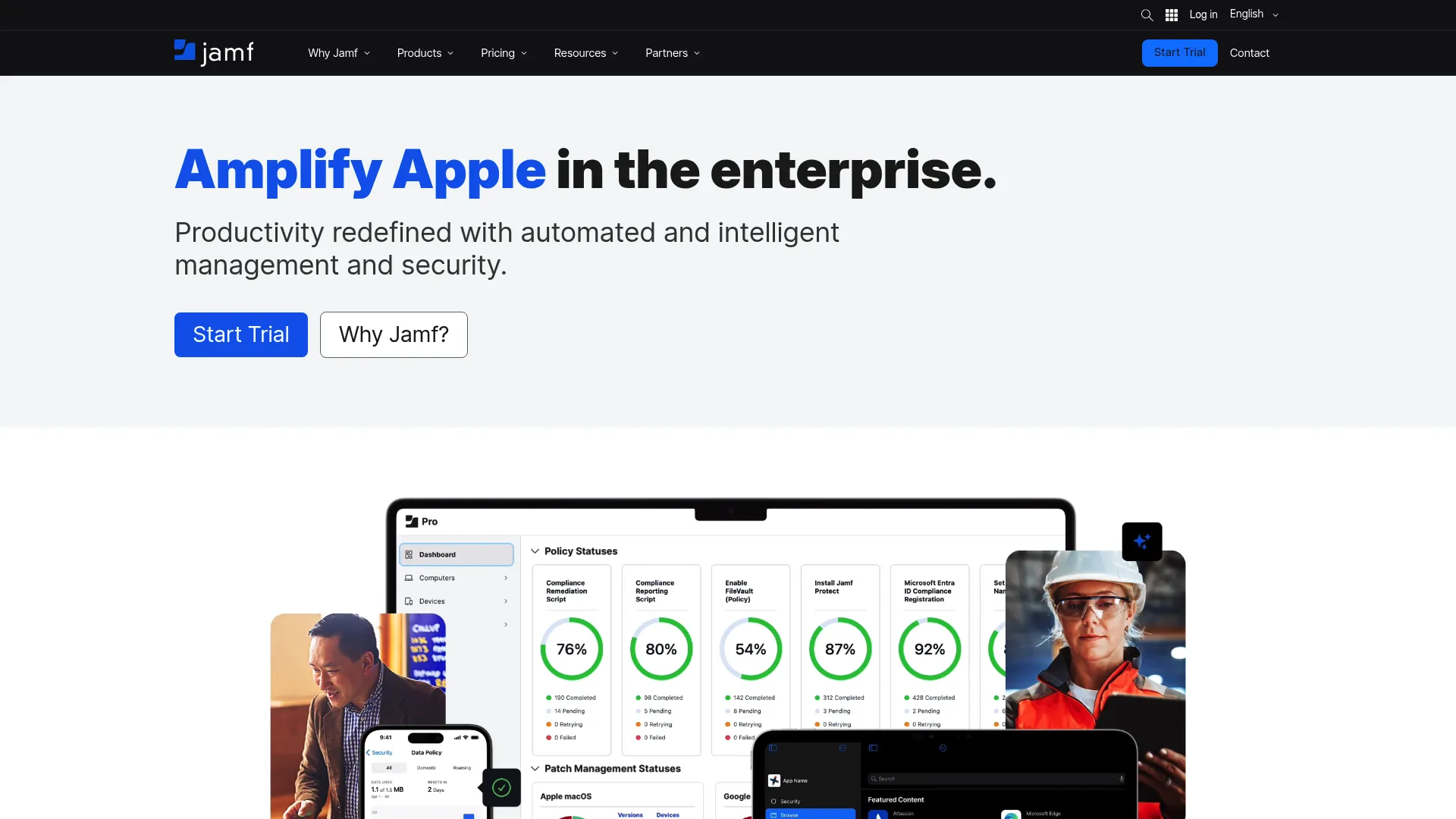
Jamf Pro specializes exclusively in Apple device management across macOS, iOS, iPadOS, and tvOS. Deep integration with Apple Business Manager and ecosystem provides things that cross-platform tools can't match for organizations committed to Apple devices.
The platform integrates deeply with Apple Business Manager, supports zero-touch deployment, and stays current with every Apple OS release.
You're not getting generic MDM adapted for Apple devices. You're getting purpose-built tools that use Apple's frameworks and features.
For education institutions, creative agencies, and enterprises committed to Apple ecosystems, Jamf Pro provides management depth that cross-platform tools simply can't match.
One client was managing 300 Macs with a Windows-focused MDM. They were constantly fighting the platform. Switched to Jamf, and suddenly tasks that took hours took minutes.
Features That Set Jamf Pro Apart
Complete Apple Device Management
Full lifecycle management for Mac, iPhone, iPad, and Apple TV with deep OS integration.
Zero-Touch Deployment
Automated enrollment and configuration through Apple Business Manager without manual setup.
Automated Patch Management for macOS
Automated OS and application updates with flexible scheduling and user deferral options.
App Distribution and Management
Deploy and manage App Store apps, custom apps, and in-house applications with volume licensing.
Security and Compliance Enforcement
FileVault encryption, firewall configuration, password policies, and compliance monitoring.
Self-Service Portal
Branded self-service app lets users install approved applications and troubleshoot common issues.
Inventory Management
Detailed hardware and software inventory with custom extension attributes.
Integration with Apple Business Manager
Seamless integration with Apple's device enrollment and volume purchasing programs.
Conditional Access Policies
Device compliance requirements for accessing corporate resources.
Pros: Why Teams Choose Jamf Pro
Best-in-class for Apple device management with things cross-platform tools can't match.
Deep Apple ecosystem integration uses platform-specific features and frameworks.
Strong automation reduces manual work for Apple fleet management.
Excellent for education and enterprise environments with large Apple deployments.
Active user community provides scripts, policies, and troubleshooting assistance.
Regular updates aligned with Apple releases ensure compatibility with latest OS versions.
Cons: Where Jamf Pro Might Not Fit
Apple-only platform provides no support for Windows or Linux devices.
Premium pricing reflects specialized functions.
Requires expertise to maximize platform features and use advanced options.
Not a full ITSM solution; focuses specifically on device management.
Limited asset management for non-Apple devices creates gaps in mixed environments.
Criteria Evaluation
Deployment Flexibility: 4/5
Cloud-hosted or on-premises options available.
Feature Completeness: 5/5
Most complete Apple device management solution available.
Ease of Use: 4/5
Intuitive for Apple-focused environments, though feature-rich interface has learning curve.
Integration Capabilities: 4/5
Strong Apple ecosystem integrations and API access.
Scalability: 5/5
Scales from small businesses to large enterprises.
Pricing Transparency: 3/5
Pricing requires contact, varies by deployment size.
Source: Aggregated from G2, Capterra, and TrustRadius
Pricing: What You'll Actually Pay
Custom pricing based on device count and deployment type. Typically starts around $4-$8 per device per month for cloud hosting. Contact Jamf for detailed quotes.
Kaseya VSA: When You Need Power Over Polish
Look, Kaseya is incredibly powerful. The automation engine can handle pretty much anything you throw at it. MSPs managing thousands of endpoints love it.
But that interface? It looks like it was designed in 2005. Because it was.
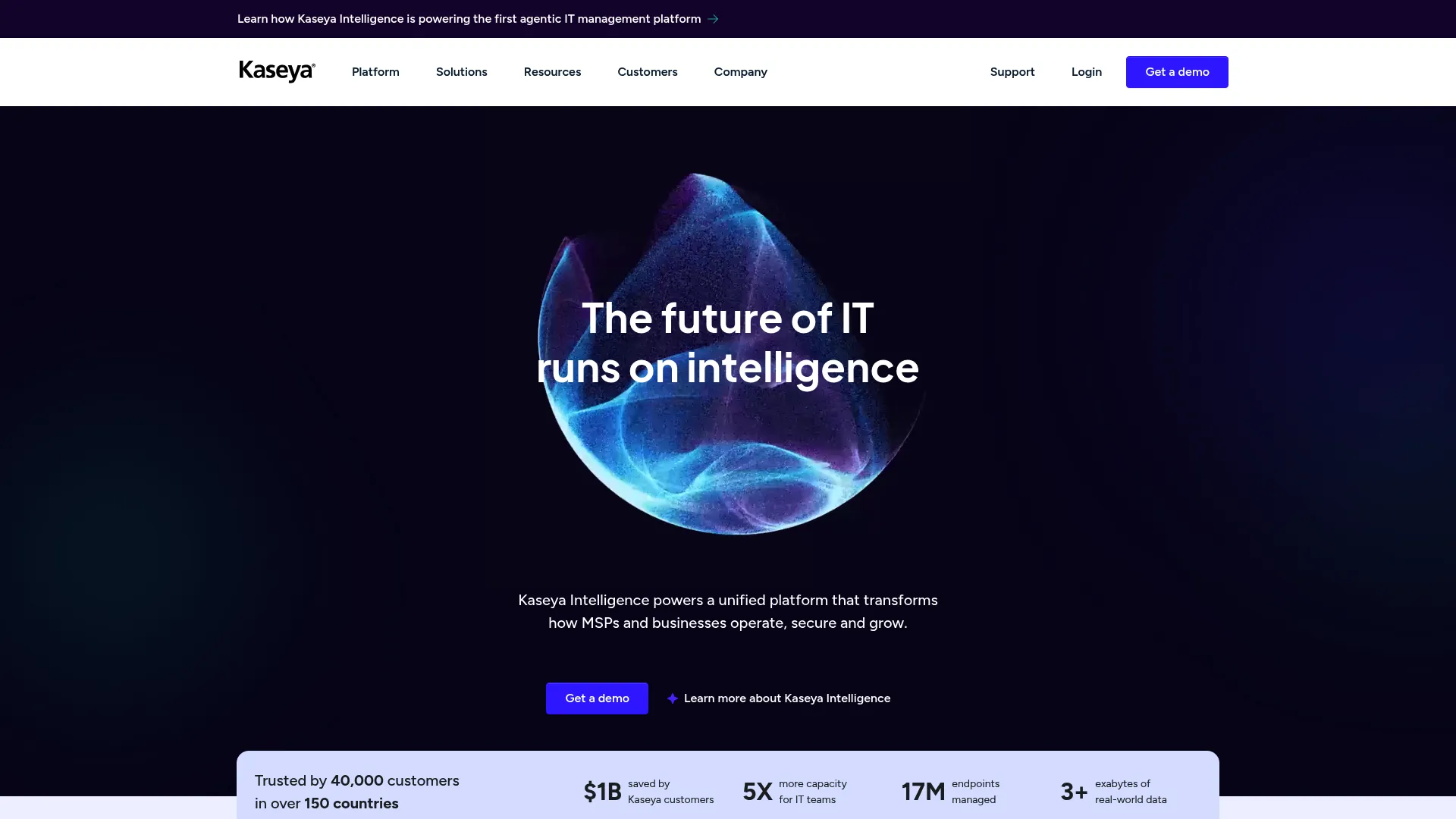
Kaseya VSA provides full RMM with extensive automation and scripting designed for MSPs managing large client bases. The powerful automation engine handles complex workflows at the cost of interface complexity and steep learning curve.
Kaseya VSA is built for MSPs who need to manage thousands of endpoints across dozens of clients with minimal manual intervention.
The automation engine is exceptionally powerful. You can script virtually any task, create complex workflows, and automate repetitive processes.
For MSPs with technical expertise, this enables efficient management at scale. But that power comes with complexity. The learning curve is brutal. You'll need dedicated time to master the platform and build automation that delivers ROI.
Features That Set Kaseya VSA Apart
Remote Monitoring and Management
Complete endpoint monitoring with customizable alerts and automated response.
Automated Patch Management
OS and application patching with flexible scheduling, testing, and rollback options.
Scripting and Automation Engine
Powerful scripting environment supports complex automation and custom workflows.
Network Monitoring
Monitor network devices, bandwidth usage, and performance metrics.
Backup and Disaster Recovery
Integrated backup with cloud and local storage options.
Service Desk Integration
Connects with Kaseya's BMS and other PSA platforms for workflow automation.
Asset Discovery and Inventory
Automated discovery with detailed hardware and software inventory.
Compliance Reporting
Pre-built compliance reports for common frameworks and custom report creation.
Mobile Device Support
Basic MDM for iOS and Android devices.
Pros: Why Teams Choose Kaseya VSA
Extremely powerful automation enables efficient management at scale.
Complete feature set covers virtually all RMM requirements.
Good for MSPs managing multiple clients with diverse needs.
Strong scripting engine provides flexibility for custom workflows.
Solid reporting with pre-built and custom report options.
Handles large deployments efficiently with mature infrastructure.
Cons: Where Kaseya VSA Might Not Fit
Complex and difficult to learn; requires significant training investment.
Interface feels dated compared to modern platforms like NinjaOne.
Can be overwhelming for smaller teams without dedicated administrators.
Higher cost structure reflects enterprise-grade functions.
Implementation requires significant time investment to configure and optimize.
Past security incidents (2021 ransomware attack) raised concerns about platform security. (Security has improved, but it's worth mentioning.)
Criteria Evaluation
Deployment Flexibility: 4/5
Cloud and on-premises options available.
Feature Completeness: 5/5
Extremely complete RMM feature set with extensive automation.
Ease of Use: 3/5
Powerful but complex interface with steep learning curve.
Integration Capabilities: 4/5
Strong integration with Kaseya ecosystem and third-party tools.
Scalability: 5/5
Built to manage thousands of endpoints.
Pricing Transparency: 2/5
Complex pricing structure requires sales engagement.
Source: Aggregated from G2, Capterra, and TrustRadius
Pricing: What You'll Actually Pay
Custom pricing based on agent count and modules. Typically ranges from $2-$6 per endpoint per month depending on features and commitment. Contact Kaseya for detailed quotes.
ConnectWise Automate: Deep Customization Platform
Best Known for: Extensive Customization for MSPs
ConnectWise Automate is powerful. It's also the platform equivalent of learning to fly a helicopter. Rewarding once you get it, painful until then.
ConnectWise Automate offers deep automation and customization for MSPs with technical expertise. The platform provides complete RMM features with flexibility for complex workflows, though the outdated interface and steep learning curve create barriers to adoption. This ManageEngine alternative excels for customization-focused teams.
ConnectWise Automate (formerly LabTech) gives MSPs with technical expertise virtually unlimited customization options.
The scripting engine, custom monitors, and integration options let you build precisely the workflows you need. The active community shares scripts and best practices.
Integration with ConnectWise Manage (PSA) creates complete business management for MSPs. But you're trading ease of use for flexibility. The interface looks dated. The learning curve is brutal. You'll need dedicated staff who can invest time mastering the platform.
Features That Set ConnectWise Automate Apart
Advanced Monitoring and Alerting
Complete monitoring with custom monitor creation and flexible alerting rules.
Scripting and Automation
Powerful scripting environment with community script library and custom script creation.
Patch Management
Automated patching with testing, approval workflows, and rollback options.
Remote Control
Built-in remote access with session recording and multi-monitor support.
Asset and Inventory Management
Detailed hardware and software inventory with custom data collection.
Network Discovery
Automated network discovery maps infrastructure and identifies devices.
Antivirus Management
Centralized management for multiple antivirus platforms.
Integration with ConnectWise Manage (PSA)
Deep integration with ConnectWise PSA creates unified workflow from monitoring to billing.
Custom Monitor Creation
Build custom monitors for virtually any metric or condition.
Pros: Why Teams Choose ConnectWise Automate
Extremely powerful automation enables complex workflows.
Highly customizable to meet specific MSP requirements.
Excellent for MSPs with technical staff who can use platform features.
Strong integration with ConnectWise ecosystem creates complete business management.
Complete monitoring with custom monitor creation.
Active community shares scripts, monitors, and best practices.
Cons: Where ConnectWise Automate Might Not Fit
Very steep learning curve requires significant training investment.
Outdated user interface frustrates users accustomed to modern platforms. (Yes, I know the interface looks dated. We're all thinking it.)
Requires significant training and expertise to use effectively.
Can be unstable with heavy customization; requires careful management.
Resource-intensive agent can impact endpoint performance.
Complex pricing structure makes budgeting difficult.
Criteria Evaluation
Deployment Flexibility: 4/5
Cloud-hosted and on-premises options.
Feature Completeness: 5/5
Extensive RMM features with deep customization.
Ease of Use: 2/5
Very complex interface with significant learning curve.
Integration Capabilities: 5/5
Excellent integration with ConnectWise ecosystem and third-party tools.
Scalability: 5/5
Designed to manage thousands of endpoints across multiple clients.
Pricing Transparency: 2/5
Pricing requires sales contact and varies significantly.
Source: Aggregated from G2, Capterra, and TrustRadius
Pricing: What You'll
Pricing: What You'll Actually Pay
Custom pricing based on endpoints and features. Generally ranges from $2-$5 per endpoint per month, with additional costs for integrations. Contact ConnectWise for detailed quotes.
Freshservice: Intuitive ITSM Solution
Best Known for: User Experience and Quick Deployment
Freshservice proves ITSM doesn't have to be complex or painful to implement.
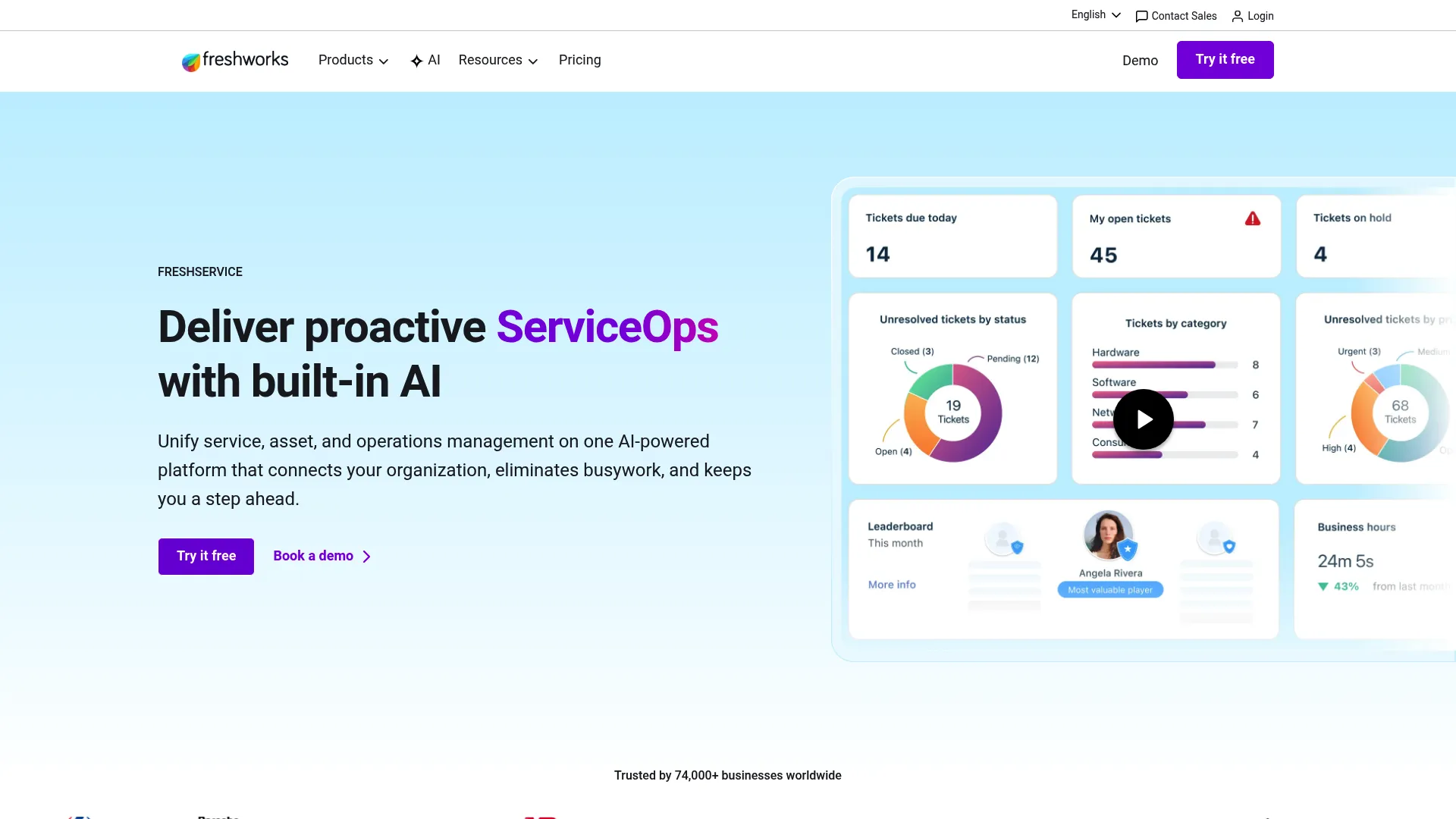
Freshservice prioritizes user experience with an intuitive ITSM platform that deploys quickly and requires minimal training. Strong for help desk, asset management, and service catalog at transparent pricing, though lighter on endpoint management than complete RMM platforms. This ManageEngine alternative wins on simplicity.
The modern interface makes sense immediately. Your team becomes productive in days, not months. End users enjoy using the self-service portal (which is rare).
Deployment happens quickly without extensive consulting or customization. For organizations that need solid ITSM without enterprise complexity, Freshservice delivers exceptional user experience at reasonable pricing.
Features That Set Freshservice Apart
IT Service Desk and Ticketing
Intuitive ticketing with SLA management, automated routing, and collaboration tools.
IT Asset Management
Asset lifecycle tracking with automated discovery, relationship mapping, and contract management.
Change and Release Management
ITIL-aligned change management with approval workflows and impact assessment.
Problem Management
Root cause analysis, known error database, and problem-to-incident linking.
Service Catalog
Self-service catalog with approval workflows and fulfillment automation.
CMDB
Configuration management database tracks assets, relationships, and dependencies.
Knowledge Management
Knowledge base with article creation, approval workflows, and search functions.
Self-Service Portal
Branded portal with knowledge base, service catalog, and ticket submission.
Mobile Apps
Native iOS and Android apps for both agents and end users.
Automation and Workflows
Visual workflow builder creates automation without coding.
Pros: Why Teams Choose Freshservice
Extremely easy to use and implement with intuitive interface.
Modern, attractive design improves user adoption.
Transparent pricing published on website with clear tier differentiation.
Quick deployment measured in days versus months for enterprise platforms.
Good customer support with responsive team.
Regular feature updates keep platform current.
Strong mobile experience for agents and end users.
ITIL-aligned processes provide framework without complexity.
Cons: Where Freshservice Might Not Fit
Less complete than enterprise platforms like ServiceNow for complex requirements.
Limited endpoint management; not a replacement for complete RMM.
Reporting could be more advanced for complex analytics needs.
Some enterprise features require highest pricing tier.
Not ideal for complex MSP requirements with multi-tenant needs.
Criteria Evaluation
Deployment Flexibility: 5/5
Fully cloud-based with quick deployment.
Feature Completeness: 4/5
Strong ITSM features, though lighter on endpoint management.
Ease of Use: 5/5
Exceptionally intuitive interface with minimal training required.
Integration Capabilities: 5/5
Extensive marketplace with pre-built integrations.
Scalability: 4/5
Scales well for small to mid-market, adequate for enterprise.
Pricing Transparency: 5/5
Clear tiered pricing published on website.
Source: Aggregated from G2, Capterra, and TrustRadius
Pricing: What You'll Actually Pay
Starts at $19 per agent per month (Starter) up to $109 per agent per month (Enterprise), with custom pricing for larger deployments. Visit Freshservice for current pricing.
Notable Mentions Worth Considering
Four additional platforms deserve consideration for specific use cases. Snipe-IT offers open-source flexibility, Asset Panda handles diverse asset types, Kandji provides modern Apple management, and Syncro targets small MSPs with affordable all-in-one functions.
Snipe-IT: Open-Source Asset Management
An open-source IT asset management solution ideal for organizations wanting full control and customization without licensing costs. Best for teams with technical expertise who can self-host and customize. While it lacks the polish and support of commercial solutions, it offers solid asset tracking, check-in/check-out workflows, and reporting. Great for budget-conscious organizations with in-house development skills. Explore Snipe-IT.
Asset Panda: Flexible Multi-Asset Tracking
A flexible asset tracking platform that goes beyond IT assets to manage any type of organizational asset. Strong mobile-first approach with offline functions and barcode/RFID scanning. Good fit for organizations needing to track diverse asset types (IT equipment, vehicles, facilities) in a single platform. More focused on tracking than full lifecycle management. Check out Asset Panda.
Kandji: Modern Apple Device Management
A modern Apple device management platform designed specifically for IT teams managing Mac, iPhone, and iPad fleets. Emphasizes zero-touch deployment and automated compliance. Excellent alternative to Jamf for organizations wanting a more streamlined, modern approach to Apple device management with strong security focus. Limited to Apple ecosystem only. Visit Kandji.
Syncro: All-in-One for Small MSPs
An all-in-one RMM and PSA platform built specifically for small to mid-sized MSPs. Combines ticketing, RMM, billing, and customer management in one affordable package. Best for MSPs just starting out or smaller operations that want integrated tools without enterprise complexity or cost. Per-technician pricing with unlimited devices makes it cost-effective for growing businesses. Explore Syncro.
Frequently Asked Questions
Do I really need to replace ManageEngine?
Maybe not. If you're managing a single office with on-site IT, ManageEngine probably works fine.
But if you're dealing with distributed teams, remote onboarding, or global deployments, you're gonna hit limitations fast. I've seen too many companies try to force ManageEngine to do things it wasn't designed for.
Ask yourself: Are you fighting your tools or working with them?
What's the real difference between these RMM platforms? They all look the same.
On paper? Yeah, they're similar. In practice? Huge differences.
NinjaOne deploys in days. Kaseya takes weeks but gives you more control. ConnectWise is powerful but painful to learn. Atera's pricing model changes the economics entirely.
The difference isn't usually features. It's how those features fit your team's expertise and workflow.
Can these platforms handle global distributed teams across multiple countries?
Most RMM and ITSM platforms handle remote device management well, but they don't address physical logistics. Tools like NinjaOne, ServiceNow, and Freshservice excel at software deployment and monitoring but won't help you procure a laptop in Brazil or retrieve equipment from a terminated employee in the Philippines.
GroWrk specifically addresses this gap by combining IT asset management software with global logistics services across 150+ countries. JumpCloud and similar cloud-first platforms work well for distributed identity management.
Consider whether you need just software management or complete lifecycle services including physical deployment and retrieval. For more insights, check out our guide on how to manage a distributed team, which provides strategies for coordinating IT operations across global teams.
How long does it typically take to migrate from ManageEngine to a new platform?
Migration timelines vary dramatically based on platform complexity and your environment.
Simple ITSM tools like Freshservice can deploy in days with basic configuration. Complete platforms like ServiceNow or Ivanti Neurons require months of planning, data migration, customization, and training. RMM platforms like NinjaOne or Atera typically deploy in 2-4 weeks including agent deployment and policy configuration.
Budget time for data cleanup, integration setup, user training, and parallel running of old and new systems. The complexity of your current ManageEngine configuration directly impacts migration effort. Understanding IT asset management best practices helps ensure smooth transitions and avoid common migration pitfalls.
Should I prioritize ease of use or feature completeness when choosing an alternative?
This depends on your team's technical expertise and requirements complexity.
If you have limited IT staff or need quick user adoption, prioritize ease of use (Freshservice, NinjaOne). Complex requirements with dedicated administrators justify feature-rich platforms (ServiceNow, Ivanti Neurons).
Consider the total cost of complexity including training time, administrator salaries, and delayed time-to-value. Sometimes a simpler platform that your team uses effectively delivers better outcomes than a complete platform that sits partially configured.
Start with your must-have features, then evaluate whether additional options justify added complexity.
Can I just use the free tier and upgrade later?
You can. Should you? Depends.
Free tiers are great for testing, terrible for production. You'll hit limits fast, usually around device count, features, or support. And migrating data when you upgrade can be a pain.
My advice: Test on free, but plan to pay from day one of actual deployment.
Making Your Decision (The Honest Version)
Here's what I've learned after eight years in this space: There's no "best" platform. There's only the best fit for your specific situation.
Managing 50 people in one city? Your needs are completely different from managing 500 people across 30 countries.
Running an MSP? Different from internal IT.
All-in on Apple? Different from mixed environments.
My actual recommendations (not the diplomatic version):
If you're managing distributed teams across multiple countries and you're tired of coordinating vendors, customs, and logistics, use GroWrk. It's the only platform that handles both the software and the physical reality of global IT.
If you want complete RMM without the complexity, use NinjaOne. It's fast, it works, and your team will actually use it.
If you're managing a huge device fleet with a small team, use Atera. The per-technician pricing makes sense when you're managing 1,000+ devices with three people.
If you're all-in on Apple, use Jamf. Stop trying to make cross-platform tools work for Macs.
If you need modern identity management without on-prem infrastructure, use JumpCloud.
Everything else? They're solid platforms with specific use cases. But for most teams reading this, you're probably better off with one of the five above.
One last thing: Whatever you choose, don't try to implement it perfectly from day one. Start small. Test with a pilot group. Learn what works. Then scale.
I've seen companies spend six months planning the "perfect" implementation and fail. I've also seen companies start messy, learn fast, and succeed.
Perfect is the enemy of done. Especially in IT management.
Want to see how GroWrk handles distributed IT differently? We built our platform specifically to address the gap between digital asset management and physical logistics. When you hire someone in Argentina, GroWrk sources compliant hardware, handles customs, delivers it on day one, and manages the complete lifecycle through secure retrieval and disposition. Our integrations with ServiceNow, Okta, Workday, BambooHR, and other platforms automate workflows from hire-to-retire.
Whether you choose GroWrk or another platform from this list, make sure it solves your specific challenges. A complete RMM platform won't help you ship laptops to new hires in Southeast Asia. A basic ITSM tool won't provide the automation your MSP needs. For teams managing equipment for remote workers, which explores the unique challenges of global equipment deployment and retrieval, understanding the full lifecycle is critical to success.
Explore our platform or check out our integration marketplace to see how we connect with your existing tools.
(Yes, that's a sales pitch. But after 4,000+ words of honest comparison, I think I've earned it.)
Choosing the right ManageEngine alternative
The best ManageEngine alternative fits your team's size and global footprint rather than simply matching feature checklists.