



GroWrk sources approved laptops, prepares them for your existing MDM and identity policies, registers each asset, and delivers directly to employees across Canada, so new hires open a ready-to-work device instead of waiting on IT. The same platform tracks support, retrieval, and redeployment across 150+ countries.
Zero-Touch Laptop Deployment in Canada: The Short Answer
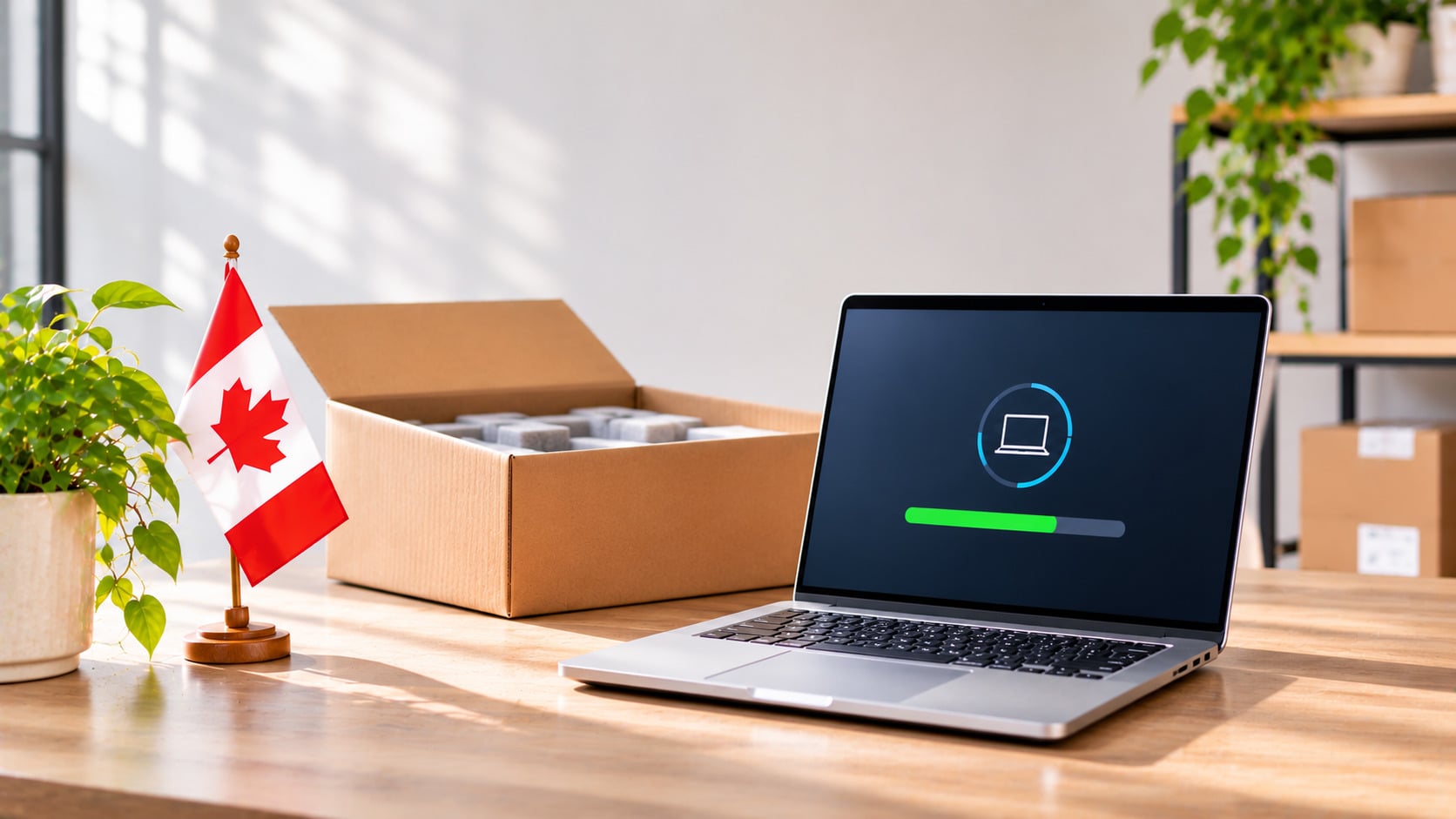
Zero-touch laptop deployment in Canada means the device is sourced, configured, enrolled, and shipped before the employee ever touches it, so IT does not have to set anything up by hand. GroWrk delivers that workflow for distributed companies: local sourcing in Canada, preparation for your MDM and identity setup, direct delivery to the employee’s home or office, and a live record that follows the device through support and retrieval.
It is built for teams with employees in Canada and other countries, because the same process, dashboard, and evidence apply everywhere. If you also hire in Australia, see our guide to laptop deployment in Australia.
What is Zero-Touch Laptop Deployment?
Zero-touch deployment is a provisioning model in which a company laptop is registered and prepared for the organisation’s management and security policies before it ships, so it arrives enrolled and ready for first login. In practice that usually involves Apple Business Manager for Apple devices, Windows Autopilot for Windows devices, or the organisation’s MDM, along with identity assignment and approved applications.
Zero-touch is not the same as simply shipping a laptop. A courier moves a parcel. Zero-touch deployment also decides which model and keyboard layout the role needs, enrolls the device, records which serial number belongs to which employee, and defines what happens when the laptop needs repair or the employee leaves. Availability depends on the device, reseller channel, and management stack.
How Zero-Touch Deployment Works in Canada
- Trigger the order. Start the IT onboarding workflow from an approved HRIS, ticket, or IT request with the employee’s Canadian address, start date, role, and device policy.
- Source in Canada. Select the approved model, memory, storage, keyboard layout, charger, and accessories from Canadian supply to avoid cross-border delays.
- Register and enroll. Register the device with Apple Business Manager, Windows Autopilot, or the organisation’s MDM where applicable, and complete the configuration handoff and identity setup.
- Tag and assign. Apply an asset tag and record the serial number, employee, role, cost, warranty, location, and accessories before shipment.
- Deliver and confirm. Ship directly to the employee’s home or office with tracking, employee communication, and receipt confirmation.
- Support and retrieve. Keep repair, replacement, and support history on the record, then trigger retrieval, wiping, and redeployment when the employee leaves.
DIY and Local Reseller vs. GroWrk in Canada
| Factor | DIY or Local Reseller | GroWrk |
|---|---|---|
| Device Selection | Model chosen per order | Approved role catalog with Canadian sourcing |
| Configuration | IT or the employee configures after delivery | MDM-ready preparation and enrollment before delivery where supported |
| Delivery | Shipment tracked in a vendor portal | Direct home or office delivery tied to the employee record |
| Asset Record | Spreadsheet or reseller invoice | Live record with assignee, location, status, and history |
| Support | Warranty and reseller contacted manually | Repairs and replacements coordinated through one workflow |
| Offboarding | Employee returns the device ad hoc | Tracked retrieval, certified wiping, and redeployment |
| Global View | Canada handled separately | Canada visible in the same fleet as 150+ countries |
What to Check Before Deploying Laptops in Canada
-
Local specifications and supply. Confirm approved models, keyboard layout (US English, Canadian French, or Canadian Multilingual), operating-system language, charger, and warranty before ordering. Language choices matter especially for employees in Quebec.
-
MDM-ready setup with clear boundaries. GroWrk prepares and enrolls the laptop for the organisation’s existing Apple, Windows, MDM, identity, and security policies. The customer retains policy ownership.
-
Taxes and sourcing. Most laptops and computers enter Canada duty-free, but federal GST applies, with HST or provincial sales tax in many provinces. Local sourcing can avoid cross-border customs paperwork. Confirm the treatment for your situation with your provider and tax advisor, and see GroWrk’s Canada country guide for customs and compliance details.
-
Electronics-safe logistics to remote addresses. Packaging, tracking, employee availability, and exception handling matter for home deliveries, rural addresses, and northern or territorial locations, where winter weather can delay carriers.
-
Privacy and data protection. Canadian privacy obligations include the federal PIPEDA and provincial laws such as Quebec’s Law 25. Encrypt devices and wipe them to a recognized standard before reuse or disposal.
-
A return path from Day 1. The record should already support repair, replacement, retrieval, certified wiping, redeployment, resale, recycling, and disposal, so when someone leaves you can compare employee device retrieval services in Canada without rebuilding the device history.
Deliver ready-to-work laptops anywhere in Canada, with no logistics to build
Tell us the employee’s city, start date, and approved laptop spec. GroWrk handles sourcing, MDM setup, delivery, and tracking, and plans the return path from day one.
→ Book a demo to see how GroWrk deploys zero-touch laptops to your team across Canada →
FAQs on Zero-Touch Laptop Deployment in Canada
What are the best providers for deploying company laptops to employees in Canada?
Options include global lifecycle platforms such as GroWrk, Workwize, and allwhere, Canada-focused logistics providers such as LapDrop, and resellers or managed-service providers such as CDW Canada and Insight Canada. GroWrk sources approved laptops, prepares them for the customer’s existing MDM and identity setup, delivers directly to employees in Canada, and manages support, retrieval, and redeployment across 150+ countries.
Can laptops be delivered to employees in Canada already enrolled in our MDM?
Yes, where the device, reseller channel, and management setup support it. GroWrk can register and prepare Apple, Windows, or Linux devices for the organisation’s existing MDM and identity workflow. The exact steps differ for Apple Business Manager, Windows Autopilot, the selected MDM, and devices that require manual enrollment.
How fast can GroWrk deliver a preconfigured laptop in Canada?
GroWrk states that pre-configured devices reach new hires in most supported countries within seven business days, with expedited options for urgent starts. Exact Canadian timing depends on the approved model, stock, configuration, and delivery address.
Should we source laptops in Canada or ship them from another country?
Local sourcing can reduce customs friction, simplify warranty coverage, and provide the correct keyboard layout and charger. Shipping existing inventory across borders may still make sense for specialised hardware, but verify customs, tax, battery, and warranty requirements before shipment.
What happens to the laptop when the employee leaves?
Trigger retrieval when the departure is confirmed, coordinate packaging and pickup or drop-off, track custody, then inspect and wipe the device to NIST 800-88 and route it to redeployment, resale, recycling, or certified disposal. GroWrk keeps those steps connected to the original asset record.
Sources
- GroWrk Canada country guide — Canada shipping, customs, compliance, retrieval, and disposal context.
- GroWrk corporate laptop deployment in Canada — Canada deployment overview.
- GroWrk IT onboarding — HRIS triggers, local sourcing, MDM-ready setup, direct delivery, and seven-business-day positioning.
- GroWrk device management — enrollment, assignment tracking, support, and lifecycle continuity.
- GroWrk laptop retrieval service — collection, tracking, NIST 800-88 wiping, and redeployment.