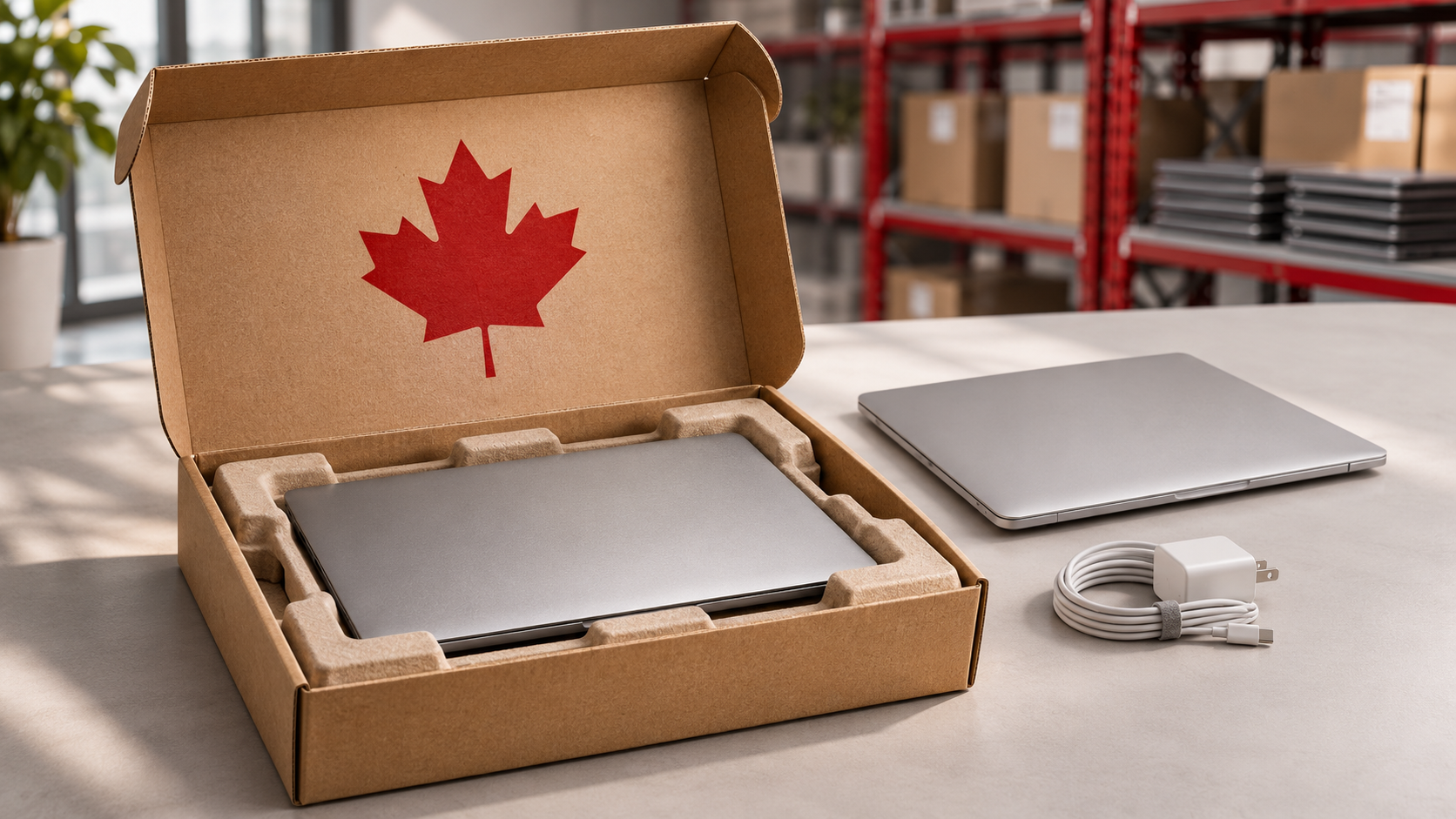





GroWrk sources approved laptops, configures them for your existing MDM and identity policies, registers each asset, and delivers directly to remote employees across Australia. The same platform tracks support, retrieval, and redeployment in 150+ countries.
Who Delivers and Sets Up Company Laptops in Australia?
Several types of company deliver and set up laptops for employees in Australia. OEM programs, such as Dell’s deployment services and Lenovo’s implementation services, configure and ship hardware from that manufacturer. Device-as-a-Service providers, including HP’s program, bundle hardware, setup, and support into a subscription. Australian resellers, device-rental firms, and managed service providers prepare and supply devices locally. Global lifecycle platforms such as GroWrk, Workwize, and allwhere combine sourcing, preparation, delivery, tracking, and retrieval across countries.
If you only need configured laptops delivered once, an OEM or local reseller may be enough. If you also need a live asset record, support logistics, and a clean return at offboarding, IT asset lifecycle platforms remove the hand-offs between vendors.
GroWrk is hardware-agnostic. It prepares laptops for the customer’s existing MDM and identity setup, delivers directly to employees’ homes or offices in Australia, keeps one record for each device, and manages repair, retrieval, wiping, and redeployment.
What is Laptop Delivery and Setup in Australia?
Laptop delivery and setup is the process of sourcing an approved laptop, preparing it for the organisation’s device-management and identity policies, registering it to the employee, and delivering it to a home or office address in Australia, ready for first login.
It is more than shipping. A courier tracks a parcel. A deployment service also decides which model and configuration the role needs, enrolls the device through Apple Business Manager, Windows Autopilot, or the organisation’s MDM where supported, records which serial number belongs to which employee, and defines what happens when the laptop needs support or the employee leaves.
How Laptop Deployment Works in Australia?
- Trigger the order. Start the IT onboarding workflow from an approved HRIS, ticket, or IT request with the employee’s Australian address, start date, role, and device policy.
- Source locally. Select the approved model, memory, storage, charger, and accessories from Australian supply where possible, avoiding cross-border delays and warranty friction.
- Configure and enroll. Register the device with Apple Business Manager, Windows Autopilot, or the organisation’s MDM, and complete the configuration handoff and identity setup.
- Tag and assign. Apply an asset tag and record the serial number, employee, role, cost, warranty, location, and accessories before shipment.
- Deliver and confirm. Use electronics-appropriate packaging, tracked delivery to the home or office, employee communication, and receipt confirmation.
- Support and retrieve. Keep repair, replacement, and support history on the record, then trigger retrieval, wiping, and redeployment when the employee leaves.
Australian Laptop Deployment Providers - Compared
|
Provider type |
Verified emphasis |
Best-fit consideration |
|
OEM programs (Dell, Lenovo) |
Factory configuration, imaging, asset labels, and registration for that manufacturer’s devices |
Strong when the fleet is standardized on one brand; sourcing, assignment, and retrieval stay with your team |
|
Device-as-a-Service (HP) |
Subscription hardware bundled with setup, support, and refresh |
Predictable cost model; confirm hardware choice, ownership terms, and retrieval |
|
Australian resellers and rental firms |
Local device supply and rental, such as Hire Intelligence, MicroRentals, and Touchpoint |
Good for local supply; confirm remote-employee delivery, MDM preparation, and returns |
|
Managed service providers |
Setup, support, and IT services, such as ITSauce |
Suits teams outsourcing IT; confirm home delivery, asset tracking, and coverage outside Australia |
|
Workwize and allwhere |
Lifecycle platforms with procurement, delivery, tracking, and retrieval, each with an Australia offering |
Close lifecycle alternatives; compare integrations, evidence, and commercial model |
|
GroWrk |
Hardware-agnostic sourcing, MDM-ready preparation, direct delivery, live asset record, support, retrieval, and redeployment in 150+ countries |
Built for distributed teams that need Australia executed within one global lifecycle platform |
Provider details reflect each company’s public positioning and may change. Confirm current scope, coverage, and commercial terms before deciding.
→ Deploying in the UK as well? See our guide to remote laptop deployment in the UK.
What to Check Before Deploying Laptops in Australia?
-
Local specifications and supply. Confirm approved models, charger and plug type (Australia uses 230V power with Type I plugs), keyboard layout, accessories, and warranty before ordering.
-
GST and import handling. Most laptops and computers are duty-free in Australia, but 10% GST applies to imports, and GST-registered businesses can generally claim it back. Consignments above A$1,000 normally need a full import declaration. Local sourcing through a global IT procurement partner can avoid much of this. Confirm the treatment with your provider and tax advisor.
-
Compliance marking. Electrical and radio equipment supplied in Australia must meet applicable regulatory requirements, shown by the Regulatory Compliance Mark. Check that laptops and chargers comply.
-
MDM-ready setup with clear boundaries. GroWrk’s device management prepares and enrolls the laptop for the organisation’s existing Apple, Windows, MDM, identity, and security policies. The customer retains policy ownership.
-
Distance and remote addresses. Deliveries to regional, rural, and remote locations, as well as Tasmania, can take longer and cost more, and floods, bushfires, and cyclones can disrupt carriers. Confirm the employee’s availability and plan extra time.
-
Privacy. The Privacy Act 1988 and the Australian Privacy Principles apply to personal information. Encrypt devices and wipe them to NIST 800-88 data destruction standards before reuse or disposal.
-
A return path from Day 1. The record should already support repair, replacement, retrieval, certified wiping, redeployment, resale, recycling through accredited e-waste recyclers, and disposal.
Deliver Ready-To-Work Laptops Anywhere in Australia, with No Logistics to Build
Tell us the employee’s city, start date, and approved laptop spec. GroWrk handles sourcing, MDM setup, delivery, and tracking, and plans the return path from day one.
FAQs on Laptop Deployment in Australia
Which companies deliver and set up company laptops for employees in Australia?
Options include OEM programs such as Dell and Lenovo, Device-as-a-Service providers such as HP, Australian resellers, rental firms, and managed service providers, and global lifecycle platforms such as GroWrk, Workwize, and allwhere. GroWrk sources approved laptops, prepares them for the customer’s existing MDM and identity setup, registers each asset, and delivers directly to employees in Australia as part of one lifecycle platform covering 150+ countries.
Can a laptop arrive in Australia already enrolled in our MDM?
Yes, where the device, reseller channel, and management setup support it. GroWrk can register and prepare Apple, Windows, or Linux devices for the organisation’s existing MDM and identity workflow. The exact steps differ for Apple Business Manager, Windows Autopilot, the selected MDM, and devices that require manual enrollment.
How fast can GroWrk deliver a preconfigured laptop in Australia?
GroWrk states that pre-configured devices reach new hires in most supported countries within seven business days, with expedited options for urgent starts. Exact Australian timing depends on the approved model, stock, configuration, and delivery address, including regional and remote locations.
Do I have to pay GST or import duty on laptops sent to Australia?
Most laptops and computers are duty-free, but 10% GST applies to imports, and GST-registered businesses can generally claim it back. Consignments above A$1,000 normally need a full import declaration, so confirm classification and value with your customs broker or provider.
Should we buy laptops in Australia or ship them from overseas?
Local sourcing is usually simpler because it can avoid import declarations, freight, and warranty problems, and it supplies the right charger. Shipping existing inventory may still make sense for specialised hardware, but verify customs, tax, battery, and compliance requirements first.
What happens to the laptop when the employee leaves?
Trigger retrieval when the departure is confirmed, coordinate packaging and pickup or drop-off, track custody, inspect and wipe the device to NIST 800-88, and route it to redeployment, resale, recycling, or accredited e-waste disposal. GroWrk keeps those steps connected to the original Australian asset record.
Sources
- GroWrk Australia country guide — Australia shipping, GST, compliance, retrieval, and disposal context.
- GroWrk IT onboarding — HRIS triggers, local sourcing, MDM-ready setup, direct delivery, and seven-business-day positioning.
- GroWrk device management — enrollment, assignment tracking, support, and lifecycle continuity.
- GroWrk laptop retrieval service — collection, tracking, NIST 800-88 wiping, and redeployment.
- Workwize laptop procurement in Australia — provider’s Australia offering.
- allwhere Australia — provider’s Australia offering.
- RemoAsset Australia — procurement and retrieval offering for Australia.