So here's an embarrassing confession: last quarter, I discovered we were burning $4,300 a month on software licenses for people who hadn't worked here in over a year. And that was just what I found in the first hour of digging.
Turns out we're not alone. Most companies I talk to are drowning in SaaS subscriptions. I've heard everything from 80 to 200+ different tools depending on company size. The problem isn't just the number, it's that nobody has a complete picture of what you're actually paying for.
That's what sent me down this rabbit hole of SaaS management platforms. We needed something that could tell us what we had, what we were using, and what we could safely kill. After six months of testing and talking to way too many vendors, here's what I learned. To see where these platforms sit in the broader landscape, read our IT lifecycle management market overview.
Too Long? Here's the Cheat Sheet
Torii - The enterprise beast. Crazy powerful automation, 100+ integrations, but you'll pay for it ($20K-$50K/year). If you're managing hundreds of apps across multiple departments, this is your answer.
Zylo - CFO's favorite child. If your finance team is driving this initiative, Zylo speaks their language. Best-in-class spend analytics and negotiation data. Starts at $30K.
Productiv - The smart one. Uses AI to figure out if people are actually using software or just logging in once a month. The engagement metrics completely changed how we think about software ROI (starts at $15K annually).
BetterCloud - If you're running on Google Workspace or Microsoft 365, this is non-negotiable. Unmatched security operations for those platforms ($2-$8 per user/month).
Zluri - Enterprise capabilities without the enterprise complexity. Mid-market sweet spot with quick implementation (starts at $10K annually).
Cleanshelf - Takes a collaborative, employee-driven approach that's perfect if you value transparency. Simple, affordable, gets you started fast (starts at $5K annually).
Josys - Uniquely combines SaaS and device management if you need unified IT asset visibility ($12K-$35K annually).
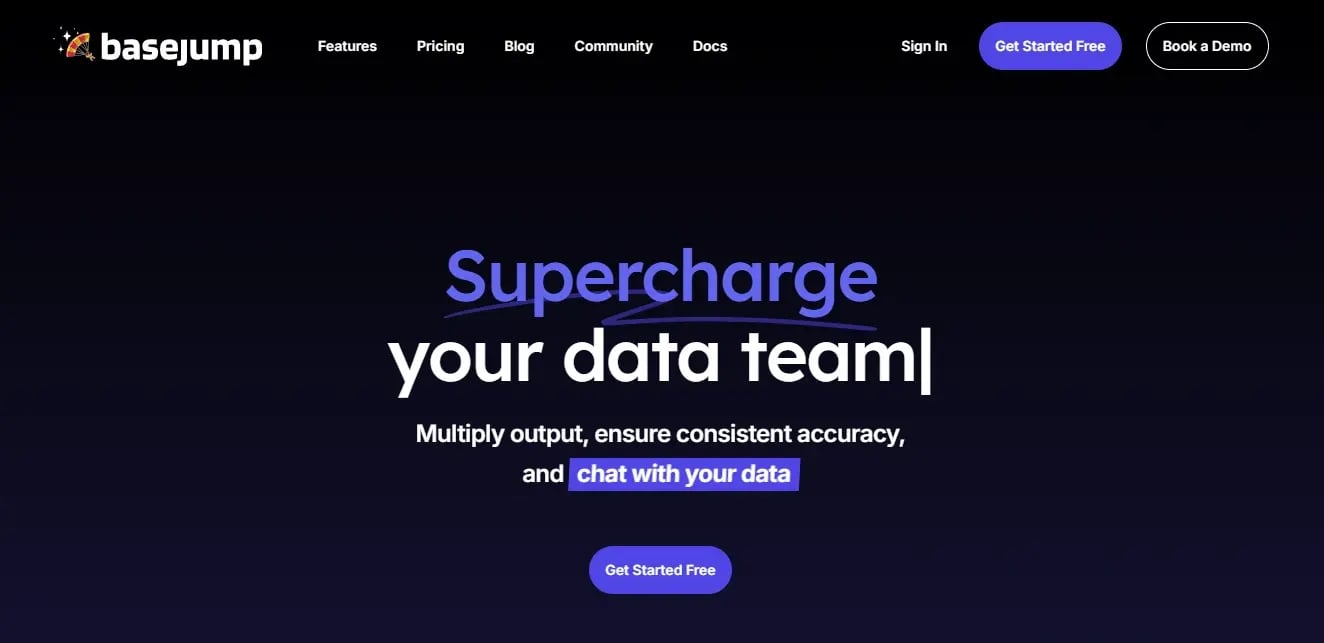
Basejump - Makes enterprise features accessible for startups. Rapid deployment, affordable pricing, you'll probably outgrow it eventually but it'll save your ass in the meantime ($3K-$15K annually).
Comparison Table
Quick note: These scores reflect my experience and priorities. Your mileage may vary depending on what matters most to your organization.
| Platform | Best For | Starting Price | Discovery Strength | Key Differentiator | Implementation Time |
|---|---|---|---|---|---|
| Torii | Complex enterprise environments | $20K-$50K/year | 5/5 | 100+ integrations, advanced automation | 4-8 weeks |
| Zylo | Financial optimization focus | $30K+/year | 4.5/5 | Industry benchmarking, negotiation intelligence | 2-3 months |
| Productiv | AI-driven insights | $15K+/year | 5/5 | Engagement scoring beyond logins | 2-4 weeks |
| BetterCloud | Google Workspace/M365 operations | $2-$8/user/month | 4/5 | Deep platform security automation | 3-6 weeks |
| Zluri | Mid-market companies | $10K+/year | 4.5/5 | Enterprise features, simple UX | 1-2 weeks |
| Cleanshelf | Transparency-focused organizations | $5K+/year | 3.5/5 | Employee-driven discovery | Days |
| Josys | Unified IT asset management | $12K-$35K/year | 4.5/5 | Combined SaaS and device tracking | 2-4 weeks |
| Basejump | Startups and high-growth companies | $3K-$15K/year | 4/5 | Rapid deployment, affordable pricing | Same day |
Take these scores with a grain of salt. I'm probably too generous on automation features because that's my thing.
What I Actually Looked At
Before we dive into specific platforms, let me tell you what I actually evaluated (because not all features matter equally).
Discovery matters most. You can't manage what you can't see. The best platforms pull from everywhere. SSO, finance systems, browser extensions, even network traffic. If it can't find your shadow IT, it's useless.
License optimization is where you make money back. Finding unused licenses, duplicate subscriptions, harvesting opportunities. This is what pays for the platform. Strong platforms identify waste and give you forecasting capabilities. The difference between basic and advanced optimization features can mean tens of thousands in annual savings.
Automation separates the good from the great. Platforms that just show you data make you do all the work. The best ones actually handle provisioning, renewals, and approvals automatically. Intelligent automation for user provisioning, license assignment, renewal workflows, and approval processes directly correlates with time savings and reduced errors.
I also looked at integrations, security features, user experience, scalability, and reporting. But those three above? Non-negotiable.
Integration Ecosystem determines how much manual work you'll eliminate. Native integrations with your SSO provider, HRIS system, financial tools, and ITSM platforms create automated data flows that reduce administrative overhead. Quality matters more than quantity here.
Security and Compliance Features have become non-negotiable as SaaS applications handle increasingly sensitive data. Look for automated security reviews, vendor risk assessments, compliance tracking for industry standards, and audit trails that support your governance initiatives.
User Experience and Adoption determines whether your team will use the platform. An intuitive interface with clear dashboards and actionable insights matters for both administrators and end users. Self-service capabilities can significantly reduce IT ticket volume.
Scalability and Flexibility ensures you won't outgrow your investment. The platform needs to handle increasing applications, users, and complexity while maintaining a sustainable pricing model. Multi-entity support becomes crucial for growing organizations.
Reporting and Analytics enables the data-driven decisions that justify your investment. You need both executive-level summaries and detailed operational insights, with customizable dashboards that surface the metrics that matter to your organization.
1. Torii
Best Known for Automation Excellence
Torii has built its reputation as a leading SaaS management platform by solving the messiest SaaS environments with automation that works. When you're managing hundreds of applications across multiple departments and subsidiaries, you need workflows that can handle the complexity without constant manual intervention.
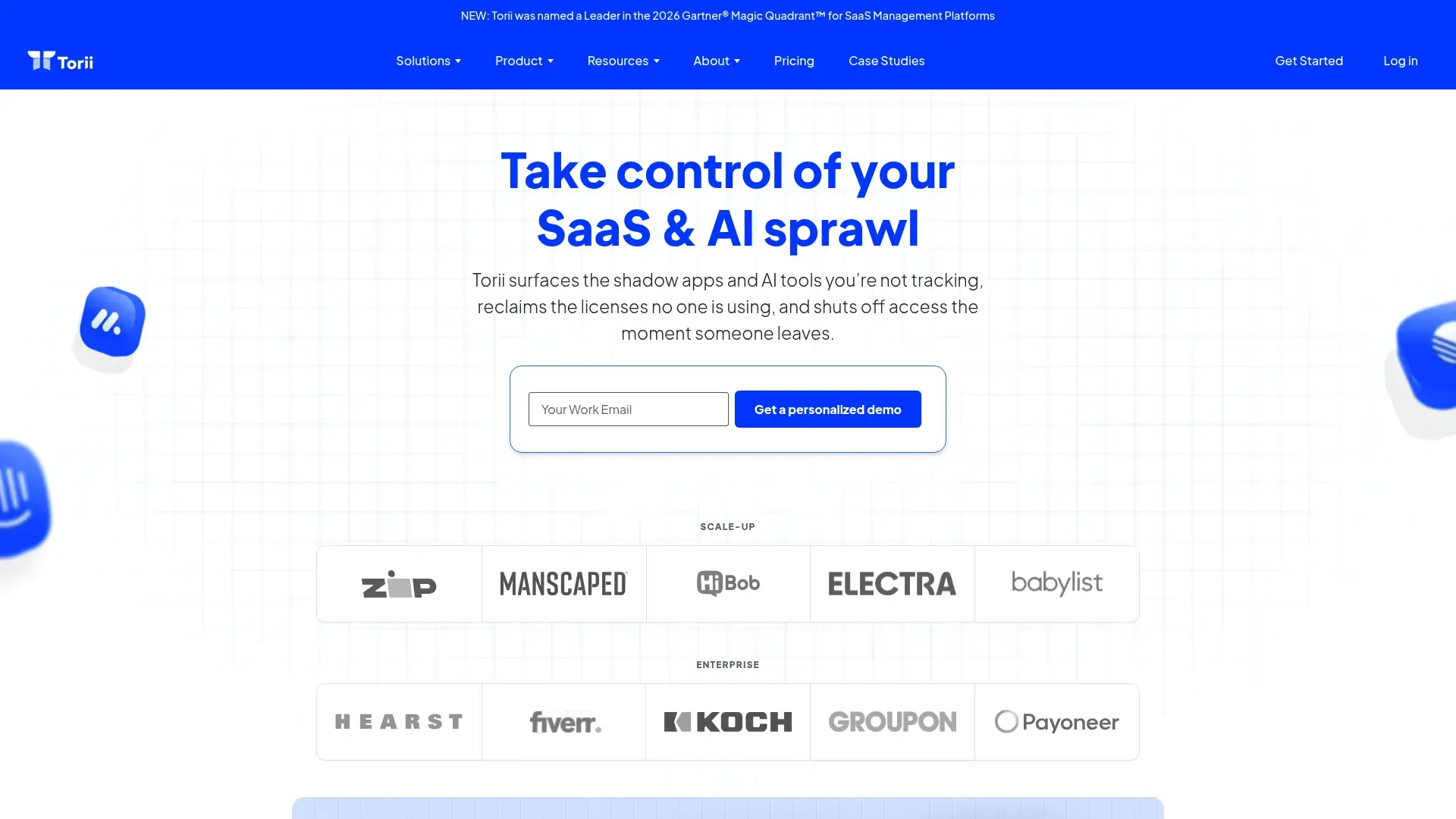
The discovery engine? It pulls from everywhere. SSO providers, finance systems, browser extensions, even network traffic. You get a complete inventory. I've seen it uncover applications that IT teams had no idea existed (like the three different Canva subscriptions we found across marketing, sales, and HR, none of them knew the others had it).
Here's the thing about Torii. You're not just getting visibility, you're getting actionable workflows that can automatically provision users, reclaim unused licenses, and trigger approval chains based on specific conditions. I've seen Torii implementations at three different companies, and it's consistently the one that actually delivers on promises.
Features That Drive Real Value
- Automated SaaS discovery across 12+ data sources that continuously updates your inventory
- Advanced workflow automation for user lifecycle management with customizable triggers
- Renewal management with automated alerts and negotiation insights based on usage data
- License optimization with usage-based recommendations that identify waste
- Integration hub with 100+ pre-built connectors to major business platforms
- Custom app catalog for employee self-service that reduces IT ticket volume
- Spend analytics and cost allocation by department for accurate budgeting
- Shadow IT detection and risk scoring to prioritize security concerns
- Contract repository with automated renewal tracking
Pros
Strong discovery mechanisms catch applications other platforms miss, particularly those purchased outside official channels. The automation engine handles complex scenarios that would require custom development in competing platforms.
Integration quality exceeds quantity, with deep connections to major platforms rather than surface-level APIs. Customer support and onboarding get consistently high marks, with dedicated success managers who understand your business context.
Usage analytics go beyond simple login tracking to measure engagement and value. License harvesting capabilities have helped customers reduce software spend by 20-30% within the first year.
The depth of features means you can handle almost any scenario without workarounds.
Cons
Look, Torii isn't cheap. Pricing sits at the premium end of the market, making it a tough sell for smaller organizations or those with limited budgets.
Initial configuration requires technical expertise and can take several weeks to optimize fully. The depth of features creates a learning curve that some administrators find overwhelming.
Mobile app functionality lags behind the web platform, limiting on-the-go management.
Reporting customization, while comprehensive, could offer more flexibility for unique business requirements. Some advanced features require API knowledge to implement effectively.
Criteria Evaluation
Discovery and Visibility: 5/5
License Optimization: 4.5/5
Integration Ecosystem: 5/5
Security and Compliance: 4/5
Automation: 5/5
User Experience: 4.5/5
Scalability: 5/5
Reporting: 4.5/5
Community Reviews and Expert Recommendations
Torii consistently receives praise for solving problems that other platforms can't handle. Organizations with complex approval workflows and multi-subsidiary structures find the platform particularly valuable.
Pricing
Custom pricing based on employee count and applications managed. Mid-market deployments typically range from $20,000-$50,000 annually, with enterprise pricing available upon request. Get a personalized quote from Torii.
2. Zylo
Best Known for Financial Mastery
CFOs love Zylo. Like, really love it. And after seeing the benchmarking data they provide, I get it.
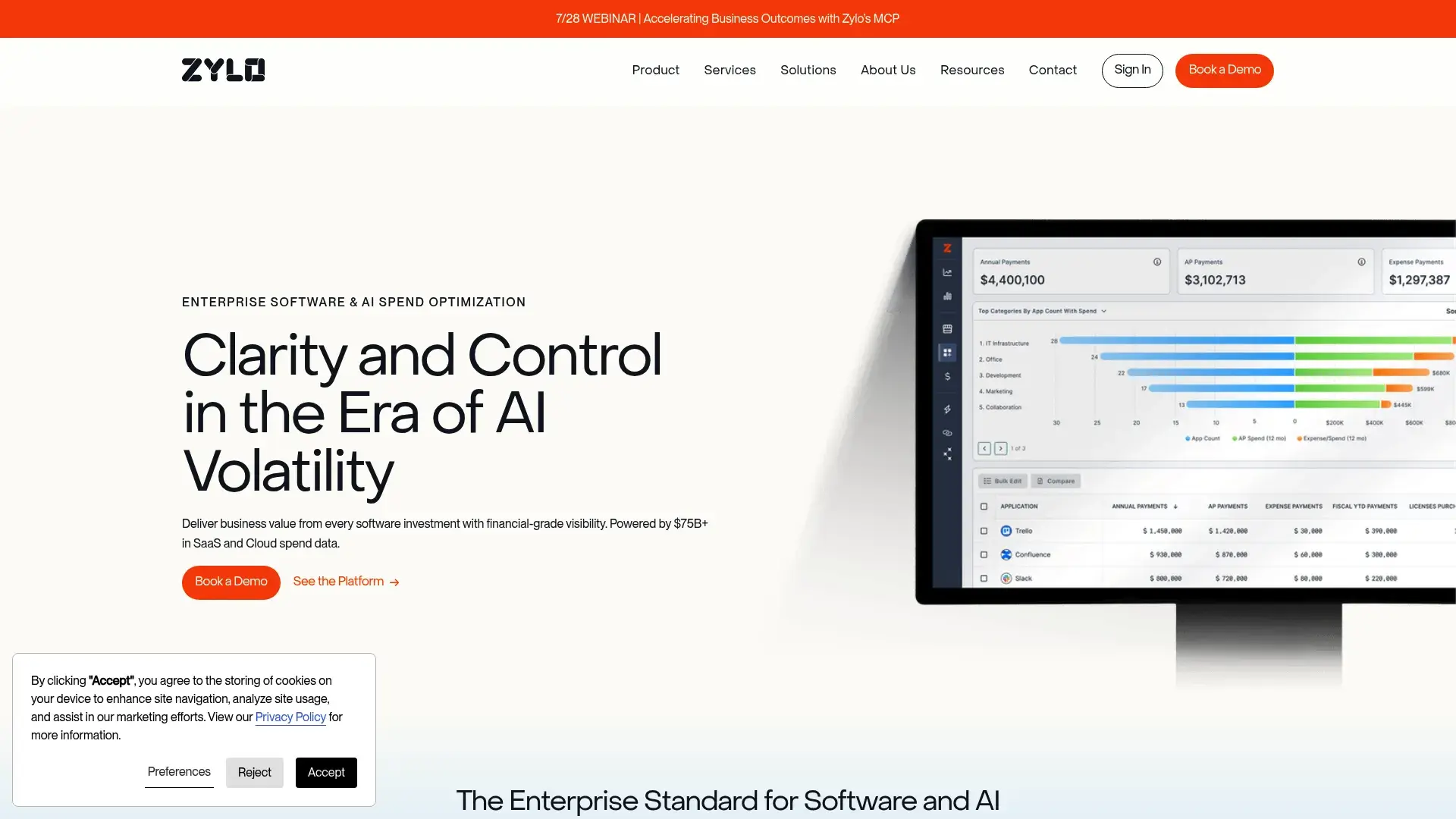
Zylo speaks the language of finance teams better than any competitor. When your CFO wants to understand exactly where every software dollar goes and how it compares to industry benchmarks, this SaaS management platform delivers answers that drive procurement decisions.
The AI-powered discovery focuses heavily on financial system integrations, pulling spending data from ERPs and expense management tools to create a complete financial picture. You'll know not just what applications you have, but exactly what they cost across every department and entity.
Renewal management becomes strategic rather than reactive. Zylo provides negotiation intelligence based on industry benchmarks and usage data, giving procurement teams leverage they wouldn't have otherwise. I've heard stories of customers saving six to seven figures annually just through better-informed contract negotiations on their SaaS tools.
Features That Drive Real Value
- AI-powered SaaS discovery and classification that automatically categorizes spending
- Advanced spend analytics and cost allocation with multi-dimensional views
- Renewal management with negotiation intelligence based on benchmark data
- License optimization and reclamation with detailed usage tracking
- Vendor management and contract repository in one centralized location
- Benchmarking data against industry peers for negotiation leverage
- Automated workflows for procurement and approval processes
Pros
Financial analytics and reporting exceed what most finance teams thought possible from a SaaS management platform. Renewal management capabilities have prevented countless auto-renewals of underutilized software.
Benchmarking data provides real negotiation power when dealing with vendors. I watched a procurement team use Zylo's data to negotiate a 35% reduction on a major renewal. The vendor couldn't argue with industry benchmark evidence.
Dedicated customer success support helps organizations maximize value throughout the relationship. Fortune 500 companies trust Zylo with their most complex SaaS environments.
Vendor risk assessments integrate financial and security considerations for comprehensive evaluation.
Cons
The main downside? It's expensive. Premium pricing targets enterprise budgets, making it cost-prohibitive for smaller organizations.
The platform emphasizes financial integrations over technical ones, which may frustrate IT-led implementations. Learning curve can be steep for teams without procurement or finance backgrounds.
Self-service capabilities for end users are limited compared to IT-focused platforms. Implementation typically takes several months to reach full value.
Some technical teams find the platform less intuitive than alternatives built for IT users. If IT is driving your initiative instead of finance, the interface might frustrate your team.
Criteria Evaluation
Discovery and Visibility: 4.5/5
License Optimization: 5/5
Integration Ecosystem: 4/5
Security and Compliance: 4/5
Automation: 4/5
User Experience: 4.5/5 (for finance teams, lower for IT teams)
Scalability: 5/5
Reporting: 5/5
Community Reviews and Expert Recommendations
Finance and procurement teams consistently rate Zylo as their preferred platform, particularly in large enterprises where financial optimization drives SaaS management initiatives.
Pricing
Enterprise pricing model starting around $30,000 annually for mid-sized organizations. Pricing scales based on SaaS spend under management and application count. Request enterprise pricing from Zylo.
3. Productiv
Best Known for Intelligence-First Insights
This is the one that made me rethink what "usage" actually means.
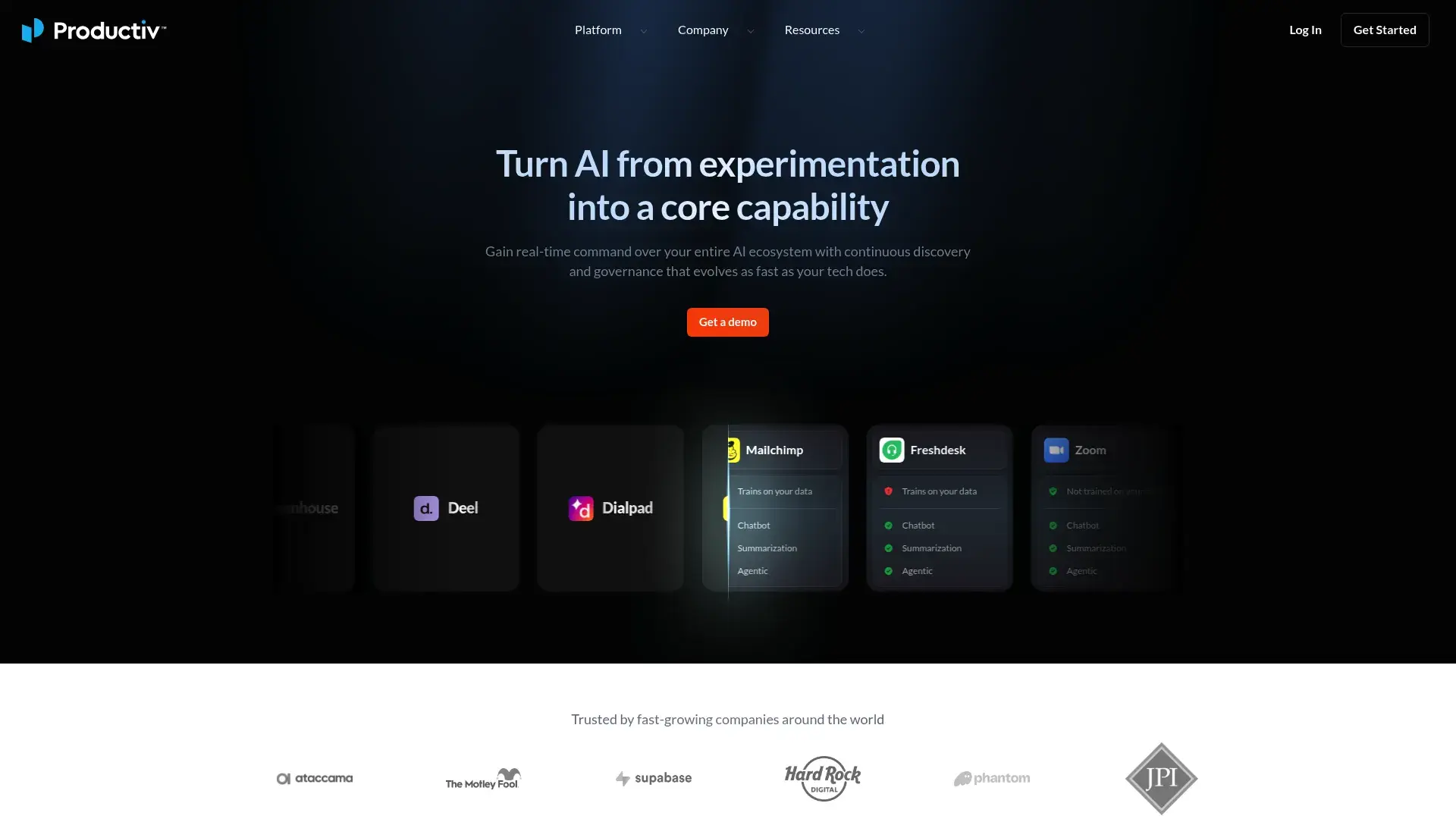
Productiv realized that knowing someone logged into an application doesn't tell you if they're getting value from it. Their engagement scoring measures how actively users work within applications, providing insights that change how you think about software ROI and making it one of the best SaaS management platforms for data-driven organizations.
The AI-driven approach means you get recommendations that go beyond simple usage thresholds. Productiv analyzes patterns across your entire organization to identify optimization opportunities you wouldn't spot manually. It's like having a data scientist dedicated to your SaaS stack without the headcount expense.
Implementation speed stands out in a market where competitors take months to show value. Implementation is fast. Like, actually fast. Most platforms take months to show value. Productiv? 2-4 weeks. Most organizations see meaningful insights within that timeframe, making it easier to justify the investment and get stakeholder buy-in quickly.
Full transparency, I'm biased toward data-driven approaches, so Productiv's AI scoring hits my sweet spot.
Features That Drive Real Value
- AI-powered engagement scoring that measures software utilization depth
- Automated SaaS discovery and classification across your entire environment
- Intelligent license optimization recommendations with high accuracy rates
- Renewal management with predictive insights about future usage patterns
- Employee experience analytics that connect software to productivity
- Integration with SSO, HRIS, and finance systems for comprehensive data
Pros
Engagement metrics provide insights that simple login tracking can't match, revealing which applications drive value. We discovered that three applications we thought were essential based on login data were actually barely used in any meaningful way. Saved us $40K right there.
AI-driven recommendations have proven highly accurate in identifying true optimization opportunities. User interface and experience make the platform accessible to both technical and non-technical users.
Customer success program actively helps organizations maximize their investment rather than just providing reactive support. Fast implementation means you start seeing ROI within weeks rather than months.
Mobile app functionality works well for on-the-go management. The analytics depth is genuinely impressive without being overwhelming.
Cons
Integration library is smaller than established market leaders like Torii or Zylo. Premium pricing for advanced features can add up quickly.
Some features are still maturing as Productiv is a younger platform. Workflow customization has limitations compared to more established automation platforms.
Reporting export options could be more flexible for organizations with specific data requirements. Enterprise-scale deployments may find gaps in multi-entity support.
Criteria Evaluation
Discovery and Visibility: 5/5
License Optimization: 5/5
Integration Ecosystem: 4/5
Security and Compliance: 4/5
Automation: 4.5/5
User Experience: 5/5
Scalability: 4.5/5
Reporting: 5/5
Community Reviews and Expert Recommendations
Data-driven organizations particularly appreciate Productiv's analytical approach, with many citing the engagement metrics as completely changing their optimization decisions.
Pricing
Starts around $15,000 annually for small to mid-sized companies. Enterprise pricing varies based on employee count and feature requirements. Explore Productiv's pricing options.
4. BetterCloud
Best Known for Google Workspace Dominance
If you're running on Google Workspace, stop reading and just get BetterCloud. Seriously.
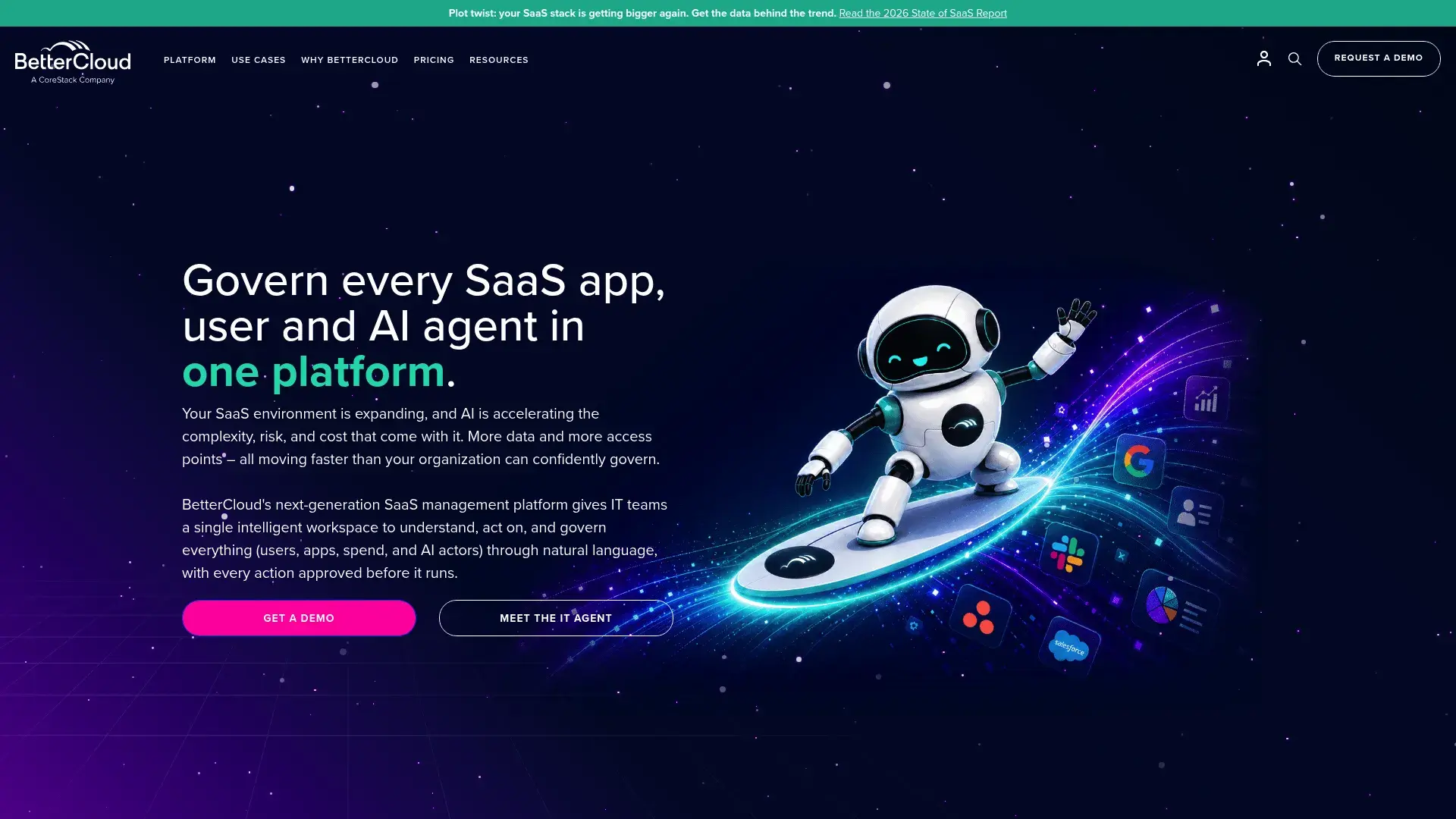
BetterCloud owns the Google Workspace management space in a way that no competitor can match. If your organization runs on Google or Microsoft 365, BetterCloud provides administrative capabilities that make native admin consoles look primitive, establishing itself as best SaaS management software for productivity suite operations.
Security and operational automation reach levels that other platforms can't achieve because BetterCloud focuses deeply on specific platforms rather than trying to manage everything. You get granular control over permissions, data sharing, and compliance within your core productivity suite.
The automation engine handles complex security scenarios that would require custom scripts otherwise. Automated threat detection, data loss prevention, and compliance monitoring work continuously rather than requiring manual audits.
Features That Drive Real Value
- Deep administrative controls for Google Workspace and Microsoft 365 that extend native capabilities
- Advanced security automation and threat detection specific to supported platforms
- User lifecycle management and provisioning with detailed control
- Data loss prevention and compliance monitoring with automated responses
- Automated workflows for common IT operations that reduce manual work
- Detailed audit logs and compliance reporting for governance requirements
- Shadow IT discovery and management across your environment
Pros
Administrative depth for Google Workspace exceeds what Google's native tools provide, giving IT teams unprecedented control. Security and compliance features are best-in-class for supported platforms.
Automation engine handles complex scenarios that competitors can't match. Audit and reporting capabilities support even the strictest compliance requirements.
Customer support responds quickly and understands the technical depth of the platform. Regular feature updates keep pace with changes to Google Workspace and Microsoft 365.
The security automation alone has prevented incidents that would have cost us way more than the platform.
Cons
Here's the thing, if you're not heavily invested in Google or Microsoft ecosystems, you won't extract full value. Less comprehensive for SaaS platforms beyond core integrations, limiting its value as a complete SaaS management solution.
Pricing can become expensive for smaller organizations, especially when calculated per user. Complexity may overwhelm teams with simple use cases that don't require such deep operational control.
Financial optimization features are less developed than platforms like Zylo or Torii. The learning curve is steeper than alternatives, requiring significant training time.
Organizations not heavily invested in Google or Microsoft ecosystems are paying for depth they won't use.
Criteria Evaluation
Discovery and Visibility: 4/5
License Optimization: 3/5
Integration Ecosystem: 4.5/5
Security and Compliance: 5/5
Automation: 5/5
User Experience: 4/5
Scalability: 4.5/5
Reporting: 4/5
Community Reviews and Expert Recommendations
IT teams managing Google Workspace environments consistently rank BetterCloud as essential infrastructure, particularly for organizations with strict security and compliance requirements.
Pricing
Starts around $2 per user per month for basic plans. Enterprise plans with advanced features typically range from $4-$8 per user per month depending on requirements. Get BetterCloud pricing details.
5. Zluri
Best Known for Mid-Market Accessibility
Zluri is what happens when someone builds enterprise software for normal humans.
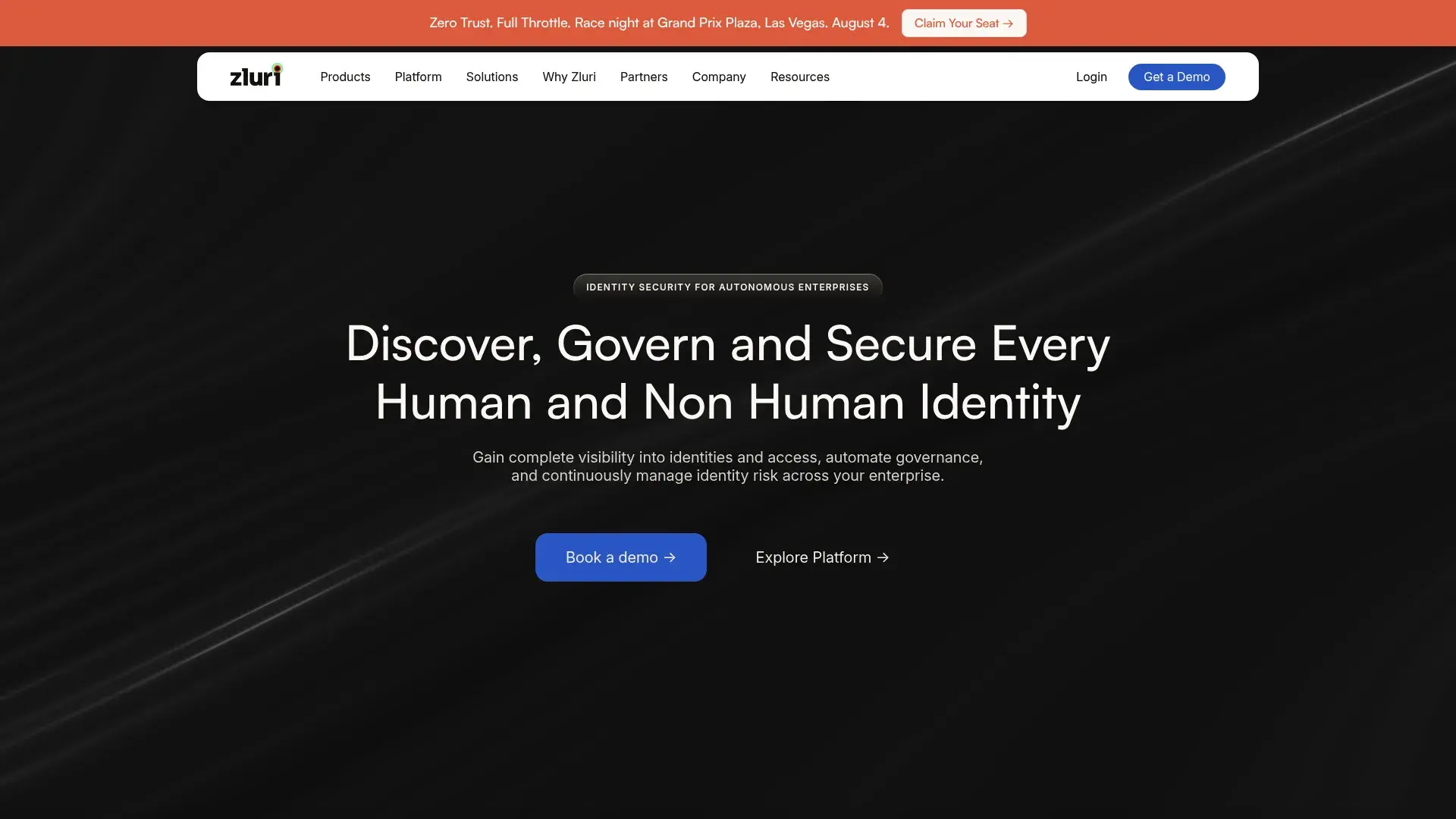
Zluri democratizes enterprise SaaS management for companies that can't justify six-figure platform investments. You get sophisticated capabilities without the complexity that typically comes with them, making it an ideal SaaS management platform for managing SaaS programs across growing organizations.
The user interface was clearly designed by people who understand that IT teams don't have time for lengthy training programs. You can start managing your SaaS stack productively within days rather than weeks, which matters when you're trying to stop the bleeding on software costs.
Automation handles the repetitive tasks that eat up IT time (onboarding, offboarding, license assignments) without requiring complex workflow configuration. The platform makes reasonable assumptions about what you want to automate, then lets you customize from there.
I recommended this to a 200-person company last month, and they were productive within a week. That never happens.
Features That Drive Real Value
- Automated SaaS discovery across multiple sources with continuous monitoring
- User lifecycle automation for onboarding and offboarding that reduces manual work
- License optimization and cost management with actionable recommendations
- Renewal calendar and contract management to prevent surprise renewals
- Security and compliance monitoring with risk assessments
- App catalog for employee self-service that reduces IT ticket volume
- Integration with popular SSO, HRIS, and finance tools
- Usage analytics and engagement tracking for optimization decisions
Pros
User-friendly interface requires minimal training, getting teams productive quickly. Implementation often completes in under two weeks compared to months for enterprise platforms.
Competitive pricing makes enterprise features accessible to mid-market budgets. Customer support and documentation help teams maximize value without dedicated consultants.
Regular feature releases show active development and responsiveness to customer needs. Automation focus delivers time savings from day one.
The balance between capability and simplicity is genuinely impressive. You're not sacrificing power for ease of use.
Cons
Integration library is smaller than established market leaders, potentially limiting automation potential. Some advanced features are still in development, creating gaps for complex use cases.
Customization options are more limited than platforms targeting enterprise customers. Enterprise-scale features continue maturing, which may require platform migration as you grow.
Reporting could offer more sophisticated analytics for data-driven organizations. Global deployments may find gaps in multi-entity support.
Criteria Evaluation
Discovery and Visibility: 4.5/5
License Optimization: 4.5/5
Integration Ecosystem: 4/5
Security and Compliance: 4/5
Automation: 4.5/5
User Experience: 5/5
Scalability: 4/5
Reporting: 4/5
Community Reviews and Expert Recommendations
Mid-market companies appreciate Zluri's balance of capability and simplicity, particularly teams that found enterprise platforms too complex or expensive for their needs.
Pricing
Starts around $10,000 annually for small to mid-sized companies. Pricing scales based on employee count and applications managed. Request Zluri pricing information.
6. Cleanshelf
Best Known for Collaborative Discovery
Okay, completely different approach here.
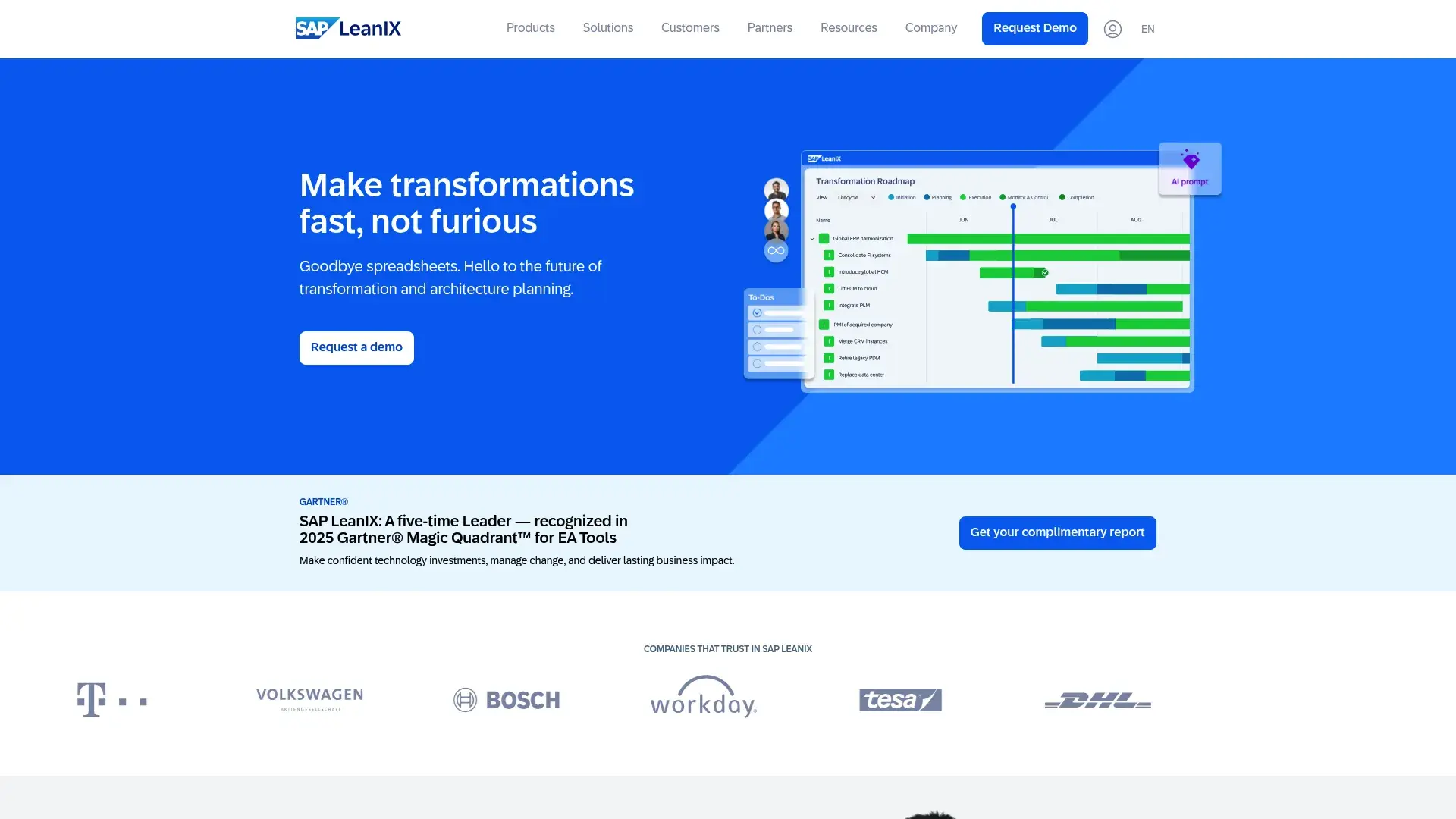
Cleanshelf flips the traditional SaaS management model by making employees part of the solution. Instead of relying solely on technical scanning, the platform encourages users to report and validate the SaaS tools they use, differentiating it from other SaaS management platforms.
This crowdsourced approach has real advantages. Employees know which tools they depend on and which licenses are gathering dust. You get accuracy that technical discovery sometimes misses, particularly for applications purchased with personal credit cards or used through shared accounts.
The platform's simplicity makes it accessible to organizations that aren't ready for enterprise-grade complexity. You can implement Cleanshelf and start seeing value within days, making it perfect for companies taking their first steps toward SaaS management.
This won't work for everyone. If you need enterprise features, look elsewhere. But if you're a 50-person company just starting out? Perfect.
Features That Drive Real Value
- Employee-driven SaaS discovery and reporting that encourages participation
- Simple license tracking and optimization without overwhelming complexity
- Renewal management with alerts to prevent surprise charges
- Basic usage analytics that cover essential metrics
- Integration with common SSO and finance platforms for automated data
Pros
Extremely easy to use and implement, requiring minimal IT involvement or technical expertise. Affordable pricing makes SaaS management accessible to smaller companies with limited budgets.
Employee participation creates transparency and awareness around software usage. Quick setup means you start managing software within days rather than weeks or months.
Good entry point for organizations new to SaaS management. Transparent pricing model without hidden costs or surprise fees.
The collaborative model actually gets employees engaged in cost management, which has cultural benefits beyond just the software tracking.
Cons
Discovery capabilities depend on employee participation, potentially missing shadow IT that users don't report. Advanced features are limited compared to enterprise platforms.
Integration ecosystem is smaller than competitors. Automation capabilities are basic, requiring more manual work for complex workflows.
May not scale well for large enterprises with thousands of applications. Reporting lacks depth for organizations requiring sophisticated analytics.
Criteria Evaluation
Discovery and Visibility: 3.5/5
License Optimization: 4/5
Integration Ecosystem: 3/5
Security and Compliance: 3/5
Automation: 3/5
User Experience: 5/5
Scalability: 3/5
Reporting: 3.5/5
Community Reviews and Expert Recommendations
Smaller companies and those new to SaaS management appreciate Cleanshelf's approachable model, particularly organizations that value employee engagement and transparency.
Pricing
Starts around $5,000 annually for small companies. Mid-market pricing typically ranges from $8,000-$15,000 annually. View Cleanshelf pricing options.
7. Josys
Best Known for Unified Asset Management
Josys is interesting because they're trying to solve two problems at once: SaaS and device management.
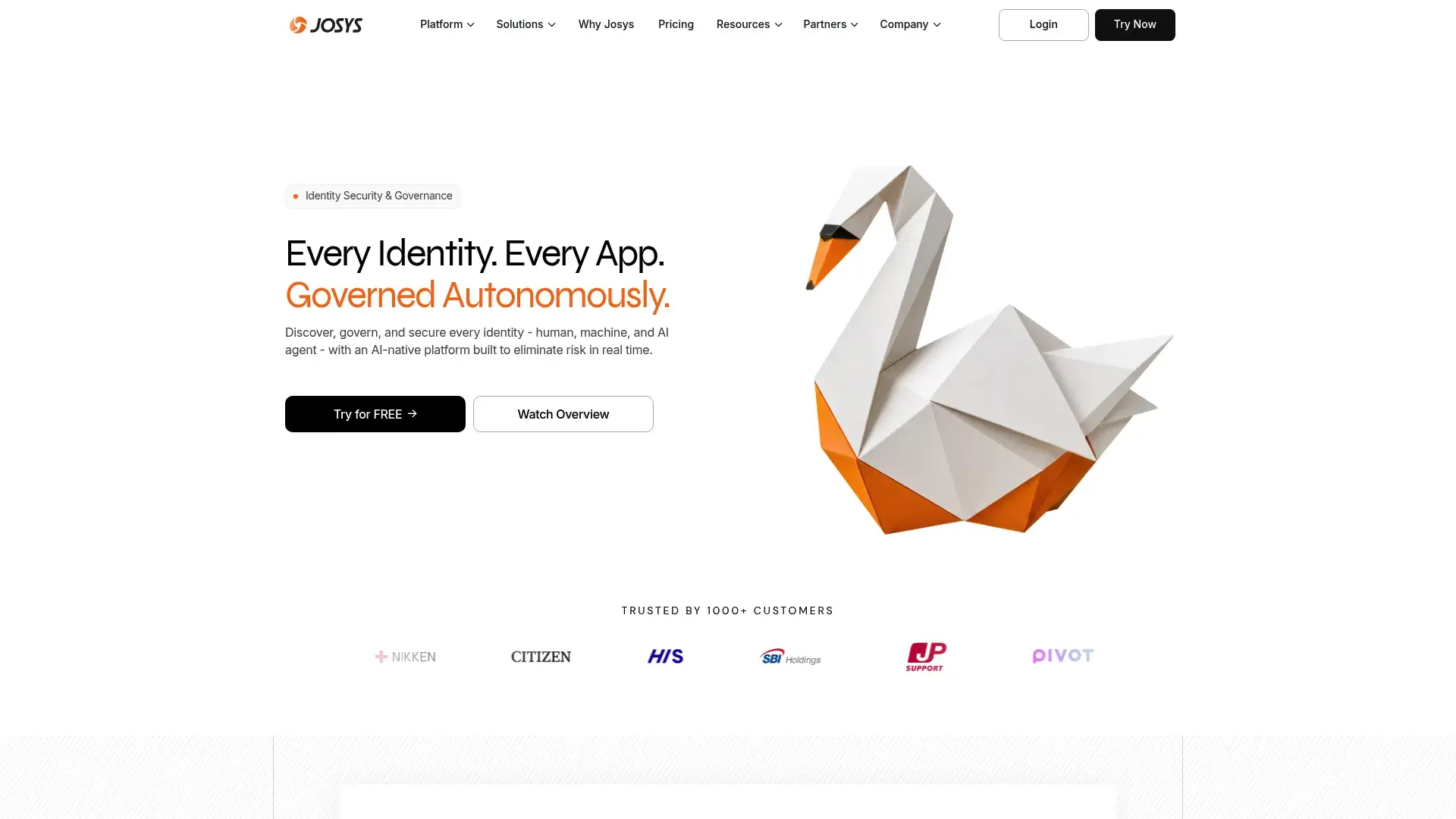
Josys recognized that managing SaaS subscriptions in isolation from physical IT assets creates blind spots. Their platform connects software licenses with the devices running them, providing a complete picture of your IT ecosystem through integrated SaaS management software and SaaS system tracking.
This unified approach makes particular sense for distributed teams where you're shipping laptops to remote employees while provisioning software access. You can track both the MacBook and the Adobe license assigned to the same person in one platform.
Device lifecycle management integration means you can coordinate hardware and software provisioning during onboarding, then ensure both get properly retrieved during offboarding. It's the kind of coordination that prevents laptops sitting in closets with active software licenses still attached.
I'm honestly not sure if the combined approach is brilliant or trying to do too much. Depends on your situation.
Features That Drive Real Value
- Combined SaaS and device management platform for unified visibility
- Automated SaaS discovery and tracking across your environment
- Device lifecycle management integration with MDM solutions
- License optimization and cost management across software categories
- User provisioning and deprovisioning workflows that handle both assets
- Integration with MDM solutions for device tracking
- Spend analytics across software and hardware for complete IT budgeting
Pros
Unified platform eliminates the need for separate SaaS and device management tools. Well-suited for distributed and remote teams managing both software and hardware.
Comprehensive asset visibility across IT categories. Effective cost tracking provides complete IT spending picture rather than just software.
Strong international support for global operations. Growing integration ecosystem continues expanding capabilities.
Cons
Dual focus may result in less depth for pure SaaS management compared to specialized platforms. Smaller market presence than established SaaS management competitors.
Some features are still developing as the platform matures. May be overkill if you only need SaaS management without device tracking.
Advanced analytics are less sophisticated than specialist platforms. Learning curve exists for teams managing both asset types.
Criteria Evaluation
Discovery and Visibility: 4.5/5
License Optimization: 4/5
Integration Ecosystem: 4/5
Security and Compliance: 4/5
Automation: 4/5
User Experience: 4/5
Scalability: 4.5/5
Reporting: 4/5
Community Reviews and Expert Recommendations
Distributed organizations appreciate the unified approach, particularly companies that struggled coordinating SaaS and device management across separate platforms.
Pricing
Custom pricing based on users and assets managed. Typical deployments range from $12,000-$35,000 annually depending on scale. Request Josys pricing information.
8. Basejump
Best Known for Startup-Friendly Simplicity
If you're a startup and just need to stop the bleeding, Basejump is your answer.
Basejump built their platform specifically for startups that can't afford enterprise solutions but desperately need to control SaaS sprawl. You get the essentials without paying for enterprise features you won't use for years, making it one of the best SaaS management software options for emerging companies.
Implementation speed is ridiculous (in a good way). Many customers go live the same day they sign up, which matters when you're a 50-person startup burning through software subscriptions faster than you can track them.
The platform doesn't require IT expertise or lengthy configuration. Pricing scales gradually as you grow, avoiding the cliff where you suddenly need to 10x your SaaS management budget. You can start small and add capabilities as your organization matures without switching platforms.
You'll probably outgrow it eventually, but it'll save your ass in the meantime.
For organizations seeking comprehensive IT asset management alongside their SaaS optimization efforts, developing a comprehensive IT asset management strategy becomes crucial for distributed teams.
Features That Drive Real Value
- Quick-start SaaS discovery and inventory that works immediately
- License optimization focused on cost reduction for budget-conscious teams
- Simple renewal tracking and alerts to prevent surprise charges
- Basic usage analytics and insights covering essential metrics
- Integration with popular startup tools like Slack and Google Workspace
- Employee onboarding and offboarding automation for core workflows
Pros
Very affordable pricing makes SaaS management accessible to early-stage startups. Extremely fast implementation often happens same-day without technical resources.
No-nonsense interface focuses on essentials without overwhelming users. Customer support is responsive and understands startup constraints and priorities.
Scales well through growth stages without forcing platform migration. Transparent, predictable pricing without hidden fees or surprise costs.
Cons
Limited advanced features compared to enterprise platforms. Smaller integration library may create gaps in automation potential.
May require platform migration at enterprise scale. Basic reporting capabilities lack sophistication for complex analysis needs.
Less sophisticated automation than premium tools. Fewer security and compliance features than enterprise-focused platforms.
Criteria Evaluation
Discovery and Visibility: 4/5
License Optimization: 4/5
Integration Ecosystem: 3.5/5
Security and Compliance: 3/5
Automation: 4/5
User Experience: 5/5
Scalability: 3.5/5
Reporting: 3.5/5
Community Reviews and Expert Recommendations
Startups and high-growth companies value Basejump's accessibility and speed, particularly teams that need immediate SaaS management without enterprise complexity or budgets.
Pricing
Starts at $3,000-$5,000 annually for early-stage startups. Pricing scales gradually with company growth, typically remaining under $15,000 for most mid-market companies. Explore Basejump pricing options.
A Few More Worth Mentioning
A few more worth mentioning, even though they didn't make my main list:
Vendr
Vendr does something clever: they combine SaaS management with actual procurement help. Their team negotiates on your behalf using pricing data you'd never have access to solo. It's less of a platform, more of a platform plus service. Works great if you don't have procurement expertise in-house, but you're paying for that white-glove treatment. The hybrid model works particularly well for companies lacking internal procurement expertise or negotiation leverage with vendors.
Intello
Intello was built by IT people, for IT people. If your implementation is IT-led rather than finance-led, Intello's technical depth will make more sense than Zylo's financial focus. The ITSM integrations are particularly solid. I just didn't include it in the main list because it's still building market presence. Organizations where IT operations drive SaaS management rather than finance teams will find Intello's technical depth particularly valuable for managing their SaaS tools.
Cledara
Cledara has a genuinely clever angle: virtual credit cards. Every subscription gets its own card, making tracking and cancellation dead simple. Strong in Europe. I'd rank it higher if it had more traction in the US market. This approach appeals particularly to finance-driven organizations and companies in Europe where Cledara has strong market presence.
Sastrify
Sastrify is another platform plus service hybrid, particularly strong in Europe. If you want both the software and expert guidance on negotiations, worth a look. The multilingual support matters if you're managing international operations. The company blends SaaS management technology with procurement consulting services, making it an excellent choice for international companies or those with significant European operations.
Questions I Keep Getting Asked
"Can't I just track this stuff in a spreadsheet?"
I mean, you can. People also can do their taxes with a calculator and paper forms.
Here's what happens with spreadsheets: You spend a weekend building something comprehensive, it's accurate for about two weeks, then someone buys a new tool and forgets to update it. Three months later, your spreadsheet is fiction.
SaaS management platforms automate the discovery part. They're constantly scanning, they integrate with your systems, they catch shadow IT. Your spreadsheet can't do that. Most companies recoup the platform cost within 3-6 months just from finding waste they didn't know existed.
"How long does implementation actually take?"
Depends on who you ask: the sales rep or someone who's actually done it.
Sales will say 2-4 weeks. Reality? Add 50% to whatever they tell you, minimum. Basejump and Zluri can actually go live in days because they're simpler. Enterprise platforms like Zylo or Torii take 6-12 weeks if you want to do it right.
The timeline depends on how many integrations you need, how messy your data is, and how much workflow customization you want. Faster isn't always better. I've seen rushed implementations that took months to fix.
"Will this actually save us money?"
Yes, but let me be specific about how much because "it depends" is a useless answer.
Most companies find 15-30% cost reduction in year one. That comes from:
- Unused licenses you're still paying for (this is always the biggest bucket)
- Duplicate tools doing the same thing
- Better negotiation leverage at renewal time
- Right-sizing licenses based on actual usage
I've seen companies save $100K+ in the first quarter. I've also seen companies save $12K in year one. The more chaotic your SaaS environment, the more you'll save.
If you're already super organized, you might only save 10%. But you'll prevent future waste, which is worth something.
"We only have 50 employees. Do we need this?"
Company size is the wrong metric. Number of SaaS apps is what matters.
50 employees using 80 different tools? You need this. 500 employees using 20 tools? You probably don't.
Here's my rule of thumb: If you're using 30+ SaaS applications and you can't name them all off the top of your head, you need help. Platforms like Basejump, Cleanshelf, or Zluri target smaller companies and price accordingly.
The cost of unused licenses at 50 people often exceeds the platform cost. We're talking $300-500/month in waste being common.
"What about security? Aren't we just adding another risk?"
Fair question. You're giving a platform access to your SaaS data, which feels uncomfortable.
But here's the thing: these platforms actually reduce security risk by finding shadow IT. That random app someone bought with a corporate card and connected to your Google Workspace? That's your real security risk.
SaaS management platforms identify those apps, check vendor security postures, track compliance requirements, and give you audit trails. The security visibility alone prevents incidents that would cost way more than the platform.
Just vet the platform's security properly during evaluation. SOC 2, encryption, access controls, the basics.
Final Thoughts: What Would I Actually Choose?
Okay, I just threw 8,000 words at you. Sorry about that. Let me make this simple.
If you're enterprise with budget: Torii or Zylo. Pick Torii if IT is driving this, Zylo if finance is.
If you're mid-market (100-500 people): Productiv or Zluri. Both punch above their weight class.
If you're Google Workspace-heavy: BetterCloud, full stop.
If you're a startup: Basejump to start, plan to graduate to something bigger later.
If you want simple: Cleanshelf. It won't do everything, but it'll stop the bleeding. Any SaaS management platform on this list beats managing licences by spreadsheet.
Here's what I wish someone had told me when we started this journey: SaaS management is only half the problem.
We got great at tracking software licenses. We optimized the hell out of our subscriptions. We saved a bunch of money.
Then we realized we had no idea where our laptops were, which devices had which software, or how to coordinate hardware and software provisioning for new hires. We'd solved one problem and created another.
This is where I have to be honest about my bias. I work with GroWrk, so take this with appropriate skepticism. But the reason I'm here is because I lived this problem.
The companies that actually get IT operations right are managing both sides of the equation. Your SaaS management platform tells you who needs Adobe Creative Cloud. Your device management platform makes sure they have a laptop powerful enough to run it. When someone leaves, both the license and the laptop get recovered.
Look, I know this sounds like a pitch. It is. But it's also true. I've seen too many companies optimize software while their hardware management is still a disaster. Or vice versa.
Whatever SaaS management platform you choose from this list, make sure you're thinking about the device side too. They're not separate problems.
We've seen this pattern repeatedly at GroWrk while helping companies manage IT operations across 150+ countries. Organizations implement excellent SaaS management platforms, then struggle with the hardware side of the equation (procurement delays, inconsistent configurations, offboarding gaps).
The most successful distributed companies coordinate both domains, ensuring new hires receive properly configured devices alongside appropriate software access. That's where GroWrk's IT asset management platform complements your SaaS management strategy.
We handle end-to-end IT lifecycle management, from procurement and deployment to ongoing support and eventual device retrieval. Our automated workflows integrate with your SaaS management platform to ensure complete provisioning during onboarding and thorough asset recovery during offboarding. Hardware context makes any SaaS management platform smarter.
The financial benefits compound when you optimize both domains simultaneously. Companies using GroWrk alongside their chosen SaaS management tools typically see 30-40% reduction in total IT costs through better visibility, reduced waste, and optimized procurement across software licenses and hardware assets.
Beyond software optimization, implementing effective IT cost management practices across your entire technology stack ensures comprehensive financial control over IT operations. A SaaS management platform is one half of that equation.
Ready to build a complete IT management strategy for your distributed team? Download our State of IT Lifecycle Management report for data-driven guidance on optimizing your entire IT ecosystem, or explore how Vividly runs IT across six countries with a team of one using integrated SaaS and hardware management.
Your SaaS management platform choice matters, but it's the coordination between software optimization and hardware management that transforms IT operations from a cost center into a strategic advantage. The best SaaS solutions work in harmony with comprehensive device management to deliver true operational excellence. Choose your SaaS management platform with that bigger picture in mind.