I once watched our IT guy Marcus lose a full week imaging ThinkPads for six new hires spread across Manila, Lisbon, and Denver. Configuring each one by hand, chasing shipping delays, answering the same setup questions over and over. The right mobile device management platform would have handed most of that week back to him. That week stuck with me, and it's the reason I put this comparison of the best mdm services for teams together in the first place.
Quick disclosure before we dig in: GroWrk is our own tool, so you should know that going in. That said, I've worked hard to stay objective and score it against the same criteria as everyone else, honest about where it fits and where it doesn't. Every one of the best mdm services for teams below gets scored on cross-platform support, zero-touch enrollment, security, scalability, ease of use, integrations, and pricing. With remote work reaching 52% of the global workforce in 2026, picking the top mdm services for remote work teams matters more than ever. If you manage a distributed fleet, the right mdm services for remote teams are no longer a nice-to-have, they're the backbone of how you keep every endpoint secure and compliant.
TL;DR
The quick version of the best mdm services for teams, in case you don't have time for all thirteen breakdowns:
- GroWrk is for teams that need MDM-ready devices delivered and managed across borders. It's the one thing most of these other tools just assume has already happened.
- Iru (formerly Kandji), Jamf Pro, Mosyle, and Addigy are your Apple-focused options. Mosyle if you're watching the budget, Jamf if you're running thousands of Macs. Note that Iru now reaches beyond Apple after its 2025 rebrand.
- Microsoft Intune only really makes sense if you already live inside Microsoft 365.
- JumpCloud puts directory services and device control in one console.
- Hexnode, Scalefusion, and ManageEngine cover multiple operating systems without wrecking your budget.
- VMware Workspace ONE and SOTI MobiControl are the heavyweight enterprise picks.
- Miradore has a free tier if you're just poking around for the first time.
Notice the pattern across even the best mdm services for teams: nearly every platform here starts from the assumption that the device is already in your employee's hands. For a distributed team leaning on mdm services for remote work, that assumption is exactly the part that's hard. That gap is what separates the top MDM services for remote work teams from the rest of the field. For how these vendors compare across the wider category, see our IT lifecycle management market overview.
Comparison Table
| Platform | Best Known For | Cross-Platform | Zero-Touch | Security | Scalability | Ease of Use | Integrations | Starting Price |
|---|---|---|---|---|---|---|---|---|
| GroWrk | Global MDM-ready device delivery | 5/5 | 5/5 | 5/5 | 5/5 | 4/5 | 5/5 | Free platform, pay per service |
| Iru (formerly Kandji) | Apple automation | 3/5 | 5/5 | 5/5 | 4/5 | 5/5 | 4/5 | Custom quote |
| Jamf Pro | Enterprise Apple scale | 3/5 | 5/5 | 5/5 | 5/5 | 4/5 | 5/5 | ~$4/device/mo |
| Microsoft Intune | Microsoft 365 integration | 5/5 | 4/5 | 5/5 | 5/5 | 3/5 | 5/5 | ~$8/user/mo |
| JumpCloud | Directory plus device control | 5/5 | 4/5 | 4/5 | 4/5 | 4/5 | 5/5 | Free up to 10 users |
| Hexnode UEM | Affordable coverage | 5/5 | 4/5 | 4/5 | 4/5 | 4/5 | 4/5 | ~$1/device/mo |
| VMware Workspace ONE | Enterprise workspaces | 5/5 | 4/5 | 5/5 | 5/5 | 3/5 | 5/5 | Custom |
| Scalefusion | Kiosk and rugged support | 5/5 | 4/5 | 4/5 | 4/5 | 4/5 | 4/5 | ~$2/device/mo |
| ManageEngine MDM Plus | Flexible hosting | 5/5 | 4/5 | 4/5 | 4/5 | 4/5 | 4/5 | Free up to 25 devices |
| Mosyle | Apple value | 3/5 | 5/5 | 4/5 | 4/5 | 4/5 | 4/5 | Free tier, ~$1/device/mo |
| Miradore | Free entry | 4/5 | 3/5 | 3/5 | 3/5 | 4/5 | 3/5 | Free tier, ~$3/device/mo |
| SOTI MobiControl | Rugged deployments | 5/5 | 4/5 | 5/5 | 5/5 | 3/5 | 4/5 | Custom quote |
| Addigy | Real-time control | 3/5 | 5/5 | 4/5 | 4/5 | 4/5 | 4/5 | ~$6/device/mo |
What to Weigh Before You Pick an MDM Service
Seven things carried the most weight in my scoring of the best mdm services for teams. Hold each platform up against how your team actually works before you sign anything, because the right mdm services depend entirely on your fleet and where it lives.
Cross-platform support. Distributed teams almost never standardize on one operating system. You want macOS, Windows, Linux, iOS, and Android under a single console, not three separate tools that never quite talk to each other.
Zero-touch enrollment. A device should show up at someone's door, connect to wifi, and configure itself. No manual setup. This one feature is the difference between scaling smoothly and drowning in support tickets, and it's where remote mdm services earn their keep.
Security and compliance. Encryption enforcement, remote wipe, conditional access, SOC 2 or ISO 27001. That's the baseline, not the ceiling. It matters even more when 70% of breaches begin at endpoints such as laptops and phones, which is exactly what mdm services are built to lock down. If you handle regulated data, compliance reporting has to be there on day one, not something you scramble to bolt on after an audit gives you a fright.
Scalability and global reach. Some tools handle 50 devices fine and choke at 5,000. Others fall apart the moment your team steps outside a handful of supported countries. This is where the good mdm services separate from the rest.
Ease of use and automation. Policy templates, automated patching, self-service portals. All of it means fewer hours for your admins and less confusion for everyone else who touches the console.
Integration ecosystem. Your platform should sync with your identity provider, HR system, and help desk. Native connectors for Okta, JumpCloud, and your ITSM save real hours every week.
Pricing transparency. Per-device monthly pricing is standard, but watch for feature gating, onboarding fees, and support costs that quietly pile up. Want a deeper scoring framework? Our guide on how to choose the right MDM for your organization walks through the decision step by step, and our State of IT Lifecycle Management report digs into where IT teams are investing across security, sustainability, and global logistics.
Criteria Breakdown Summary
Each of the best mdm services for teams got a 1-to-5 score across all seven criteria, higher being better. A low cross-platform score won't matter to you if you run an all-Apple shop, so read every rating against your own setup. A perfect scorecard that doesn't match how you actually work isn't worth chasing. So is it top mdm services for remote work teams you actually need, or a narrower tool for a single OS? Let the scores below answer that against your real fleet.
GroWrk
Best Known for Global MDM-Ready Device Delivery
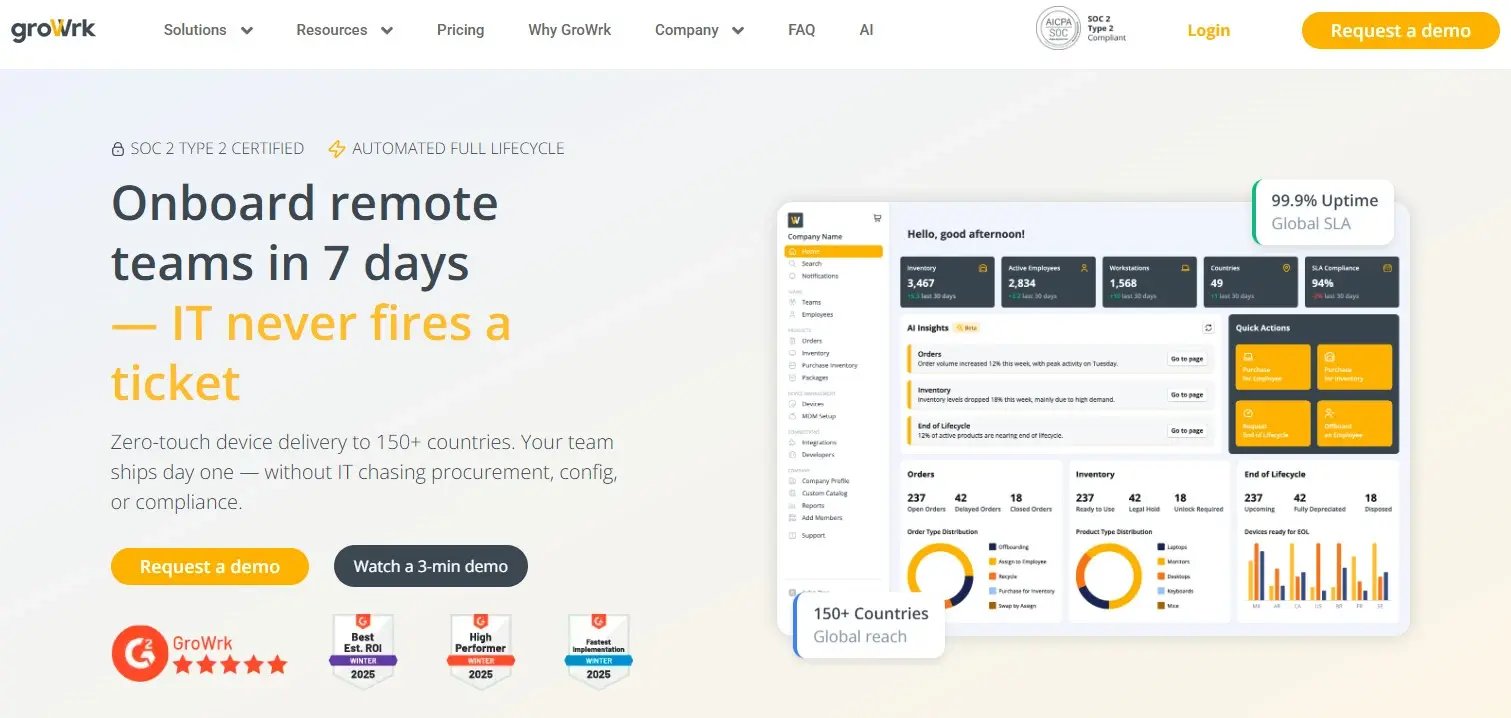
Here's the gap nobody else on this list solves: getting an enrolled, MDM-ready machine into someone's hands in the first place, whether they're in Buenos Aires or Bangalore. GroWrk ships devices to 150+ countries that sync straight to your existing MDM and identity provider through SSO, for macOS, Windows, or Linux. No manual imaging on your side. Then it handles the whole lifecycle once the device is live: retrievals, offboarding, recycling, resale.
Features
Zero-touch deployment to 150+ countries, SSO sync for macOS/Windows/Linux, two-click offboarding, global device retrievals, end-of-life recycling and resale, and 40+ integrations.
Pros
Where it wins is the reach. Most tools stop cold at a border. GroWrk delivers MDM-ready devices in about a week and stays SOC 2 Type 2 certified. Teams like Upwork cut hours of manual return coordination after switching, mostly praising the delivery speed and the offboarding automation. Our Upwork case study walks through how they onboarded 230+ employees globally and hit 100% SLA compliance on device returns.
Cons
The honest catch: the value is strongest for distributed teams hiring across borders. If everyone sits in one office, you probably don't need this. I'll also dock it a point on ease of use, since coordinating physical logistics is inherently more moving parts than a pure software console. Fair is fair.
Criteria Evaluation
- Cross-platform support: 5/5
- Zero-touch enrollment: 5/5
- Security and compliance: 5/5
- Scalability and global reach: 5/5
- Ease of use and automation: 4/5
- Integration ecosystem: 5/5
Price
Free to procure, retrieve, or store devices. You only pay for the services you use.
Iru (formerly Kandji)
Best Known for Apple Automation
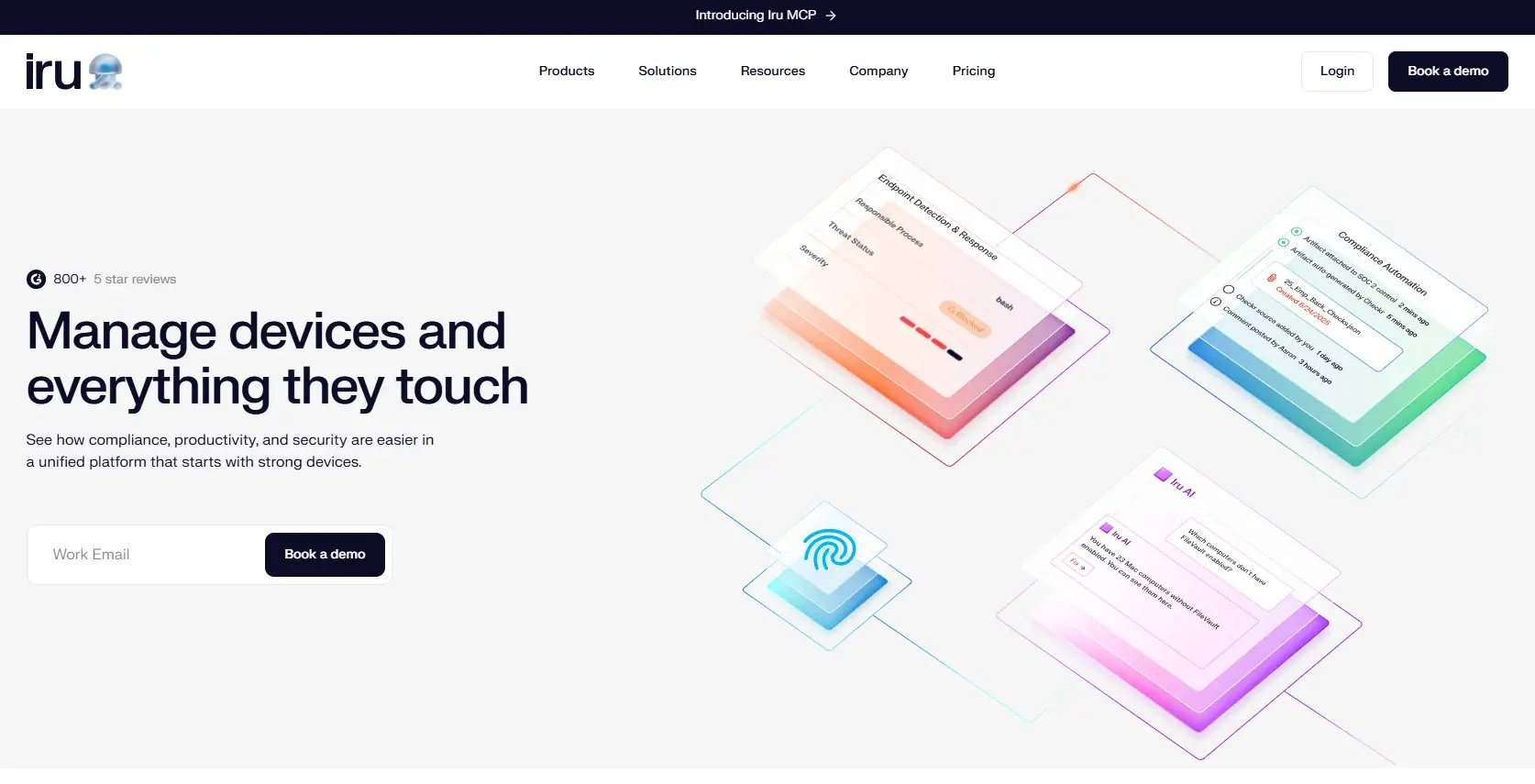
Kandji made its name on Apple automation, and the admin experience is actually pleasant, which is not a sentence I get to write often about IT software. If your fleet is Macs and iPhones, look here first. Worth flagging: in October 2025 Kandji rebranded as Iru, and it wasn't just a name swap. The company expanded beyond Apple-only management to add Windows and Android support under a broader, unified platform.
Features
You get automated compliance templates, pre-built device blueprints, real-time monitoring, and the Liftoff onboarding tool. Under the Iru brand, the platform now folds in endpoint detection and response and vulnerability management alongside the classic MDM.
Pros
The automation is the star, the interface is clean, and the security posture is strong. Admins consistently say it cut their onboarding time and manual compliance work.
Cons
The downside used to be that it was strictly Apple-only, and while Iru has broadened its reach, its cross-platform maturity for Windows and Android is still catching up. The pricing sits at the premium end, and a few admins grumble that the cost climbs fast once you're managing a big fleet.
Criteria Evaluation
- Cross-platform support: 3/5
- Zero-touch enrollment: 5/5
- Security and compliance: 5/5
- Scalability and global reach: 4/5
- Ease of use and automation: 5/5
- Integration ecosystem: 4/5
Price
Custom quote, usually billed per device monthly.
Jamf Pro
Best Known for Enterprise Apple Scale
Jamf Pro is the name enterprises reach for when they're managing Apple devices by the thousands. It's been that name for years, and the depth is hard to match.
Features
Deep Apple Business Manager integration, a self-service app catalog, patch management, and endpoint security add-ons.
Pros
It handles enormous fleets, the feature set is mature, and support is solid. Reviewers call it the gold standard for Apple at scale.
Cons
The learning curve is steep, and it's Apple-only. Smaller teams often find it's more firepower than they'll ever use. If you're running 40 Macs, this is overkill.
Criteria Evaluation
- Cross-platform support: 3/5
- Zero-touch enrollment: 5/5
- Security and compliance: 5/5
- Scalability and global reach: 5/5
- Ease of use and automation: 4/5
- Integration ecosystem: 5/5
Price
Around $4 per device monthly for iOS, higher for macOS.
Microsoft Intune
Best Known for Microsoft 365 Integration
Intune is at its best inside the Microsoft ecosystem, and its cross-platform reach makes it a serious contender well beyond Windows. It's one of the most widely deployed options out there, mostly because so many companies already have it.
Features
Windows Autopilot, conditional access through Entra ID, cross-platform policy management, and app protection.
Pros
If you already pay for Microsoft 365, it's often bundled in, the OS coverage is broad, and the security holds up at enterprise scale. Teams already paying for 365 love the bundled cost.
Cons
Configuration gets complicated in a hurry, and the value only really shows up if you're already committed to the Microsoft stack. Almost all users mention the setup process is a slog.
Criteria Evaluation
- Cross-platform support: 5/5
- Zero-touch enrollment: 4/5
- Security and compliance: 5/5
- Scalability and global reach: 5/5
- Ease of use and automation: 3/5
- Integration ecosystem: 5/5
Price
Bundled with Microsoft 365 E3/E5, or around $8 per user monthly standalone.
JumpCloud
Best Known for Directory Plus Device Control
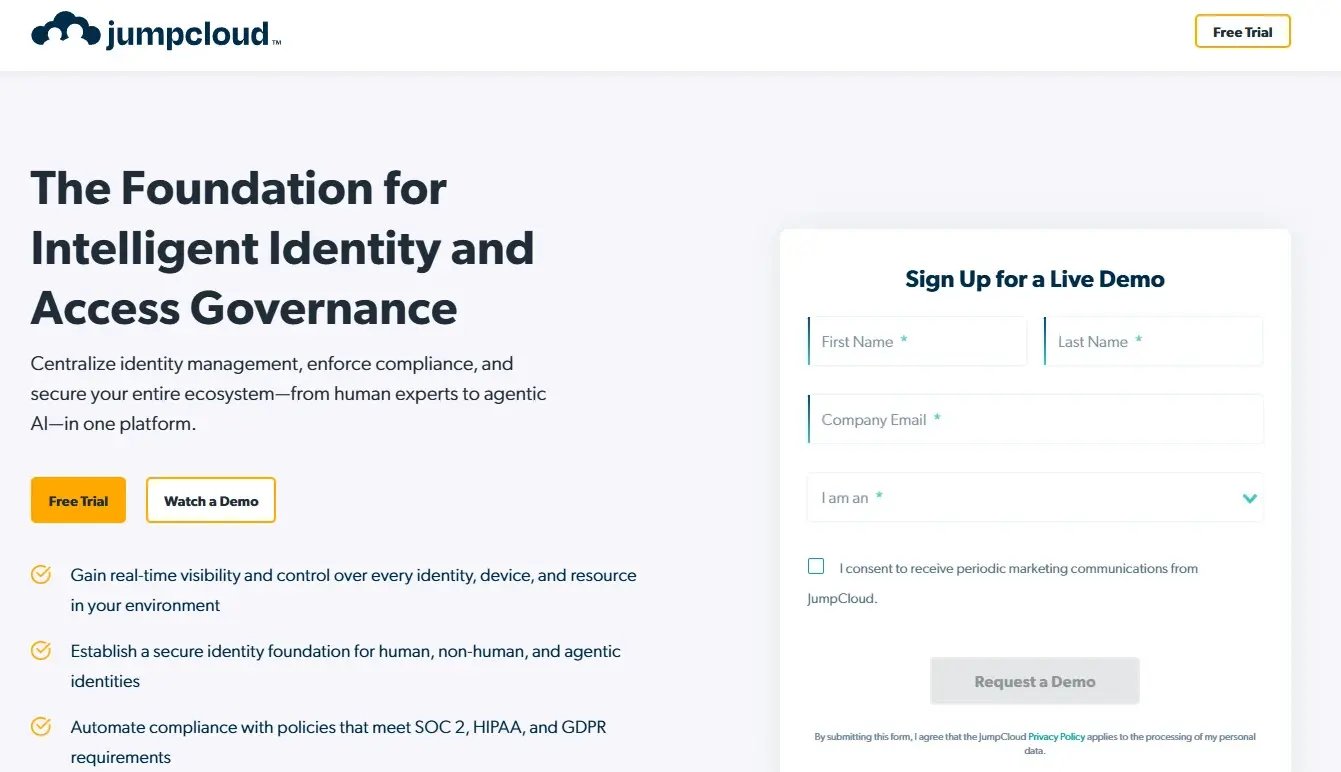
JumpCloud rolls directory services and device management into one platform, which means fewer tools to juggle. For hybrid setups where identity and endpoints usually live in separate systems, that consolidation is a real draw.
Features
Unified identity and device control, SSO, MFA, and cross-OS policy enforcement.
Pros
Managing identity and devices in one place is the whole point, it performs well in hybrid environments, and the free tier is generous. Users like the consolidation.
Cons
Two things hold it back: reporting depth trails the dedicated specialists, and sync delays crop up now and then. A handful of users wish the reporting went deeper.
Criteria Evaluation
- Cross-platform support: 5/5
- Zero-touch enrollment: 4/5
- Security and compliance: 4/5
- Scalability and global reach: 4/5
- Ease of use and automation: 4/5
- Integration ecosystem: 5/5
Price
Free up to 10 users, then modular per-user pricing.
Hexnode UEM
Best Known for Affordable Coverage
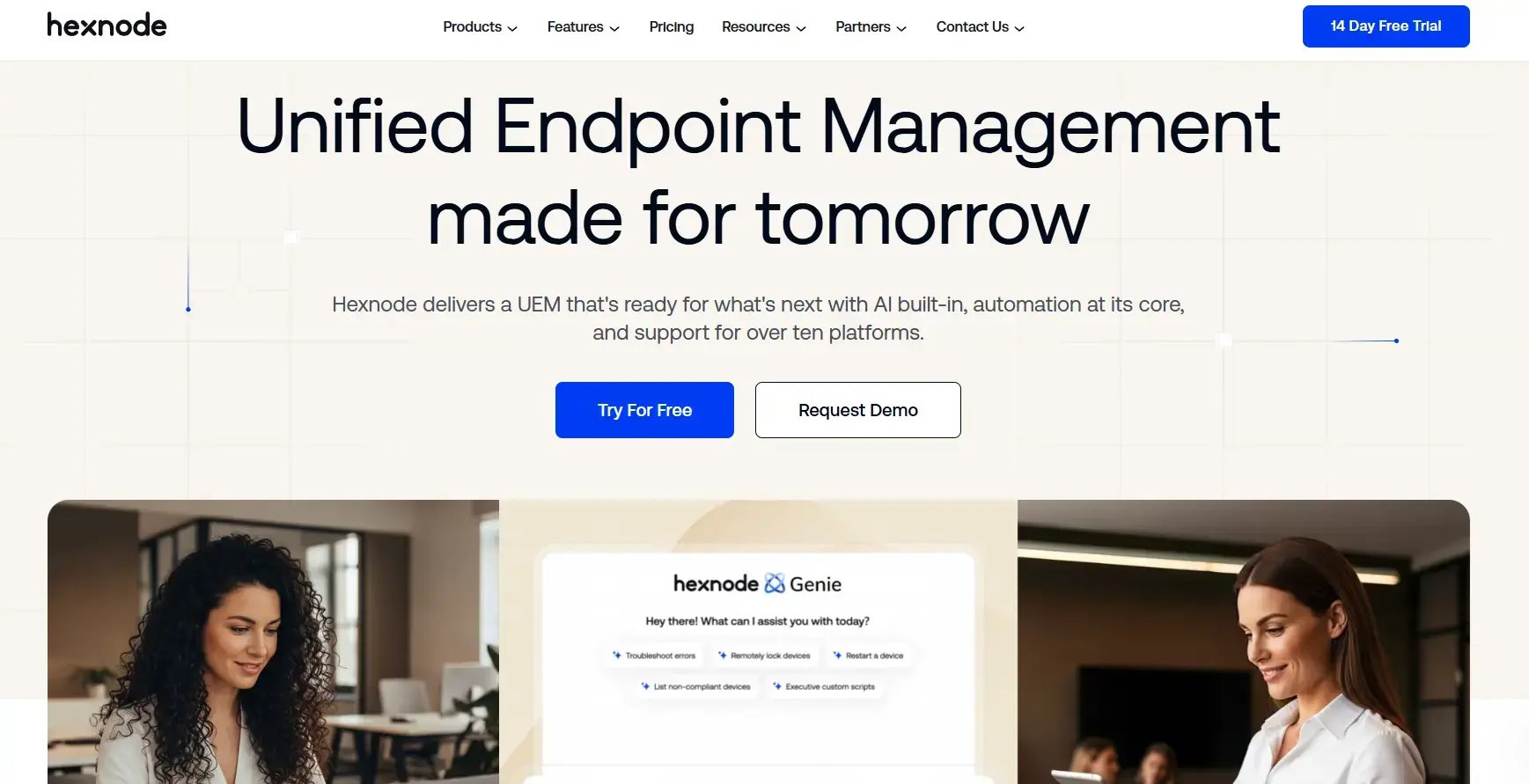
Hexnode packs unified endpoint management across every major OS into a budget-friendly package, and the device support is surprisingly wide. It reaches all the way to Fire OS and tvOS, which most competitors don't bother with. One of the cheaper options here that still does the important stuff.
Features
Kiosk mode, geofencing, remote actions, plus that unusually broad OS coverage.
Pros
The pricing is friendly, the device support is wide, and the support team responds fast. Reviewers keep coming back to the value and the helpful support.
Cons
The UI feels dated in spots, and some of the advanced features hide behind higher tiers. A few users just wish the interface looked like it was built this decade.
Criteria Evaluation
- Cross-platform support: 5/5
- Zero-touch enrollment: 4/5
- Security and compliance: 4/5
- Scalability and global reach: 4/5
- Ease of use and automation: 4/5
- Integration ecosystem: 4/5
Price
Around $1 per device monthly.
VMware Workspace ONE
Best Known for Enterprise Workspaces
Workspace ONE combines enterprise unified endpoint management with digital workspace features and deep analytics. It's a heavyweight. It feels like one from the first day of setup onward.
Features
A unified app catalog, conditional access, automation workflows, and analytics through Workspace ONE Intelligence.
Pros
The enterprise capabilities run deep, the analytics are strong, and the platform reach is broad. Enterprise users love the analytics and reach.
Cons
It's complex to deploy, it costs more, and the admin overhead is real. Smaller teams usually find the whole thing far more involved than they need.
Criteria Evaluation
- Cross-platform support: 5/5
- Zero-touch enrollment: 4/5
- Security and compliance: 5/5
- Scalability and global reach: 5/5
- Ease of use and automation: 3/5
- Integration ecosystem: 5/5
Price
Custom enterprise pricing.
Scalefusion
Best Known for Kiosk and Rugged Support
Scalefusion keeps it simple while handling kiosk and rugged device setups without a fuss. Growing teams tend to be up and running fast, no drawn-out onboarding phase.

Features
Remote cast and control, content management, geofencing, and dedicated device modes.
Pros
Clean interface, quick setup, good value if you're scaling. Users call out the easy setup and clean interface.
Cons
Fewer deep integrations than the enterprise players, and the reporting could go further, with the occasional ask for richer reporting.
Criteria Evaluation
- Cross-platform support: 5/5
- Zero-touch enrollment: 4/5
- Security and compliance: 4/5
- Scalability and global reach: 4/5
- Ease of use and automation: 4/5
- Integration ecosystem: 4/5
Price
Around $2 per device monthly.
ManageEngine Mobile Device Manager Plus
Best Known for Flexible Hosting
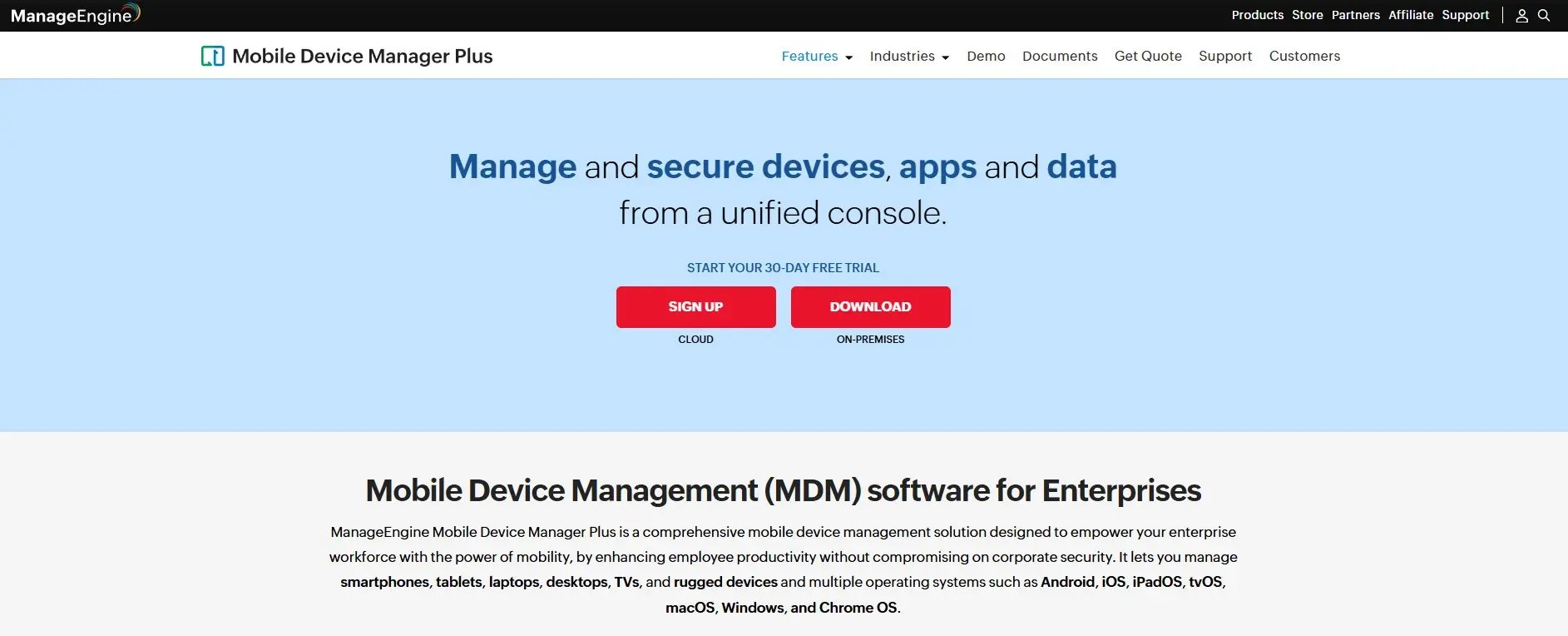
ManageEngine gives you app management, containerization, and profile management, and it'll run in the cloud or on-premise. That hosting choice matters more than people expect, especially when compliance rules dictate exactly where your data is allowed to sit. The price stays competitive on top of it.
Features
App management, containerization, profile management, and flexible cloud or on-premise hosting.
Pros
Flexible hosting, a deep toolkit, strong overall value. Reviewers keep praising the hosting flexibility and the value.
Cons
The interface looks like it was designed in 2011 and never got the memo. New admins get overwhelmed, support response can be hit or miss, and newer admins keep mentioning that busy, cluttered interface.
Criteria Evaluation
- Cross-platform support: 5/5
- Zero-touch enrollment: 4/5
- Security and compliance: 4/5
- Scalability and global reach: 4/5
- Ease of use and automation: 4/5
- Integration ecosystem: 4/5
Price
Free for up to 25 devices, then per-device tiers.
Mosyle
Best Known for Apple Value
Mosyle bundles MDM, endpoint security, and identity for Apple at a price that's hard to argue with. If you're running Macs and watching the budget, this is probably where I'd start.
Features
Automated device enrollment, encryption enforcement, patch management, and built-in identity.
Pros
The value is excellent, security comes bundled, and deployment is simple. Users rave about the value and the bundled security.
Cons
It's Apple-only, and support can lag now and then. A few users flag slower support at times.
Criteria Evaluation
- Cross-platform support: 3/5
- Zero-touch enrollment: 5/5
- Security and compliance: 4/5
- Scalability and global reach: 4/5
- Ease of use and automation: 4/5
- Integration ecosystem: 4/5
Price
Free tier available, business plans around $1 per device monthly.
Miradore
Best Known for Free Entry
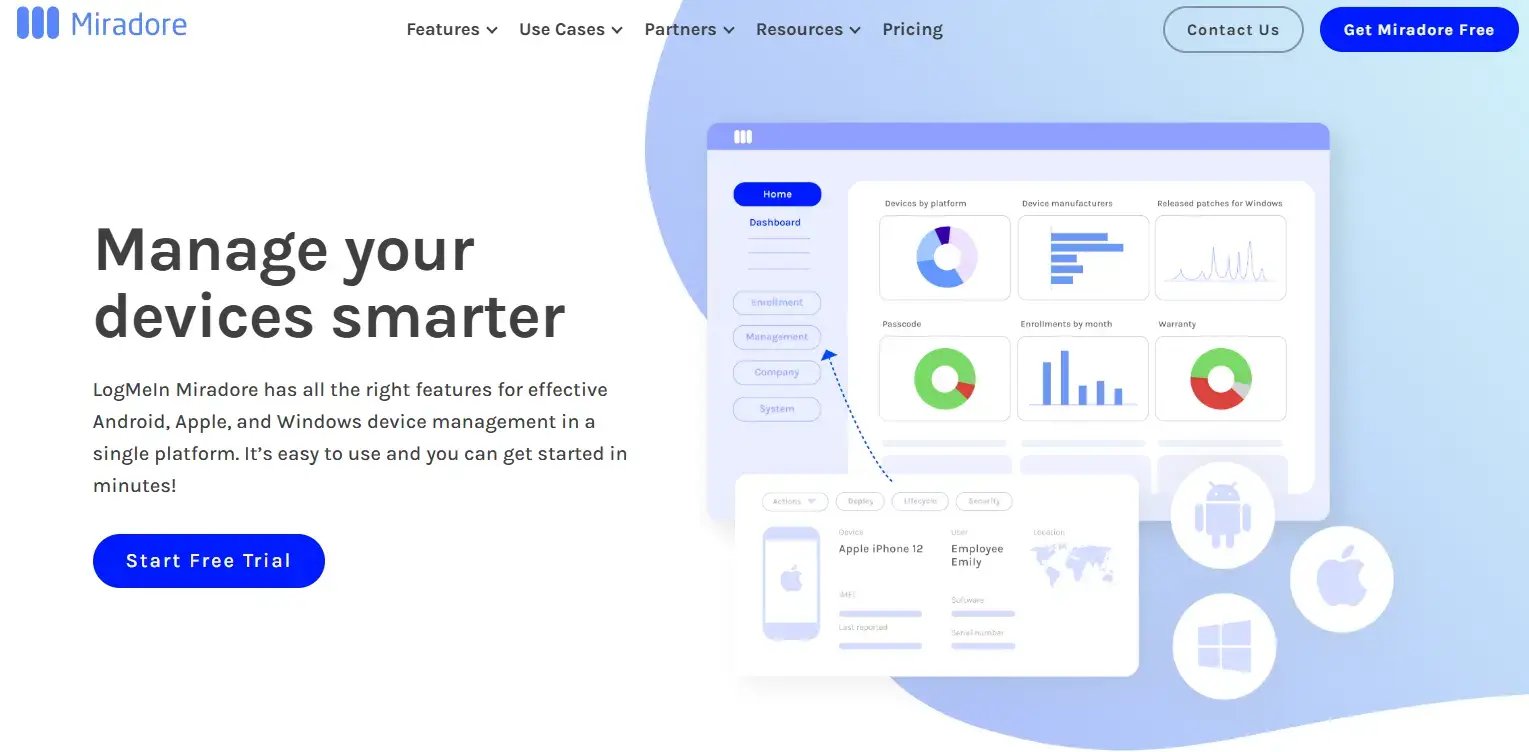
Miradore gives you a free way in and covers the cross-platform basics without much fuss. Small teams trying device management for the first time often land here.
Features
Device inventory, configuration profiles, remote wipe, and encryption enforcement.
Pros
The free tier is great for small teams, setup is easy, and scaling up stays cheap. Small teams value the free tier and the simplicity.
Cons
The automation is basic and the enterprise features are thin. Nobody's pretending the automation runs deep.
Criteria Evaluation
- Cross-platform support: 4/5
- Zero-touch enrollment: 3/5
- Security and compliance: 3/5
- Scalability and global reach: 3/5
- Ease of use and automation: 4/5
- Integration ecosystem: 3/5
Price
Free tier, premium around $3 per device monthly.
SOTI MobiControl
Best Known for Rugged Deployments
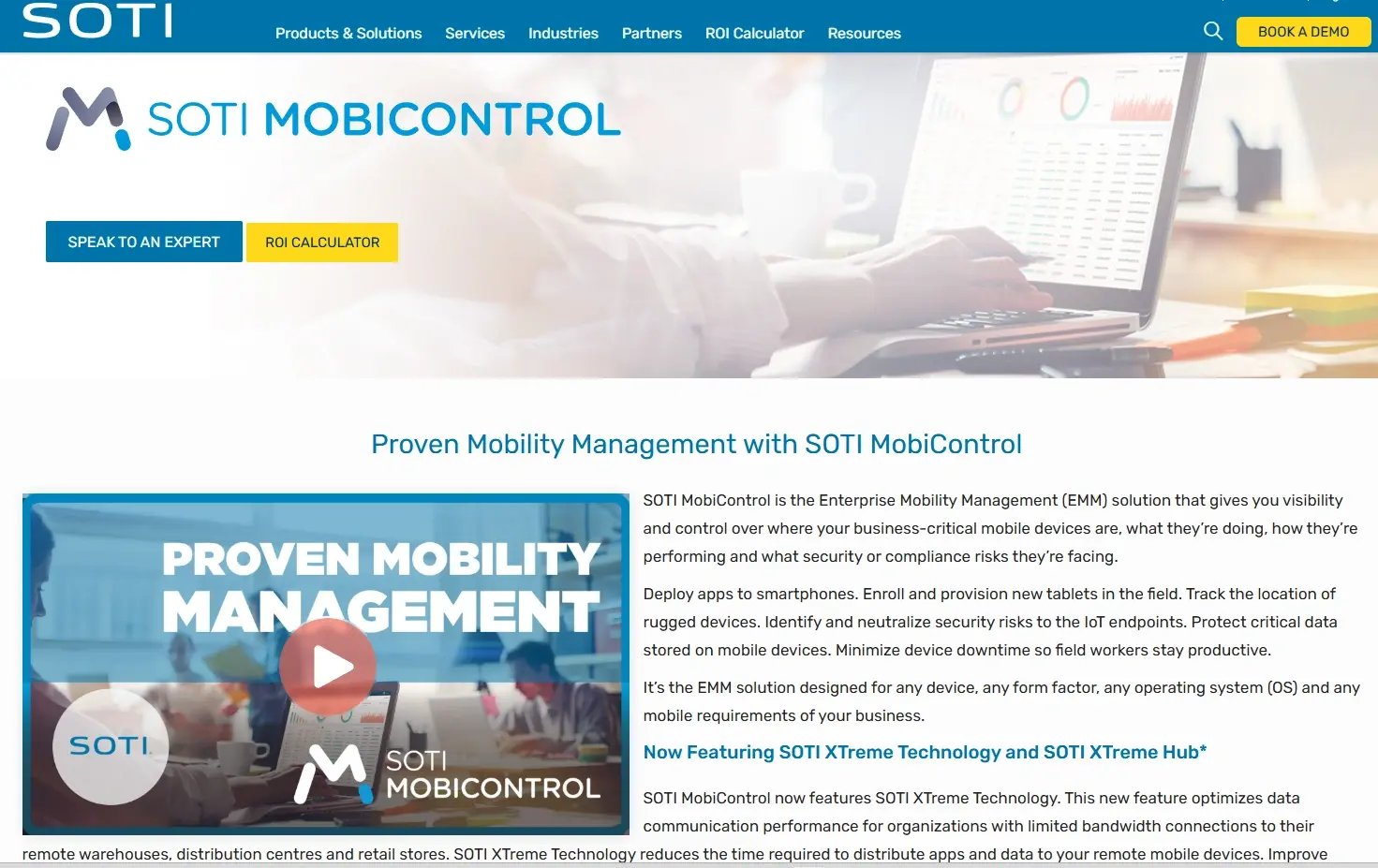
SOTI MobiControl handles rugged devices and messy field deployments that trip up lighter tools. If your hardware lives outside a standard office, warehouses, trucks, factory floors, put it on your shortlist.
Features
Remote control, advanced scripting, IoT support, and detailed diagnostics.
Pros
Strong for special-purpose and rugged fleets, deep remote control and scripting, and a track record of stability at scale. SOTI MobiControl works with any device, form factor and operating system, including Android, Apple iOS and macOS, Windows, and Linux, which is exactly why field-heavy operations lean on it. Reviewers keep pointing to its depth of control and reliability when managing large, mixed-device deployments.
Cons
It leans enterprise, so the setup is involved and the admin overhead is real. Pricing isn't published openly, and smaller teams tend to find it heavier than they need. A few users note the cost climbs once you add modules, and it's often positioned as a mid-to-premium option.
Criteria Evaluation
- Cross-platform support: 5/5
- Zero-touch enrollment: 4/5
- Security and compliance: 5/5
- Scalability and global reach: 5/5
- Ease of use and automation: 3/5
- Integration ecosystem: 4/5
Price
Custom quote, with cloud licensing around $4 per device monthly and on-premise around $3.25 per device monthly.
How the Best MDM Services for Teams Stack Up
Thirteen platforms is a lot to hold in your head, so here's the shape of it. The reason this comparison matters at all: the MDM market's forecast growth is tied to remote workforce expansion, identity-management integration, and demand for zero-trust frameworks, and that's exactly the pressure a distributed fleet puts on you. Sorted by who they're actually for, the best mdm services for teams break down like this:
- Global delivery first: GroWrk stands alone here because it solves the step every other tool skips, getting an MDM-ready device into someone's hands across borders. If your team spans continents, this is the layer the rest of the mdm services assume you've already sorted.
- Apple shops: Iru (formerly Kandji), Jamf Pro, Mosyle, and Addigy. Mosyle for value, Jamf for thousands of Macs, Addigy for real-time control, and Iru if you want Apple polish that's now stretching toward Windows and Android.
- Microsoft-committed: Intune, and really only if you already live in Microsoft 365. Outside that stack the setup tax isn't worth it.
- Identity plus devices: JumpCloud, when you'd rather run directory and endpoint control from one console instead of two.
- Budget cross-platform: Hexnode, Scalefusion, and ManageEngine cover every major OS without draining the budget, and remain some of the more sensible mdm services for remote work at smaller scale.
- Enterprise heavyweights: VMware Workspace ONE and SOTI MobiControl, for deep control, rugged fleets, and analytics, at the cost of real setup effort.
- Free entry point: Miradore, for a small team dipping a toe in for the first time.
The through-line is that no single tool wins every category. The right pick depends on where your fleet lives and which operating systems it runs, which is why I keep telling people to read the scores against their own setup rather than chasing a perfect scorecard.
FAQ
What are the top mdm services for remote work teams in 2026?
It depends on your fleet. GroWrk leads for distributed teams that need MDM-ready devices delivered across borders, Iru (formerly Kandji), Jamf Pro, and Mosyle own the Apple lane, Microsoft Intune fits Microsoft 365 shops, and Hexnode, Scalefusion, and ManageEngine cover budget-conscious cross-platform needs. Read the scores above against your own operating systems and where your people sit.
What do mdm services actually do?
At their core, MDM is a cybersecurity strategy designed to secure, monitor, and manage an organization's mobile devices such as smartphones and tablets. In practice that means enforcing security policies, managing installed applications, and controlling access to corporate networks no matter where a device lives.
Why do remote teams need mdm services for remote work specifically?
Distributed work erases the old network perimeter. The shift toward remote work, cloud apps, and distributed teams removes the traditional network perimeter, which increases mobile security threats. That is the gap remote mdm services close, keeping every endpoint compliant and letting you remote wipe a device that goes missing.
How much do mdm services cost?
Most platforms bill per device per month, ranging from roughly $1 (Hexnode, Mosyle) to $8 per user for standalone Intune, with several free tiers for small fleets. Watch for feature gating, onboarding fees, and support costs that stack up beyond the sticker price.
Which mdm services work best across multiple operating systems?
Microsoft Intune, JumpCloud, Hexnode, Scalefusion, ManageEngine, VMware Workspace ONE, and SOTI MobiControl all score high on cross-platform support, covering macOS, Windows, Linux, iOS, and Android from one console. The Apple-first tools trade breadth for depth, so match the choice to your real fleet.
Final Thoughts
Thirteen platforms, seven criteria, and one stubborn truth: no single tool wins every category, and the best mdm services for teams are the ones that fit how your fleet actually works. If everything runs on Apple, the specialists earn their scores. If you span operating systems and continents, the calculus shifts toward reach and delivery. The point of scoring each of these mdm services was never to crown one winner, it was to help you read the ratings against your own setup.
But circle back to the gap almost every tool on this list quietly assumes away: the device has to be in your employee's hands, enrolled and ready, before any of this MDM magic happens. For a distributed team, that first step is the hard one, and it's exactly where GroWrk lives. Zero-touch deployment to 150+ countries means your IT team stops firefighting onboarding and starts focusing on what matters. Devices show up MDM-ready, sync straight to your existing platform through SSO, and the whole lifecycle from delivery to retrieval to recycling gets handled for you.
If you're weighing the top mdm services for remote work teams and the border-crossing logistics are what keep breaking, that's the part worth solving first. Book a demo with GroWrk and hand that lost week back to your Marcus.