11 Games for Remote Teams That Actually Build Connection (2026 Guide)
Remote work killed the water cooler. You know this already.
Buffer's 2026 report says 73% of distributed teams struggle with bonding. But companies doing regular virtual team building see 41% better retention. So yeah, this stuff matters even if it feels awkward. Games for remote teams are a retention tool, not a perk.
Three years ago, I thought virtual games were corporate bullshit. Then I watched Sarah (who said maybe 10 words total in our first month of standups) absolutely destroy everyone at Among Us and spend the next three weeks roasting people in Slack about their terrible alibi strategies. That's when I realized these aren't just games. They're the random conversations we lost when offices became optional. That is what good games for remote teams actually buy you.
You're here because you tried virtual trivia once and half your team was clearly checking email, or you're drowning in options and don't know which ones are worth it. I've tested everything from free browser games to $75-per-person facilitated experiences with teams between 5 and 500 people. Some were great. Some were so bad I'm still getting passive-aggressive Slack messages about them. Not all games for remote teams are worth the invite.
This guide covers what works, what's worth your money, and which platforms get people asking "when's the next one?" instead of suddenly having "conflicts." These are the games for remote teams that survive contact with a real calendar.
TL;DR: Quick Picks by Team Need
Best Overall Experience: Teambuilding.com has 100+ activities, professional hosts handle everything, you just show up. Expensive but worth it.
Best Free Option: Codenames Online. Zero budget, actual teamwork required, works in a browser. Done.
Best for Large Teams: Kahoot! handles thousands of people at once. Game show format. Gets competitive fast.
Best for Ongoing Engagement: QuizBreaker delivers automated weekly icebreakers via email. Builds connections without requiring meeting time.
Best for Pure Fun: Jackbox Games creates authentic laughter with creative party games perfect for casual team bonding.
Best Strategic Investment: Outback Team Building costs $2,000+ but ties activities directly to business objectives and leadership development. Not just fun and games.
Best Quick Energizer: Gartic Phone creates hilarious moments in 15-minute rounds with zero setup required.
Look, there's no single "best" option here. Depends on your budget, team size, and whether you're trying to have fun or fix communication problems. Most teams end up rotating between a few of these instead of picking one forever.
Quick Comparison
Here's the cheat sheet:
| Platform | Best For | Price Range | Team Size | Setup Difficulty | Facilitation |
|---|---|---|---|---|---|
| Teambuilding.com | Professional facilitation | $25-75/person | 5-500+ | Easy | Professional hosts included |
| Kahoot! | Game show energy | Free-$100+/month | 5-5000+ | Very Easy | Self-service |
| Jackbox Games | Hilarious party games | $20-30 one-time | 6-12 active | Easy | Self-directed |
| Outback Team Building | Strategic development | $2,000+ per program | 10-10,000+ | Easy | Expert facilitators included |
| Among Us | Social deduction | Free-$5 one-time | 8-15 | Moderate | Self-directed |
| QuizBreaker | Automated engagement | $2/person/month | Any size | Very Easy | Fully automated |
| Wildgoose | Hybrid capabilities | $15-30/person | 5-1000+ | Easy | Optional facilitation |
| Codenames Online | Strategic word game | Free | 4-12 | Very Easy | Self-directed |
| Let's Roam | Activity variety | $20-60/person | 5-50 | Easy | Optional facilitation |
| Gartic Phone | Quick laughs | Free | 4-30 | Very Easy | Self-directed |
| Virtual Escape Rooms | Immersive puzzles | $25-40/person | 4-8 per room | Easy | Professional hosts included |
How We Evaluated These Games
Picking games for remote teams isn't about finding what's popular. It's about matching your team's specific needs with platforms that work. Here's what I looked at:
Ease of Use & Technical Requirements. If people need to download something, create an account, and troubleshoot for 15 minutes, half your team won't show up. Browser-based wins. Always.
Team Size Flexibility matters because your needs change. Small team activities for 5-10 people require different mechanics than all-hands events with 500 participants. The best platforms scale without losing quality.
Engagement & Entertainment Value separates memorable experiences from forgettable ones. I prioritized activities that people talk about after the session ends (in a good way). If your team groans when they see the calendar invite, the game failed.
Collaboration & Communication Features address the core reason you're doing this. Virtual team building should strengthen relationships and improve how people work together. I looked for mechanics that require strategic discussion, creative problem-solving, and teamwork.
Customization & Branding Options create experiences that feel personal. Inside jokes, company-specific trivia, or branded game environments create intimacy that generic content can't match.
Facilitation Support acknowledges that not everyone wants to be the cruise director. Some platforms provide professional hosts who manage energy and logistics. Others work beautifully self-service. I noted which approach each platform takes.
Value for Money goes beyond sticker price. A $50 per person experience that drives real connection delivers more value than a $5 option with 30% participation. I evaluated cost against engagement outcomes and frequency of use.
Each game got ratings from 1-5 across these seven criteria. 5/5 means best-in-class. 4/5 means strong performance with minor limitations. 3/5 means adequate but nothing special. 2/5 signals notable problems. 1/5 means significant issues.
I've included these ratings with each platform review so you can quickly assess fit.
Top 11 Games for Remote Teams
1. Teambuilding.com (Team Building Activities)
Criteria Ratings:
- Ease of Use & Technical Requirements: 5/5
- Team Size Flexibility: 5/5
- Engagement & Entertainment Value: 5/5
- Collaboration & Communication Features: 5/5
- Customization & Branding Options: 4/5
- Facilitation Support: 5/5
- Value for Money: 4/5
Teambuilding.com solves the biggest problem with virtual team building: someone has to run the damn thing. Someone has to own games for remote teams or they quietly die.
You don't plan anything. You don't manage tech. You don't awkwardly try to keep energy high while people check email. They handle all of it. You just show up and play. Facilitation is what separates run games for remote teams from abandoned ones.
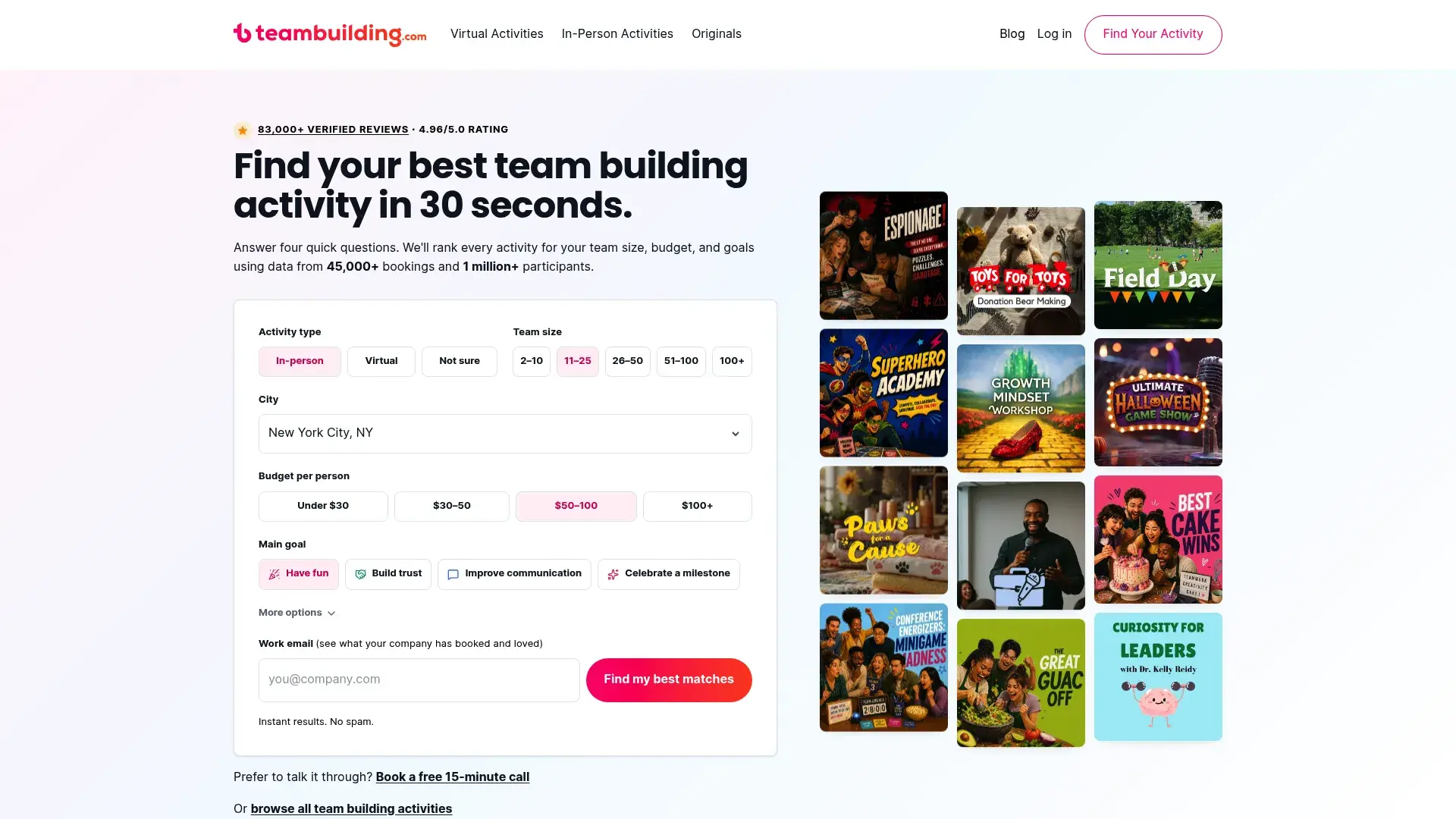
The platform offers ridiculous variety. Murder mysteries, cooking classes, trivia competitions, creative workshops, and 90+ other options mean you won't run out of fresh experiences. Each activity is built for virtual environments rather than being an in-person activity awkwardly shoved onto Zoom.
Here's what matters though: the facilitators are really good. These aren't college students reading scripts. They're experienced hosts who read room energy, adapt pacing, and know exactly when to inject humor or shift gears. I've watched them rescue sessions where half the team had video off and transform them into experiences people talked about for weeks. The difference between amateur and professional facilitation becomes obvious within the first five minutes.
What you're getting
Dedicated event coordinators handle all logistics before your session. They'll help you choose the right activity for your team's goals, manage registrations, send reminders, and make sure technical requirements are clear.
The platform works with Zoom, Microsoft Teams, Google Meet, and other video conferencing tools. Participants don't download anything or create accounts. They just click a link and they're in.
Activities range from 15-minute energizers perfect for meeting breaks to multi-hour experiences for quarterly team events. You can book single sessions or create ongoing programs with different activities each month. Post-event analytics provide participation data and feedback collection, helping you measure engagement and improve future sessions. Custom program design is available for enterprise clients with specific objectives or cultural considerations.
The good stuff
Zero planning stress makes this attractive for busy managers. You schedule it, show up, and participate. Someone else handles the heavy lifting.
Facilitator quality stays high across different activities and time zones. I've never had a session where the host felt unprepared or low-energy.
The massive activity catalog means you can run monthly sessions for years without repetition. Different activities appeal to different personality types, so everyone finds something they enjoy.
Scalability from 5 to 500+ participants gives you one vendor for small team activities and company-wide events. Enterprise clients get volume discounts and dedicated account management.
The annoying parts
Premium pricing puts this out of reach for teams with tight budgets. You're paying for professional facilitation, which costs more than DIY options.
Popular time slots require advance booking, especially for end-of-quarter periods when everyone wants team building. Plan at least 2-3 weeks ahead.
Spontaneous activities aren't possible. The managed experience that makes this great also means you can't decide at 2pm to run something at 3pm.
Some activities have minimum participant requirements. If you've got a tiny team, certain experiences won't be available.
What the ratings mean
Ease of Use (5/5): Participants need zero technical setup. Click link, join call, done. Facilitators handle all complexity behind the scenes.
Team Size Flexibility (5/5): Works for intimate teams of 5 and scales to enterprise events with 500+ participants without losing quality.
Engagement & Entertainment Value (5/5): Professional facilitators ensure high energy and participation. Activities are built for virtual environments rather than adapted from in-person formats.
Collaboration & Communication (5/5): Every activity emphasizes teamwork, strategic discussion, or creative problem-solving. Breakout rooms and team challenges replicate organic office interactions.
Customization & Branding (4/5): Custom experiences available for enterprise clients, though standard offerings are pre-designed. You can incorporate company-specific content with advance notice.
Facilitation Support (5/5): Expert hosts included with every session. They manage energy, timing, and technical issues so you can focus on participating.
Value for Money (4/5): Premium pricing ($25-75 per person) is justified by professional delivery and outcomes. Higher cost than DIY options but eliminates execution risk.
What people are saying
"We've used Teambuilding.com quarterly for two years. The facilitators are incredible at reading the room and adjusting on the fly. Our team looks forward to these sessions, which wasn't true with previous vendors." (Source: G2 Reviews, verified IT Director)
"The murder mystery event was the most engaged I've seen our remote team. People who normally stay quiet were actively participating and laughing. Worth every penny." (Source: Capterra Reviews, verified HR Manager)
"Professional facilitation makes all the difference. We tried running similar activities ourselves and it was awkward. Having an expert host transformed the experience." (Source: TrustRadius Reviews, verified Operations Lead)
Pricing
Custom pricing based on group size and activity selection, typically $25-75 per person. Enterprise packages and volume discounts available for companies booking multiple sessions or large participant counts.
Visit Teambuilding.com to explore their activity catalog and request a quote.
2. Kahoot!
Remember game shows? Kahoot turned that into team building.
Upbeat music. Colorful interface. Real-time leaderboards. People get weirdly competitive about answering trivia questions, which is kind of hilarious when you think about it.
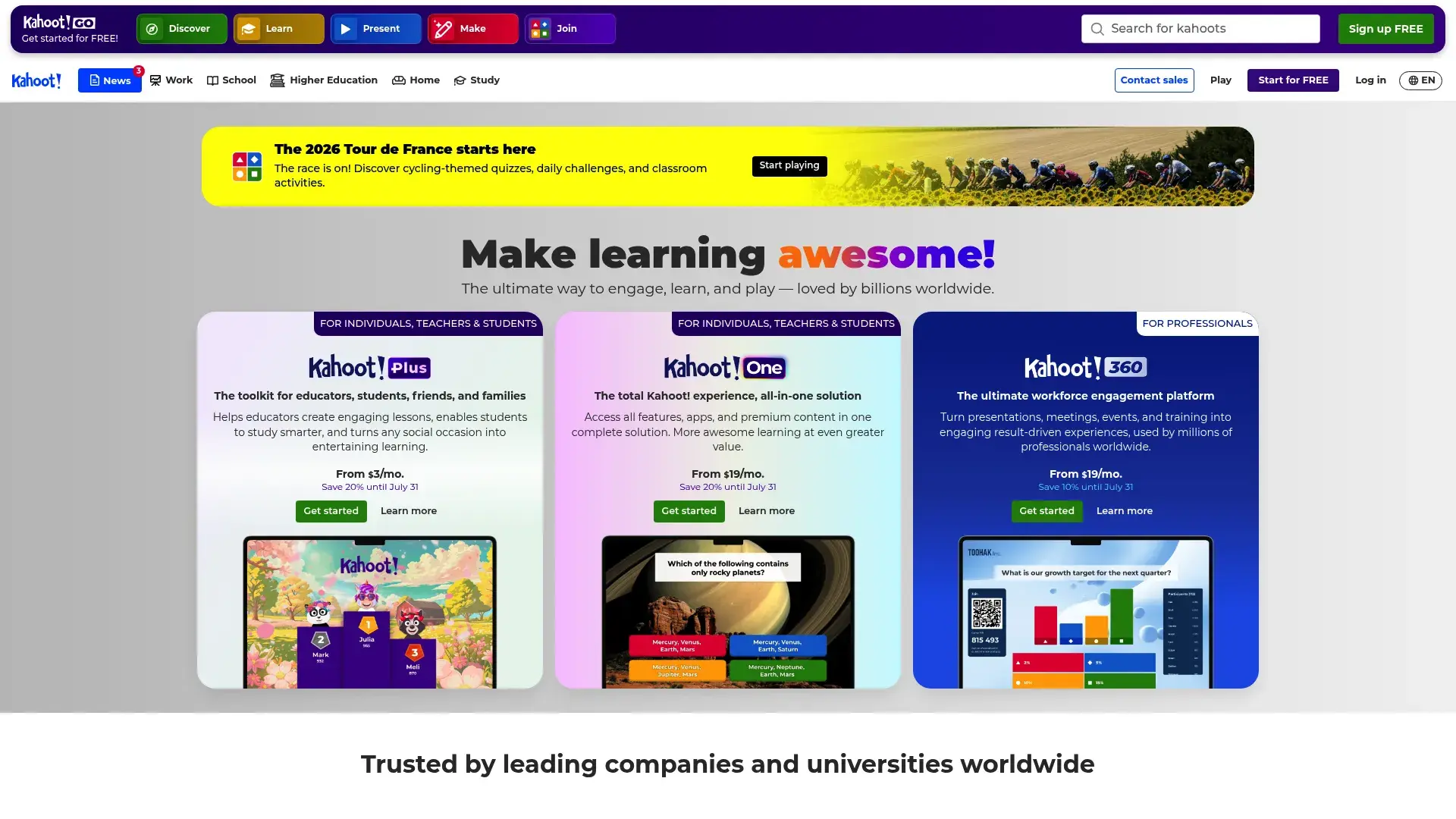
The setup: Browser-based, works on any device, join with a game PIN. Takes about two minutes. Free version does a lot, paid version does more.
Why it works: Creating custom quizzes takes maybe 30 minutes. Or just use one of the millions of pre-made quizzes covering virtually any topic. The platform also offers traditional multiple choice, true/false, puzzle slides, and open-ended questions. Team mode transforms individual competition into collaborative play, making it more suitable for team building objectives.
Mobile app and browser-based play mean participants can join from phones, tablets, or computers. No compatibility issues or device restrictions. Advanced analytics show which questions stumped people, participation rates, and individual performance. For training-focused sessions, this data helps identify knowledge gaps.
Branding customization on premium accounts lets you add company logos, custom color schemes, and branded backgrounds.
What's good
The free version offers real functionality. Small teams can run engaging quizzes without spending anything, making it perfect for testing whether trivia-style activities resonate with your team.
Creating quizzes is easy. I've watched non-technical team members build custom games in under 30 minutes without any training.
The massive content library provides ready-made quizzes on thousands of topics. Need a quick icebreaker about pop culture or a serious quiz on compliance training? Someone's already built it.
Scalability is virtually unlimited. I've run Kahoot! sessions with 8 people and 800 people. The experience works at both extremes.
Participants don't need accounts. They just enter a game PIN and their name. This removes a major friction point that kills participation in other platforms.
The catch
Quiz-style gets old if you overuse it. Kahoot works great monthly but feels stale if it's your only team building activity.
The format is limited to question-and-answer gameplay. You can't incorporate other activity types or break out of the quiz structure.
Free version restrictions include limited question banks, no advanced reporting, and Kahoot! branding you can't remove. Teams serious about regular use will need paid plans.
Someone needs to create or curate content. Pre-made quizzes might not fit your team's culture or inside jokes. Custom content takes time to develop.
Collaboration features are weaker than platforms designed specifically for teamwork. Even in team mode, it's primarily a competitive experience rather than a bonding one.
Ratings breakdown
Ease of Use (5/5): Browser-based platform works on any device. Participants join with a simple PIN code. Zero technical barriers.
Team Size Flexibility (5/5): Works equally well with 5 people or 5,000. The format scales without losing quality.
Engagement & Entertainment Value (5/5): Game show format with music and leaderboards creates real excitement. People get competitive in the best way.
Collaboration & Communication (3/5): Primarily individual competition unless you specifically configure team mode. Better for energizing groups than deep bonding.
Customization & Branding (5/5): Fully customizable questions, images, videos, and branding. Create company-specific content easily.
Facilitation Support (3/5): Self-service model requires someone on your team to create content and host sessions. No professional facilitators included.
Value for Money (5/5): Free tier offers real functionality. Premium plans ($3.99-$100+/month) are reasonably priced for features provided.
Real feedback
"Kahoot! is our go-to for monthly trivia. The competitive element gets even our quietest team members engaged. Easy to set up and everyone knows how it works." (Source: G2 Reviews, verified Team Lead)
"We use it for training reinforcement and team building. The analytics help us identify knowledge gaps while the game format keeps it fun. Great value for the price." (Source: Capterra Reviews, verified L&D Manager)
"Simple but effective. We rotate who creates the quiz each month, which has become a fun challenge in itself. People try to outdo each other with creative questions." (Source: Reddit r/remotework, verified user)
Pricing
Free basic version available. Kahoot! Premium starts at $3.99/month for individuals. Business plans range from $30-100+/month depending on features and user count. Annual subscriptions offer discounts.
Explore Kahoot! to create your first quiz or browse their content library.
3. Jackbox Games
Criteria Ratings:
- Ease of Use & Technical Requirements: 4/5
- Team Size Flexibility: 4/5
- Engagement & Entertainment Value: 5/5
- Collaboration & Communication Features: 4/5
- Customization & Branding Options: 2/5
- Facilitation Support: 2/5
- Value for Money: 5/5
Jackbox turned screen sharing into an art form. Their party packs contain games that are actually funny, not just "corporate event funny." Titles like Quiplash, Fibbage, and Drawful have become cultural touchstones for remote teams seeking lighthearted connection.
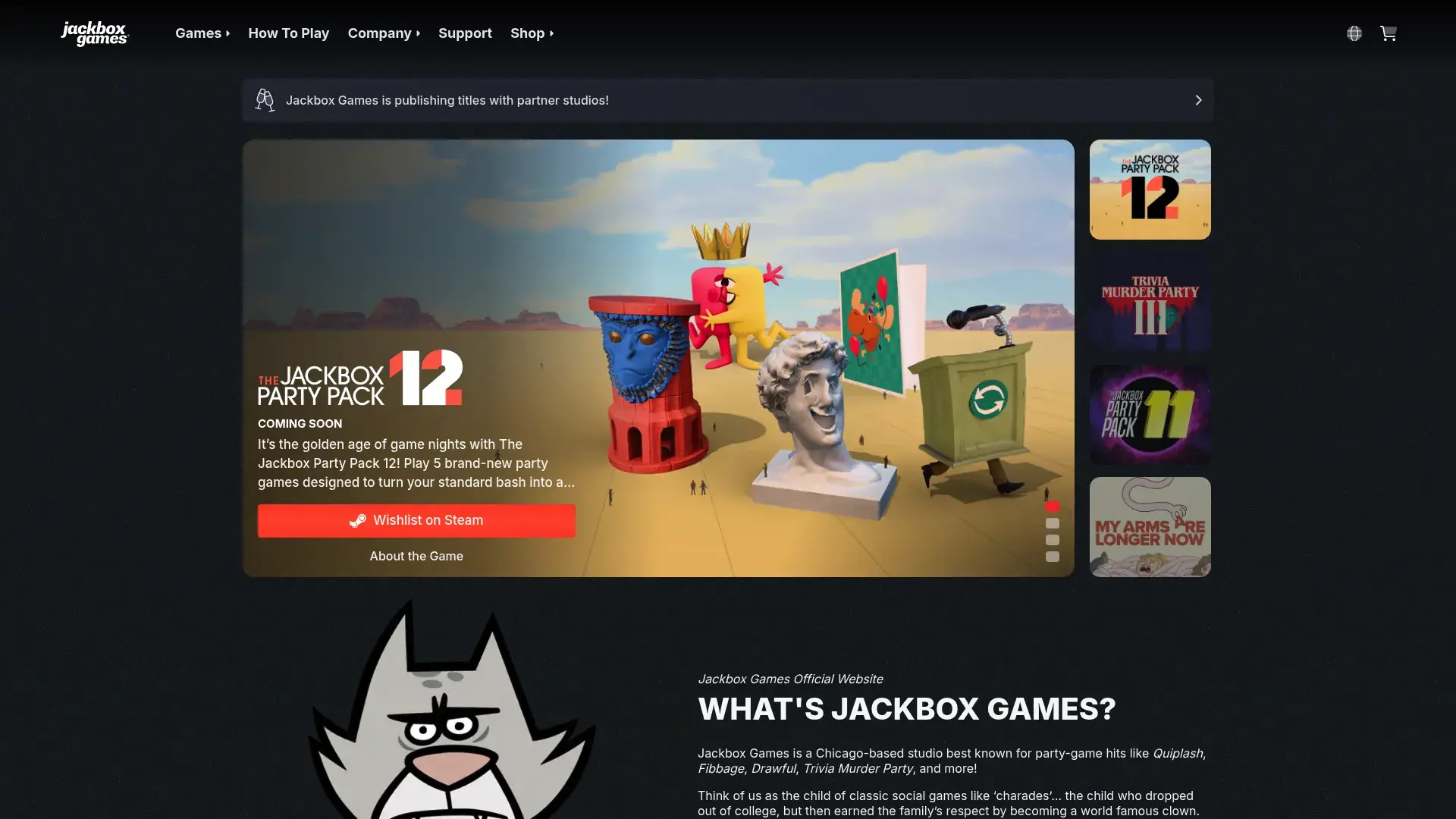
The setup is brilliantly simple. One person owns the game and shares their screen. Everyone else uses their phones or tablets as controllers by visiting a website and entering a room code. No app downloads required for players, which removes a huge participation barrier.
Games mix drawing challenges, creative writing, trivia with a twist, and absurd scenarios that reveal personality. You'll learn things about your coworkers you never expected (and some things you can't unlearn). The humor emerges from player creativity rather than pre-written jokes, making each session unique.
What makes it work
Multiple party pack collections give you variety. Each pack contains five different games with distinct mechanics. Party Pack 3, 7, and 9 are particularly strong for team building, though preferences vary.
Phone-based controllers mean everyone can play comfortably. People sprawl on couches, walk around, or play from wherever feels natural. The casual setup reduces the "performing on camera" pressure some people feel during virtual activities.
Audience participation features let extra people join even when active player slots are full. They can vote on answers, influence outcomes, and feel included without needing a dedicated player spot.
Family-friendly and adult content options let you match the experience to your team culture. Some games include content filters for more conservative environments.
Screen sharing compatibility works with Zoom, Teams, Google Meet, or any platform that supports sharing. The technical requirements are minimal.
The good stuff
One purchase provides unlimited replay value. Buy a party pack for $20-30 and use it forever with unlimited team sessions. The per-session cost becomes negligible.
Games are consistently entertaining. We've played Quiplash probably 50 times and it still generates real laughter because the humor comes from player creativity, not repetitive content.
Zero skill barriers mean everyone can participate. You don't need gaming experience, artistic talent, or specific knowledge. Terrible drawings are funnier anyway.
Setup takes about two minutes. Share screen, visit website, enter room code, start playing. No lengthy tutorials or complicated configuration.
The casual nature makes it perfect for end-of-week wind-downs or social hours. It doesn't feel like forced corporate team building.
The annoying parts
Screen sharing setup requires one person to own the game and manage the technical side. If that person has connection issues, the session stops.
Active player counts are limited. Most games support 3-8 active players, though audience members can watch and vote. This works fine for small teams but gets awkward with 30 people.
The games aren't designed for professional team building objectives. You'll have fun and bond, but don't expect leadership development or strategic collaboration skills.
Large groups can become chaotic. With 20+ people all trying to be funny at once, things get messy fast. Sweet spot is 6-12 people.
You need to purchase the game packs. While the cost is reasonable, it's not free like some browser-based options.
How it rates
Ease of Use (4/5): Simple setup but requires screen sharing and one person to own/manage the game. Players just need phones and a browser.
Team Size Flexibility (4/5): Works best with 6-12 people. Can accommodate more as audience members but active player slots are limited.
Engagement & Entertainment Value (5/5): Generates authentic laughter and memorable moments. Player creativity drives humor, making each session unique.
Collaboration & Communication (4/5): Encourages creativity and shared laughter. Some competitive elements but primarily about collective entertainment.
Customization & Branding (2/5): Limited to choosing which games to play. No company-specific content or branding options.
Facilitation Support (2/5): Self-directed gameplay. Someone needs to manage screen sharing and keep things moving.
Value for Money (5/5): One-time purchase of $20-30 per party pack provides unlimited sessions. Exceptional cost per use.
What people say
"Jackbox is our Friday tradition. We rotate who hosts and which pack we play. It's the one meeting nobody ever skips. Quiplash 3 is our favorite." (Source: Reddit r/remotework, verified user)
"Perfect for teams that don't want corporate-feeling activities. It's just fun. We've bonded more over terrible drawings in Drawful than any structured exercise." (Source: Twitter/X, verified remote team manager)
"The humor can get a bit wild depending on your team. Make sure everyone understands the vibe before jumping in. That said, it's incredibly entertaining." (Source: G2 Reviews, verified user)
Pricing
Individual party packs cost $20-30 each (one-time purchase). Bundles combining multiple packs offer better value. Frequent sales on Steam and console platforms. No subscription required.
Check out Jackbox Games to browse party packs and see which games fit your team.
4. Outback Team Building & Training
Outback approaches virtual games with a strategic lens. They're not about having fun (though that happens). They're about developing specific competencies, revealing team dynamics, and driving measurable business outcomes.
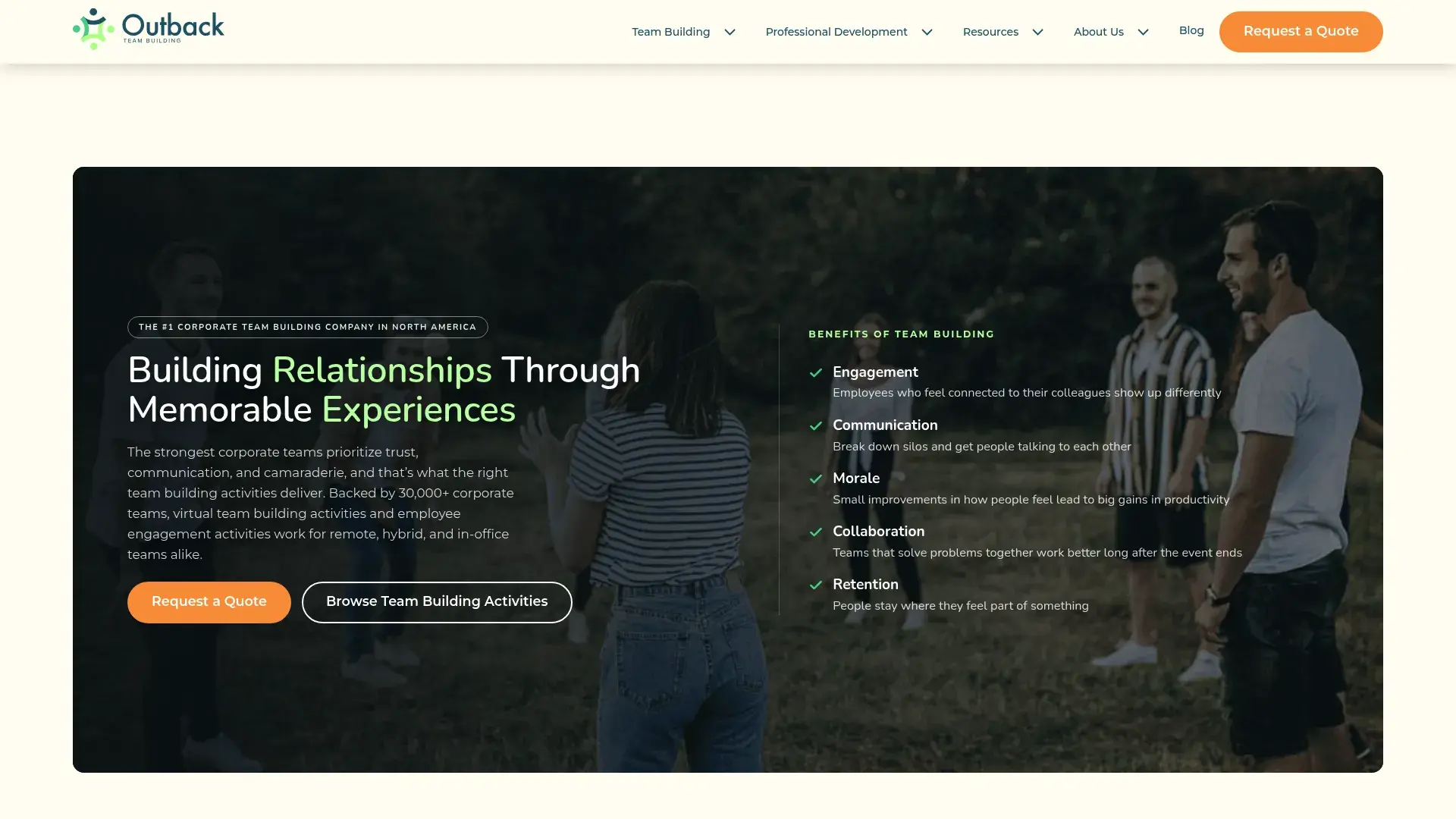
Their 50+ virtual programs range from quick energizers to multi-session development experiences. Each activity is designed around learning objectives like communication, problem-solving, adaptability, or leadership. The facilitation includes debriefs that connect game experiences to real workplace scenarios.
What separates Outback from purely entertainment-focused options is their ability to customize programs to your specific challenges. Struggling with cross-functional collaboration? They'll design activities that surface those exact dynamics and provide frameworks for improvement.
Real talk: $2,000+ for team building makes most managers choke. But if you've got the budget and actual business problems to solve, this is where you spend it. The cheap stuff is fun. This fixes things.
What they offer
Custom program design aligns activities to your business goals. They'll consult on your objectives and recommend or create experiences that address specific needs.
Professional facilitators bring expertise in both entertainment and organizational development. They're not just running games but guiding meaningful reflection and insight generation.
Multi-session programs create sustained engagement rather than one-off events. For serious team development, they'll design sequences that build on each other over weeks or months.
Hybrid event capabilities let you include in-person and remote participants at the same time. As teams adopt flexible work models, this flexibility becomes increasingly valuable.
Post-event debrief and insights provide takeaways beyond the activity itself. Facilitators help teams extract lessons and create action plans for applying insights. Global delivery capabilities mean quality stays high regardless of where your team members are located.
Why it's good
The strategic approach connects games to business outcomes. You're not just checking a team building box but investing in actual development.
Facilitator quality is exceptional. These are professionals with organizational development backgrounds, not just entertainers.
Customization options are virtually unlimited. They'll adapt existing programs or create entirely new experiences for your specific situation.
Enterprise clients get dedicated account management and volume pricing. If you're running regular team building across multiple departments, they scale with you.
Measurable impact through pre/post assessments and feedback collection helps justify the investment and improve future programs.
The drawbacks
Premium pricing reflects the strategic approach and customization. You're paying significantly more than DIY or self-service options.
The level of structure may feel too formal for teams seeking purely social connection. This isn't casual Friday hangout material.
Advance planning and coordination is required. Custom programs need weeks of lead time for design and facilitator scheduling.
Minimum investment thresholds make this less accessible for small teams or tight budgets. You're looking at $2,000+ for most programs.
Ratings
Ease of Use (5/5): Fully facilitated with minimal technical requirements. Participants just join the video call and engage.
Team Size Flexibility (5/5): Programs scale from 10 to 10,000+ participants. They handle intimate teams and massive enterprise events equally well.
Engagement & Entertainment Value (5/5): Professional hosts ensure high engagement while balancing fun with developmental objectives.
Collaboration & Communication (5/5): Every activity is designed around teamwork, problem-solving, and communication. Debriefs extract meaningful insights.
Customization & Branding (5/5): Highly customizable to company goals, culture, and specific challenges. Custom program design available.
Facilitation Support (5/5): Expert facilitators with organizational development backgrounds included. Dedicated event planning support.
Value for Money (4/5): Premium pricing ($2,000+ for most programs) delivers strong ROI for organizations serious about team development.
User reviews
"Outback helped us address real collaboration issues through carefully designed activities. The debrief was where the magic happened - connecting game dynamics to our actual work challenges." (Source: G2 Reviews, verified VP of Operations)
"We've used them for three years running our leadership development program. The facilitators are incredible at reading group dynamics and adjusting in real-time." (Source: Capterra Reviews, verified HR Director)
"Not cheap, but worth it for the strategic approach. We saw measurable improvements in cross-team communication after their program." (Source: TrustRadius Reviews, verified Learning & Development Manager)
Pricing
Custom pricing based on program selection, group size, and customization level. Typically starts around $2,000 for small group programs. Enterprise packages and volume discounts available.
Explore Outback Team Building to discuss your team development objectives and get a custom proposal.
5. Among Us
Look, I'm just going to say it: Among Us is the most fun you'll have accusing your coworkers of murder.
It's $5. Works on everything. And watching your mild-mannered project manager lie through their teeth about why they were in the electrical room is worth every penny.
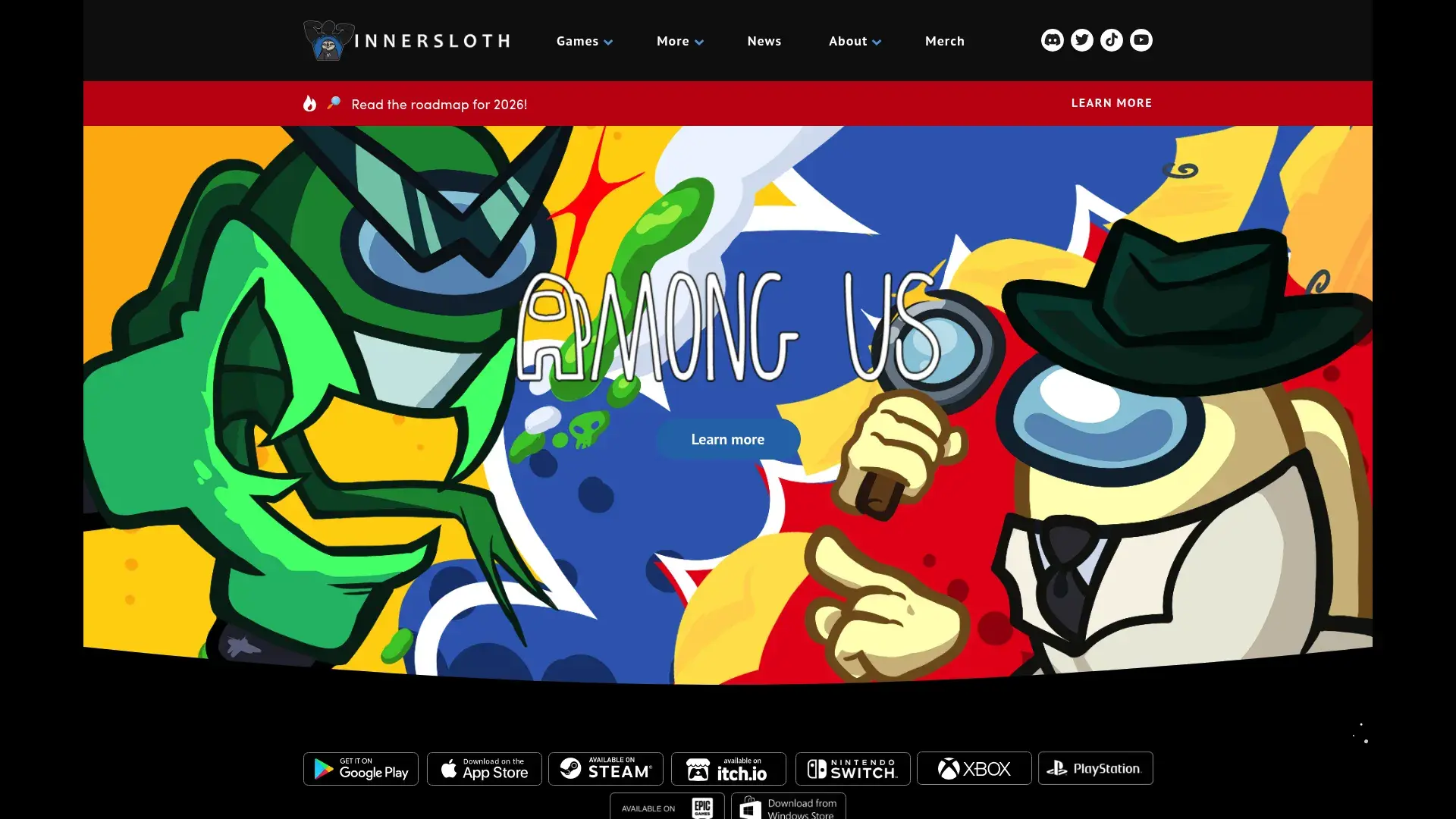
How it works:How it works: Crew members complete tasks while impostors try to kill everyone without getting caught. During discussion phases, people argue about who's suspicious. It gets *intense*. Our quietest developer turned into a prosecuting attorney, building elaborate cases with circumstantial evidence. I learned more about my team's personalities in three rounds of Among Us than in six months of standups.
Voice chat integration through Discord or other platforms adds crucial communication layers. While the game has text chat, voice discussion creates more dynamic and entertaining interactions.
Multiple maps and game modes provide variety. As you master one map, switch to another with different layouts and task types to keep things fresh. Customizable game settings let you adjust impostor count, task difficulty, discussion time, and other variables.
Quick rounds lasting 10-15 minutes make it easy to fit into lunch breaks or end-of-day sessions. You can play one round or ten depending on available time.
What's good
The gameplay is incredibly engaging. When you're the impostor, your heart races. When you're crew, you're trying to solve the mystery. When you get falsely accused and ejected into space, you want to throw your keyboard. It's great.
Communication and strategic thinking get intense workouts. Players must articulate suspicions, defend themselves, and collaborate to win.
The low cost is remarkable. Free on mobile, $5 on PC/console. You could outfit your entire team for less than one fancy coffee per person.
Cross-platform compatibility means device types don't create barriers. Android, iOS, Windows, Mac, Switch, PlayStation, Xbox all play together.
Memorable moments emerge organically. The accusations, betrayals, and last-second victories create stories your team will reference for months.
What's annoying
The competitive nature can create conflict if people take it too seriously. Some personalities struggle with the lying and deception mechanics. Fair warning: some people get weirdly intense about this game. If your team includes anyone who takes Monopoly too seriously, maybe start with something lower-stakes.
Everyone needs to download and install the game. This creates more friction than browser-based options, though the barrier is relatively low.
There's a learning curve for game mechanics. First-time players need a few rounds to understand tasks, sabotage, and optimal strategies.
The optimal player count is 8-15. Smaller teams won't get the full experience, and larger groups can't play together in a single game.
It may not feel "professional" enough for some corporate cultures. The cartoon aesthetic and casual gameplay might not fit formal environments.
The ratings
Ease of Use (4/5): Requires app download and installation. Simple to learn but has a learning curve for first-timers.
Team Size Flexibility (3/5): Optimal for 8-15 players. Works with fewer but loses some dynamics. Can't accommodate large groups in single sessions.
Engagement & Entertainment Value (5/5): Addictive gameplay creates real excitement. Players stay intensely focused throughout rounds.
Collaboration & Communication (5/5): Heavy emphasis on discussion, deduction, and teamwork. Reveals communication styles and strategic thinking.
Customization & Branding (3/5): Customizable game settings and cosmetics but limited company-specific options.
Facilitation Support (2/5): Self-directed gameplay. Someone needs to create rooms and explain mechanics to new players.
Value for Money (5/5): Free on mobile, $5 on other platforms. Exceptional value for engagement quality.
What people say
"Among Us showed me sides of my team I'd never seen. Our project manager is a terrifyingly good liar. It's become our monthly tradition and people look forward to it." (Source: Reddit r/managers, verified user)
"Fair warning - some people get really into it and feelings can get hurt. Set expectations about it being just a game before starting." (Source: Twitter/X, verified remote team lead)
"Best $5 we've spent on team building. We play every Friday afternoon and it's the highlight of everyone's week. The discussions are hilarious." (Source: Discord community, verified user)
Pricing
Free on mobile (iOS/Android). $5 one-time purchase on Steam/PC and consoles. Optional cosmetic purchases available but not required.
Download Among Us from your preferred platform to start playing.
6. QuizBreaker
QuizBreaker solves a problem most platforms ignore: sustaining engagement over time without requiring constant planning. The platform delivers automated icebreaker quizzes weekly via email, creating touchpoints that build connections gradually.
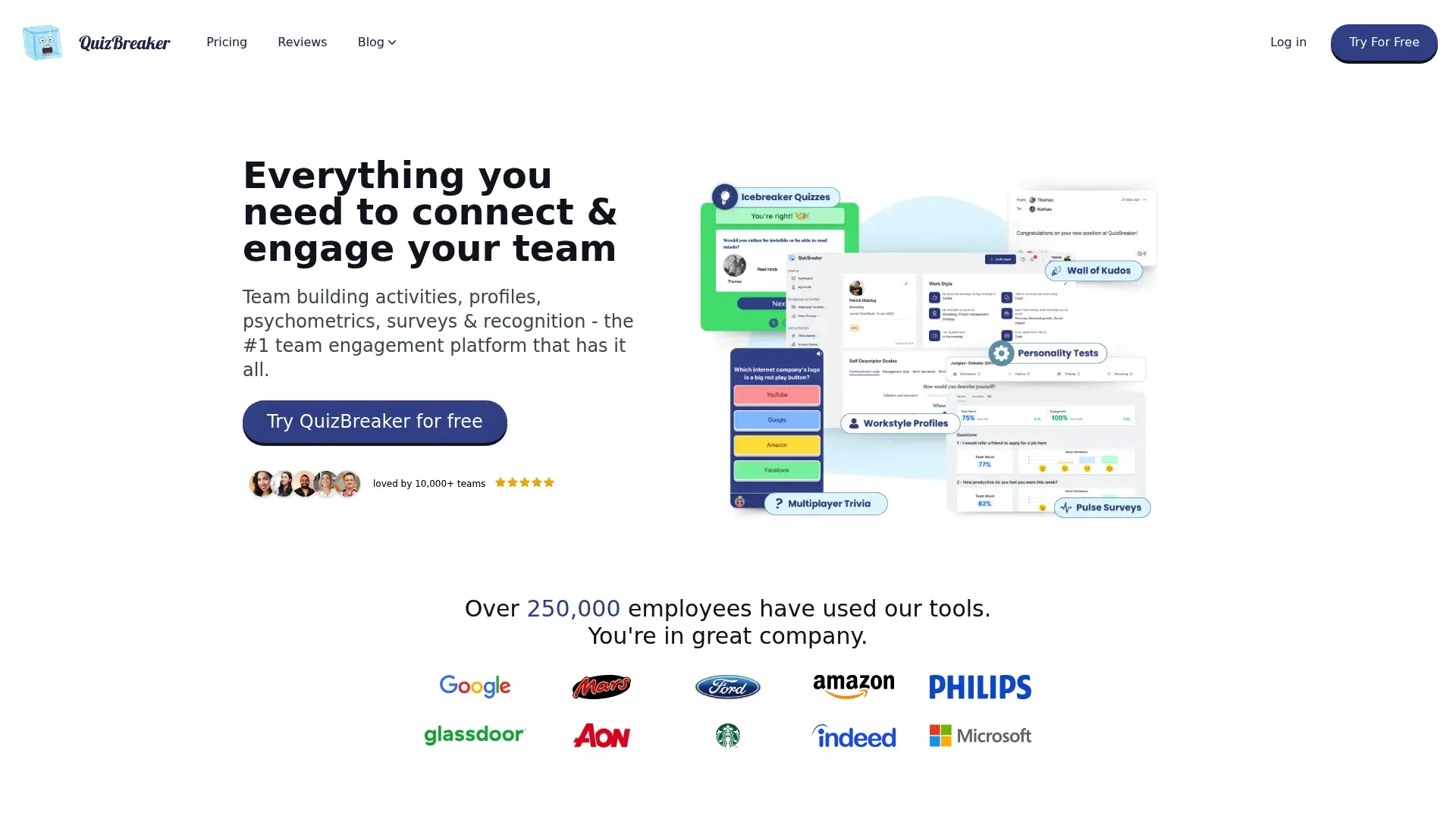
Here's how it works. Team members answer questions about themselves (favorite travel destination, hidden talent, coffee order). The system then sends quizzes where others guess how their colleagues answered. Points accumulate on leaderboards, creating friendly competition without requiring meeting time.
The beauty is in the automation. Set it up once, customize your question library, and it runs indefinitely. No weekly planning, no calendar invites, no facilitation needed. Team members engage on their own time, making it perfect for distributed teams across multiple time zones.
Automated weekly icebreaker quizzes eliminate ongoing management. The system handles question delivery, answer collection, and leaderboard updates without any intervention. Team members answer questions about themselves, then others guess those answers. This mechanic helps people learn personal details about colleagues they might never discover in work conversations.
Customizable question libraries let you add company-specific or culture-relevant questions. Mix in inside jokes, office trivia, or industry-specific content alongside standard icebreakers. Slack and Teams integration brings quizzes directly into communication platforms your team already uses. Email delivery is also available for teams preferring that channel.
Leaderboards and friendly competition motivate participation. People enjoy climbing the rankings and seeing who knows the team best. Analytics on participation and engagement help you identify who's actively involved and whether the quizzes are resonating with your team.
Why it's good
Set it and forget it automation means zero ongoing work. Configure once and let it run for months or years.
No meeting time required respects everyone's calendar. Team members engage during coffee breaks, commutes, or whenever convenient.
Gradual connection building works better for some teams than intense one-off events. Consistent touchpoints create familiarity over time.
The pricing is extremely affordable. At $2 per person per month for most teams, it's one of the cheapest engagement tools available.
Easy implementation takes minutes. Add team members, customize a few settings, and you're done.
Time zone friendly design means global teams can participate equally. Nobody's stuck joining at 2am for a scheduled event.
New team members integrate smoothly. They start receiving quizzes immediately and learn about the team through accumulated questions.
The downsides
The impact is less immediate than live activities. You won't get the energy spike of a facilitated game night.
Participation needs to stay high for value. If people ignore the emails, engagement drops and the system loses effectiveness.
Email-based delivery can get lost in crowded inboxes. Integration with Slack or Teams helps but isn't perfect.
Content is limited to icebreaker-style questions. You won't get the variety of trivia, games, or creative challenges other platforms offer.
It's not suitable for one-time team events. This is a long-term engagement tool, not something for quarterly all-hands meetings.
The ratings
Ease of Use (5/5): Automated email or chat-based system requires zero setup from participants. Admin configuration is simple.
Team Size Flexibility (5/5): Works for teams of any size. Scales from small startups to enterprise organizations without issues.
Engagement & Entertainment Value (4/5): Consistent engagement through regular touchpoints. Less exciting than live events but builds connection over time.
Collaboration & Communication (4/5): Helps team members learn about each other. Creates conversation starters but doesn't require active collaboration.
Customization & Branding (4/5): Customizable question libraries and branding options. Can tailor content to company culture.
Facilitation Support (5/5): Fully automated once configured. No ongoing facilitation or management needed.
Value for Money (5/5): At $2 per person per month, it's exceptionally affordable for consistent engagement.
User feedback
"QuizBreaker has been running for our team for over a year. It's become part of our culture. People read the weekly emails and the Slack channel discussions get lively." (Source: G2 Reviews, verified remote team manager)
"Perfect for distributed teams. We're across 8 time zones and this is one of the few things that works for everyone. No scheduling headaches." (Source: Capterra Reviews, verified operations director)
"The questions spark great conversations in our team chat. Someone's answer will trigger a whole discussion thread. Good value for the price." (Source: ProductHunt, verified user)
Pricing
Free for teams up to 5 people. Paid plans start at $2 per person per month with volume discounts for larger teams. Annual subscriptions offer additional savings.
Try QuizBreaker with a free trial to see if automated icebreakers fit your team culture.
7. Wildgoose
Wildgoose built their platform to handle the complexity of modern work arrangements. Whether your team is fully remote, gathering in-person, or split between office and home, their app-based experiences adapt without issues.
The mobile app delivers scavenger hunt-style challenges mixing GPS-based tasks (for in-person participants), photo and video challenges, trivia questions, and creative activities. Real-time leaderboards keep energy high as teams compete to complete challenges and accumulate points.
Customization is where Wildgoose shines. They'll brand the entire experience with your company colors, logos, and themes. Custom challenges can incorporate company history, inside jokes, or specific learning objectives. For enterprise clients, they'll build entirely bespoke experiences.
What you get
The custom mobile app platform provides a polished, professional experience. It's not a generic quiz tool but a purpose-built team building environment.
GPS-based and virtual scavenger hunts work for different scenarios. In-person teams can explore physical locations while remote teams complete virtual challenges.
Photo and video challenges encourage creativity and humor. Teams submit evidence of completed tasks, creating shareable content and memories. Trivia and quiz components add knowledge-based competition alongside physical and creative challenges.
Multi-language support accommodates global teams. The platform handles multiple languages at the same time for truly international events.
Professional facilitation options are available for teams wanting guided experiences. Self-service mode works for teams comfortable running their own sessions. Analytics and reporting provide detailed participation data, team performance metrics, and engagement insights.
The good parts
Hybrid event capabilities are impressive. You can run one event with some people in an office, others at home, and everyone participates equally.
The app-based experience feels polished and professional. It's clearly built for corporate events rather than adapted from consumer games.
Extensive customization creates unique, branded experiences. Your team won't feel like they're using the same generic platform as everyone else.
Scalability handles everything from small team outings to massive company-wide events with thousands of participants.
Strong analytics help you measure engagement and improve future events. You'll see exactly who participated, which challenges resonated, and where energy lagged.
The not-so-good parts
App download is required. While the app is well-designed, it's still a barrier compared to browser-based options.
Cost is higher than simple quiz platforms. You're paying for the sophisticated platform and customization capabilities.
Setup time for custom experiences means you can't run something spontaneously. Plan ahead for best results.
The platform may require facilitation for optimal results, especially with larger groups or complex custom experiences.
How it rates
Ease of Use (5/5): Mobile app has intuitive interface. Setup is handled by Wildgoose team for custom experiences.
Team Size Flexibility (5/5): Scales from small teams to thousands of participants. Handles massive events without performance issues.
Engagement & Entertainment Value (5/5): Interactive challenges create high engagement. Mix of activity types keeps things fresh.
Collaboration & Communication (5/5): Team-based challenges promote collaboration. Mix of competitive and cooperative elements.
Customization & Branding (5/5): Fully customizable experiences and branding. Can create entirely bespoke events for enterprise clients.
Facilitation Support (4/5): Professional facilitation available. Also works self-service for teams comfortable managing their own events.
Value for Money (4/5): Mid-range pricing ($15-30 per person typically) reflects strong feature set and customization capabilities.
What users say
"Wildgoose nailed our hybrid event. Office and remote people participated equally, which is rare. The app worked flawlessly and the custom challenges were spot-on for our culture." (Source: G2 Reviews, verified event coordinator)
"We've used them for three annual company events. The customization options let us create something unique each time. Great for large-scale events." (Source: Capterra Reviews, verified HR director)
"The analytics are surprisingly detailed. We could see exactly which challenges engaged people most, which helped us plan better activities in the future." (Source: TrustRadius Reviews, verified operations manager)
Pricing
Custom pricing based on team size and experience type. Typically starts around $15-30 per person for virtual events. Enterprise packages and ongoing partnerships available.
Explore Wildgoose to discuss your team's needs and get a custom proposal.
8. Codenames Online
Codenames became a modern classic because it's simple to learn but endlessly engaging. Two teams compete to identify their words on a grid based on one-word clues from their spymaster. The strategic thinking and creative associations required make it intellectually satisfying.
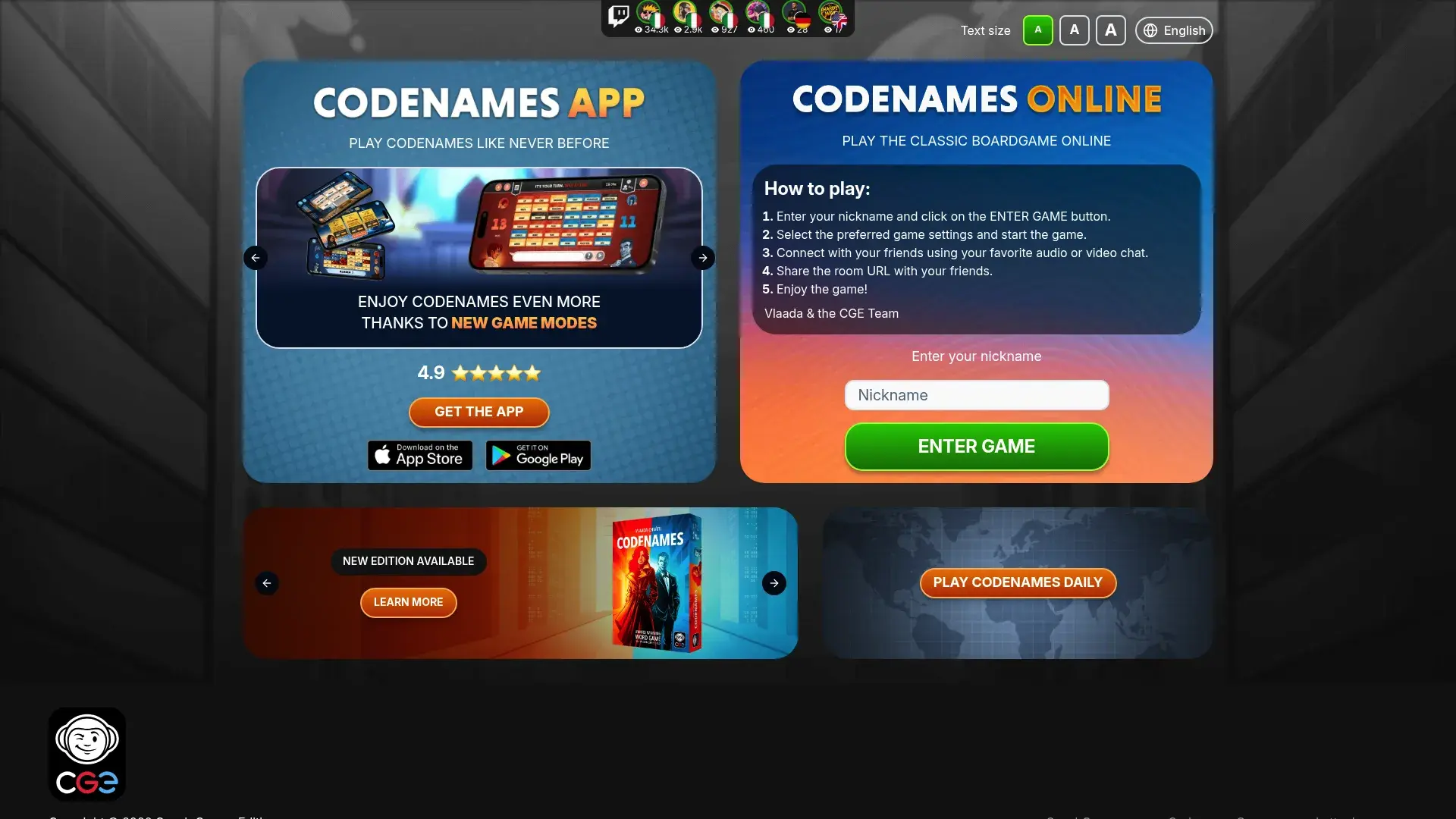
The free browser-based version maintains everything that makes the physical board game great while adding convenience. No setup beyond creating a room and sharing the code. No downloads, accounts, or configuration required.
Teams must communicate and collaborate to succeed. Spymasters give clues connecting multiple words, and teammates debate which words fit. The discussions reveal how people think and create those satisfying moments when everyone suddenly sees the connection.
The browser-based platform works on any device. Phones, tablets, computers all access the same experience without compatibility issues. Team-based gameplay requires real collaboration. You can't win through individual effort - success depends on shared understanding and communication.
Multiple game modes and variants keep things interesting. Classic Codenames, Codenames Duet (cooperative version), and Pictures variant offer different experiences. Custom word lists are possible for teams wanting company-
Custom word lists are possible for teams wanting company-specific content. Create lists with industry terms, inside jokes, or project names.
Room codes create private games. No strangers interrupting your team session or inappropriate content from public lobbies. Timer options let you control pacing. Add time pressure for more intense rounds or play casually without timers. No account required means zero friction.
Why it's great
It's completely free. Zero cost for unlimited gameplay makes this accessible for any team regardless of budget.
Technical barriers don't exist. If you can open a web browser, you can play Codenames.
The gameplay requires teamwork. You can't succeed without communication and collaboration.
Intellectually engaging without being intimidating. You don't need special knowledge, just creative thinking.
Quick rounds last 15-20 minutes. Perfect for lunch breaks or short team building sessions.
Easy to learn but hard to master creates depth. New players grasp basics immediately but strategy develops over time.
Discussions create great moments. The debates about which words fit a clue often generate more laughter than the game itself.
The downsides
Repetition can set in after many sessions. The core mechanic stays the same even with different words.
You need a separate video call. The platform doesn't include communication features, so run it alongside Zoom or Teams.
Gameplay is limited to word association. You won't get the variety of other activity types.
No built-in video or audio means managing two platforms at once. It's not difficult but adds minor complexity.
Optimal group size is 4-12 people. Smaller teams don't get full dynamics, larger teams become unwieldy.
The ratings
Ease of Use (5/5): Browser-based with no downloads or accounts required. Create room, share code, play.
Team Size Flexibility (4/5): Works best with 4-12 players. Can accommodate slightly more but quality diminishes with large groups.
Engagement & Entertainment Value (5/5): Strategic gameplay keeps players engaged. Creates satisfying "aha!" moments when connections click.
Collaboration & Communication (5/5): Requires teamwork and communication to succeed. Reveals how people think and make connections.
Customization & Branding (3/5): Custom word lists possible but limited overall customization. No branding options.
Facilitation Support (2/5): Self-directed gameplay. Someone needs to create rooms and explain rules to new players.
Value for Money (5/5): Completely free with no limitations. Exceptional value for engagement quality.
User reviews
"Codenames is our monthly staple. It's free, everyone enjoys it, and it makes people think and communicate. We've played probably 50 times and it's still fun." (Source: Reddit r/remotework, verified user)
"The discussions during gameplay are where the bonding happens. People arguing about whether 'bank' refers to the river or the building reveals personality." (Source: Twitter/X, verified team lead)
"Simple but effective. We use it as a warmup before other activities or as a standalone lunch break game. Can't beat free." (Source: Discord community, verified user)
Pricing
Completely free with no limitations or premium tiers.
Play Codenames Online by creating a room and sharing the code with your team.
9. Let's Roam Virtual Team Building
Let's Roam built a platform that balances variety with usability. Their virtual team building offerings include trivia, drawing challenges, creative activities, and icebreakers, all delivered through an interface designed for people who aren't professional event planners.
Video conferencing is built directly into the platform, eliminating the need to manage separate tools. Create an event, invite your team, and everyone joins a single platform that handles both communication and activities.
The instant booking and setup appeals to teams who don't want lengthy planning processes. Browse activities, select one that fits your goals and group size, book it, and you're ready to go.
Multiple activity types prevent boredom. Rotate between trivia nights, drawing challenges, and creative exercises to keep things fresh across multiple sessions. Built-in video conferencing means participants don't juggle multiple platforms. Everything happens in one place.
Customizable team-building experiences let you tailor content to your team's interests and culture. Not fully bespoke like enterprise platforms but more flexible than completely standardized offerings. Icebreaker activities help new teams or new members integrate. Quick, low-pressure activities ease people into more involved team building.
Holiday-themed events provide ready-made content for seasonal celebrations. Halloween, winter holidays, and other occasions get special programming. Professional facilitation is available for teams wanting guided experiences. Self-guided options work for teams comfortable running their own sessions. Regular content additions keep the platform fresh.
What works
The all-in-one platform with built-in video simplifies logistics. No coordinating between Zoom and a separate game platform.
Easy booking process takes minutes. No lengthy consultations or complicated configuration required.
Reasonable pricing makes it accessible for teams with moderate budgets. Not as cheap as DIY options but far less than premium facilitated services.
Good variety of activity types means you won't get stuck doing the same thing repeatedly.
Works well for distributed teams with participants across different locations and time zones.
What doesn't
The platform feels less established than some competitors. Fewer reviews and case studies available compared to industry leaders.
Limited enterprise-level features mean larger organizations might outgrow it. Advanced customization and analytics are more limited than premium options.
Team size limits on some activities restrict flexibility. Certain experiences cap at 50 participants, which won't work for company-wide events.
The platform can feel less polished than premium alternatives. Interface and production quality are good but not exceptional.
Ratings breakdown
Ease of Use (5/5): Browser-based platform with built-in video. Simple interface requires no technical expertise.
Team Size Flexibility (4/5): Works well for small to medium teams (5-50 people). Some activities have participant caps.
Engagement & Entertainment Value (5/5): Variety of activities keeps things fresh. Mix of competitive and collaborative elements.
Collaboration & Communication (5/5): Activities designed for team collaboration. Built-in video helps communication.
Customization & Branding (4/5): Some customization available. Not fully bespoke but more flexible than completely standardized options.
Facilitation Support (3/5): Mix of self-guided and facilitated options. Professional hosts available but not included by default.
Value for Money (4/5): Competitive pricing ($20-60 per person) for quality offered. Good middle ground between free and premium.
User thoughts
"Let's Roam worked well for our quarterly team event. The built-in video was convenient and the trivia was engaging. Good value for the price." (Source: G2 Reviews, verified team manager)
"We've used them twice now. Activities are fun and the booking process is painless. Not as polished as some premium options but gets the job done." (Source: Capterra Reviews, verified HR coordinator)
"The variety is nice. We did trivia one quarter and a drawing challenge the next. Keeps people interested across multiple sessions." (Source: TrustRadius Reviews, verified operations lead)
Pricing
Self-guided activities start around $20 per person. Facilitated events range from $30-60 per person depending on group size and activity. Volume discounts available.
Check out Let's Roam to browse activities and book your next team building session.
10. Gartic Phone
Gartic Phone captures the chaotic fun of telephone pictionary perfectly. Someone writes a prompt, the next person draws it, the next person describes that drawing, and so on until the final result is inevitably hilarious and completely different from the original.
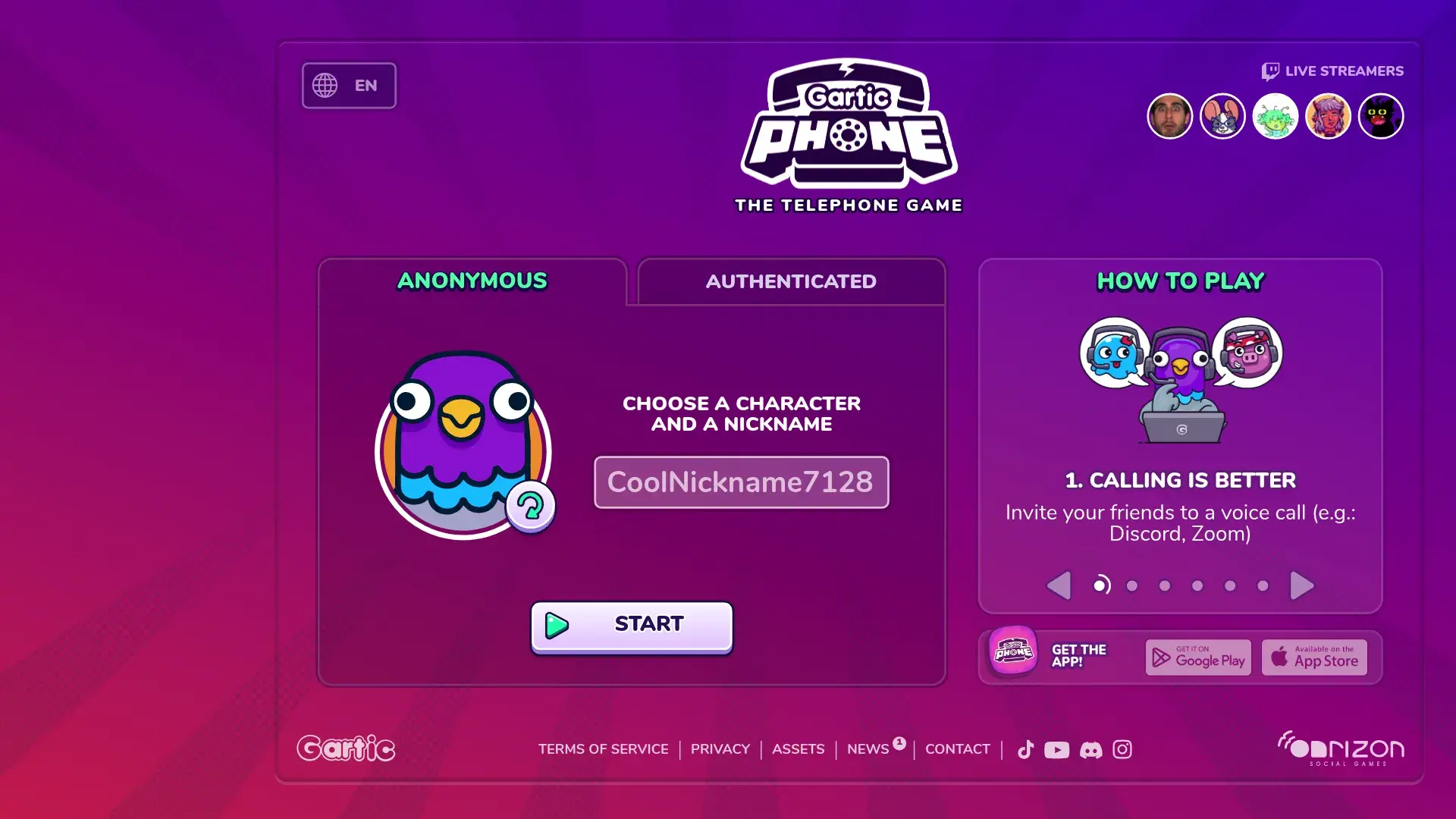
The beauty is in how quickly things go wrong. A prompt like "a cat wearing a business suit" becomes "confused animal in formal wear" becomes an unrecognizable blob becomes "abstract art piece" by the final round. The progression from original to final result generates authentic laughter.
No artistic skill is required (or desired, honestly). Terrible drawings make the game funnier. The worse you draw, the more entertaining the results become. This removes the performance anxiety some people feel with creative activities.
Free browser-based gameplay eliminates all barriers. No downloads, accounts, or payments required. Multiple game modes offer variety. Classic telephone, animation mode, and other variants keep things interesting.
Custom prompt options let you add company-specific or team-relevant starting phrases. Inside jokes work particularly well. Room codes create private games. Control who joins and avoid random internet strangers in your team session.
Replay and sharing of results lets you revisit the funniest moments. Download images or share links to specific rounds. No account required means immediate play. Create room, share code, start drawing. Works on mobile and desktop so device type doesn't limit participation. Multiple language support accommodates international teams.
What's good
It's completely free with no limitations. Zero cost for unlimited entertainment.
Generates authentic laughter. The results are funny, not forced corporate humor.
No artistic skill required makes it better. Terrible drawings create the best moments.
Very easy to set up. Create room, share code, explain rules in 30 seconds, play.
Great icebreaker for new teams. The low stakes and humor help people relax and connect.
Shareable results give you content for later laughs. Screenshots of the funniest progressions become team memes.
What's not good
You need a separate video call. The platform doesn't include communication features.
Large groups can become chaotic. With 20+ people, rounds take forever and energy dissipates.
Limited replay value compared to more complex games. The core mechanic stays the same.
Not suitable for serious team building objectives. This is pure entertainment, not strategic development.
Some rounds drag if you have slow drawers. People who agonize over their sketches kill momentum.
Ratings
Ease of Use (5/5): Simple browser-based game with no downloads or accounts. Create room and play.
Team Size Flexibility (4/5): Works with 4-30 players. Sweet spot is 6-12 people. Larger groups become unwieldy.
Engagement & Entertainment Value (5/5): Generates real laughter. Results are authentically funny.
Collaboration & Communication (3/5): More about shared experience than active collaboration. People laugh together but don't really work together.
Customization & Branding (3/5): Custom prompts possible but limited overall customization. No branding options.
Facilitation Support (2/5): Self-directed gameplay. Someone needs to create rooms and keep things moving.
Value for Money (5/5): Completely free with no limitations. Can't beat the value.
What people say
"Gartic Phone is our Friday tradition. We play for 30 minutes before logging off for the weekend. The results are always hilarious and it's a perfect way to end the week." (Source: Reddit r/remotework, verified user)
"Warning: you will cry laughing. Our CEO's attempt to draw 'quantum physics' became a legend in our company. Still gets referenced in meetings." (Source: Twitter/X, verified startup founder)
"Simple but incredibly effective for team bonding. We're all terrible artists and that's exactly what makes it fun." (Source: Discord community, verified remote manager)
Pricing
Completely free with no limitations or premium tiers.
Play Gartic Phone by creating a room and inviting your team.
11. Virtual Escape Rooms
Virtual escape rooms have evolved significantly since 2020, with companies like The Escape Game leading the way in creating truly immersive remote experiences through high-quality production values and puzzles that require teamwork to solve.
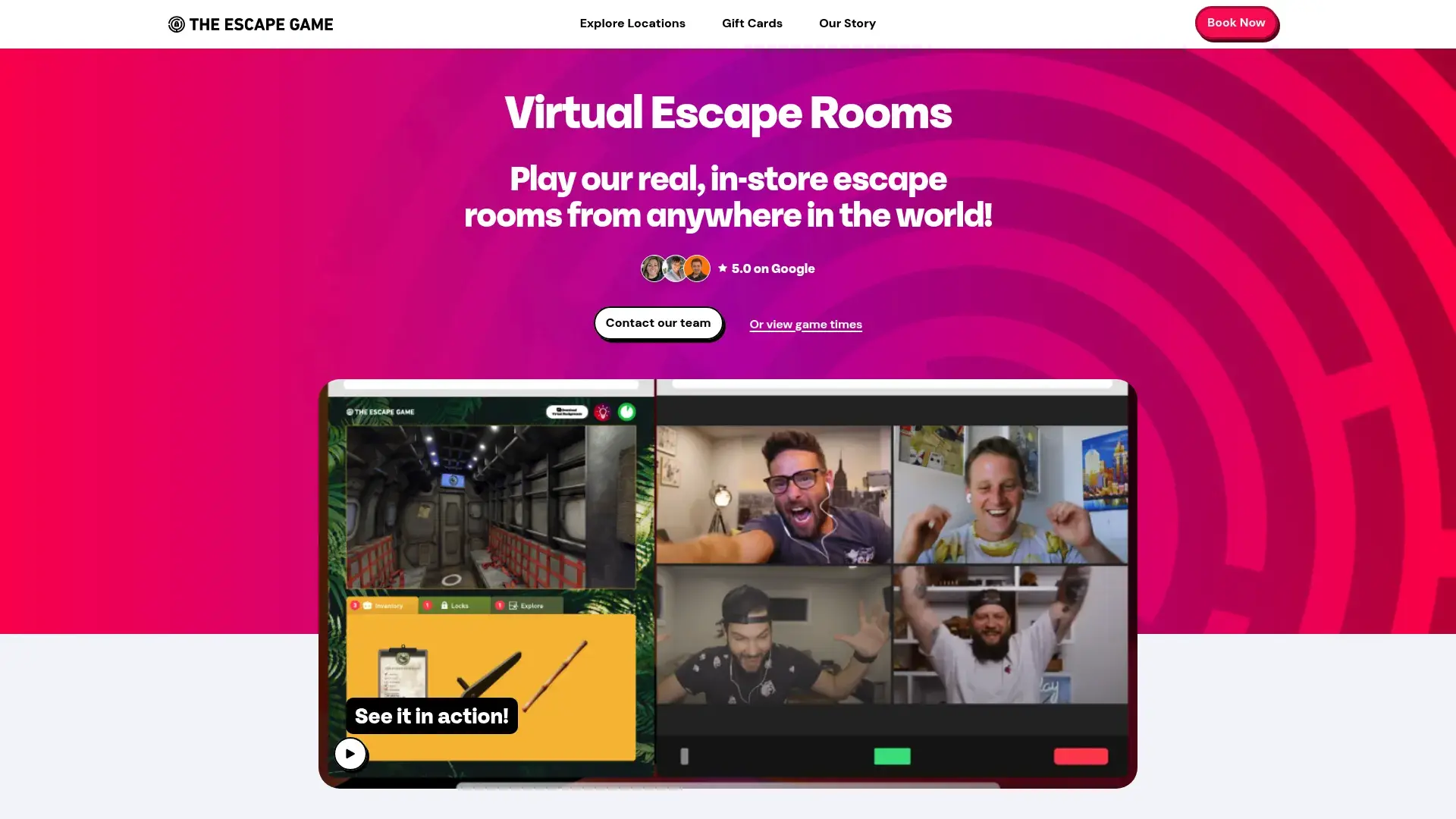
The Escape Game and similar providers use live video to show real escape rooms. Your game master moves through physical spaces based on your team's instructions, examining objects, entering codes, and solving puzzles according to your directions. It feels surprisingly immersive despite the remote format.
Teams must communicate intensely to succeed. Different people spot different clues, everyone contributes ideas, and solving puzzles requires synthesizing multiple perspectives. The experience reveals team dynamics and communication patterns in ways few other activities can match.
Live video-hosted experiences provide authentic escape room immersion. You're directing a real person through a real space, not clicking through digital environments. Professional game masters guide the experience. They provide hints when needed, maintain energy, and ensure everyone stays engaged.
Multiple themed rooms offer variety. Mystery, horror, adventure, and other themes let you match experiences to team preferences. Real physical spaces explored via video create puzzle-solving challenges. The tactile nature of physical rooms translates surprisingly well through video.
60-minute experiences provide substantial engagement without overwhelming schedules. Long enough for meaningful bonding, short enough to fit busy calendars. Team-based puzzle solving requires collaboration. You can't succeed through individual effort. Debriefing and team insights help extract lessons about communication and collaboration patterns. Corporate packages available for regular team building programs.
The good stuff
Highly immersive experiences create strong engagement. People get absorbed in solving the mystery.
Requires real collaboration to succeed. The puzzles are designed so no individual can solve everything alone.
Professional production quality sets these apart from amateur virtual activities. The rooms, puzzles, and hosting are all polished.
Creates strong team bonding through shared challenge. Escaping together (or failing together) builds connection.
Memorable shared experiences give teams stories they reference for months. Success or failure, the experience sticks with people.
Reveals team dynamics and communication styles in action. You'll learn who takes charge, who notices details, and how people handle pressure.
The downsides
Higher price point ($25-40 per person typically) makes this a premium option. Not suitable for tight budgets or frequent use.
Requires full hour commitment. You can't easily fit this into a 30-minute lunch break.
Limited replayability means you can't use the same room repeatedly. Once you've solved it, the mystery is gone.
Requires advance booking, especially for popular time slots. Spontaneous team building isn't possible.
Not suitable for very large groups in single sessions. Most rooms accommodate 6-8 players, requiring multiple parallel sessions for big teams.
How it rates
Ease of Use (4/5): Zoom-based with some navigation required. Game masters handle complexity but participants need basic video conferencing skills.
Team Size Flexibility (4/5): Typically 4-8 players per room. Can run multiple parallel rooms for larger teams but requires coordination.
Engagement & Entertainment Value (5/5): Immersive storytelling creates high engagement. Professional production quality enhances experience.
Collaboration & Communication (5/5): Requires intense collaboration and communication. Puzzles are designed for teamwork.
Customization & Branding (3/5): Limited customization in standard offerings. Some providers offer custom rooms for enterprise clients.
Facilitation Support (5/5): Live game masters guide the experience. Professional hosting included.
Value for Money (4/5): Premium pricing ($25-40 per person) but unique, memorable experience justifies cost.
User feedback
"The Escape Game's virtual rooms are legitimately challenging and fun. Our team talks about it months later. Worth the investment for a memorable experience." (Source: G2 Reviews, verified team lead)
"Best team building we've done remotely. The puzzles required real collaboration and the game master was fantastic at keeping energy high." (Source: Capterra Reviews, verified HR manager)
"We failed to escape but had an amazing time. The experience showed us where our communication breaks down, which was valuable feedback." (Source: TrustRadius Reviews, verified operations director)
Pricing
Typically $25-40 per person for standard virtual escape rooms. Private rooms and corporate packages available at premium pricing. Volume discounts for multiple sessions.
Book a Virtual Escape Room to challenge your team with immersive puzzle-solving.
4 Worth Mentioning
Skribbl.io
Free drawing game. Someone draws, everyone guesses. Takes zero setup. Perfect for "we have 15 minutes before this meeting, let's do something fun." Not fancy, but it works. Best for small teams (4-12 people) looking for a casual activity. The game requires no setup and generates plenty of laughs, though it offers limited customization and no built-in video conferencing. Try Skribbl.io for impromptu drawing fun.
Houseparty
Video chat app with built-in games. More consumer than corporate, but if your team already uses it for hanging out, the integrated games are convenient. Better for small, close teams than formal team building. Trivia and drawing challenges are included directly in the video platform. Download Houseparty for integrated social gaming.
Virtual Game Show Extravaganza by The Go Game
Professional game show production with celebrity host options. Similar vibe to other facilitated options on this list, but the theatrical format works for big all-hands events where you want something polished. The Go Game offers high-energy hosts and polished production that make for impressive company-wide events. Pricing is premium but includes white-glove service and customization. Explore The Go Game for game show-style experiences.
Drawasaurus
Like Skribbl.io but slightly prettier and you can make custom word lists. Good for industry-specific drawing games. Still free, still requires separate video call. The interface is slightly more modern than alternatives and custom word lists let you create company-culture-themed drawing games. Best for teams comfortable with self-facilitation and looking for no-cost options. Play Drawasaurus for customizable drawing games.
FAQ
What are the best free games for remote teams?
Codenames Online if you want strategy. Gartic Phone if you want laughs. Skribbl.io if you want something quick.
Kahoot has a free tier too, though you'll hit limits fast. For teams with zero budget, those four will get you pretty far. Just know that free means someone on your team has to organize and host.
Among Us is technically free on mobile ($5 on other platforms) and creates intense engagement through social deduction gameplay. The investment is minimal but the entertainment value is high.
How often should remote teams play team building games?
Monthly works for most teams.
Some teams do weekly quick games (10-15 minutes) plus quarterly bigger events. Some do just monthly. Depends on your team's tolerance and schedule.
Here's how you know you're overdoing it: people start having mysterious "conflicts" every time you schedule something. If participation drops, you're doing it too much.
Quarterly feels too rare to build any momentum. Weekly hour-long sessions will burn people out. Find your rhythm. Every team is different.
QuizBreaker's automated weekly icebreakers work well between live events because they don't require meeting time. People answer on their own schedule.
What's the ideal team size for virtual team building games?
Most games work best with 6-12 participants. This size allows everyone to contribute without chaos or people getting lost in the crowd.
Smaller teams (3-5 people) can feel awkward in some games designed for larger groups. Larger teams (20+) often require breakout rooms or parallel sessions to maintain engagement.
Platforms like Kahoot! and Teambuilding.com handle hundreds of participants through clever design, but intimate bonding happens in smaller groups. For company-wide events with 50+ people, consider activities that split into smaller teams for gameplay while maintaining a shared leaderboard or theme.
The sweet spot balances enough people for energy and dynamics without so many that individuals disappear.
How do you keep remote team games engaging over time?
Variety is crucial. Rotate between different game types (trivia, creative challenges, strategy games, social deduction) to prevent monotony.
Mix free and paid options based on budget and occasion. Let team members take turns choosing or hosting games to distribute ownership. Tie games to themes or current events (holiday versions, industry news tie-ins) for freshness.
Collect feedback after sessions to understand what resonates. Don't make every game a "learning experience." Sometimes pure fun is the point.
Consider the rhythm: quick energizers for regular touchpoints, more elaborate experiences for special occasions. When participation drops, it's time to try something new or take a break. Games should enhance team culture, not become obligatory chores people dread. Rotate your games for remote teams before enthusiasm fades.
Can virtual team building games actually improve team performance?
Yes, but not all games deliver equal impact. Some games for remote teams are pure fun, and that is fine.
Games focused purely on entertainment build rapport and psychological safety, which indirectly improves collaboration. Platforms like Outback Team Building and Teambuilding.com design activities around specific competencies (communication, problem-solving, adaptability) with debriefs connecting game experiences to workplace application. The best games for remote teams end with a debrief.
The impact depends on three factors: consistency (one-off events rarely create lasting change), intentionality (choosing games aligned with development goals), and follow-through (applying insights from games to actual work). Consistency matters more than novelty when running games for remote teams.
Research shows teams with regular social interaction perform better on collaborative tasks, and games provide structured opportunities for that interaction. Set appropriate expectations. Games won't fix fundamental team dysfunction, but they can strengthen functional teams and help new teams build connection faster. That is a realistic bar for games for remote teams.
Measure impact through participation rates, feedback, and qualitative observations of team dynamics rather than expecting direct productivity metrics. Judge games for remote teams on participation, not productivity.
Final Thoughts: Building Connection Beyond the Game
Picking the right games is half the battle. The other half is making sure people can participate. The best games for remote teams fail if half the room cannot join.
I tried a virtual escape room from a no-name company once that cost $40 per person. The "professional facilitator" clearly hadn't tested the tech, spent 20 minutes troubleshooting, and half my team dropped off. That's why I only recommend The Escape Game now. They've never screwed up the tech.
Technical stuff matters. Reliable equipment, decent internet, tech that works. I've watched great team building sessions fall apart because someone's laptop froze, their audio cut out, or their video lagged. When you're investing time and money into connection, unreliable equipment undermines everything.
But honestly? The best team building happens when you stop treating it like an obligation and start treating it like something people might enjoy. Rotate between different types of activities. Let people skip occasionally without guilt. Don't make every game a "learning experience."
What works for most teams:
Monthly activities (weekly quick games plus quarterly bigger events also works). Mix free and paid options based on budget and occasion. Rotate who picks or hosts to distribute ownership. Ask people what they enjoyed instead of assuming.
Start with Codenames or Gartic Phone because they're free and low-stakes. If your team likes them, try Jackbox or Kahoot. If you've got budget and want something polished, Teambuilding.com or Outback won't disappoint.
Hot take: If your team hates team building after trying a few of these, the problem might not be the games. It's your culture. No amount of Jackbox is going to fix a team that fundamentally doesn't want to connect. Games for remote teams reveal culture; they do not replace it.
For organizations managing distributed workforces, understanding the current state of IT lifecycle management helps ensure team members have the tools they need for full participation. When your team building platform works flawlessly because everyone has dependable equipment, you can focus on what matters: building connections. Equipment problems ruin games for remote teams faster than bad content.
Companies serious about building remote-first culture understand that games work best alongside comprehensive strategies for communication, recognition, and professional development. The foundation starts with ensuring every team member has the technology they need to participate fully. Companies like Upwork have demonstrated how the right infrastructure supports engagement initiatives at scale. Reliable kit is a precondition for games for remote teams.
Organizations looking to improve their approach to engaging remote employees know that team building games work best alongside strong operational foundations. The most successful distributed teams combine regular virtual activities with clear communication norms, regular check-ins, and investment in the tools that make remote work function smoothly, especially when managing hybrid teams across multiple locations and work arrangements. Games for remote teams work best as one habit among several.
The best virtual activities in the world can't overcome frustration from poor equipment or technical difficulties. Start with solid infrastructure, choose games that fit your team's personality and goals, and commit to consistency. That's how you build remote teams that feel like teams. Pick the games for remote teams your people will actually rejoin next month.