Global enterprise device logistics
GroWrk ships and retrieves devices in 150+ countries — matching the global footprint of Workday enterprise clients — with costs automatically attributed to the correct Workday cost center for clean IT chargebacks.





Enterprise device management at scale — automated provisioning, retrieval, and cost center tracking powered by Workday HCM.
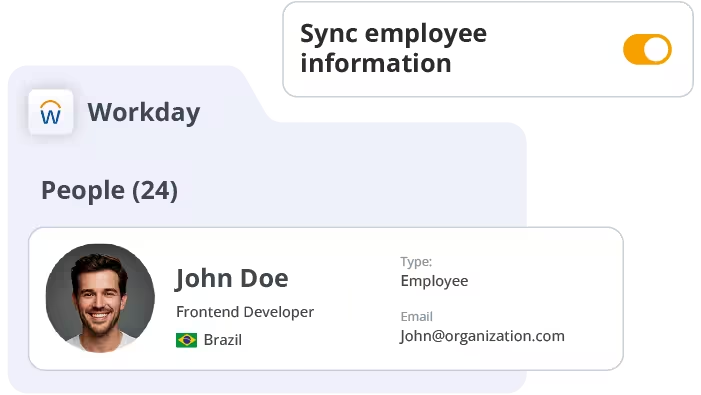
Workday is the HCM backbone of many of the world’s largest enterprises — managing worker data, cost centers, org hierarchies, and global mobility. When integrated with GroWrk, that rich organizational data powers intelligent, automated device lifecycle decisions across your entire workforce.
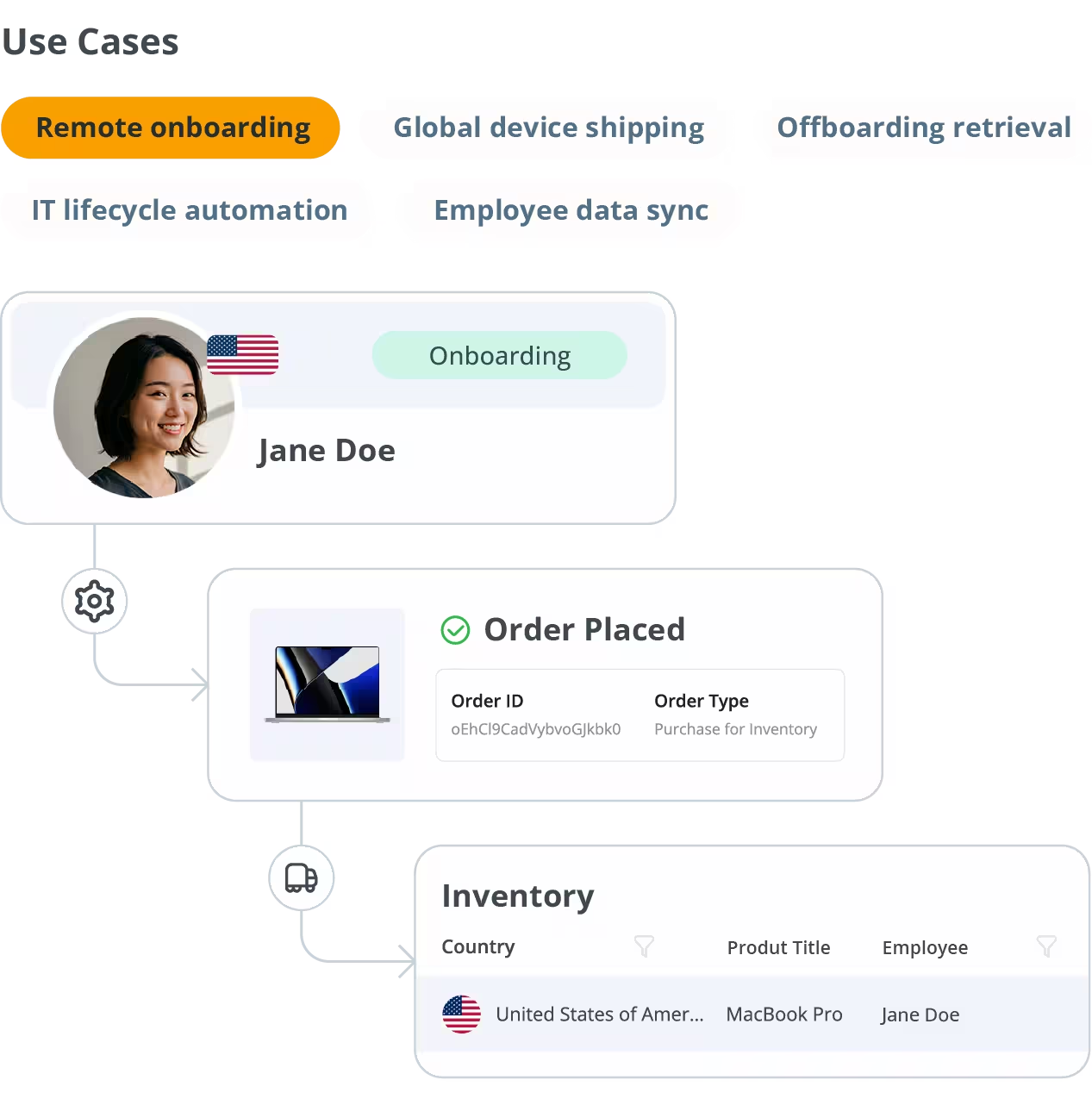
From bulk provisioning for office expansions to jurisdiction-compliant device recovery after global offboarding, this integration gives enterprise IT teams the automation they need to scale without adding headcount.
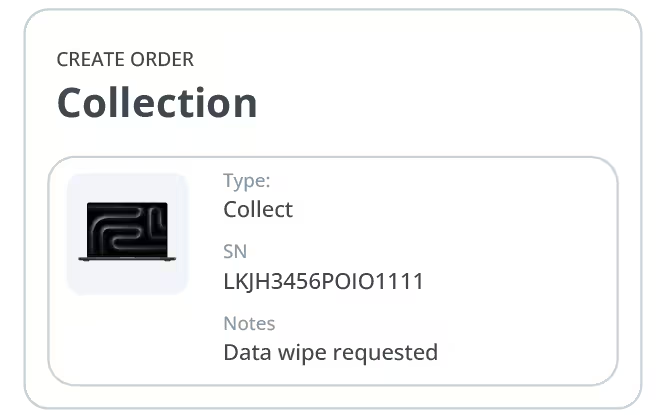
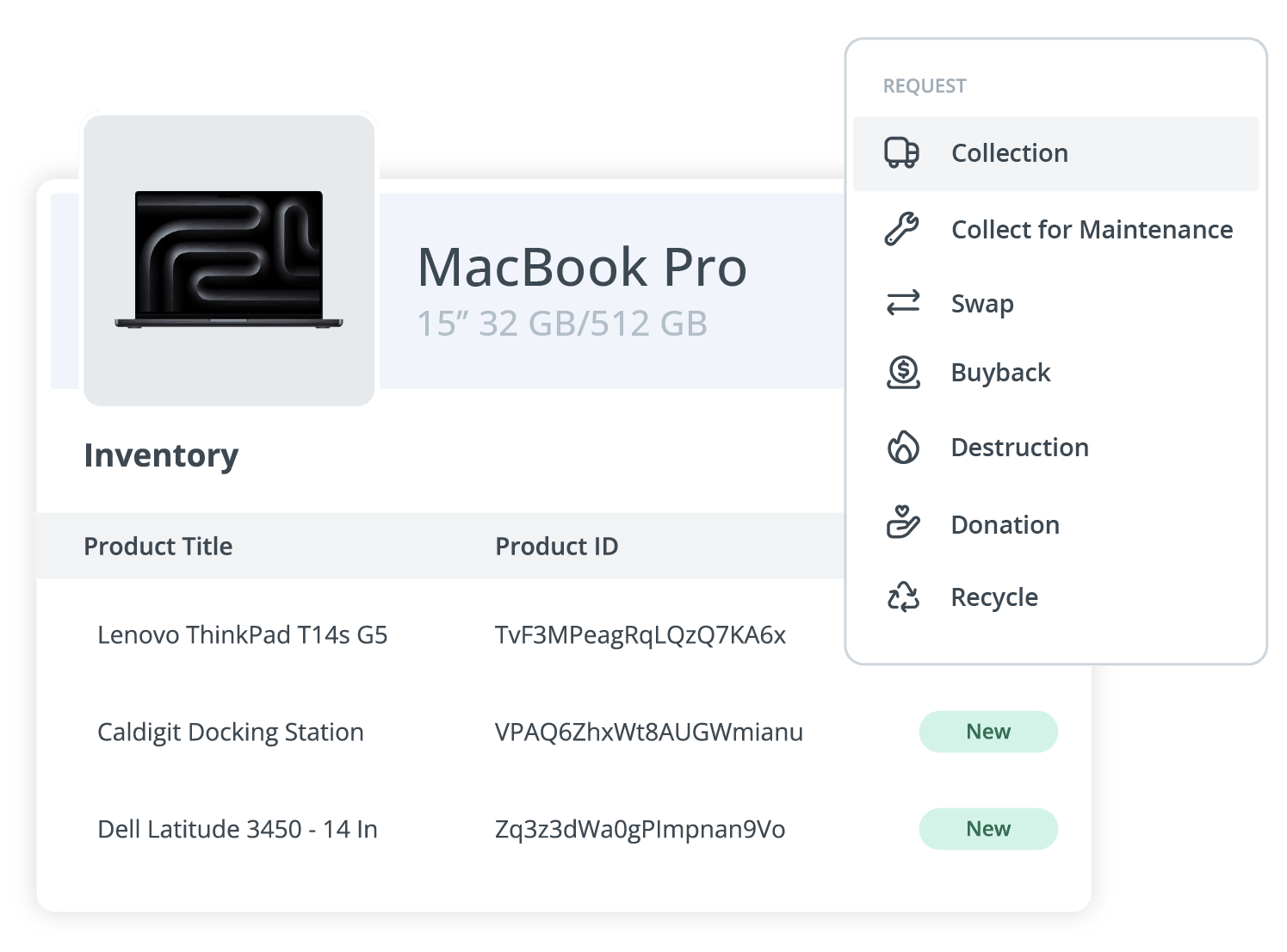
GroWrk ships and retrieves devices in 150+ countries — matching the global footprint of Workday enterprise clients — with costs automatically attributed to the correct Workday cost center for clean IT chargebacks.
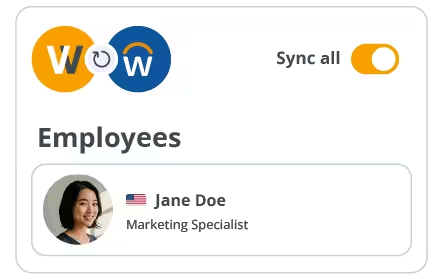
Worker type, location, and org data from Workday ensures GroWrk applies the correct regional compliance rules to every device.
Handle hundreds of simultaneous onboarding events without manual IT intervention — GroWrk scales with your hiring velocity.
5 steps from ISU credentials to your first automated shipment.
Enterprise integrations are configured with guided support. Your dedicated GroWrk Solutions Engineer will lead the setup and tailor the integration to your Workday org structure.
In your Workday tenant, create a dedicated Integration System User (ISU). Assign it to the security groups that grant access to worker, org, and cost center data.
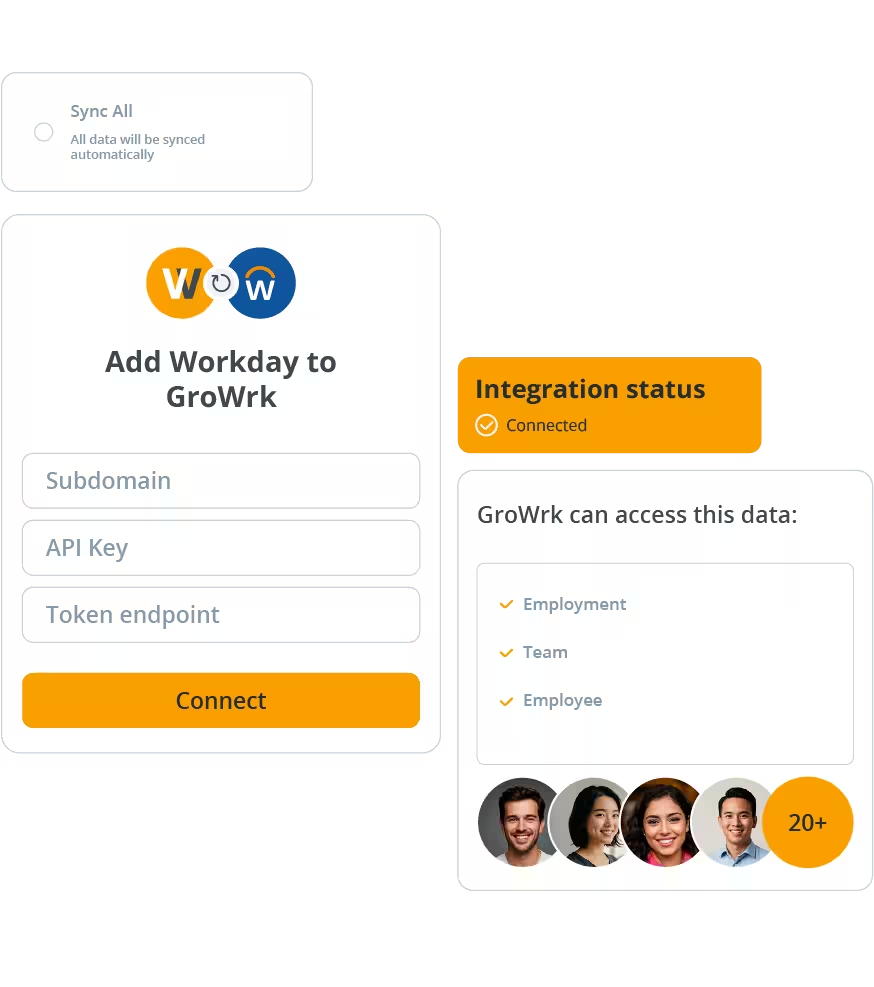
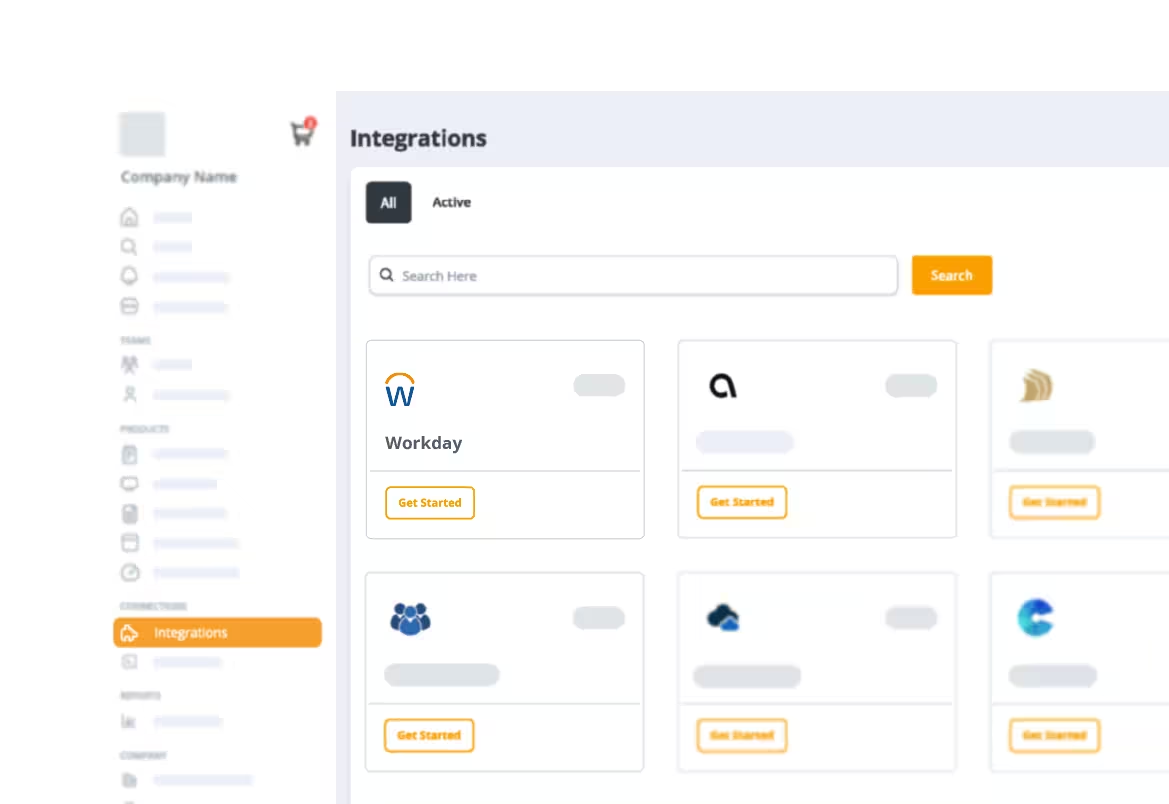
Enter your Workday tenant name, WSDL endpoint, and ISU credentials in the GroWrk Integrations panel. GroWrk uses the Workday Web Services API to establish a secure connection.
Map Workday HCM fields (worker type, supervisory org, location, cost center, hire date, termination date) to GroWrk actions. Set approval workflows for device orders if needed.
Run a controlled pilot with a subset of workers. Review sync logs, device fulfillment data, and cost center attribution. Once validated, enable the integration for your full global workforce.
Yes. GroWrk uses Workday’s worker type field to distinguish between employees, contractors, and contingent workers. Each worker type can have different device policies and provisioning rules applied automatically.
GroWrk can ingest supervisory org, cost center, and location hierarchies from Workday to apply the appropriate device policies at each level. Your Solutions Engineer will help map your specific org structure during the implementation phase.
At minimum, the Workday HCM (Human Capital Management) module is required. Integrations with cost center tracking also benefit from Workday Financials. The GroWrk integration uses Workday Web Services (WWS) APIs, which are available across enterprise Workday tenants.
Yes. GroWrk’s platform is designed for enterprise scale. Whether you’re onboarding 10 or 1,000 employees simultaneously, our global fulfillment network queues and routes device orders to meet start dates — with real-time tracking for your IT team.
Yes. All Workday integrations are configured with support from a dedicated GroWrk Solutions Engineer, included as part of the Enterprise plan. Ongoing support and configuration changes are available through your assigned Customer Success Manager.
See GroWrk + Workday in action with a 20-minute demo.