Zero-touch onboarding
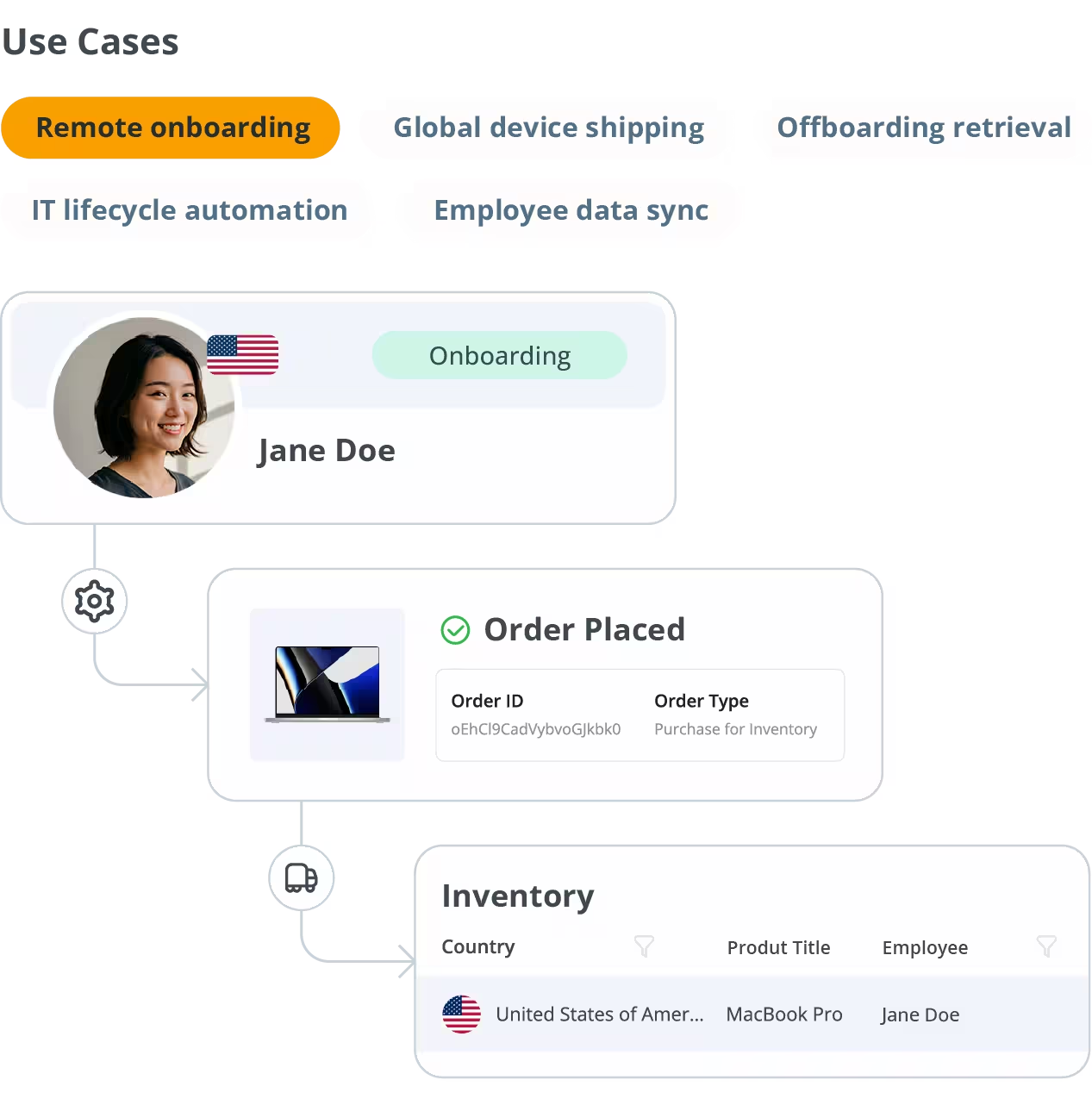
When a new hire is created in Rippling, GroWrk auto-orders, pre-configures, and ships their device — so remote employees are productive from their first login.





Automate the full IT asset lifecycle — from new hire to offboarding — across 150+ countries.
Rippling centralizes HR, payroll, and IT administration — and when paired with GroWrk’s global device logistics network, you get a fully automated IT asset lifecycle.
From the moment a new employee profile is created in Rippling, GroWrk can trigger device procurement, configuration, and shipping to any location worldwide.
This integration eliminates the costly manual coordination between HR, IT, and operations teams during onboarding and offboarding events.
When a new hire is created in Rippling, GroWrk auto-orders, pre-configures, and ships their device — so remote employees are productive from their first login.
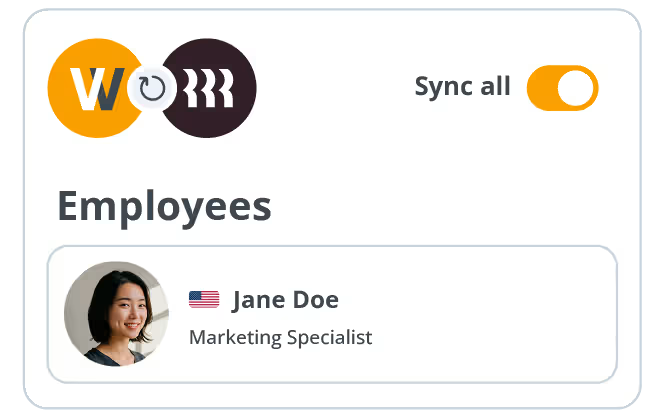
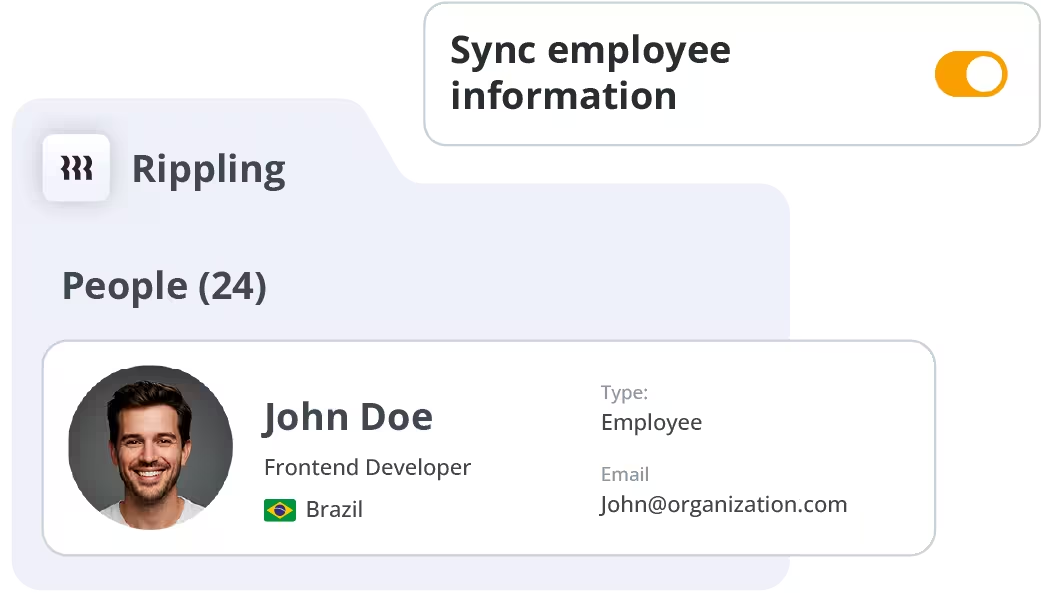
Employee records from Rippling stay in sync with GroWrk’s directory — no duplicate data entry.
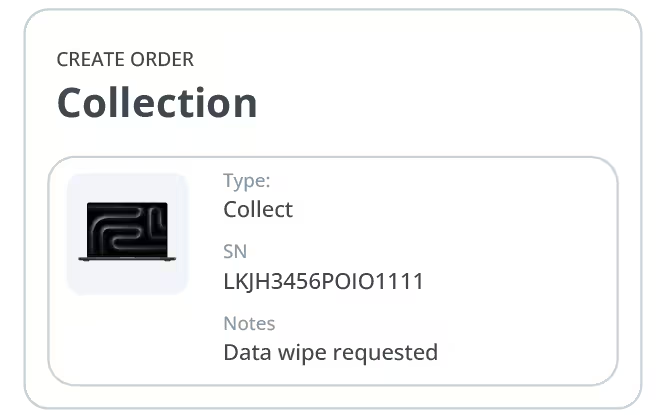
When an employee is offboarded in Rippling, GroWrk initiates device retrieval automatically.
5 steps from API key to your first automated shipment.
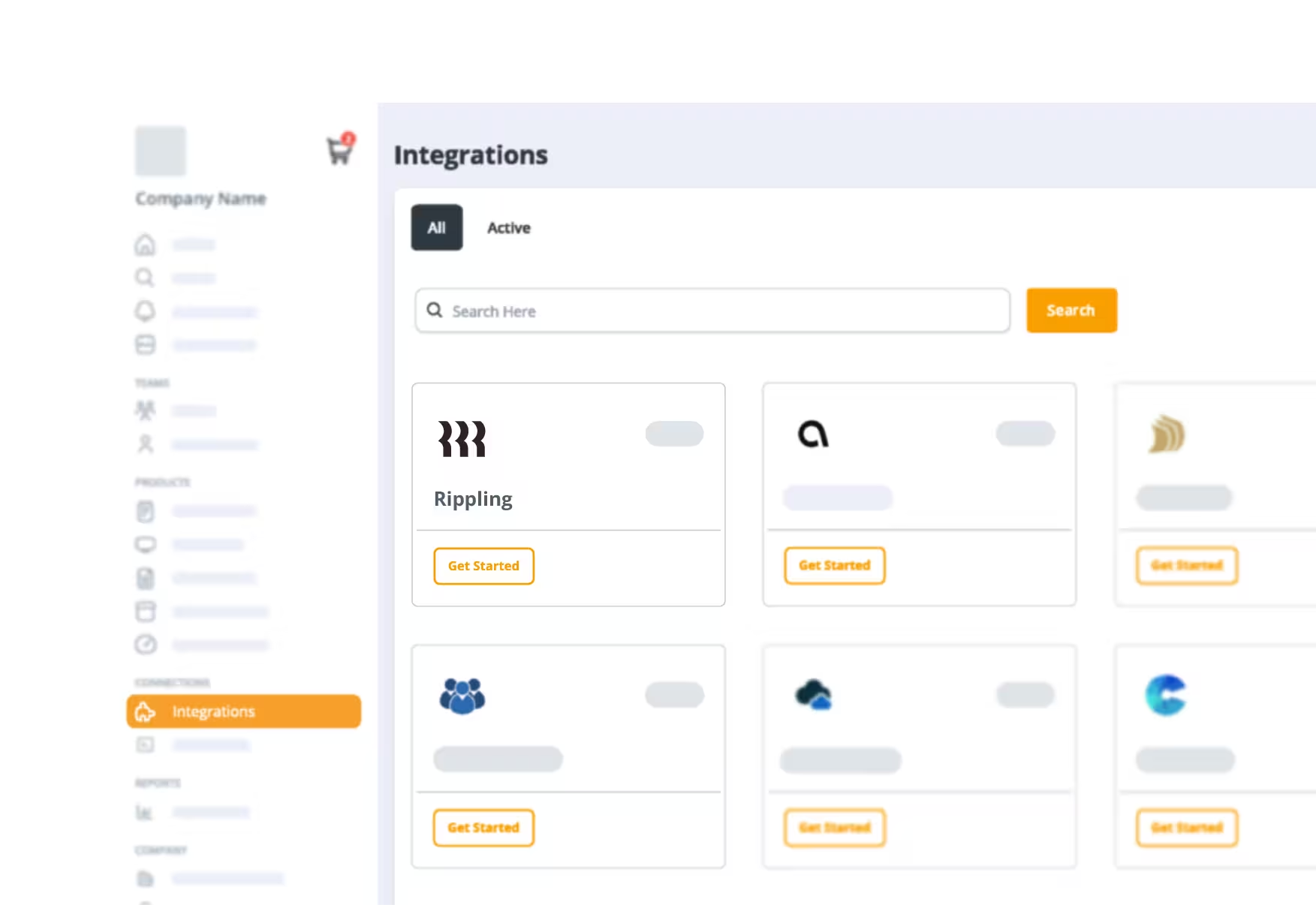
Log in to your GroWrk dashboard, navigate to the Integrations tab, search for Rippling, and click Get Started.
In your Rippling Admin Console, go to IT Settings → API & Developer Tools. Create a new API key with the required scopes.
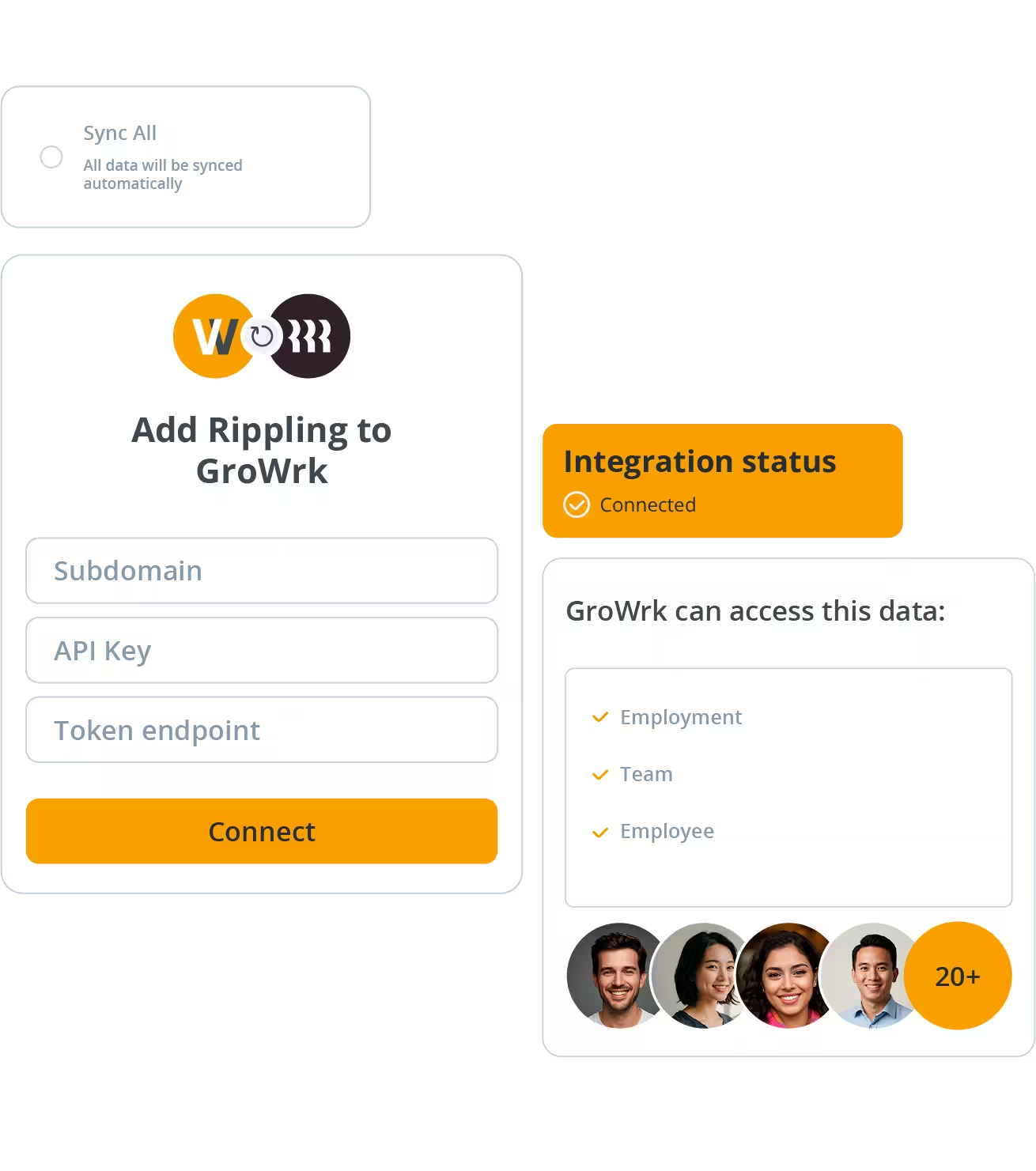
Paste your Rippling API key into the GroWrk Integrations setup screen and click Connect.
Choose which employee groups to sync, set device assignment policies, and configure onboarding and offboarding triggers.
Run a test sync to confirm employee data flows correctly. GroWrk will display the last sync timestamp and any errors in the dashboard.
Yes. GroWrk integrates with Rippling’s IT Cloud module to sync device assignments and employee data. The integration also works with Rippling Unity for broader workforce automation.
Syncs happen automatically whenever a relevant event occurs in Rippling — such as a new hire being added or an employee being terminated. Manual syncs can also be triggered at any time from GroWrk’s Integrations dashboard.
Absolutely. GroWrk’s global logistics network covers 150+ countries. When a new hire’s location is pulled from Rippling, GroWrk uses that data to route the shipment correctly — including local compliance and customs handling.
Yes. The integration uses OAuth 2.0 and API token authentication with minimum required scopes. GroWrk is SOC 2 Type II certified, and all data transfers are encrypted in transit via TLS 1.2+.
See GroWrk + Rippling in action with a 20-minute demo.