


GroWrk's Office Property feature gives IT and operations teams a clear, centralized way to manage physical office spaces. Whether you're equipping a new location, deploying devices to employees, or collecting assets back to the warehouse, everything is tied to a physical address, so you always know where your devices are.
By connecting purchases, deployments, and inventory to a specific location, teams reduce confusion and simplify logistics across every office.
With Office Property, you can:
- Add and manage office locations, including building access and parking details
- Purchase products, deploy inventory to employees, and collect assets back to the warehouse
- Track orders, assignments, and stock availability at the office level
Getting started with Office Property
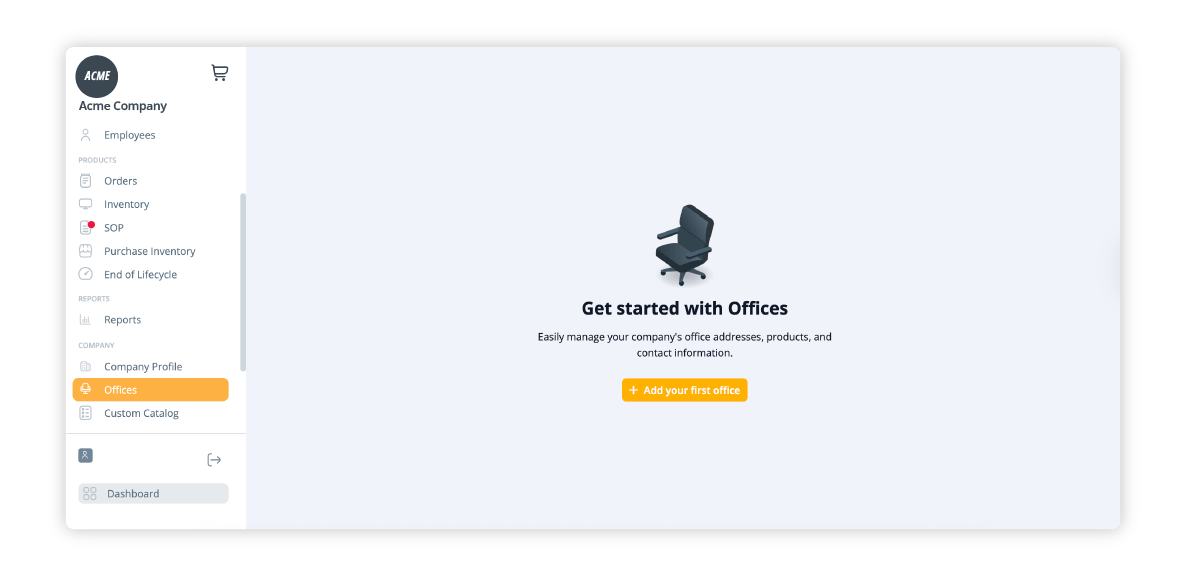
To start using Office Property features, you’ll first need to add your office locations.
Add a new office
- Go to the Offices tab in the navigation bar
- Click Add Office
- Fill out the required fields:
- Office name
- Address
- Contact information
- Building access information
- Parking information
- Office name
- Click Save Office
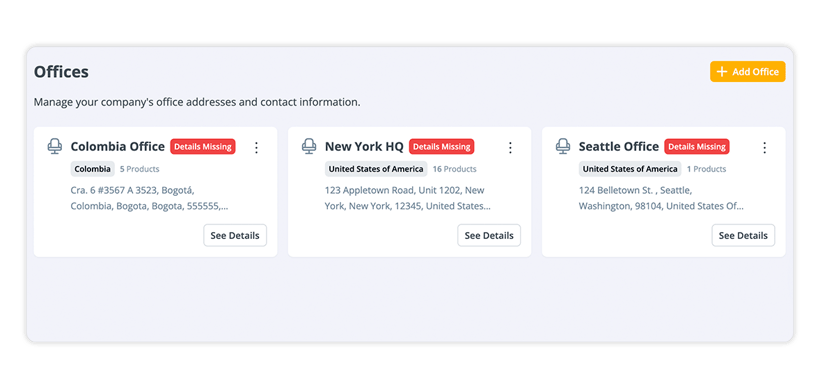
Your office will now appear in the Offices list, and you'll be able to assign purchases and inventory to it.
Note: Existing offices will need to be updated to fill in the new building access and parking fields.
Making an office purchase
Once offices have been added, you can create purchase orders tied to a specific office location.
Start a purchase from two entry points:
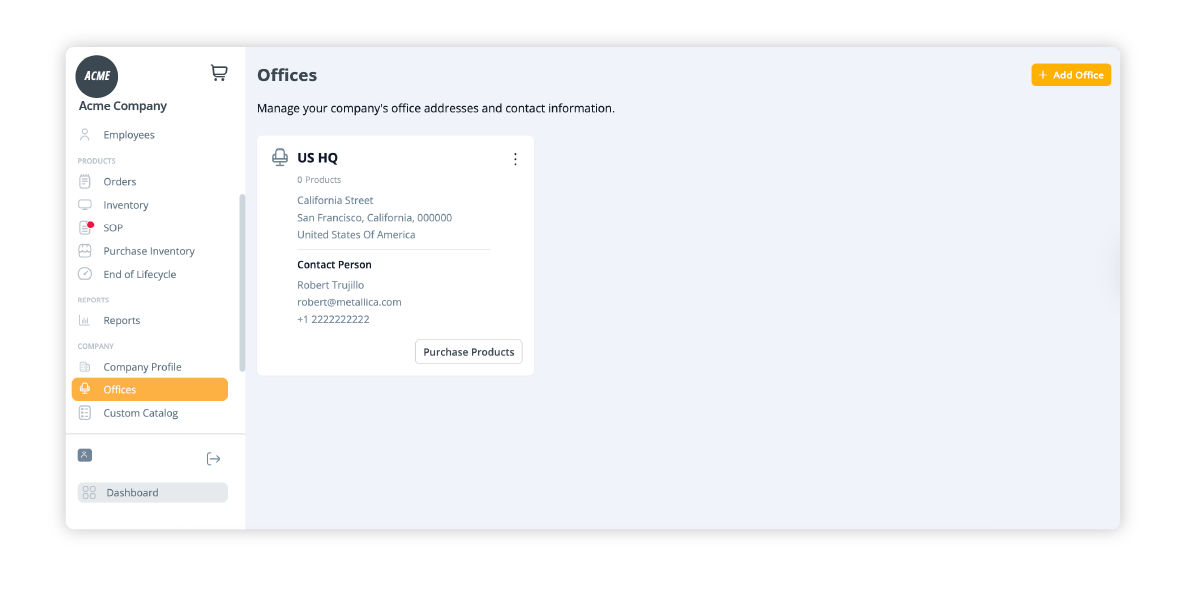
- Go to the Offices page and select Purchase Products next to the desired office
OR - Go to the Inventory page for that office and click Purchase Products in the upper right corner
Select products for the office
- Browse available products by category
- Only products available in the region of the office will be displayed
- Select the items you wish to purchase
- Click the Shopping Cart icon to proceed to checkout
- Submit the order
Once the order is placed, you’ll be able to view its details in the Orders section.
Office inventory
Each office has a dedicated inventory view to track and manage on-site stock.
How inventory is added to an office:
- Through an Office Purchase order
- Via Import Inventory (Self-Delivery), if items are shipped directly by the client to that location
- By updating a product's location manually, if a device is moved internally (for example, from an office to an employee's home address), you can update its location directly in the dashboard without placing a logistics order
From the Office Inventory page, you can view all products assigned to that office, making it easier to track availability and usage by region.
Deploying inventory to employees
Deployments are how you assign office inventory directly to an employee. Previously called "Assign to Employee" orders, Deployments can be initiated from three places:
- The Inventory page
- The Employee profile
- The Office Inventory page
Select the item you want to deploy, choose the employee, and confirm the order. The item will be tracked as assigned to that employee once the deployment is processed.
Collecting inventory from an office
Collection orders allow you to move inventory from an office back to a GroWrk warehouse. This is useful when consolidating stock, closing a location, or redistributing assets.
To place a Collection order, go to the Office Inventory page and select the items you want to collect. GroWrk will handle the pickup and transport to the warehouse.
Note: Import Inventory (with Pickup) orders have been replaced by Collection orders. If you previously used that order type, you'll now find the same functionality under Collections. Import Inventory (Self-Delivery) remains unchanged.
Why it matters
Managing distributed teams and hybrid offices requires clear visibility into what’s available where. GroWrk’s Office Property feature helps teams:
- Prevent stock misplacement across locations
- Plan shipments or redistributions with accurate inventory by office
- Track assets from purchase through in-office storage or use
Simplify office-based operations with GroWrk
With Office Property, you can confidently manage office-level inventory, reduce manual tracking, and ensure every location gets what it needs. Whether you’re scaling globally or supporting a single regional hub, GroWrk makes it easy to centralize purchasing, logistics, and visibility.
If you’d like to see how GroWrk supports distributed teams and physical office planning, book a demo. Our product specialists can walk you through how to manage your IT operations at scale.