HR-triggered device automation
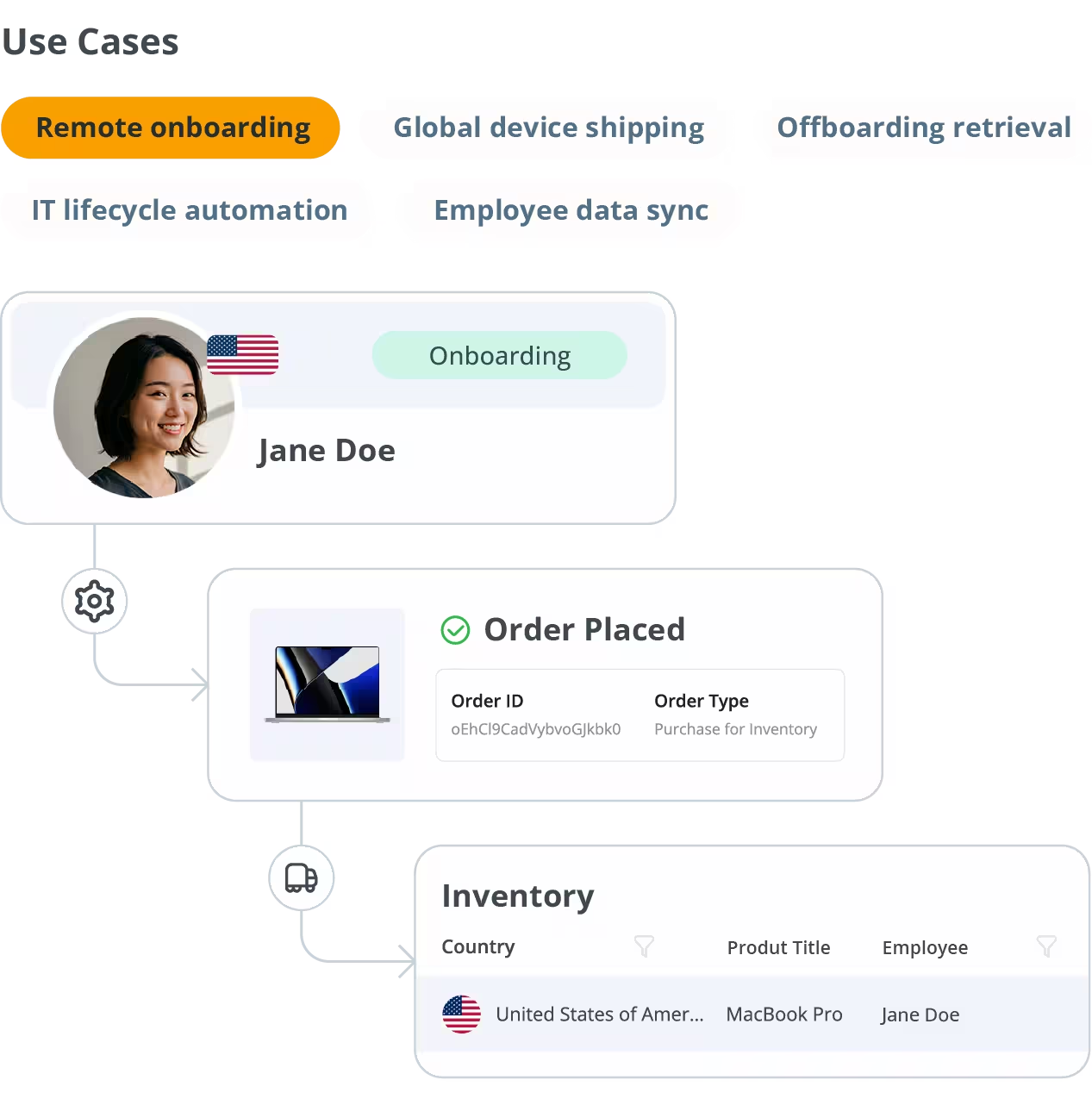
A confirmed start date in BambooHR automatically initiates a device order in GroWrk — and any updates to the employee record (name, location, department) reflect instantly so onboarding shipments stay accurate.





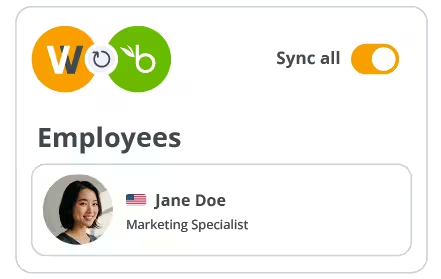
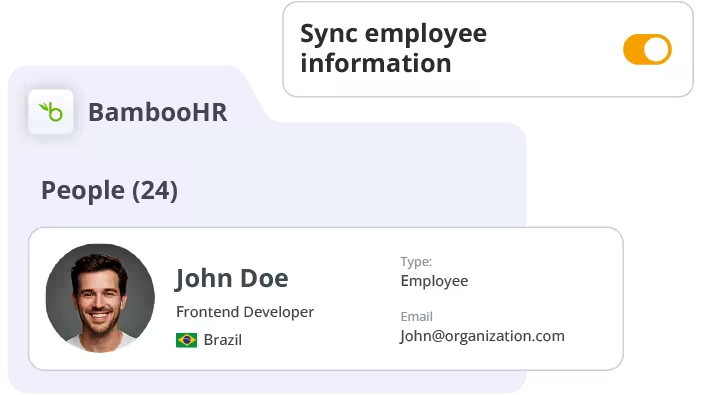
Sync your BambooHR employee directory with GroWrk for automated provisioning.
BambooHR is the HR source of truth for thousands of growing companies — tracking employee records, start dates, departments, and offboarding timelines. By connecting BambooHR with GroWrk, your IT team can eliminate the gap between HR decisions and device logistics.
No more waiting for IT tickets before shipping laptops. No more chasing remote employees for device returns. GroWrk responds automatically to employee lifecycle events in BambooHR.
A confirmed start date in BambooHR automatically initiates a device order in GroWrk — and any updates to the employee record (name, location, department) reflect instantly so onboarding shipments stay accurate.
Set device standards by department in GroWrk. Employees inherit the right hardware based on their BambooHR team.
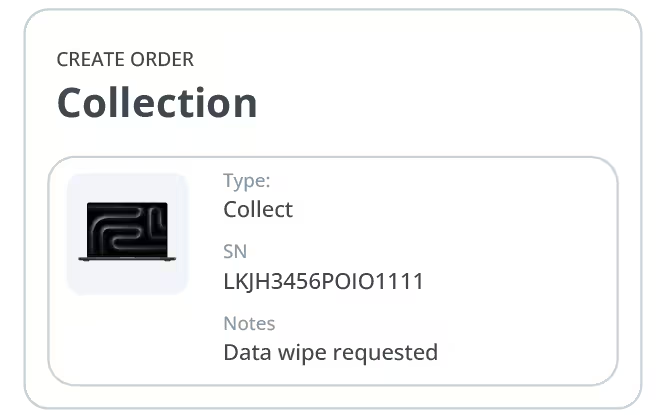
When termination dates are logged in BambooHR, GroWrk schedules retrieval and tracks asset return status.
5 steps from API key to your first automated shipment.
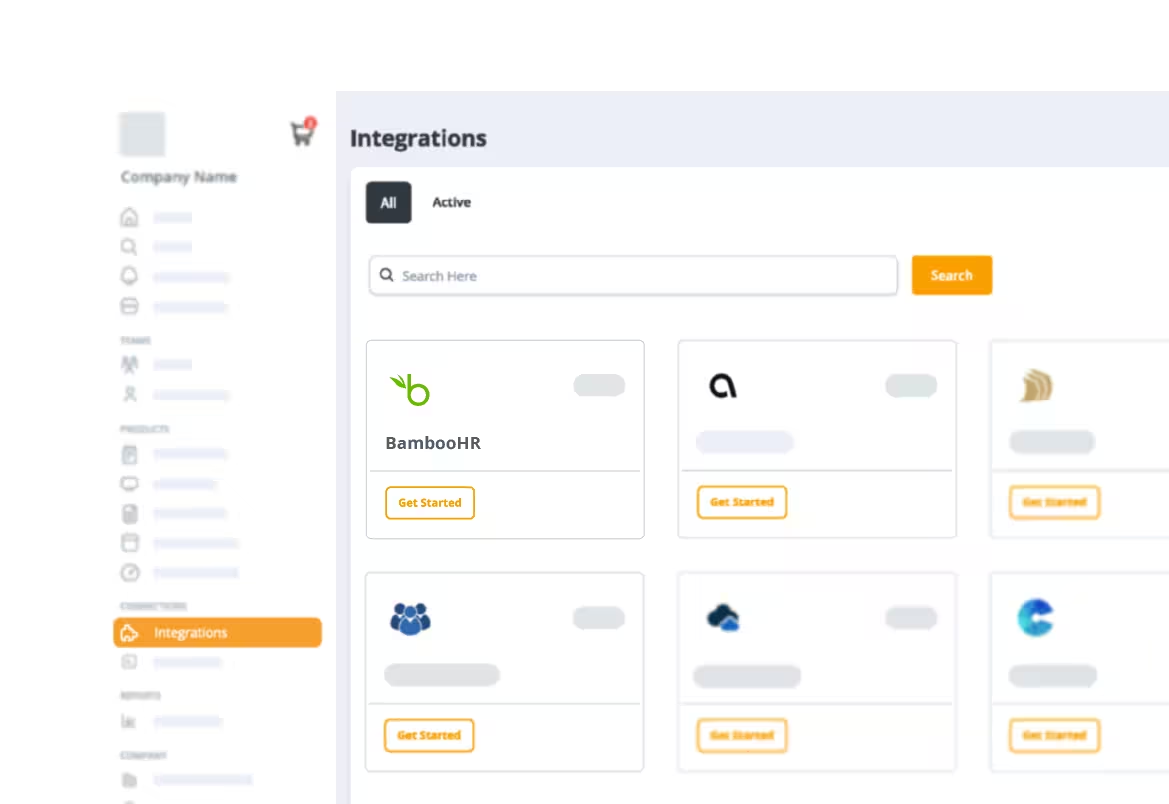
Navigate to the Integrations tab in your GroWrk dashboard. Search for BambooHR and select Get Started.
In BambooHR, go to Account Settings → API Keys. Click Add New Key, name it ‘GroWrk Integration,’ and copy the generated key.
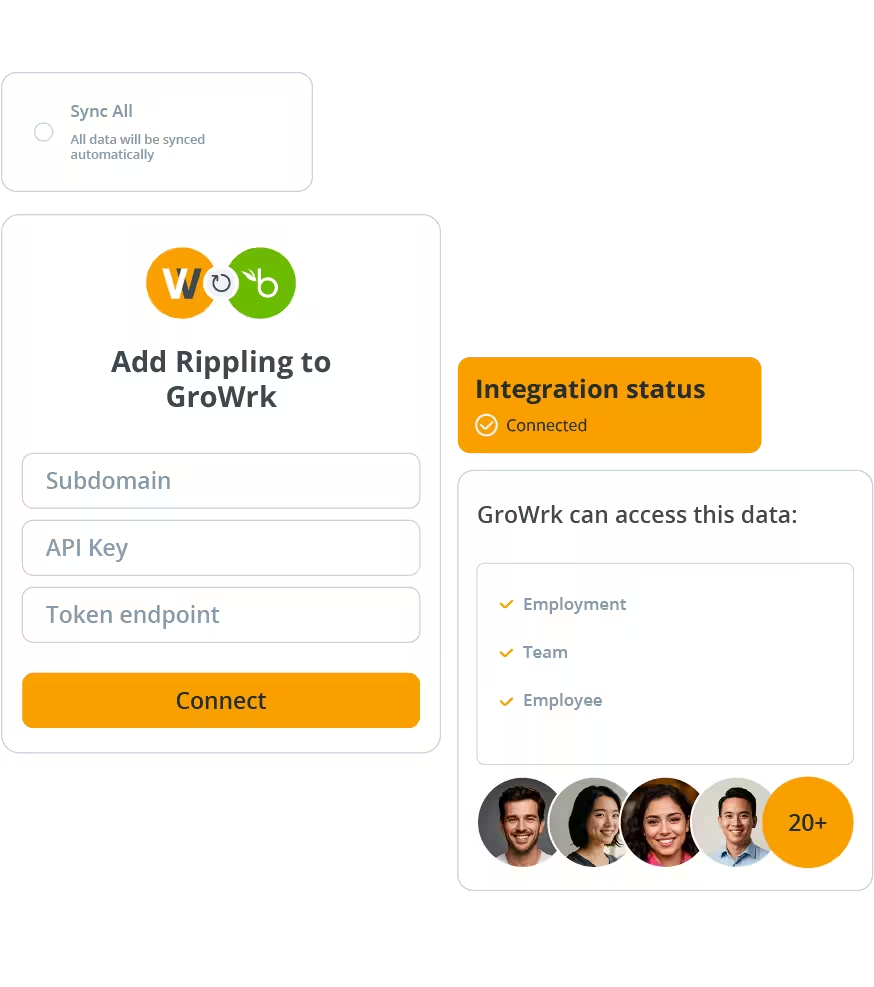
Paste your BambooHR subdomain (e.g., yourcompany.bamboohr.com) and your API key into the GroWrk setup screen. Click Authorize.
Choose which BambooHR fields (start date, location, department, employment status) map to GroWrk actions. Configure triggers for onboarding provisioning and offboarding retrieval.
Import a sample employee record to verify the integration works end-to-end. Once confirmed, enable live syncing for your full employee directory.
The GroWrk integration works with BambooHR’s Essentials and Advantage plans, both of which include API access. Contact your BambooHR account manager to confirm your API access is enabled.
Yes. During setup, you can apply filters by department, employment type, location, or custom fields in BambooHR. Only employees matching your criteria will appear in GroWrk for device assignment.
GroWrk automatically updates the scheduled device shipment to align with the new start date. You’ll receive a notification in your GroWrk dashboard whenever a sync event modifies an active order.
GroWrk only stores the minimum employee data necessary to manage device assignments — name, work location, department, and employment status. All data is encrypted at rest and in transit, and GroWrk is SOC 2 Type II certified.
See GroWrk + BambooHR in action with a 20-minute demo.